This tag collects our guides to managing and troubleshooting the subscriptions you hold across streaming services, music platforms, and gaming networks. It is written for everyday consumers who want to keep control of their recurring payments, whether that means cancelling a service they no longer use, updating a billing method, or simply understanding why a charge appeared in the first place.
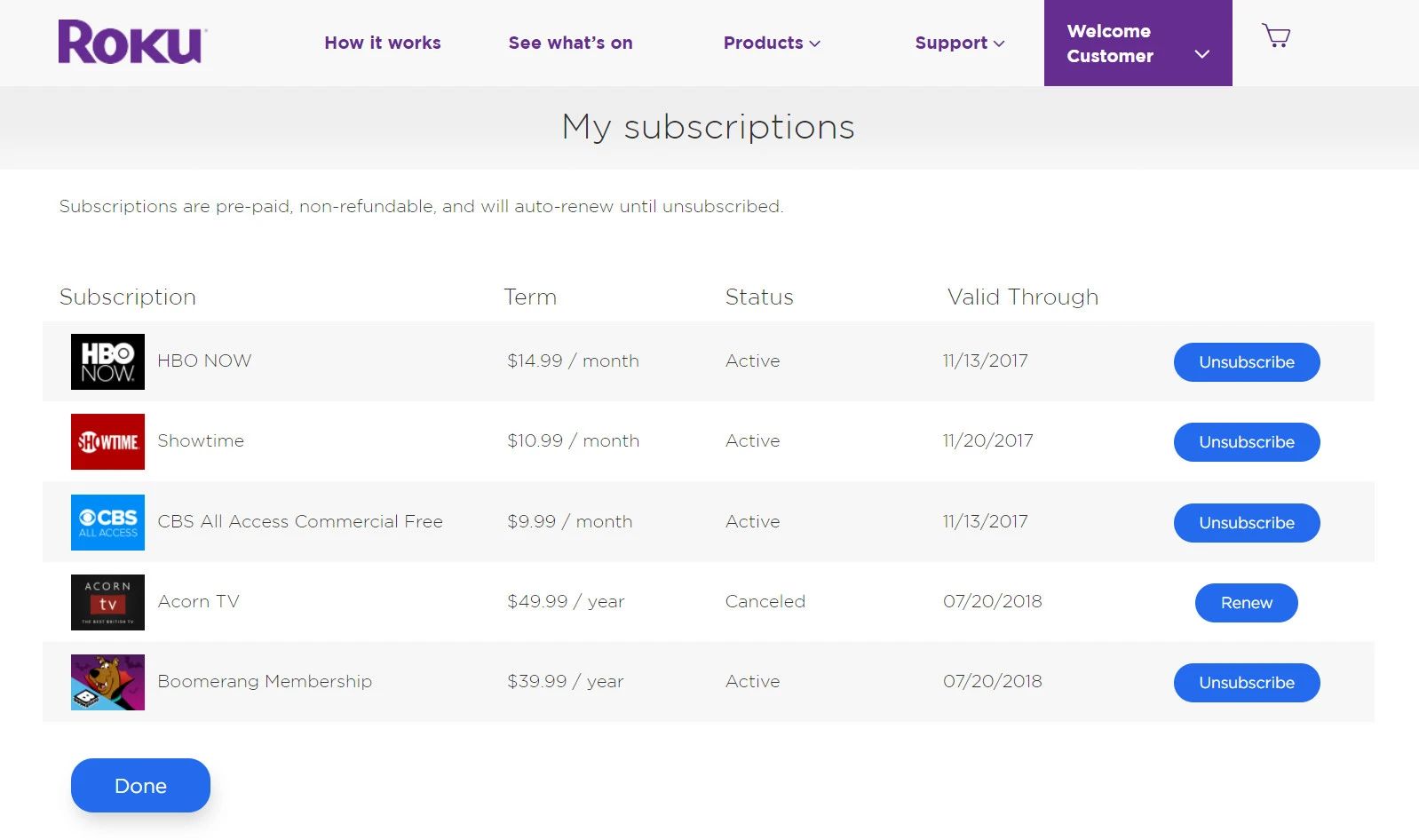
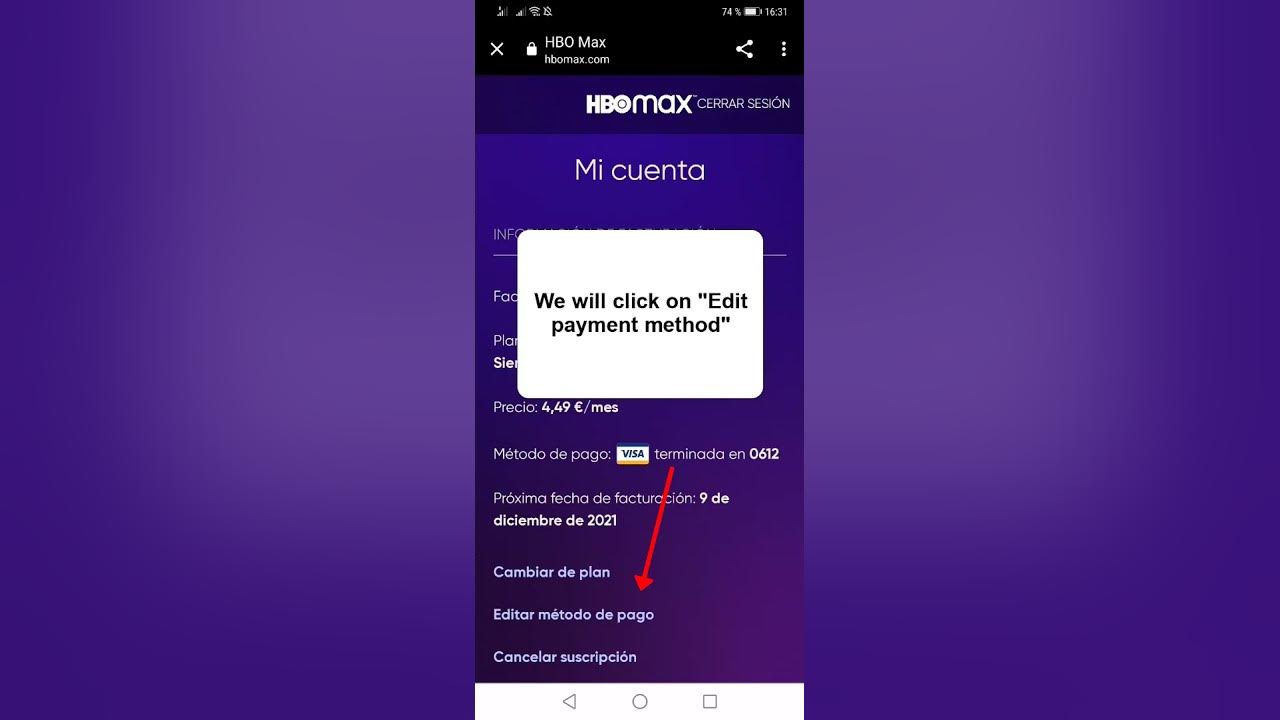
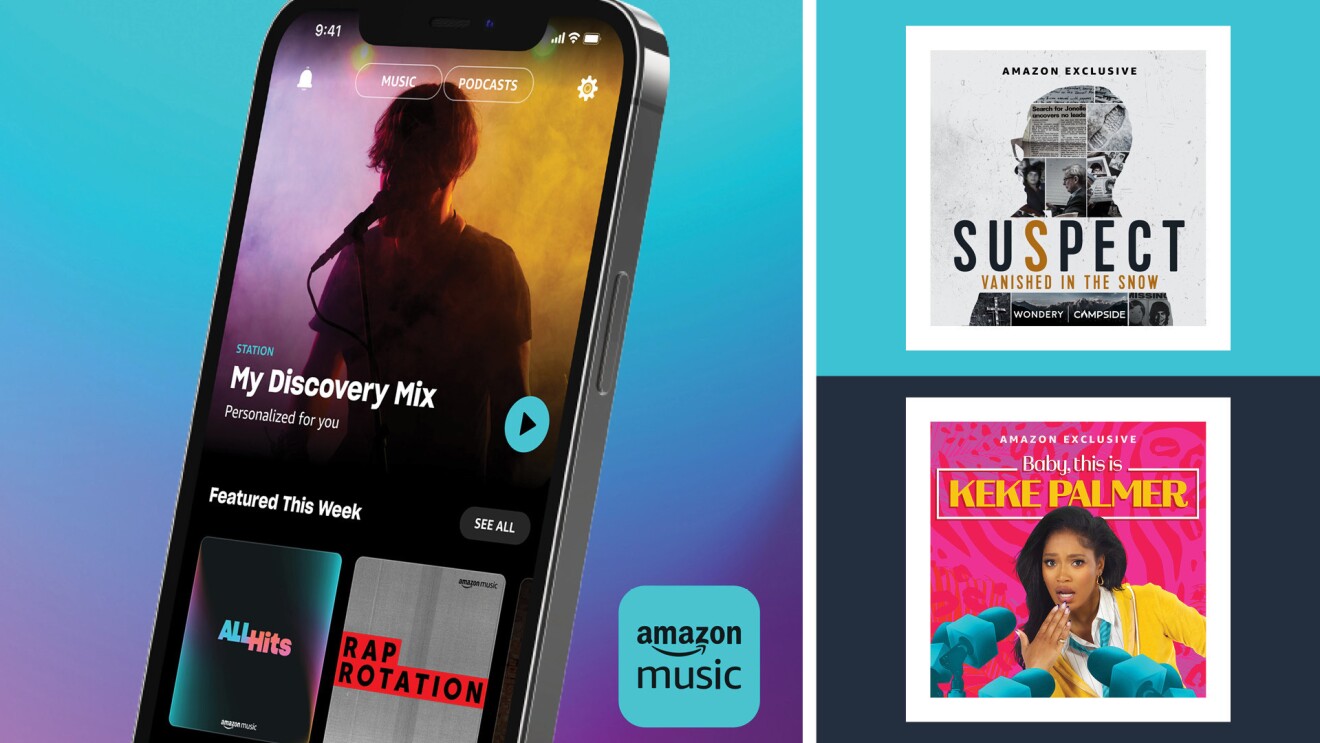
The articles here fall into a few practical themes. One group focuses on ending or adjusting a subscription cleanly, such as cancelling a Roku channel package, deleting an HBO Max account entirely, or ending a Minecraft Realms plan. Another theme is payment and account management: you can learn how to change the credit card on file for YouTube Premium, switch your HBO Max billing details, or link your Hulu login through Spotify to consolidate bills. A third set of pieces helps you diagnose and resolve unexpected charges, for example, figuring out why you are being billed for Prime Video when you already pay for Amazon Prime, or how to access and download music you own through Amazon Music without breaking the service’s terms.
None of these guides encourage bypassing paywalls or pirating content. Instead, they walk you through the official account settings and customer support channels, so you can make informed decisions about your own money and data. Whether you are pruning a budget, avoiding a forgotten auto-renewal, or just trying to get your login to work across two apps, these articles give you the straightforward steps to take control.