You must cancel your Minecraft Realms subscription through the platform you used to purchase it, not from inside the game itself. Visit your Microsoft account services page, your mobile app store subscriptions, or your PlayStation Network settings to turn off recurring billing.
Where to cancel your Minecraft Realms subscription
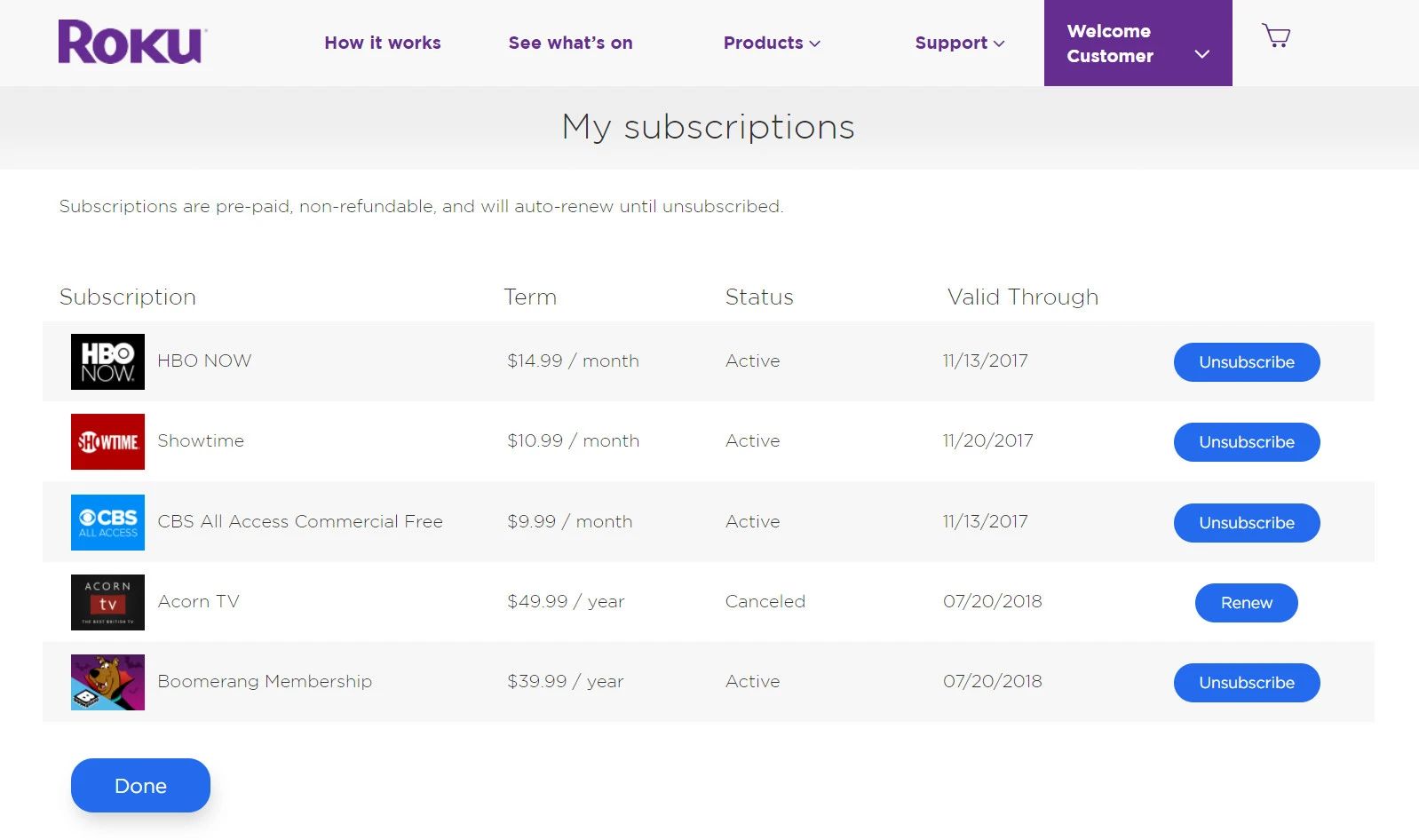
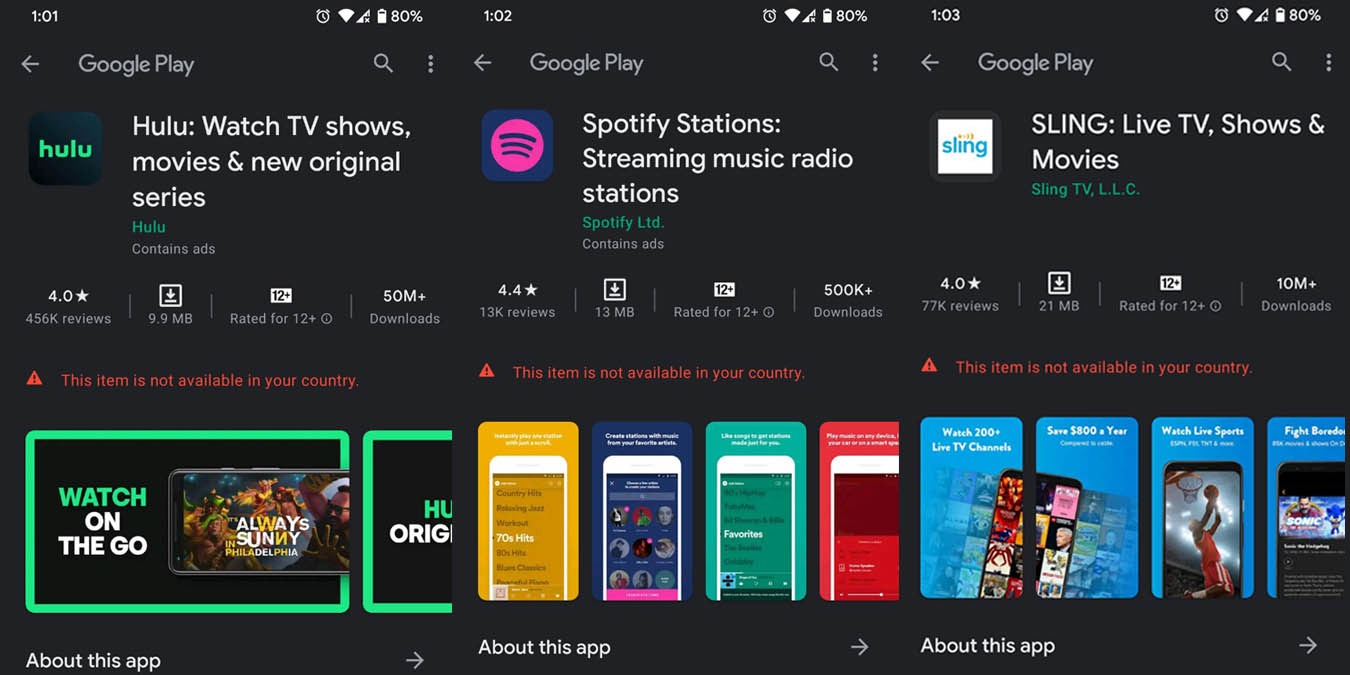
If you bought your subscription on PC or through an Xbox console, log into your Microsoft profile at account.microsoft.com/services, find Minecraft Realms under "Subscriptions," and select "Turn off recurring billing." For mobile players, open your device's settings: on iOS, go to Settings > your name > Subscriptions, then tap Minecraft Realms and choose "Cancel Subscription"; on Android, open the Google Play Store, tap your profile icon, select Payments & subscriptions > Subscriptions, and cancel it there. PlayStation users must go to Settings > Users and Accounts > Payment and Subscriptions > Game and App Services (PS5) or Settings > Account Management > Payment and Subscriptions > Subscriptions (PS4) on their console. Nintendo Switch players need to open the Nintendo eShop to manage their Minecraft Realms subscription from there. Remember, you cannot cancel by deleting the game or removing your world, that only removes local files and does not stop billing. If you want to know how much a realm in Minecraft costs per month, check your platform’s store page, as prices vary slightly between PC, mobile, and consoles.
What happens when you cancel
After you turn off recurring billing, your Realm does not vanish instantly. You retain full access to the server and can play normally until the end of your current paid billing period, whether that's a few days or a full month away. During this time, you should immediately download any worlds you want to keep. Open the Realms menu in Minecraft, select your Realm, and choose the option to download the world. This creates a local copy you can later upload to a new Realm or play in single-player. To learn the exact steps, you can look up how to download a Minecraft Realm world through the game’s settings. Once the billing period expires, the Realm is permanently deleted, and Mojang does not provide recovery. You also lose any in-game progress made on the server after cancellation, so back up frequently. If you later want to start a new subscription, you will need to purchase it again from the same platform.
Why you might not see a cancel button
Two common issues prevent players from finding the cancel option. First, your subscription might be tied to a different Microsoft profile than the one you are currently signed into on your device. For example, if you originally purchased the Realm on a parent’s profile, you must log into that profile to manage billing. Second, you may not actually have an active subscription at all. Some players confuse a local single-player world with a Realms server, if you never paid for a subscription, there is nothing to cancel. Check your platform’s purchase history to confirm. If you are on PC and need to verify your details, you may need to download bedrock edition on PC with the correct Microsoft profile to see subscription details. For console players, ensure your primary profile matches the one used at checkout, especially on Minecraft on Xbox, where family sharing can cause confusion. If none of these steps work, contact the platform’s support team directly, as Mojang cannot cancel subscriptions on your behalf.