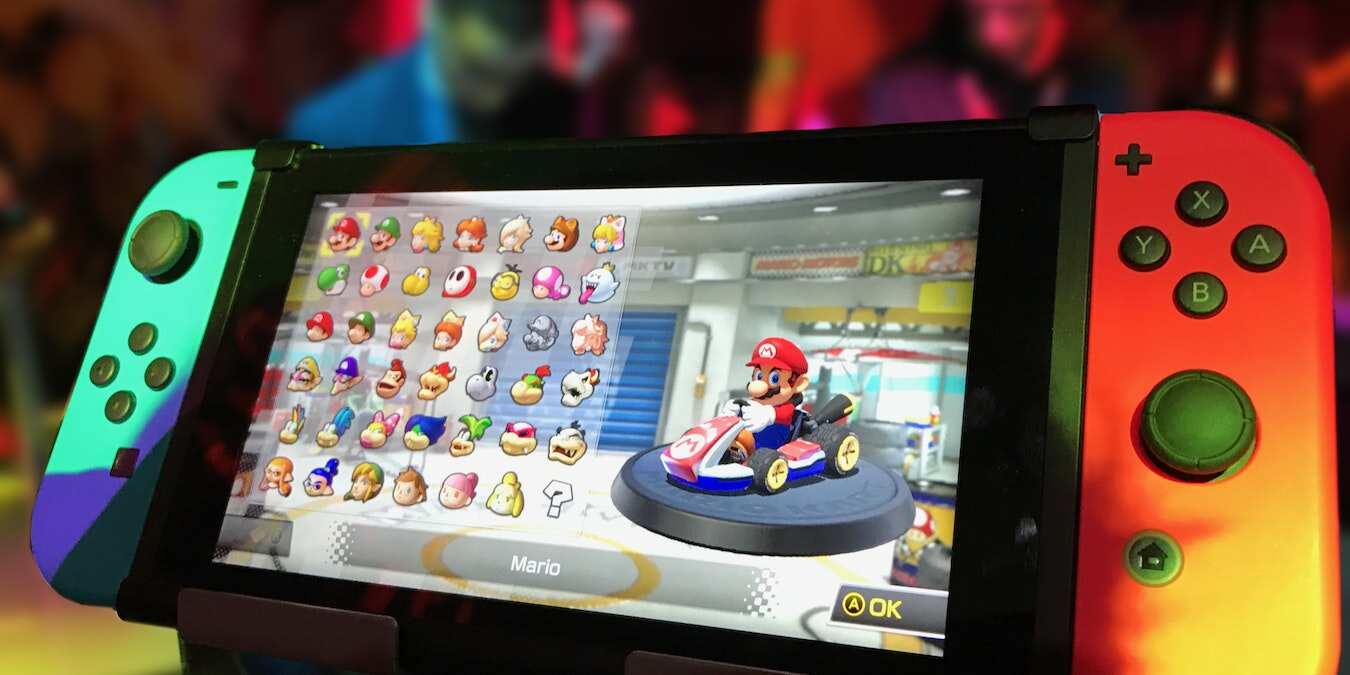
Practical, hands-on articles for anyone who owns or is thinking about buying a Switch. Whether you are a new player setting up your console for the first time, a parent looking for family-friendly games, or a long-time fan trying to get more out of the hardware, these guides are written for everyday users who want clear, actionable help without jargon.
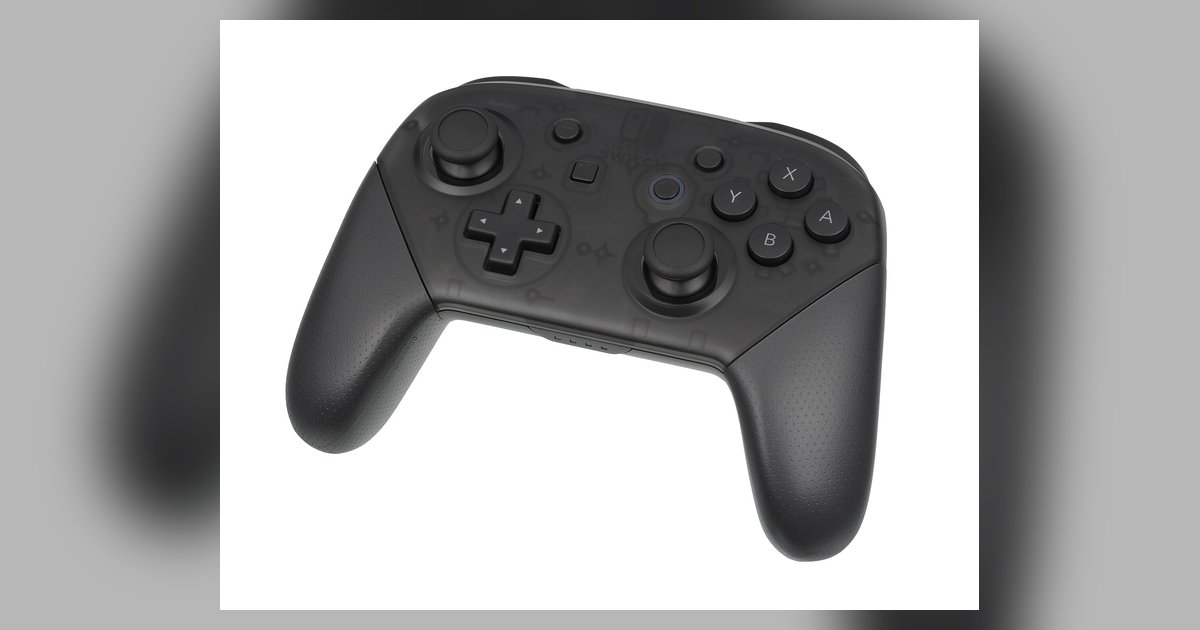
The articles here solve two main kinds of problems. First, they help you get the most out of your Switch as a piece of hardware. That includes connecting it to a TV, a PC, or a laptop, pairing wireless earbuds like AirPods, choosing the right micro SD card, and even using a keyboard and mouse. Several pieces also explain how to stream your gameplay to services like Discord or your computer, always framed as legitimate ways to share your screen, not as workarounds for piracy or cheating. Second, the tag covers game-specific guidance, from beginner tips for Warframe and Animal Crossing: New Horizons to previews and reviews of titles like Bravely Default 2, No More Heroes 3, and Monster Hunter Rise. You’ll also find curated lists, such as the best Switch exclusives and the top racing games to play solo or with friends.
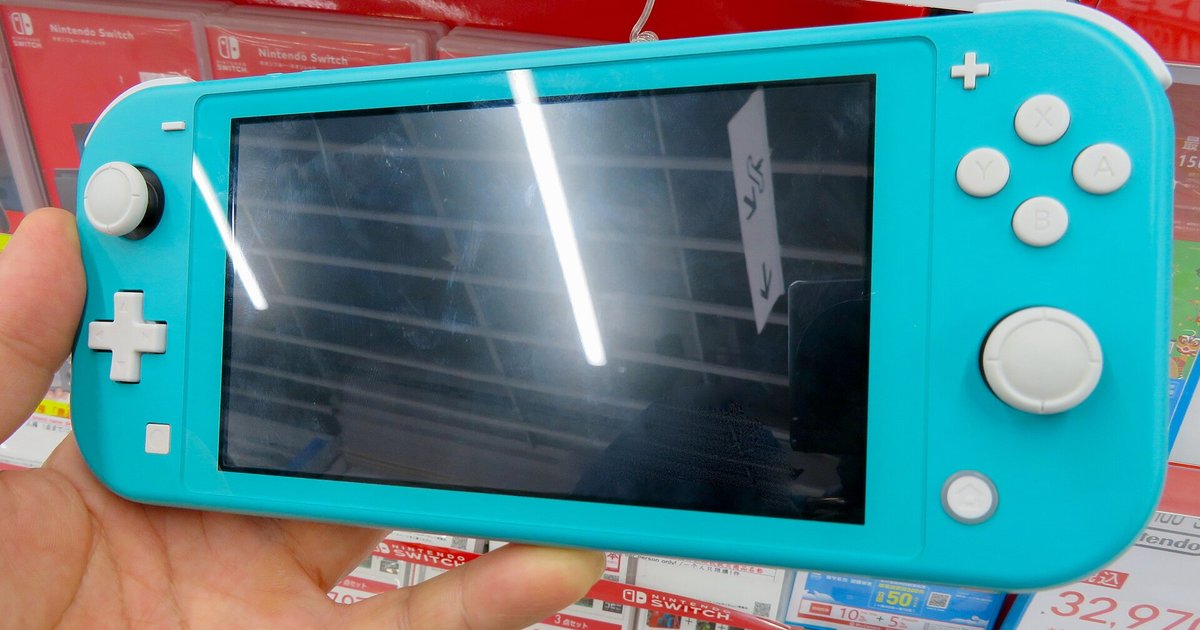
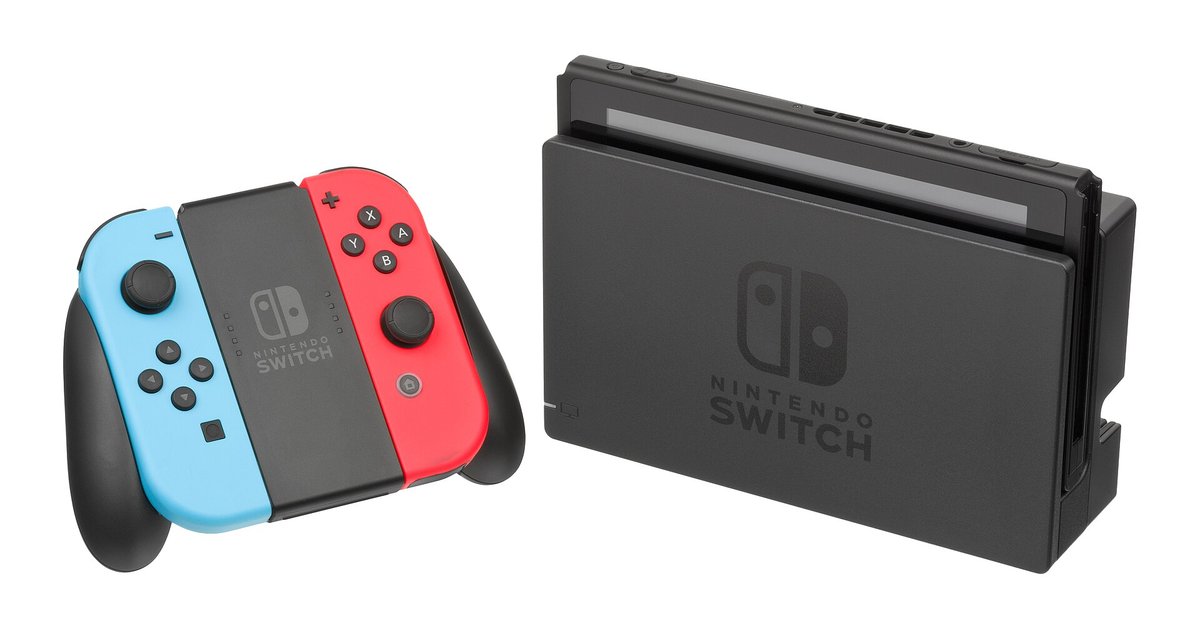
If you are deciding between the standard Switch and the Switch Lite, or wondering whether a remaster like Legend of Mana is worth your time, the reviews and comparisons here give you a grounded opinion. For more technical users, the beginner’s guide to Switch homebrew is included, but it is presented as an educational overview of what the scene involves, not as instructions for bypassing security or running unauthorized software. In short, this tag is a practical toolbox for playing better, connecting more, and choosing wisely.