How much is a realm in Minecraft and getting the right version
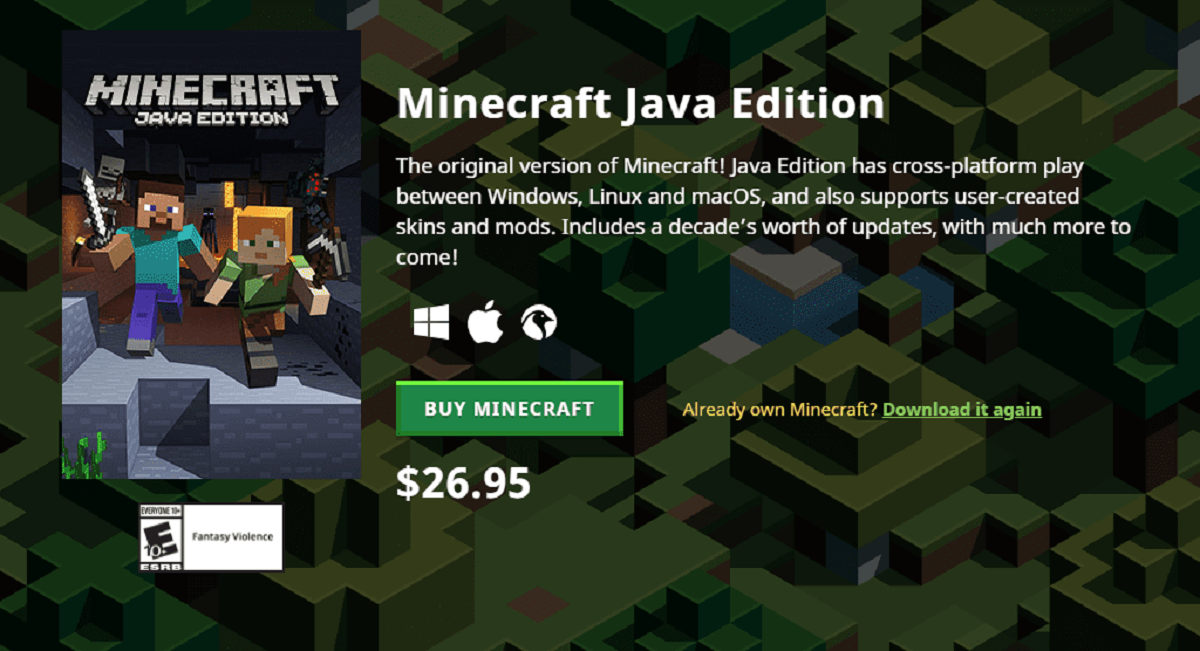
If you are wondering how much is a realm in Minecraft, you first need to check which version of the game you actually own. The game comes in two distinct variants, Java and Bedrock. A membership is locked to one of them. If you bought Minecraft on Xbox, for example, you are playing the Bedrock version, though an active platform-specific online subscription like Xbox Game Pass Core is required for multiplayer on consoles. That plan will not give you access to a Java server. Similarly, if you purchase a copy of Minecraft on PC through the Microsoft Store, you may be getting the Bedrock release, though some bundles include both editions. It is not the Java title that requires a separate launcher and Microsoft account. This distinction matters because you can only join or create a server that matches the version you are running on your device. If you need to switch from your console to a computer to manage things, you may need to download bedrock edition on PC separately from the Java release. The key point is that your recurring plan is tied to the version you are playing. Buying the game on one device does not automatically grant you the variant you need on another, so check the pricing details for Minecraft on Xbox and Minecraft on PC before you buy. Understanding these version differences is exactly why you would want to read about download bedrock edition on PC, and why you would want to read about Minecraft on Xbox and Minecraft on PC to compare costs before committing to a realm.
- download bedrock edition on PC — How To Download Bedrock Edition On PC
- Minecraft on Xbox — How Much Is Minecraft On Xbox
- Minecraft on PC — How Much Is Minecraft On PC
Understanding your realm subscription
Before you can even think about signing up, you need to check which version of Minecraft you actually own. A server subscription is a recurring charge, not a one-time purchase, so it helps to know what you're signing up for before you commit. You pay monthly, and the plan is tied to the specific platform you're using, Java or Bedrock, and its associated marketplace. If you stop paying, your world isn't deleted immediately, but you won't be able to log into it. You'll need to know how to cancel a Minecraft realms subscription if you decide the ongoing cost isn't worth it. The process is straightforward from your account settings on the platform where you first bought the service. What happens to a Realm world after payment stops is that it enters a "dormant" state for a limited time. During that window, you can reactivate it by resubscribing, but after that grace period, the world is permanently deleted. So before you cancel, make sure you've downloaded a local copy of your world if you want to keep it. Only Mojang's official service lets you create a persistent, invite-only multiplayer world that stays online even when the host is offline. The key takeaway: a server is an active service, not a permanent file, and your access depends entirely on keeping the payment method current.
Managing and troubleshooting your realm
Before you can even think about starting a subscription, you need to check which version of Minecraft you actually own. If your world stops loading or you keep seeing a spinning wheel, you can download Minecraft Realm world to your local device and open it in single-player. This lets you check whether the problem is with the server or with your own save data. When the game refuses to connect entirely, you may need to fix realms error or connection timed out by restarting your router, switching to a wired connection, or checking whether your firewall is blocking the Realms ports. Keep in mind that cross-play is not automatic: Java and Bedrock players sharing a Realm is impossible because the two versions use completely different server code. A server purchased for Bedrock on your Xbox will not appear on a PC running the Java release, but it will appear on a PC running the Bedrock edition. If you are managing a server from a device that does not own the matching game type, for example, trying to invite a friend on PC while you are on a tablet, you will need to buy the correct version of Minecraft for that platform. Saving your world regularly before making major changes also helps, because a corrupted upload can lock you out of your own plan until you restore a backup from the settings menu. No other service lets you run a persistent, invite-only world directly from the main menu without a separate hosting panel.