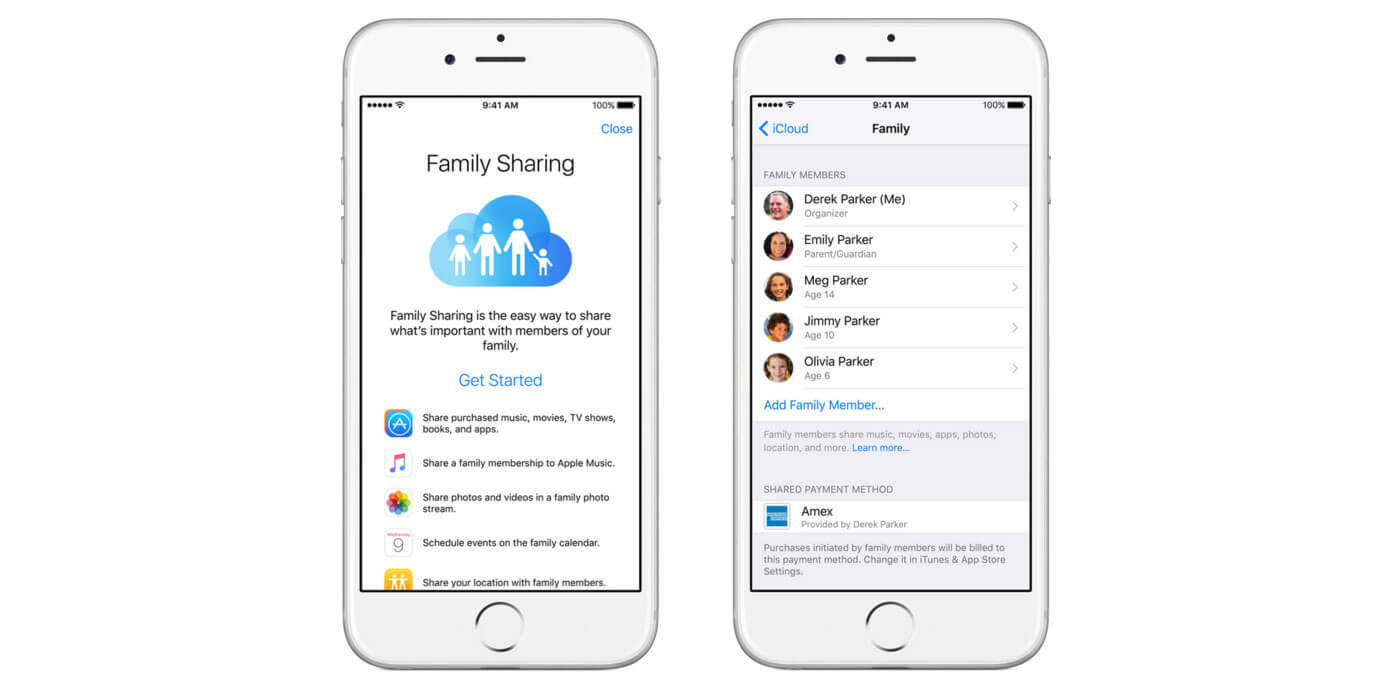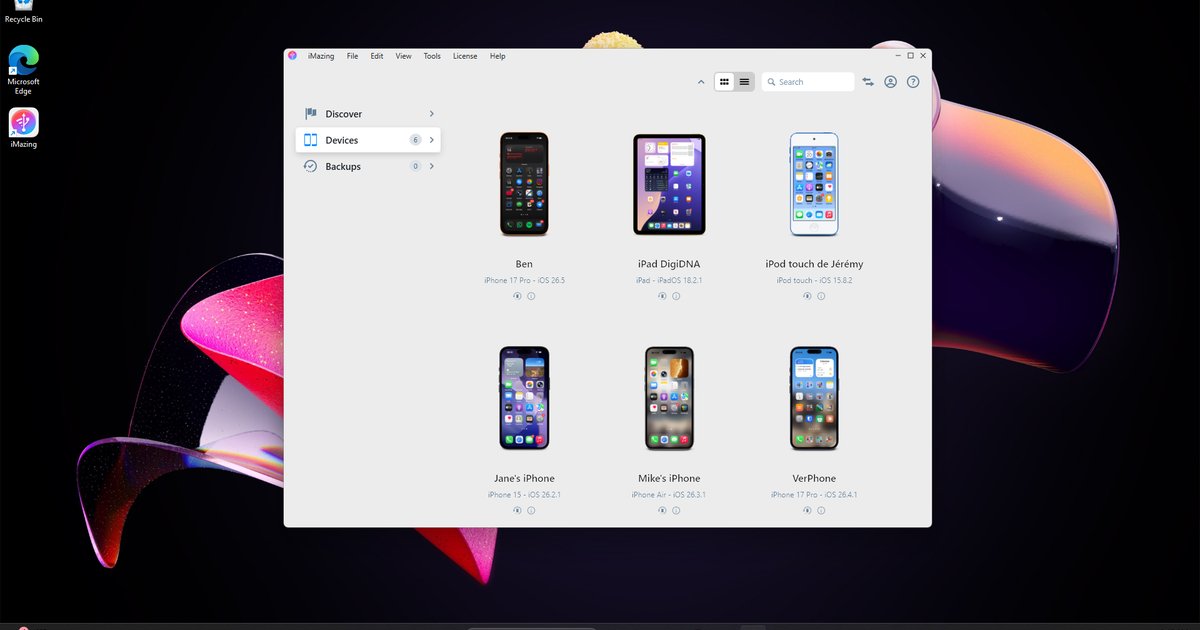
You can use a single Apple ID to sideload multiple iPhones, but Apple imposes a strict 3-app limit per device. If you already have two such apps on your own iPhone, your child's iPhone can only receive one more before the account is blocked from further installations.
Sideload multiple iPhones: the 3-app limit is per account
Apple's free developer provisioning system ties your Apple ID to a maximum of three active apps per device loaded outside the store at any given moment. This is true for each individual iPhone or iPad that account is used on. When you sign into AltStore or Sideloadly on your child's device using your Apple ID, the system checks the number of externally installed apps currently active on that specific device. If your own iPhone already has two running, your child's iPhone can still host up to three of its own. The 3-app limit is enforced per device, while the 10 App ID limit is at the account level. A family with three iPhones can each run up to three apps, for a total of nine apps across all devices, subject to the 10 App ID account limit. This restriction applies to all free Apple IDs. Only a paid Apple Developer account ($99/year) removes the 3-app-per-device limit and allows up to 100 registered devices.
What happens when you try to exceed the limit
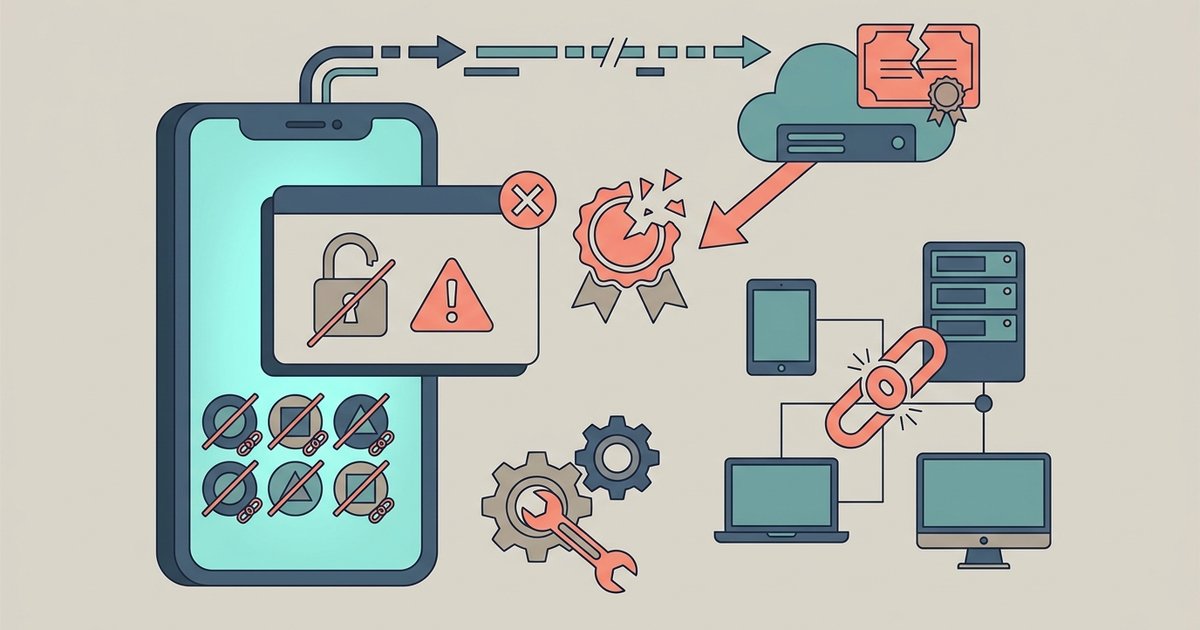
Attempting to install a fourth app outside the store triggers a specific error from AltStore or Sideloadly indicating the per-device app limit has been reached. The installation fails immediately. The app icon will not appear on the home screen. Simply revoking certificates or reinstalling existing apps does not bypass this restriction. The count is stored server-side by Apple, not locally on any device. Even if you delete an externally loaded app from one iPhone, the Apple ID's provisioning profile may still consider it active for a period of time. To free a slot, you must manually revoke the certificate for that app through AltStore or Sideloadly's certificate management options. Then you wait for Apple's servers to update. This process is cumbersome for a parent managing multiple devices. It often leads to losing access to a needed app on one phone just to install it on another.
When one Apple ID actually makes sense
A single Apple ID works well only when your family needs the same one or two apps on every device. For example, loading a single emulator or a custom file manager onto three iPhones. In that scenario, you use one App ID and each device gets the identical app while still having two free slots per device. You can also use the same account to download the app store alternative tools like AltStore itself onto each phone. This works as long as the total number of apps loaded this way never exceeds three. If you need more than three distinct apps across the family, you must create separate free Apple IDs for each iPhone. Those new accounts can each host up to three apps. This gives each child their own independent pool. For parents who want to download apps on iPhone without app store for multiple kids, the best long-term strategy is one Apple ID per device. Similarly, if you ever need to download Google play store on iPhone via an external installation, that counts as one of your three slots, so plan accordingly. And if you're trying to download free apps on iPhone without payment method for each child, remember that separate Apple IDs cost nothing and give you the full three-app limit per device.
Apple enforces a single three-app limit for free accounts across all devices, making separate Apple IDs the only practical path for families needing more than three externally installed apps in total.