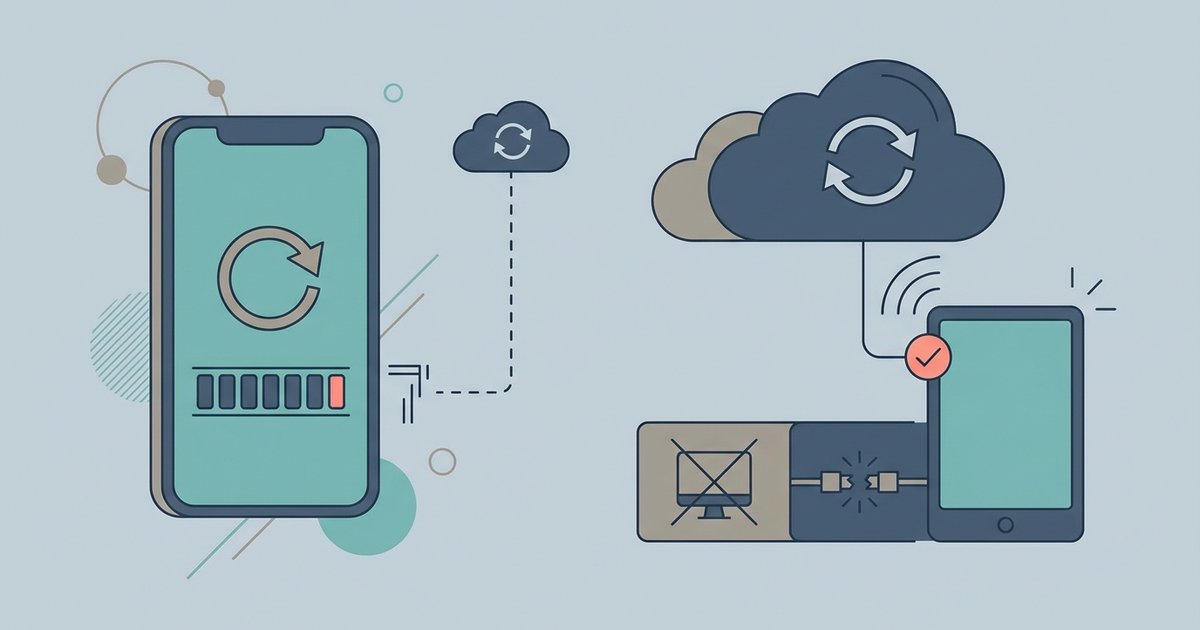
AltStore without computer access cannot renew apps after the seven-day limit on a free Apple ID. The companion desktop tool must run on the same Wi-Fi network to re-sign apps; the only computer-free alternative is to buy a paid developer account or use a signing service. This limitation is hardcoded into Apple's free developer provisioning system, and no amount of on-device trickery will bypass it.
Why AltStore without computer access needs a PC to re-sign
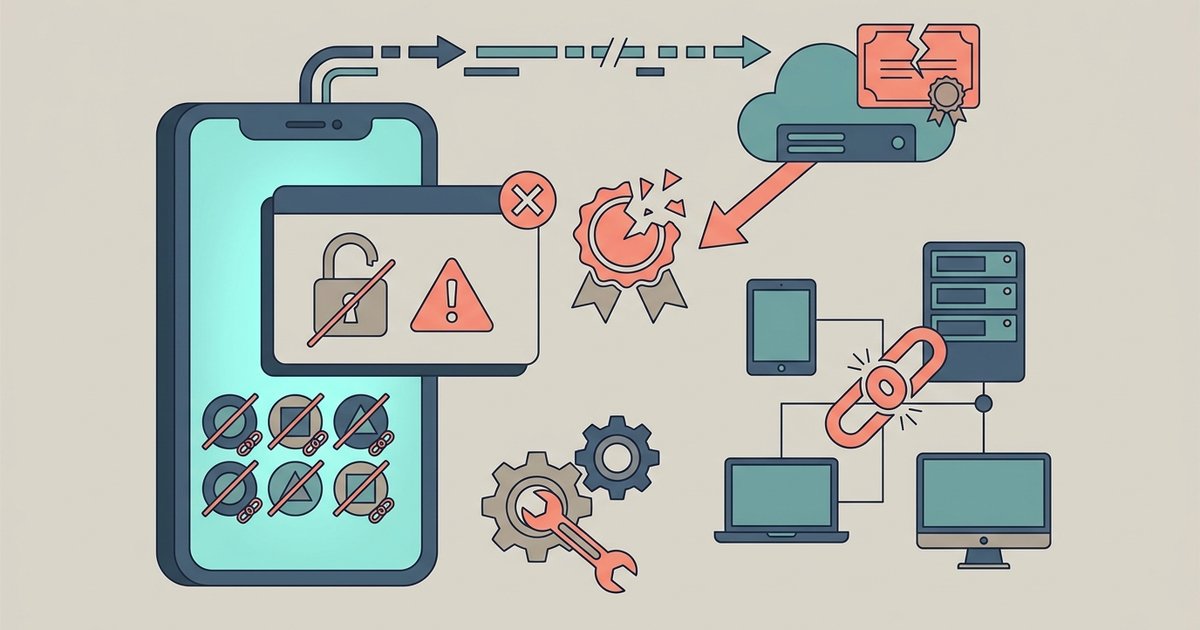
AltStore itself is just a front-end installer. The actual signing work is done by the background helper, a process that runs on a macOS or Windows machine. When you tap "Refresh All" in AltStore, your iPhone sends a wireless signal to this desktop companion on your local network. The helper then contacts Apple's certificate servers, generates a new seven-day provisioning profile using your free Apple ID, and sends it back to your iPhone. Without that background service running on a desktop within Wi-Fi range, your iPhone has no way to authenticate with Apple's servers, the iOS sandbox blocks direct certificate requests from sideloaded apps. This is why every seven-day cycle forces you back to a computer, even if AltStore is open and your phone is unlocked. For a truly computer-free experience, you can download apps on iPhone without app store using alternative marketplaces that handle certificate management on-device.
The common mistake with background refresh
Many users assume that enabling Background App Refresh for AltStore will automatically re-sign apps. In reality, the "Refresh in Background" toggle inside AltStore's settings does not perform re-signing. It only triggers an attempt to contact the desktop utility when your device is idle and charging. If the signing partner is not running on a nearby computer, that attempt fails silently, you will see no error, but your apps will still expire after seven days. The same applies if you leave AltStore open in the app switcher; AltStore cannot generate certificates on its own because iOS restricts free developer certificates to a single provisioning session per Wi-Fi network request, and that request must originate from the companion program. Checking the "Background App Refresh" system toggle in iOS Settings does nothing for AltStore because the app lacks the entitlement to renew certificates without a desktop partner.
Your actual computer-free options
If you want to break the seven-day cycle without a PC, you have two legitimate paths. The first is a paid Apple Developer account ($99/year). This grants you a full year of app signing, meaning AltStore apps never expire and you never need the desktop tool again. The second is a third-party signing service like Signulous or AppDB, which re-signs your apps on their servers for a monthly or yearly fee. These services handle the certificate exchange for you, so you can download the app store equivalent of AltStore through their custom installers without touching a computer. However, trade-offs exist: paid developer accounts require a credit card and annual renewal, while signing services often revoke your certificate if Apple blacklists their provisioning profiles. Neither option is free, and neither allows you to "download Android apps without Google account" style freedom on iOS, Apple's ecosystem still controls the signing chain. No on-device workaround exists because the signing server must live outside the iOS sandbox.
The signing server must live outside the iOS sandbox, which is why no on-device workaround can ever replace a computer for free certificate renewal.