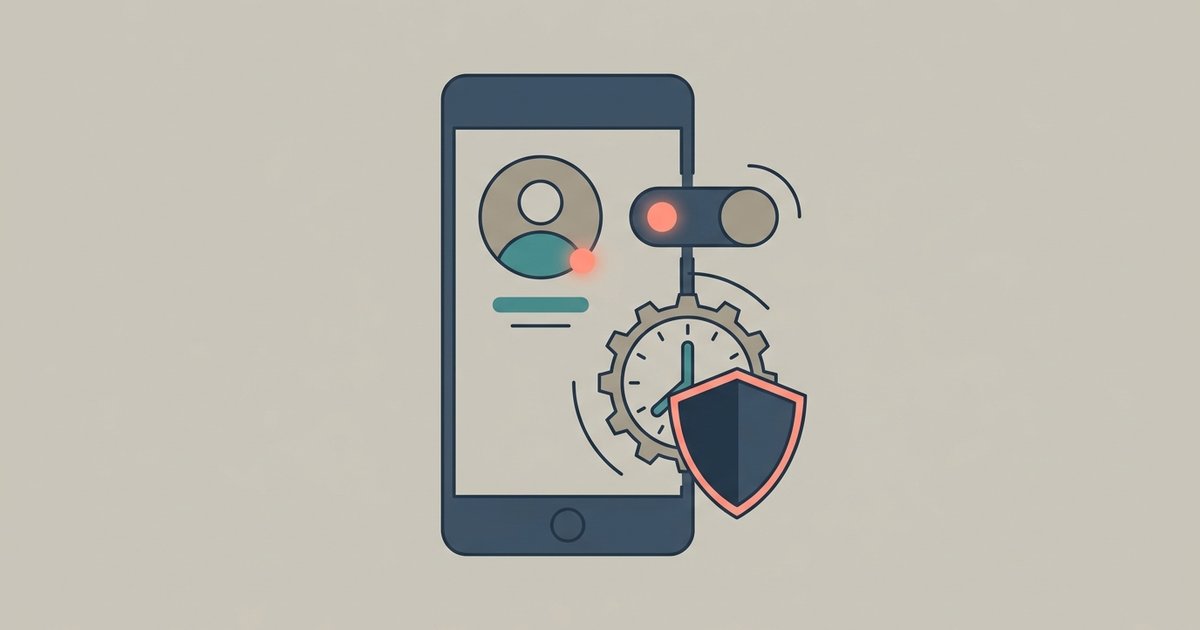
To hide your online status and last seen on WhatsApp, go to Settings, then Privacy, then Last seen and online, and choose who can see it: Everyone, My contacts, My contacts except..., or Nobody. Choosing Nobody hides the time you were last active from everyone. The trade is that once you stop sharing your last seen, you also stop seeing anyone else's.
That one setting covers most of what people mean by "appearing offline", but not all of it. Read receipts, typing indicators and your profile details are controlled separately, and a few of them cannot be turned off at all.
What last seen and online actually show
Last seen is the time you most recently used WhatsApp. Online means you have WhatsApp open on your device right now and are connected to the internet. WhatsApp points out that being online does not mean someone has read your message, only that the app is open.
By default, any WhatsApp user can see when you are online, and your contacts can see when you were last seen. There is a limit even at the most open setting: if you choose Everyone, only people you have called or messaged before, or who you have saved as a contact, can see your last seen and online.
Change it on Android
- Open WhatsApp and tap the menu (three dots), then Settings.
- Tap Privacy.
- Tap Last seen and online.
- Choose Everyone, My contacts, My contacts except..., or Nobody.
Change it on iPhone
- Open WhatsApp and tap Settings or your profile picture.
- Tap Privacy.
- Tap Last seen and online.
- Choose Everyone, My Contacts, My Contacts Except..., or Nobody.
The My contacts except... option is the useful middle ground. It lets you hide your activity from specific people, such as a manager or an ex, without changing what everyone else sees, and without the reciprocal cost of switching to Nobody.
The same screen lets you control who sees your Last Seen, which also affects who can see when you are online. If you want to disappear completely, set both to the most restrictive option available. WhatsApp also notes that if you leave online visible to Everyone, you count toward the online count shown in groups you belong to.
The reciprocal rule
WhatsApp applies a simple fairness rule: if you do not share your last seen or online, you cannot see other people's. Set yours to Nobody and every contact's last seen disappears from your view as well. Excluding specific people with My contacts except... affects what they see of you, so decide which trade you would rather make.
Things this setting does not hide
Hiding last seen and online is not the same as being invisible. Several signals remain:
- Typing. WhatsApp says people who are in a chat with you at the same time can see when you are typing, whatever your last seen setting is.
- Read receipts. Blue check marks still tell the sender you opened their message unless you turn read receipts off, which is a separate setting covered below.
- Replies. Answering a message at 2 a.m. says you were awake at 2 a.m., regardless of what your settings hide.
- Your phone number. WhatsApp states there is no way to hide your phone number from people you chat with, even if they have not saved you as a contact. It is also not possible to hide group members' numbers from each other in a group.
Turn off read receipts
Read receipts are the blue check marks that show someone opened your message. To stop sending them, go to Settings, then Privacy, and turn off Read receipts.
The same rules of reciprocity apply, and there are firm limits:
- If you turn read receipts off, you cannot see read receipts from other people either.
- Read receipts are always sent in group chats. There is no setting to change that.
- Play receipts for voice messages are always sent. When you play someone's voice note, they can see it.
- With read receipts off, you may not see who viewed your status, and others may not see when you viewed theirs.
Turning off read receipts is the setting that does the most for people who want to read messages without feeling obliged to reply at once. It does nothing for group chats, which is where many people want it most.
Other privacy settings worth checking
While you are on the Privacy screen, the settings next to last seen control the rest of what people can see about you. Each accepts the same four choices as last seen, except status, which has its own rules.
- Profile photo. By default any user can see it. Restricting it to My contacts stops strangers who have your number from seeing your face.
- About. The line of text under your name, visible to your contacts by default.
- Status. Status updates are never visible to Everyone; you choose an audience of contacts.
- Groups. By default anyone can add you to a group. Restricting this cuts off a common route for spam and scams.
WhatsApp also offers a privacy checkup that walks through these settings in one pass, which is a quicker way to review everything if you have never looked before.
Advanced settings and unknown callers
Further down the Privacy screen are settings that have nothing to do with last seen but a lot to do with how visible you are to people you do not know. WhatsApp lists these under its privacy settings:
- Silence unknown callers. Calls from numbers you have not saved stop ringing your phone. They still appear in your call list.
- Protect IP address in calls. An advanced option that makes it harder for the other person on a call to work out your approximate location from your connection.
- Disable link previews. Stops WhatsApp generating previews for links you send.
- Block unknown account messages. Blocks high volumes of messages from accounts you do not know, which helps if your number has ended up on a spam list.
None of these hide your last seen, but together they reduce how much a stranger with your number can learn or interrupt.
When you cannot see someone else's last seen
If a contact's last seen has vanished, it does not necessarily mean anything personal. WhatsApp lists several reasons: you have hidden your own last seen, so you cannot see theirs; they have hidden theirs; you have not chatted before or saved each other as contacts; there is a temporary connection problem; or they have blocked you. Closing and reopening WhatsApp clears up the connection case. The others are working as designed.
A sensible setup
For most people, a good balance is last seen set to My contacts, online visible only to the same group, read receipts left on, profile photo limited to My contacts, and group adds limited to My contacts. That keeps strangers from watching your activity while leaving the people you talk to every day with the cues they expect. If you need a break from a specific person rather than from everyone, use My contacts except... rather than Nobody, and you will keep seeing everyone else's last seen as before.
\nRelated reading: How to Use WhatsApp on Two Phones With Linked Devices, WhatsApp Storage Full? How to Free Up Space Without Losing Chats, and Is WhatsApp Really End-to-End Encrypted? What It Does and Doesn't Hide.