Latest in Gaming Tips


Most read in Gaming Tips

More from Gaming Tips


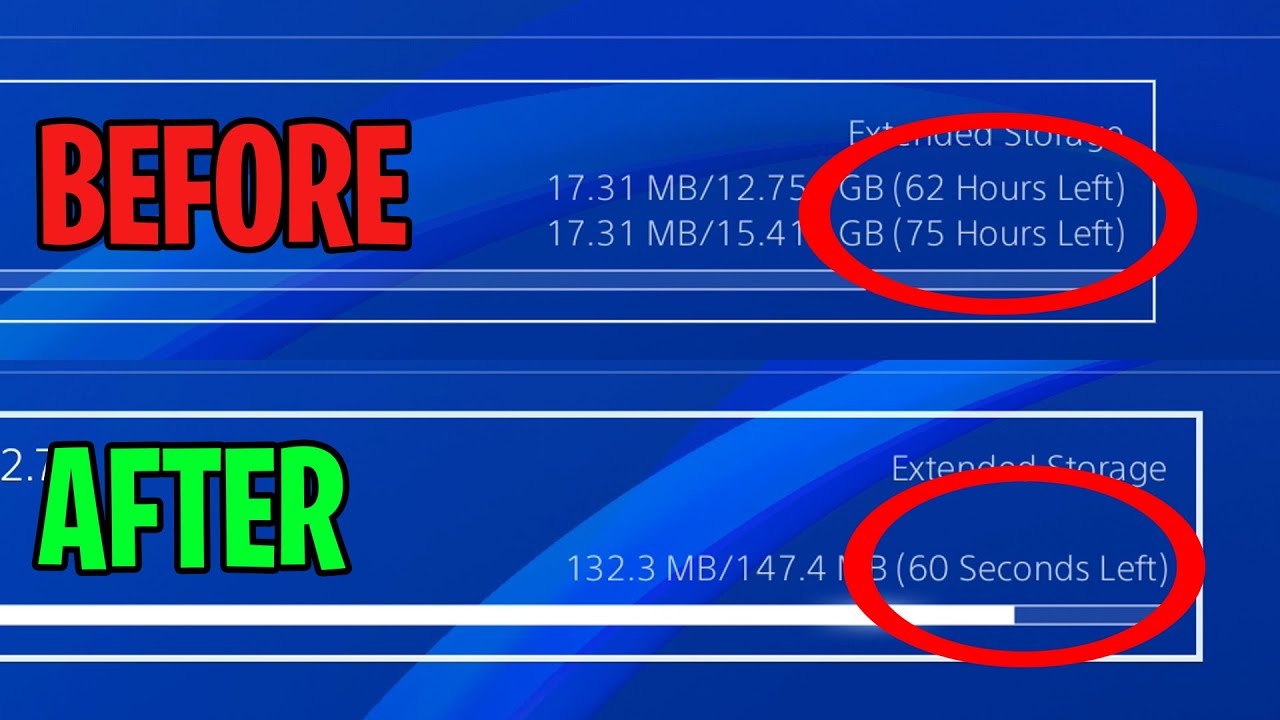
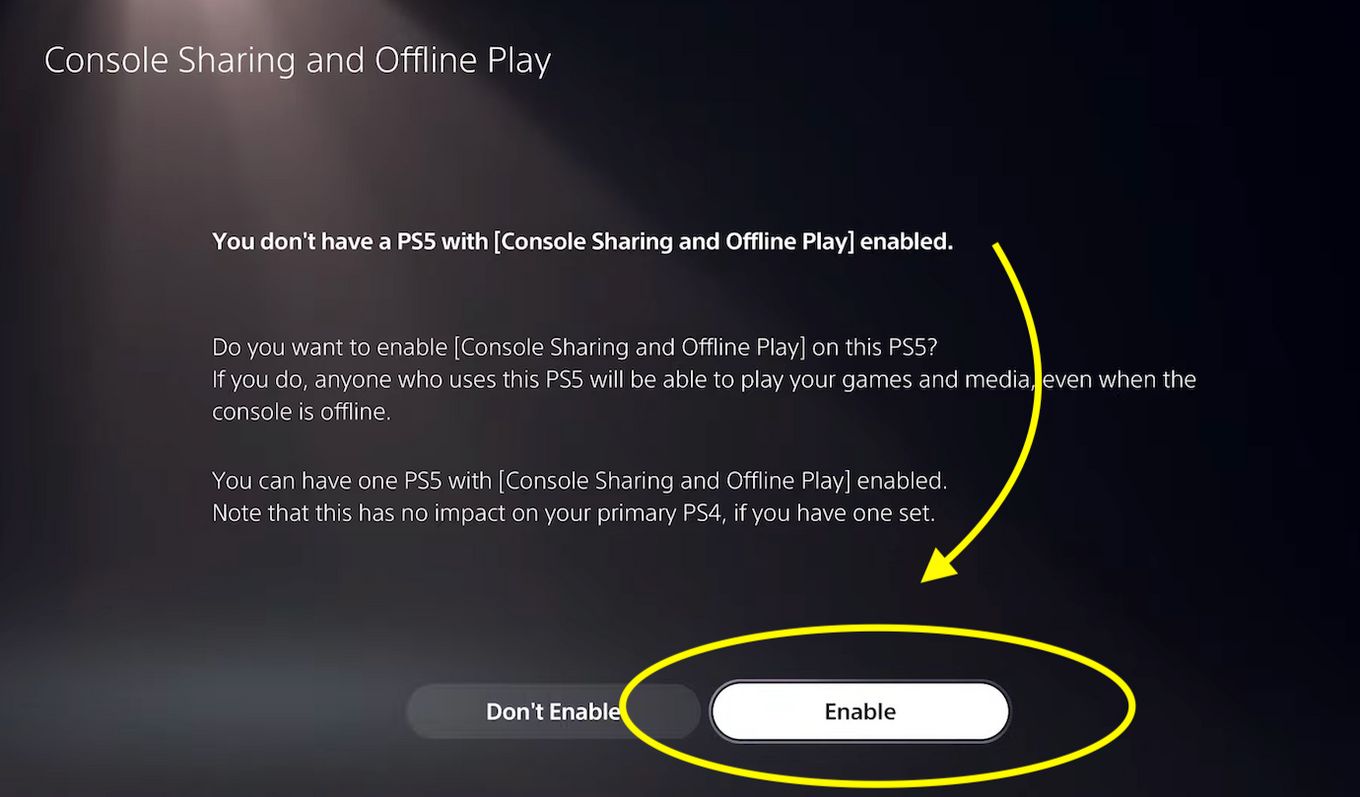
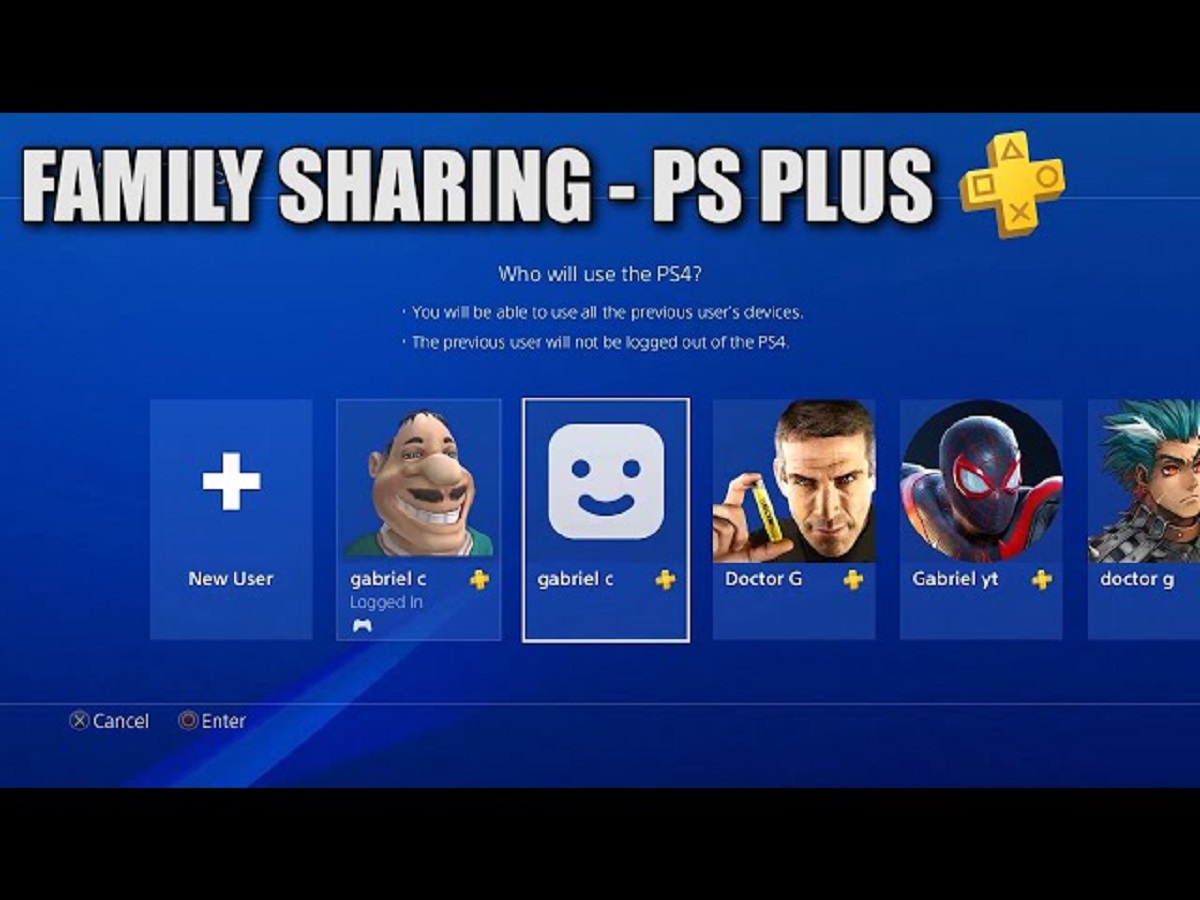
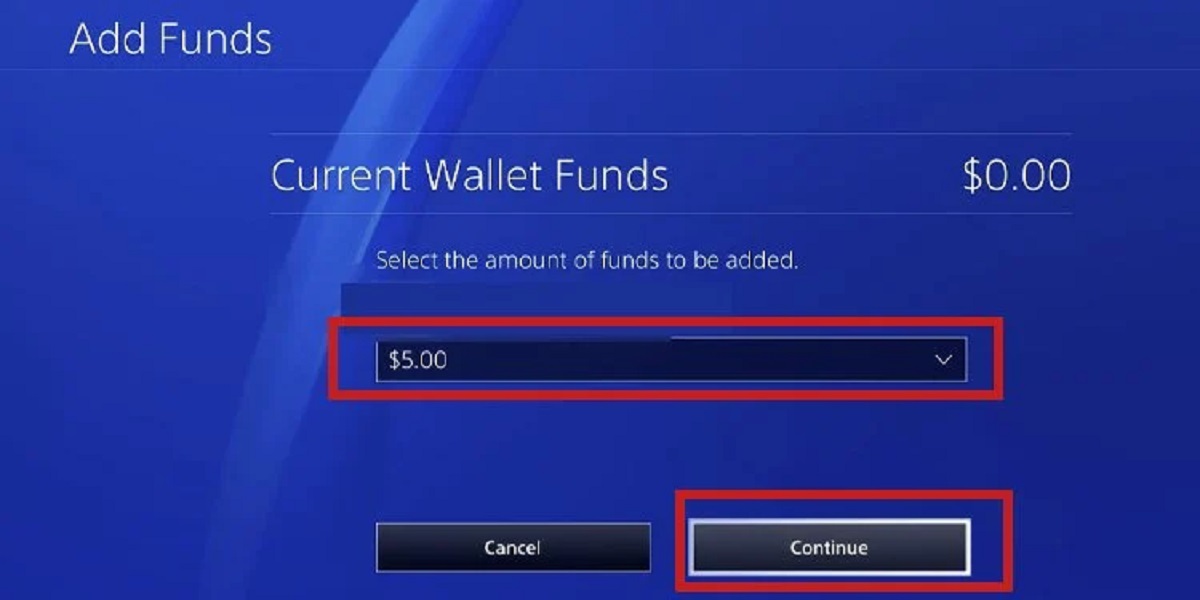
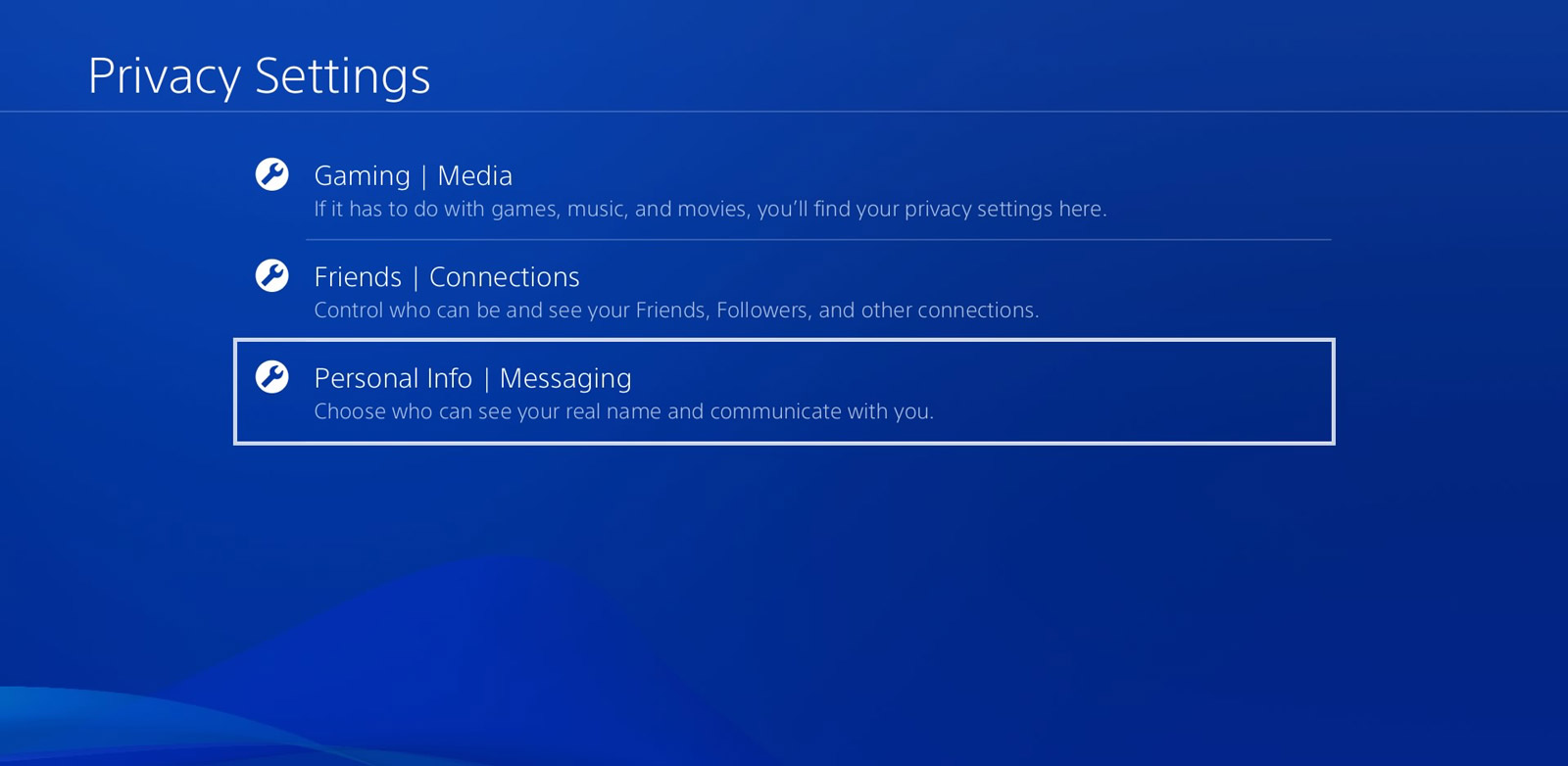
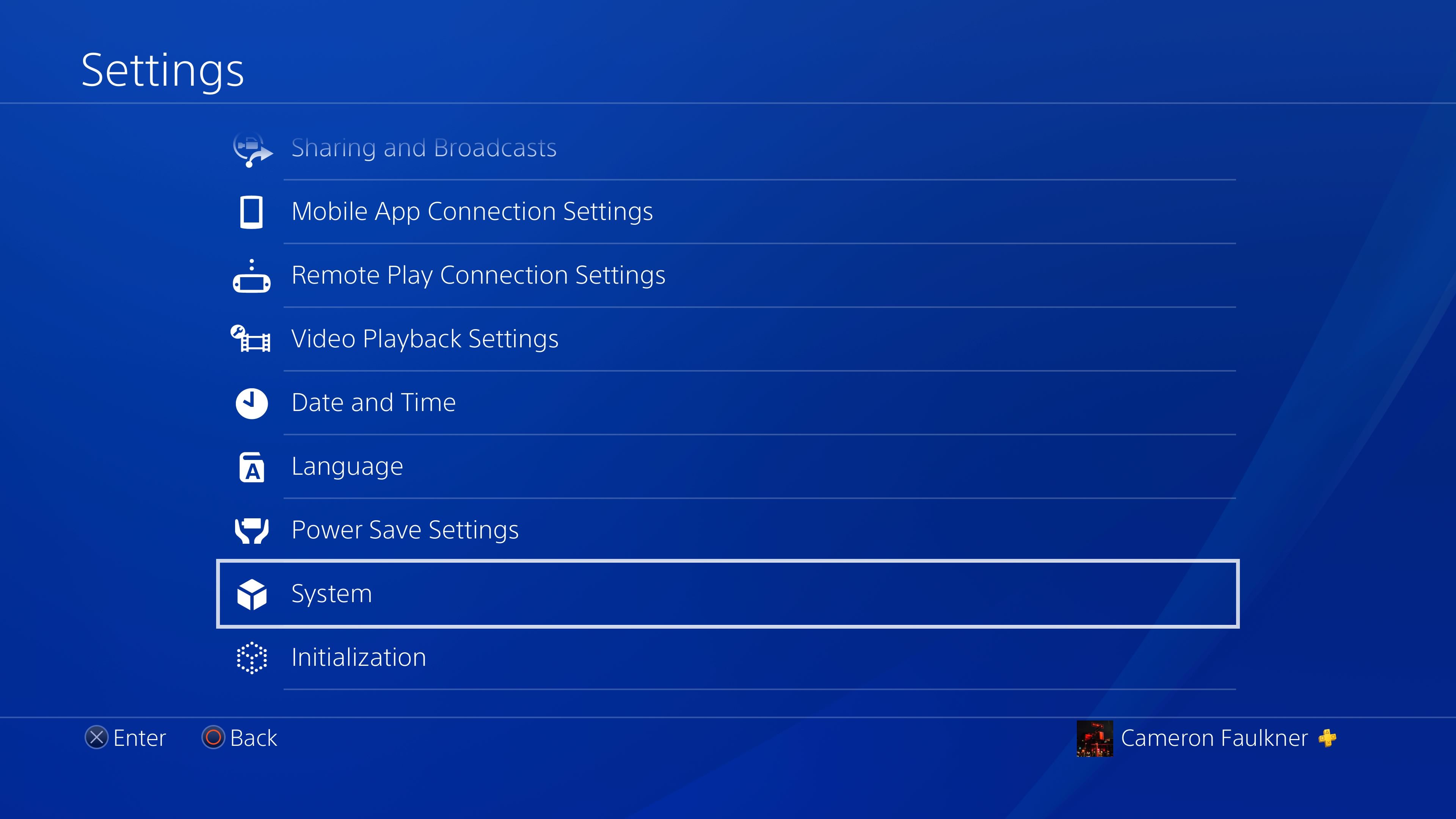


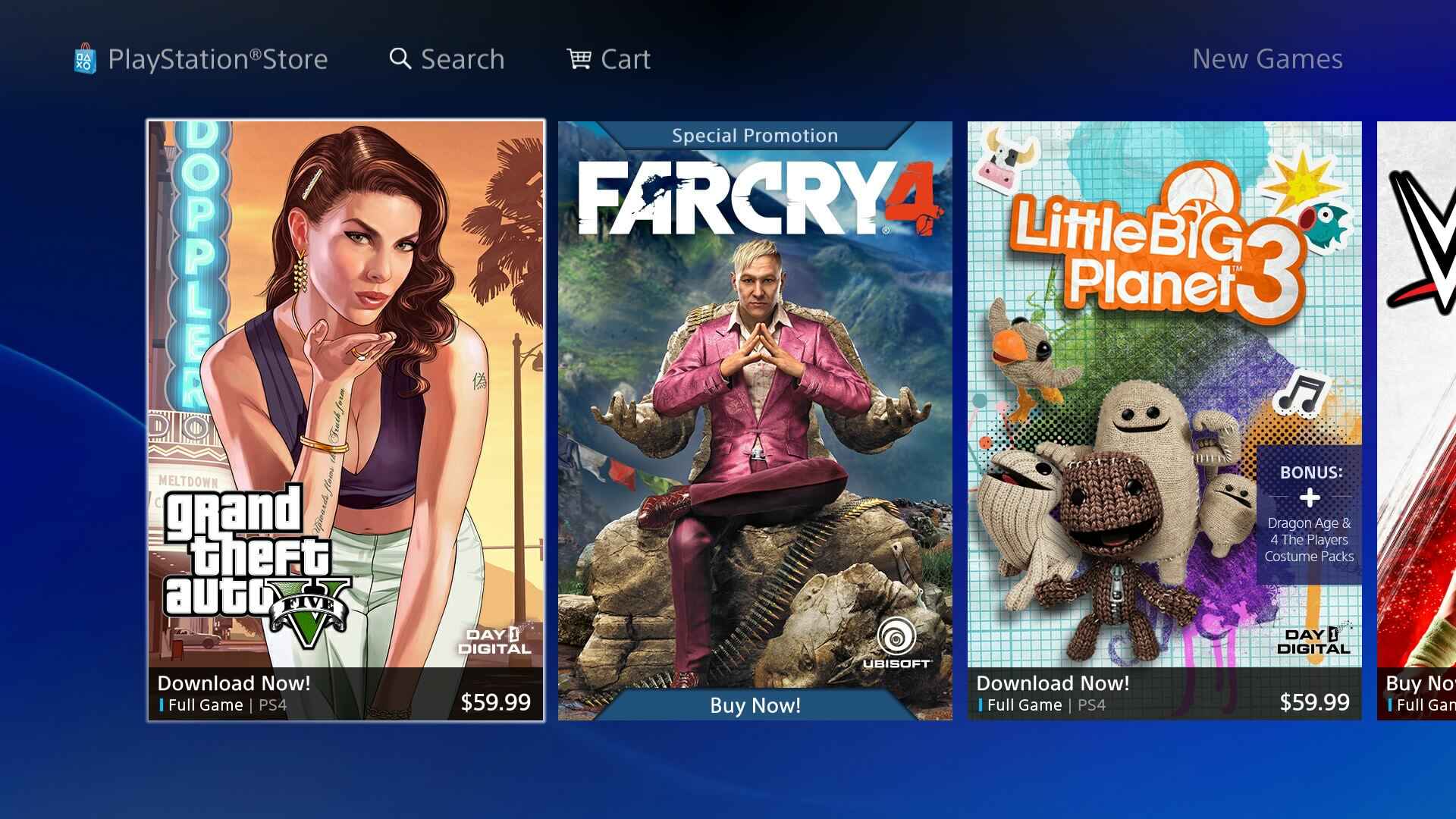
Gaming Tips is where you go when you want to get more out of the games you already own or are thinking about picking up. It is written for everyday players who want practical, step-by-step help with setup, downloads, and in-game features, no jargon, no guesswork. If you have ever wondered how to get Minecraft running on a new device, speed up a sluggish PlayStation download, or set up remote downloads for your Xbox, this is the place to start.
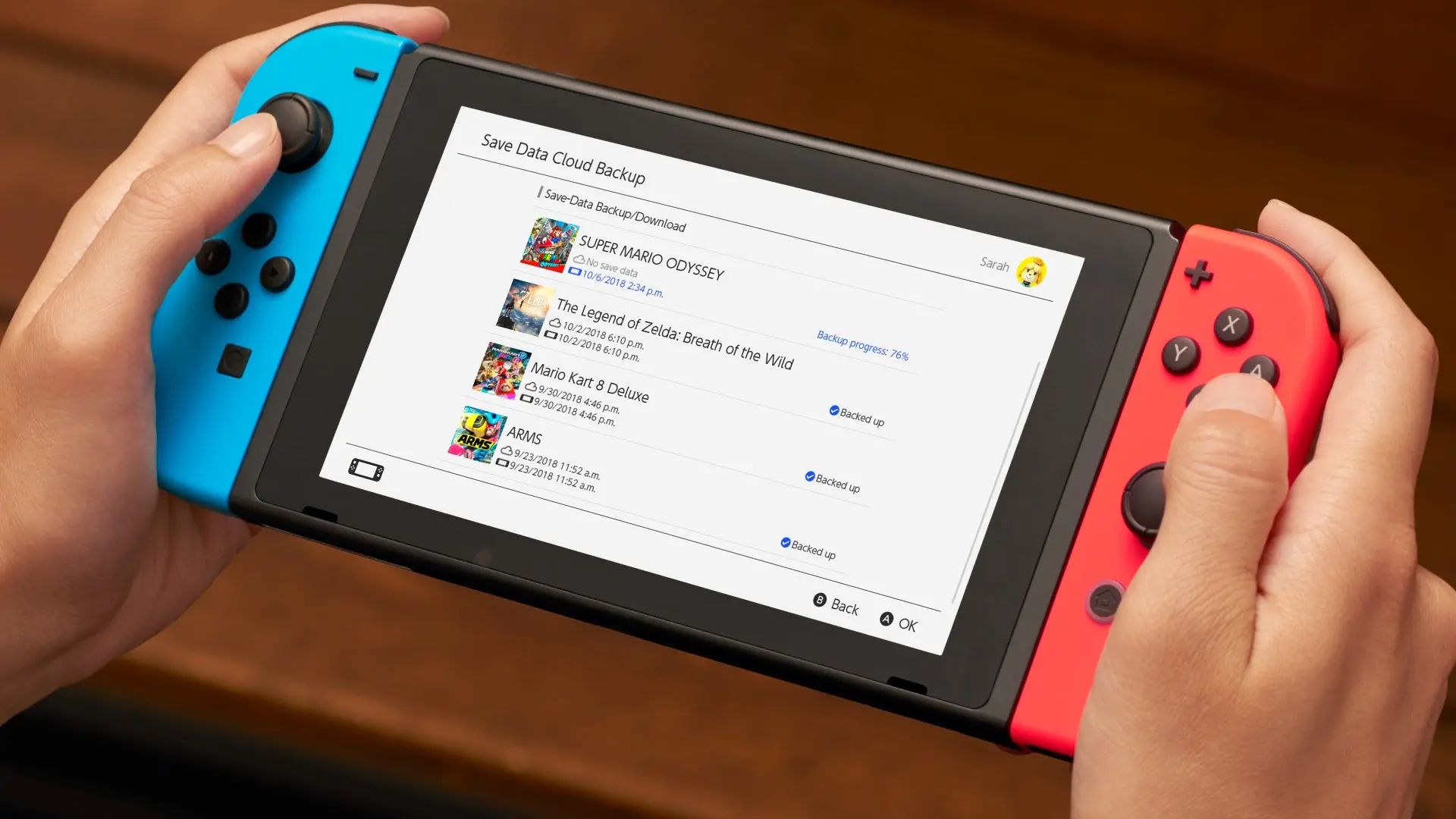
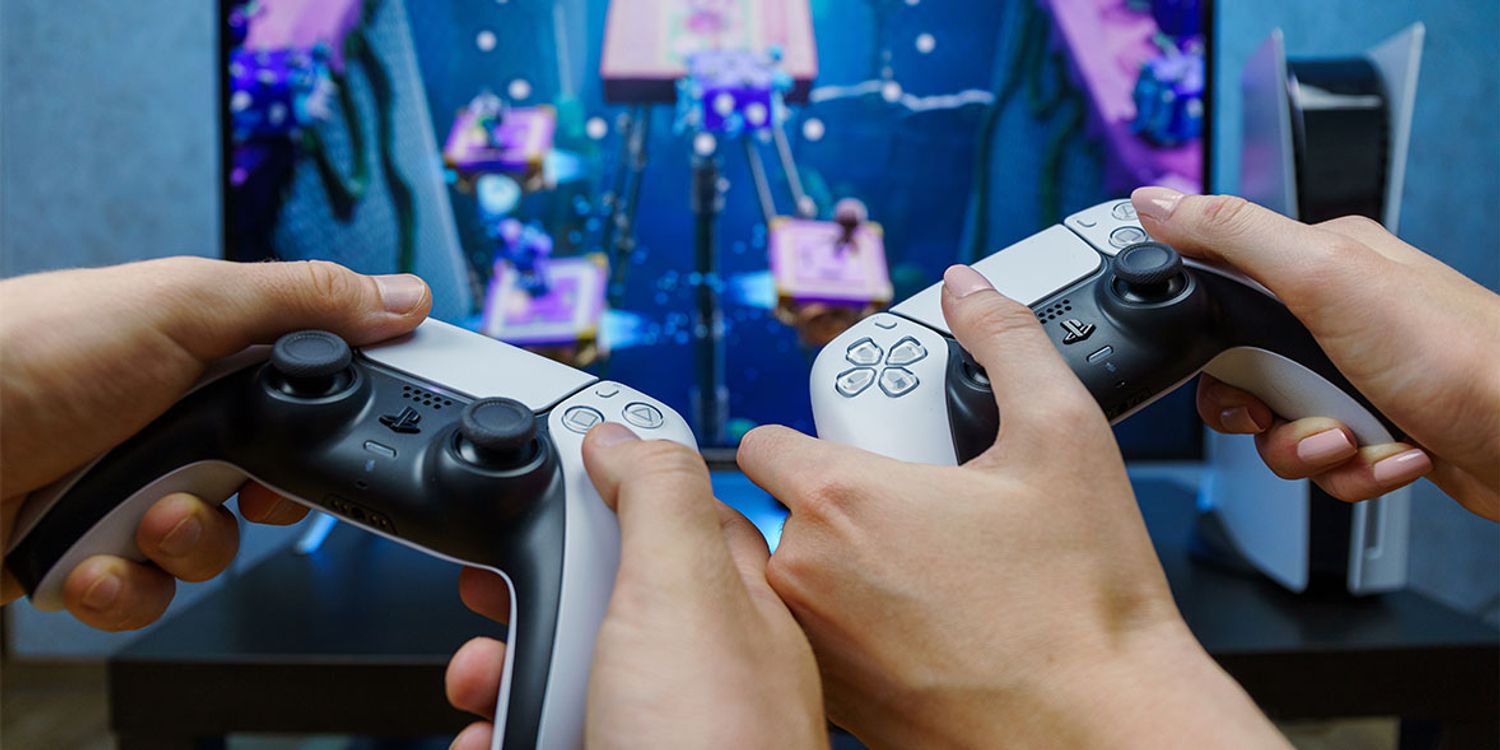
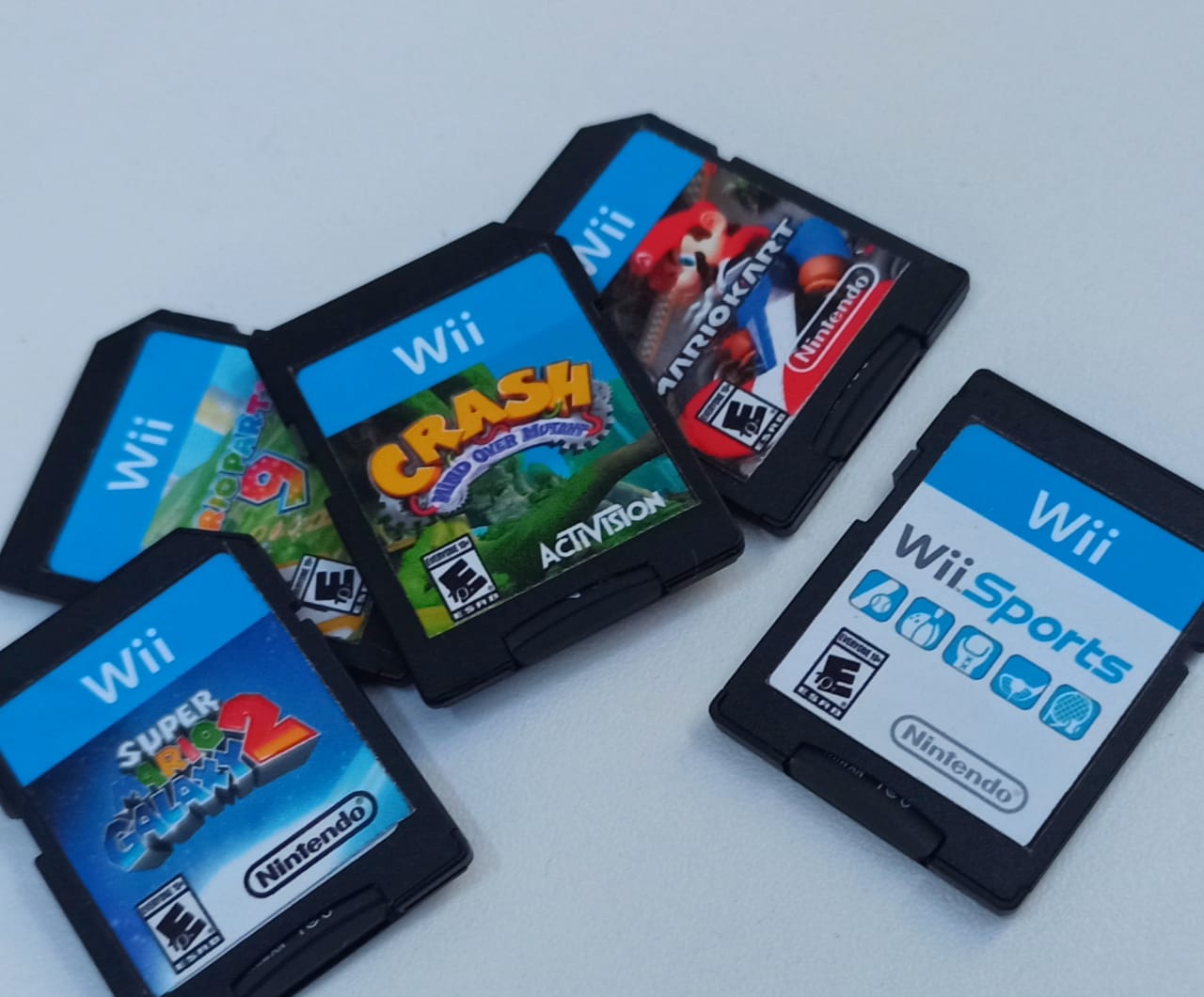
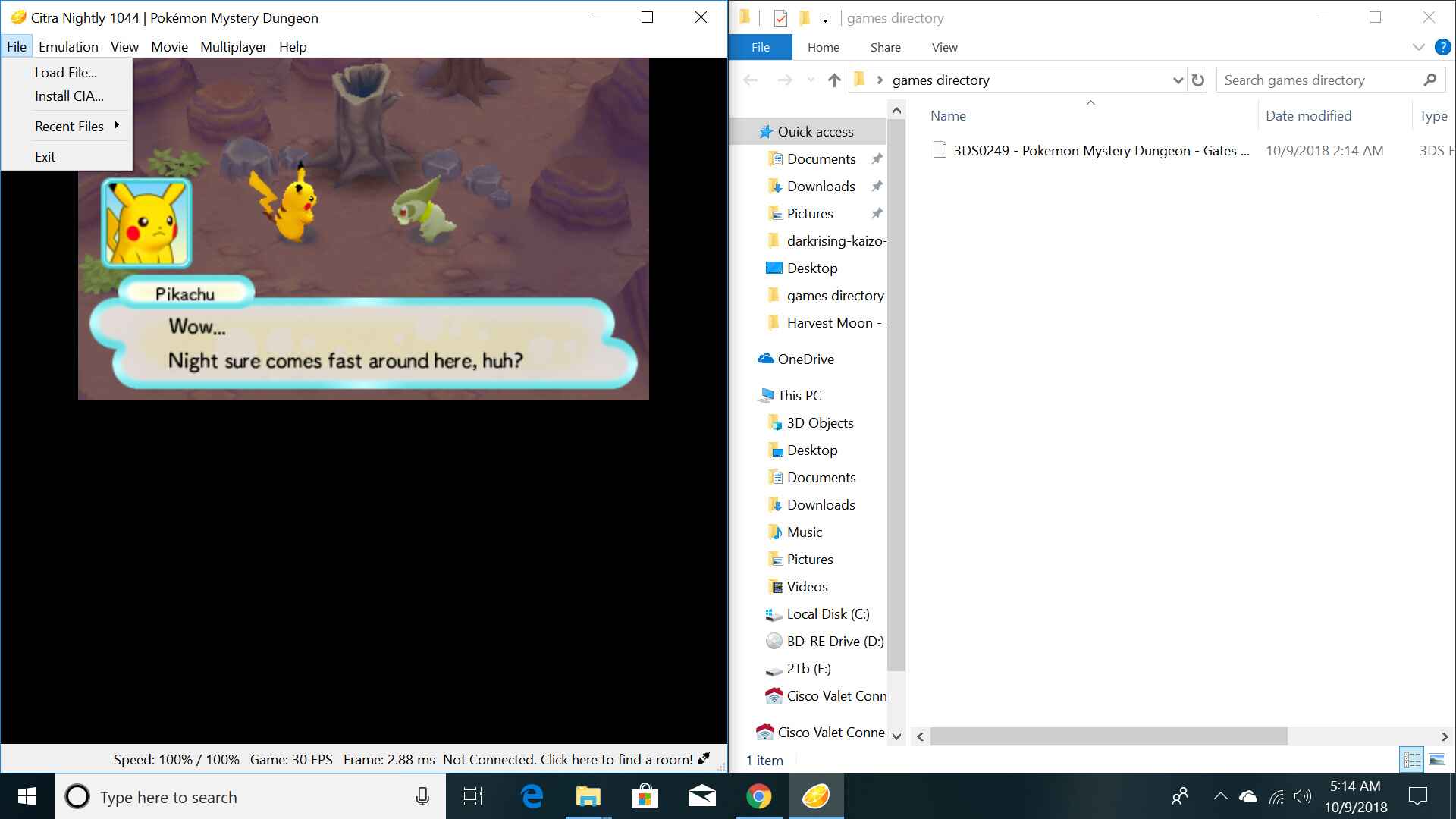
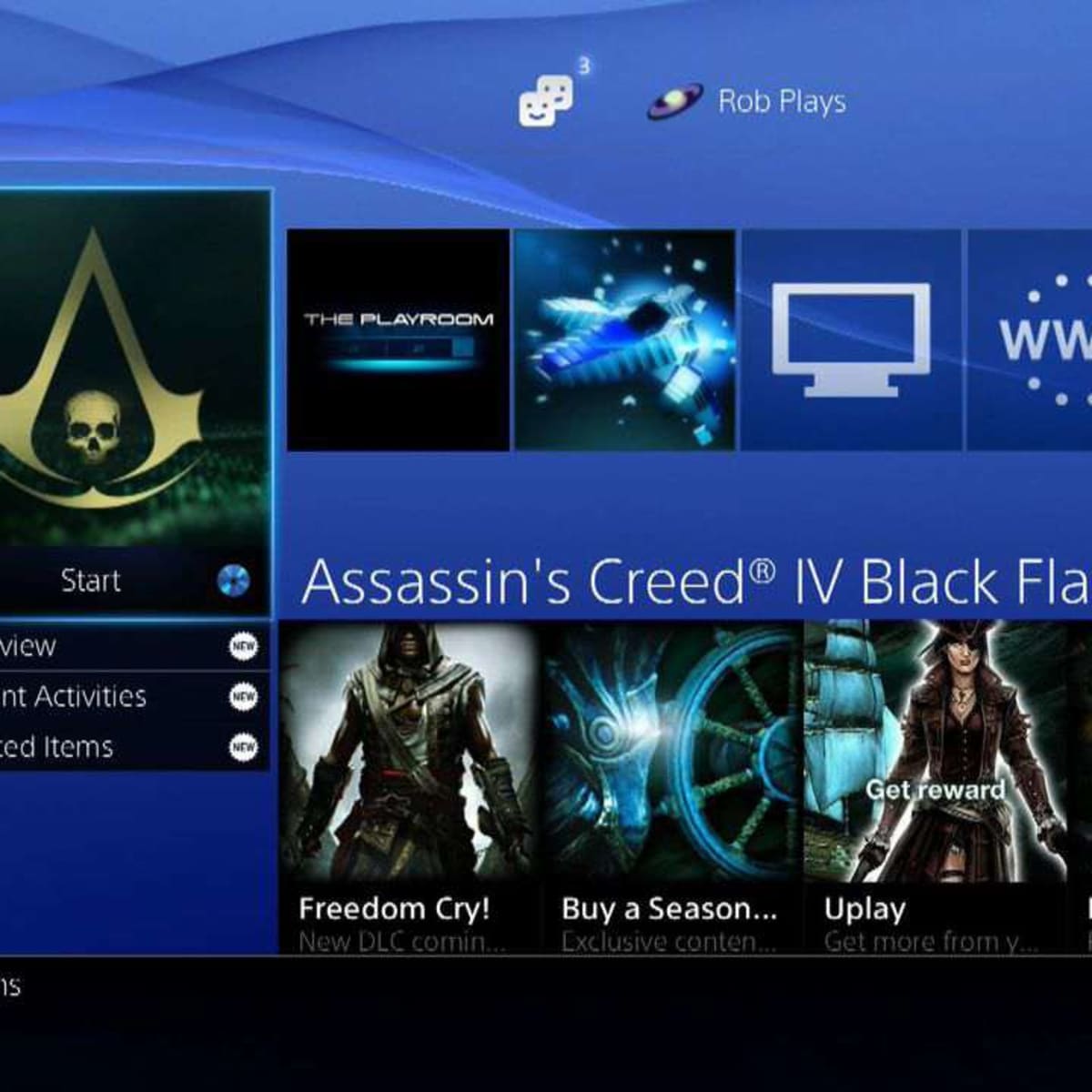
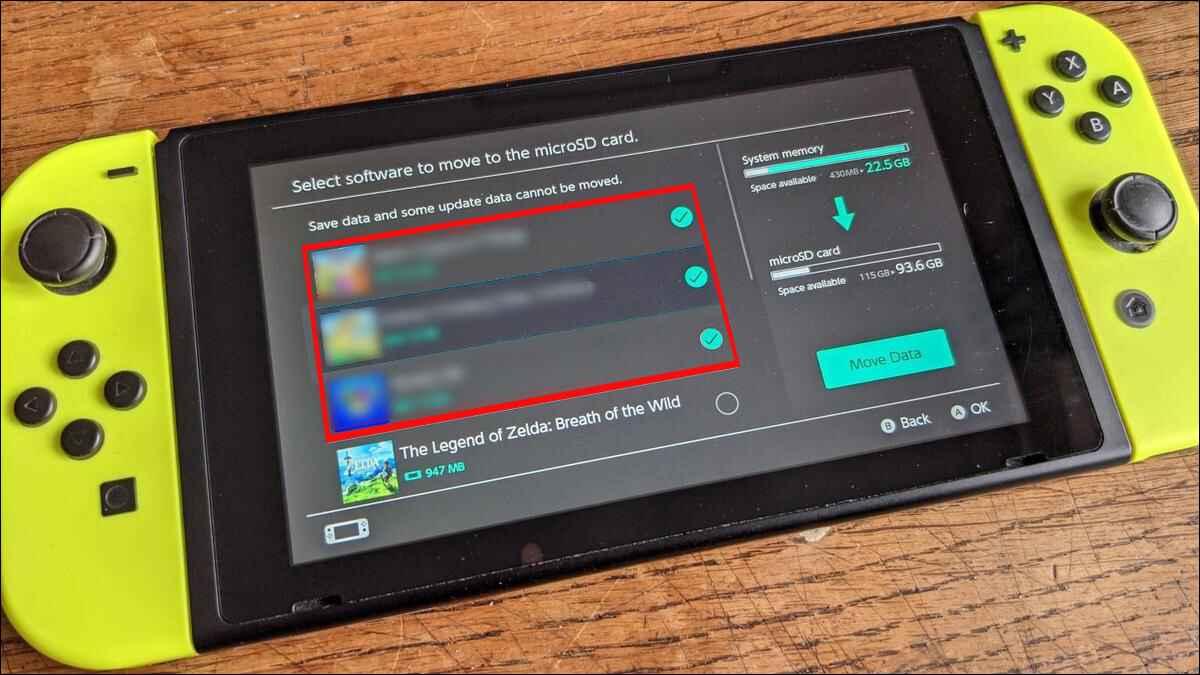
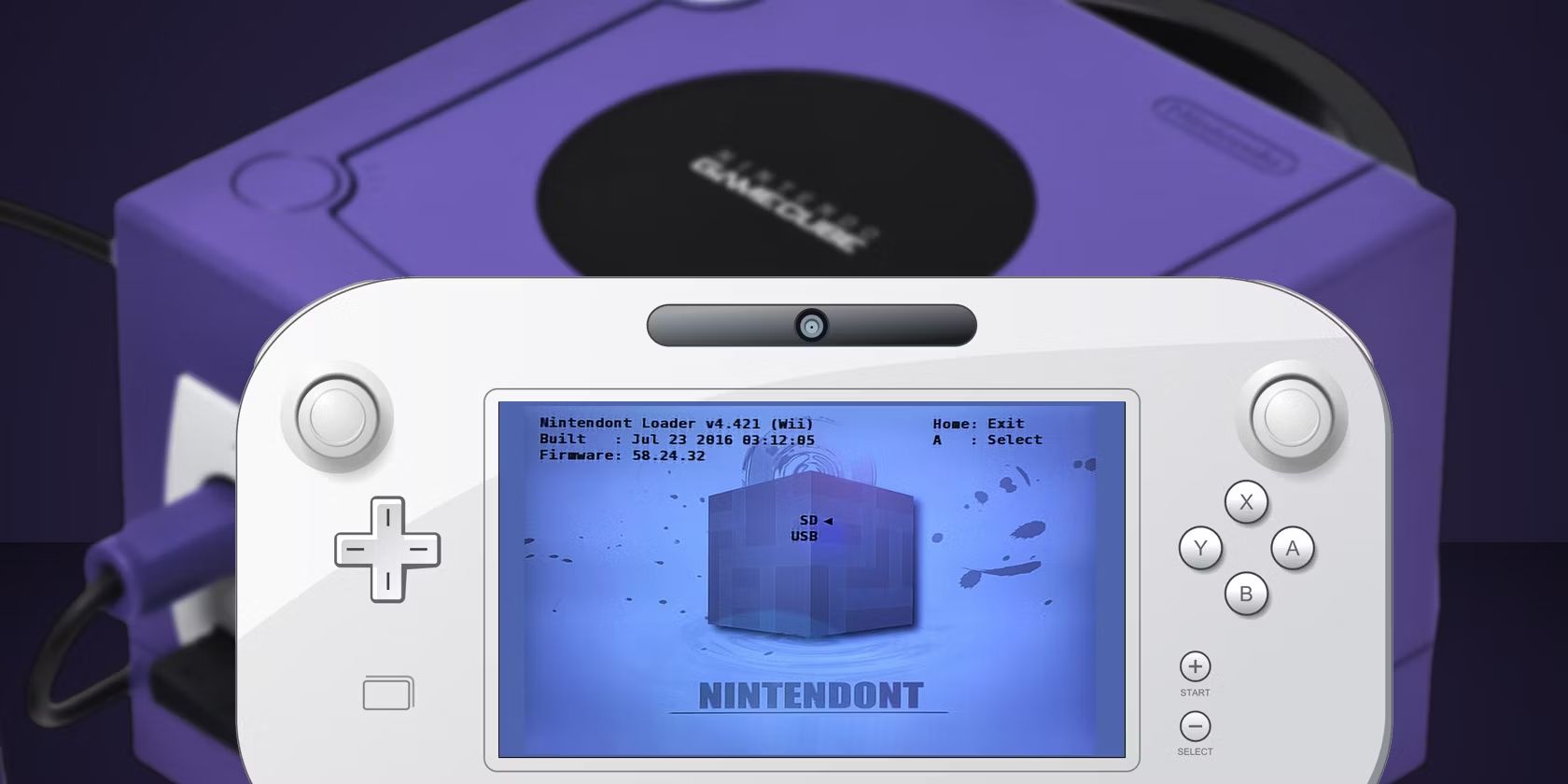
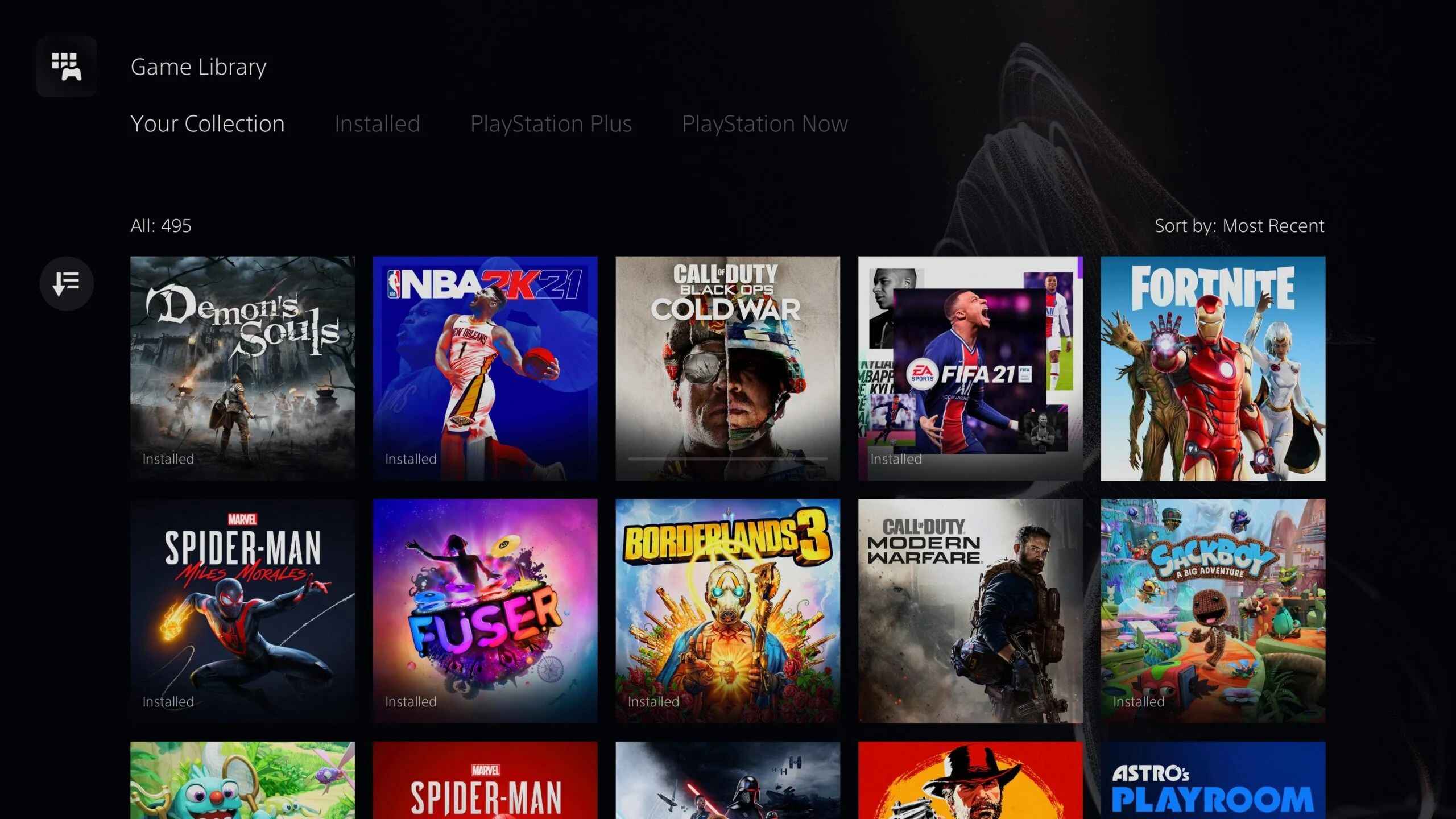
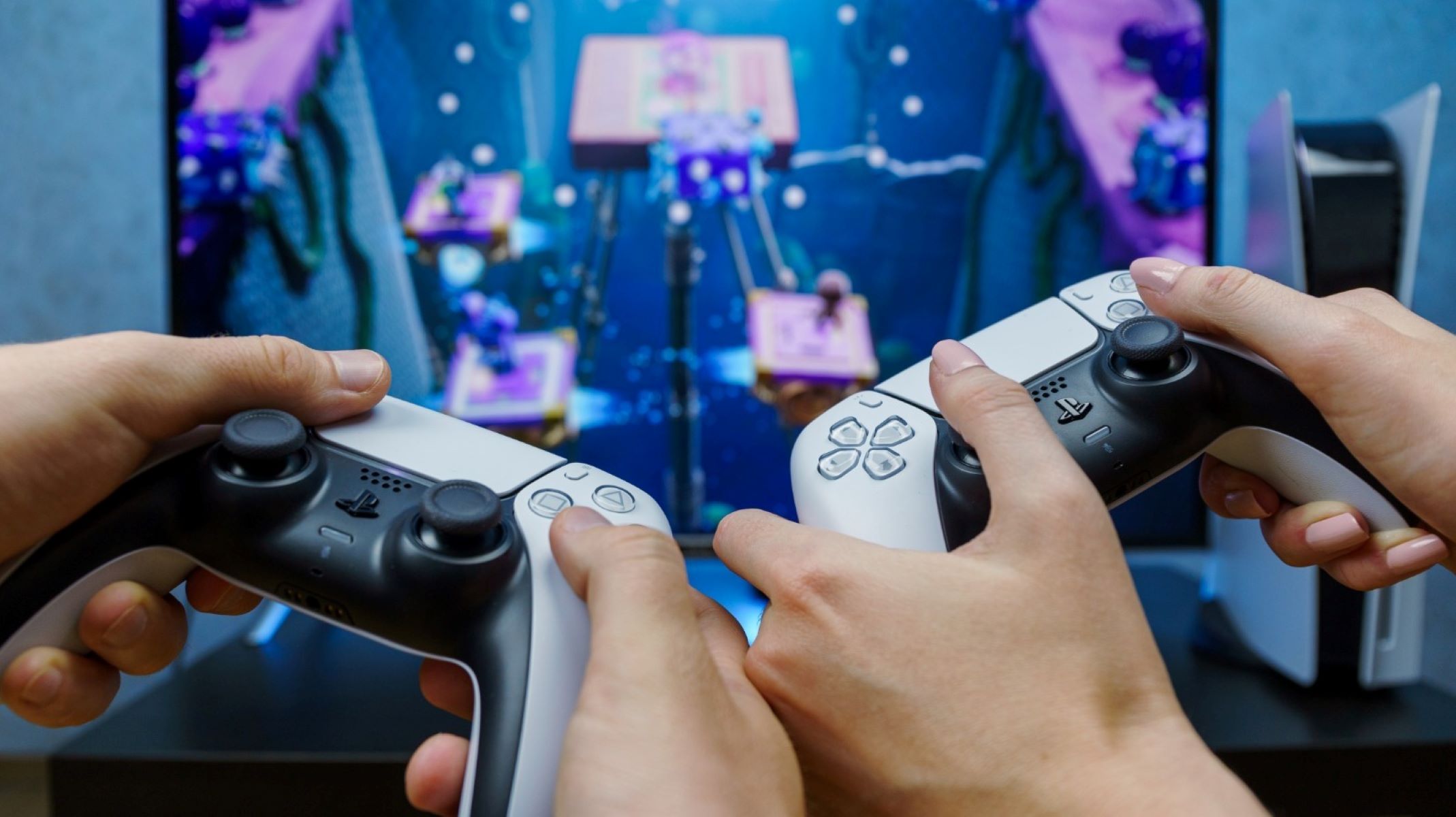
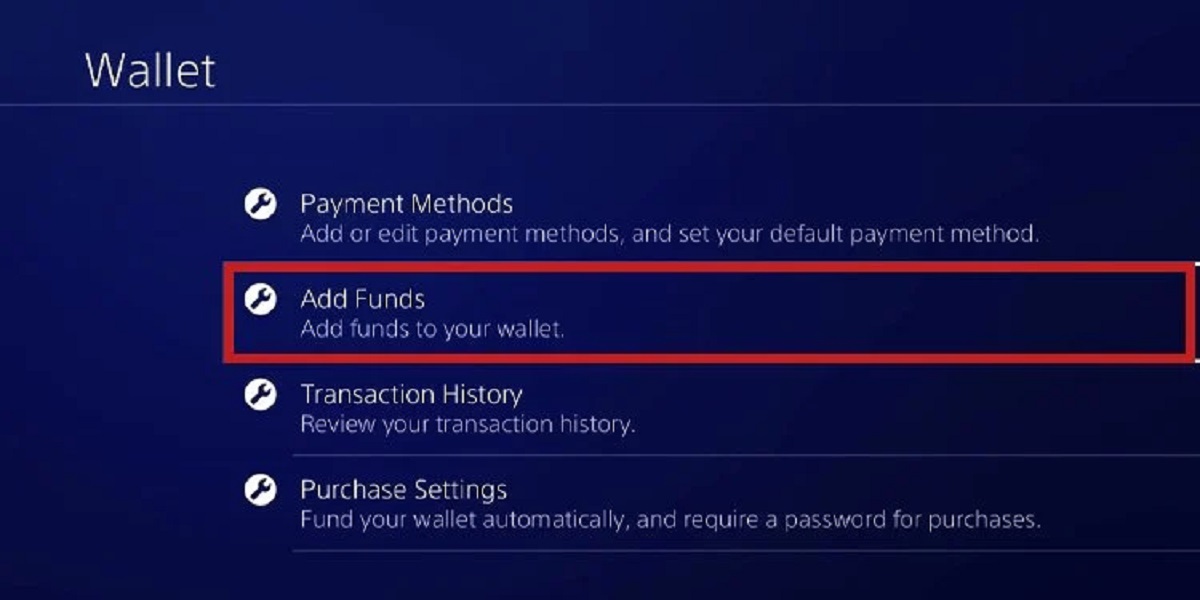
The guides here fall into a few clear themes. One is getting games onto your hardware: you can learn how to download free games on PS5, manage Nintendo Switch digital storage, or grab GameCube titles through Wii Homebrew. Another theme is customizing your experience, from adding Arabic commentary to FIFA 22 to adjusting brightness on PS5 or adding resource packs to Minecraft Bedrock. A third thread runs through account and device basics, adding funds to your PlayStation wallet, connecting a second PS5 controller, or finding your PlayStation ID.
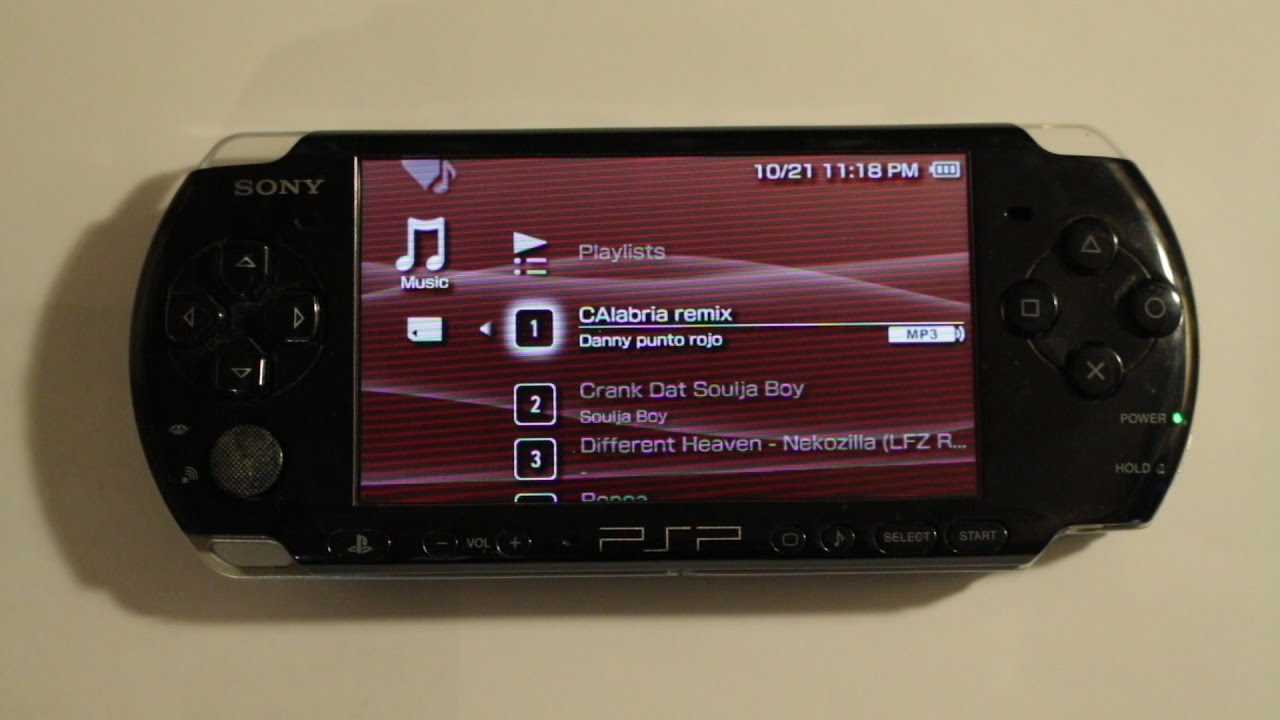
Across all of it, the articles help you take concrete actions: install, connect, adjust, and explore. Whether you are trying to breathe underwater in Minecraft, set up proximity chat in Among Us, or download music on a PSP, each guide walks you through the steps so you can get back to playing faster.
