Contact the case manufacturer's customer support directly with your exact model number, as most do not list replacement glass publicly but do sell them through support tickets. If the case is discontinued, your only option is finding a damaged version of the same case being sold for parts on eBay or hardware swap forums.
Why you can't just buy a replacement glass side panel online
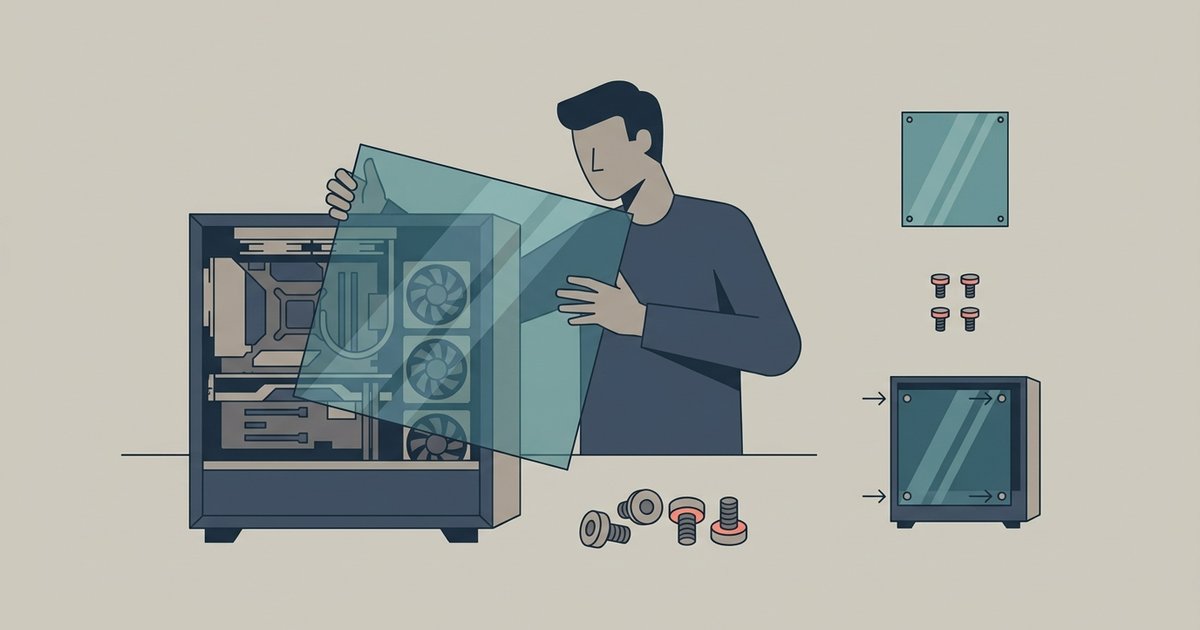
Tempered glass panels are not standardized like fans or power supplies. Each case model uses a unique shape, thickness, and mounting mechanism. Some slide into a channel. Others attach with four screws through grommets. A few use magnetic latches. Amazon and Newegg primarily stock generic rectangular blanks that lack the necessary cutouts for your case's mounting brackets, though some official upgrade kits may be available on Newegg. Even if you measure the glass dimensions exactly, the mounting holes on a generic panel will never align with the standoffs on your chassis. You also cannot simply drill tempered glass, as it will shatter. Your only chance at a factory-fit replacement is through the original manufacturer, who has the exact mold and hardware.
How to contact support the right way
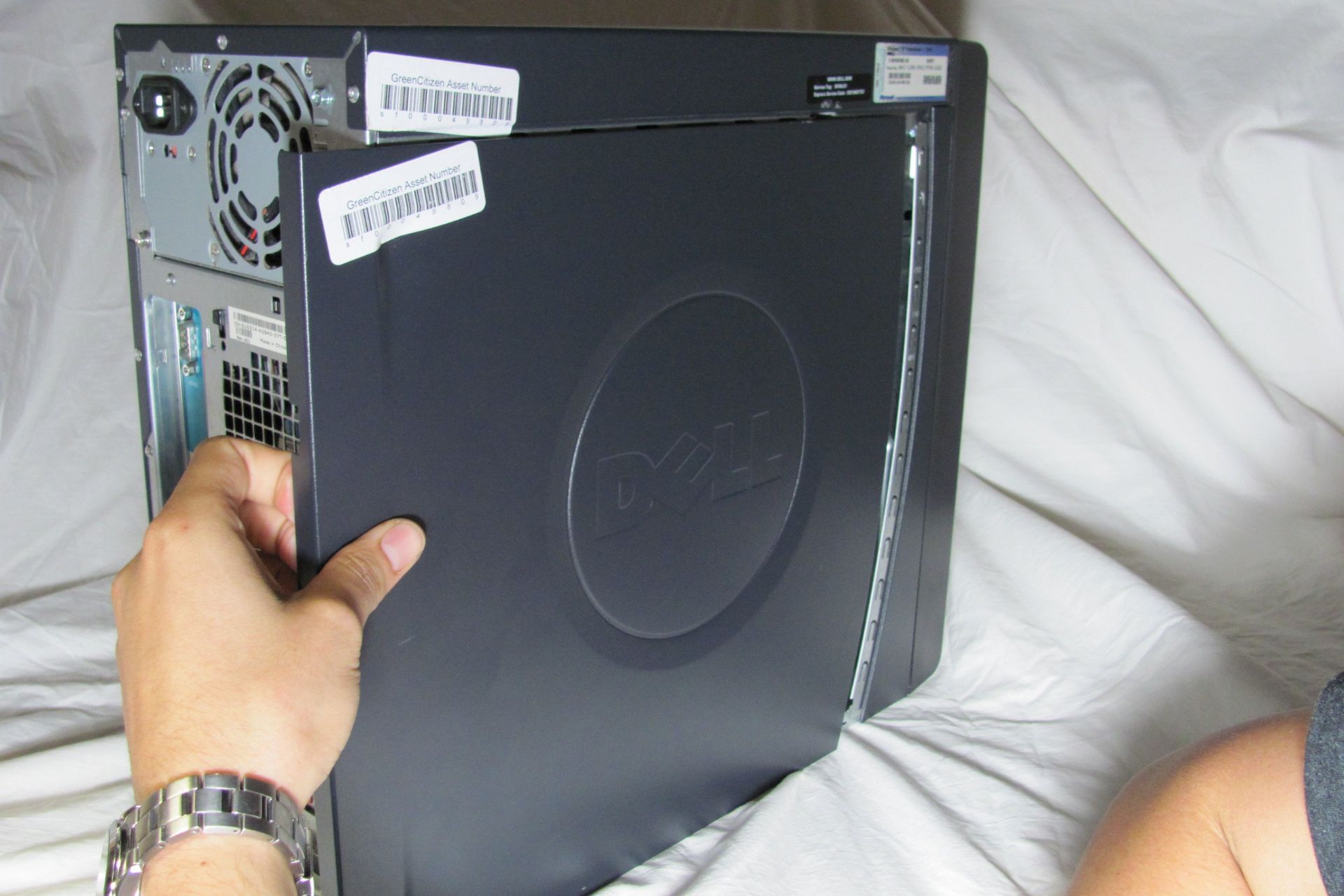
Before you open a ticket, gather two things: your case's exact model number (printed on the box or stamped inside the chassis near the PSU shroud) and a clear photo of the broken panel laid flat against a ruler showing the length, width, and thickness. Include the serial number if available. Include the photo even if the glass is shattered, manufacturers need to confirm the revision of the mounting tabs. In your email subject line, write "Replacement tempered glass side panel for [model number]." Brands like Corsair, NZXT, Fractal Design, and Lian Li are known to process these requests through their support portals and will often invoice you directly for the part plus shipping. Check the public "spare parts" store on their website first, as many manufacturers sell replacement panels there, though some listings may be incomplete and support can assist with unlisted models. If you need to remove the glass from your PC case safely to photograph the mounting system, lay the case on its side and use a flathead screwdriver to gently pry the rubber grommets away from the glass before lifting it out, a technique you'll want to master before you reinstall a tempered glass side panel without shattering it. Some cases require you to first open a Dell PC case or similar OEM chassis by releasing the side latch, but aftermarket cases usually use thumbscrews. For all-in-one systems, you might need to remove the back of an HP all-in-one PC to access the internal drive cage before you can even see the side panel retention mechanism. And if you are stripping the case for parts, you may also need to remove a hard drive from a Dell desktop to clear space for the glass removal process. While you wait for the replacement, running a PC without the glass side panel is safe as long as you keep pets and loose objects away from the exposed components.
When the answer is no
If the manufacturer replies that the case is discontinued and no inventory remains, your options narrow. First, search eBay for your case name plus "for parts" or "broken glass." Many sellers list damaged cases with intact side panels. Check hardware swap forums like r/hardwareswap and the "for sale" sections of case-specific subreddits. Be prepared to pay close to the original case price for just the panel. If no used parts appear, measure your panel's exact length, width, and thickness, then order a custom-cut acrylic sheet from a local plastics supplier. Acrylic is lighter and less brittle than tempered glass, but it scratches easily and does not dampen vibrations as well. You will need to drill your own mounting holes. Use a step bit and lubricant to avoid cracking the acrylic. This is a last resort. The fit will never be as tight as the original glass, and the airflow seal may be compromised. Do not attempt to use a generic tempered glass blank cut to size, as any edge chip or stress point from cutting will cause the entire panel to explode. For guidance on safely opening a PC case and accessing internal components, refer to the broader topic of How to Open a PC Case and Remove a Hard Drive.