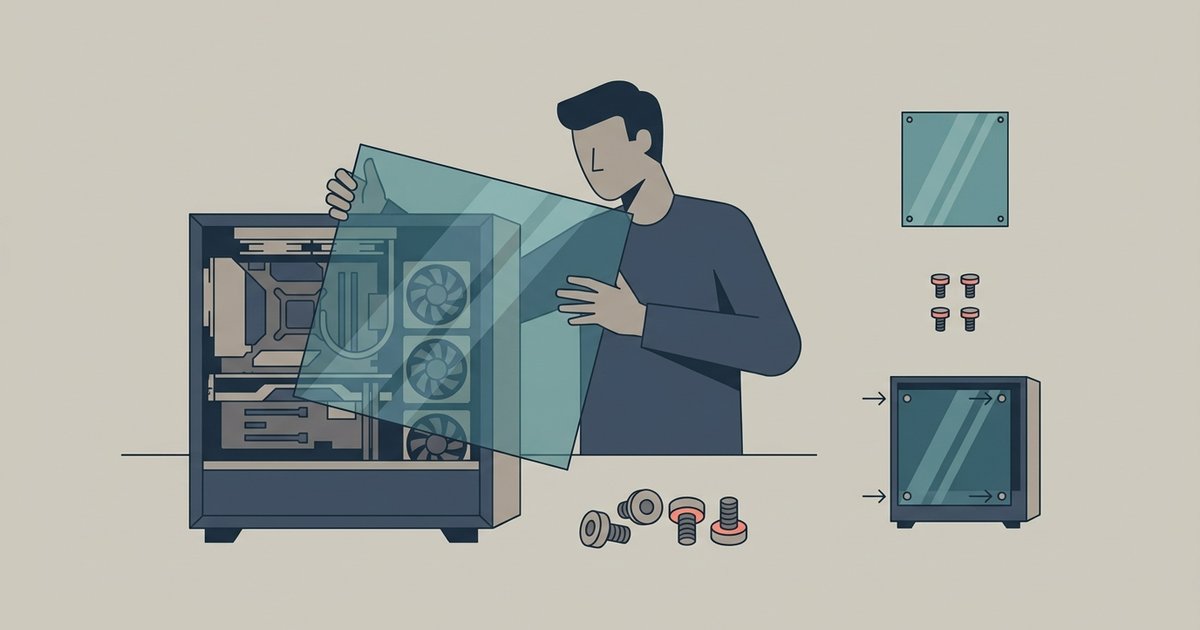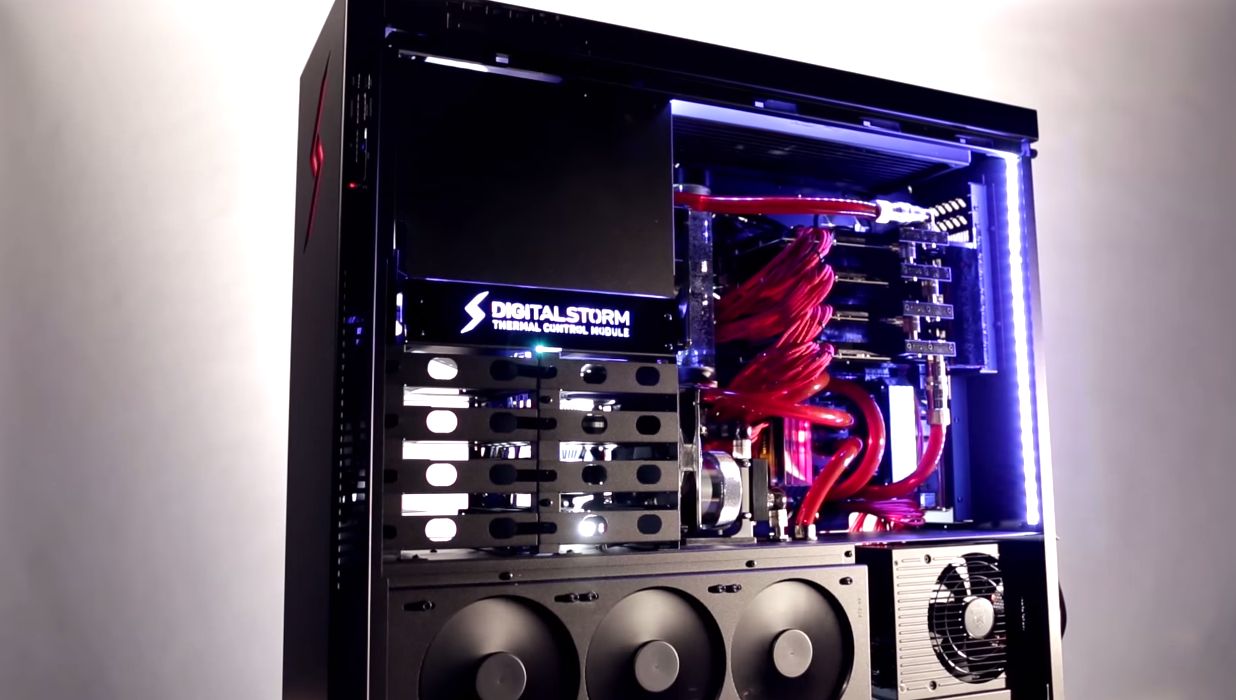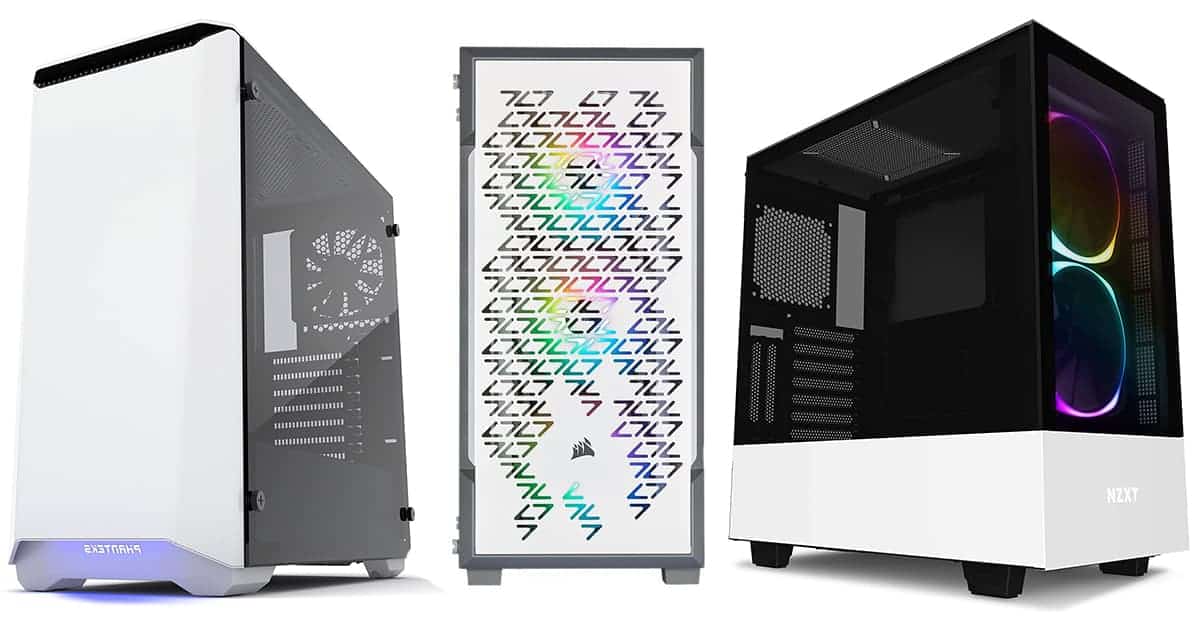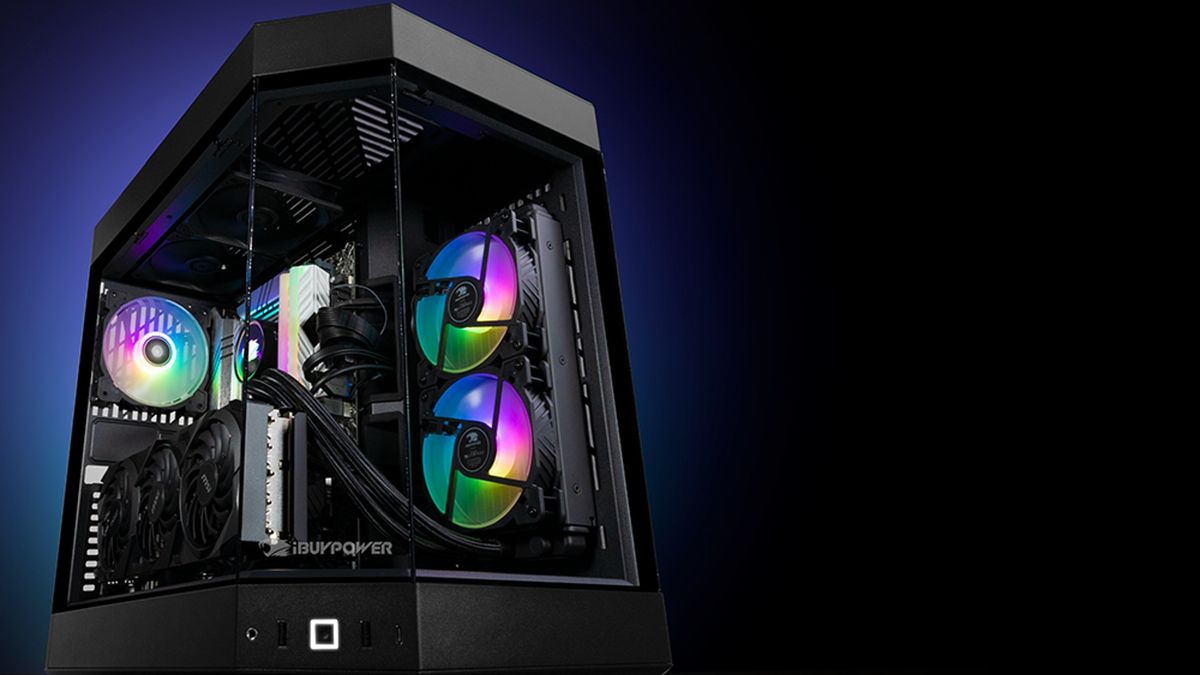
Yes, you can run your PC without the side panel, and it will often improve temperatures. However, it will introduce more dust and increase noise. It will also remove the structured airflow that cools components like VRMs and hard drives. The decision to leave the panel off permanently depends on your environment and component layout. The short-term answer for cleaning or testing is a clear yes. Just be aware of the trade-offs.
How to use a PC without side panel for testing
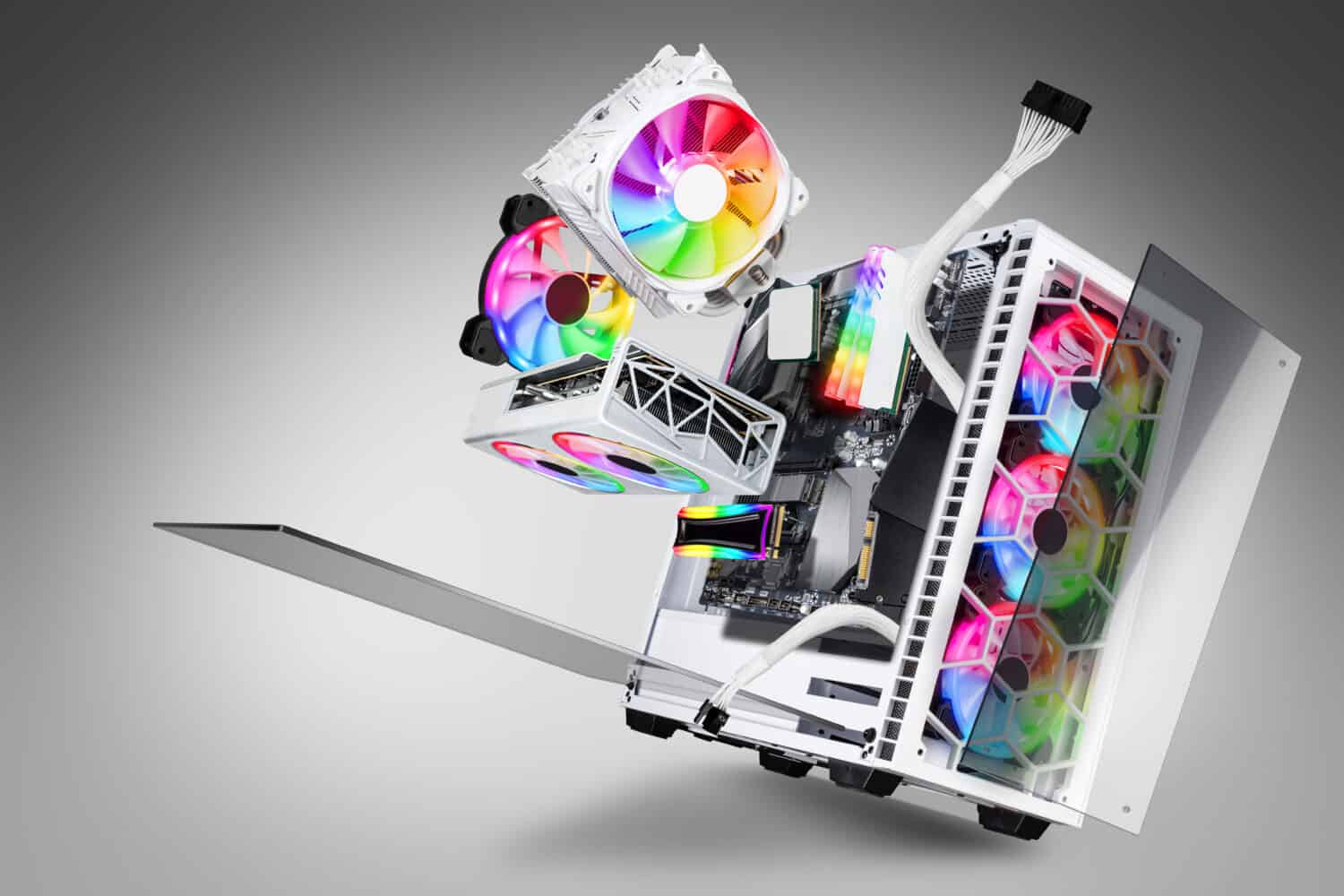
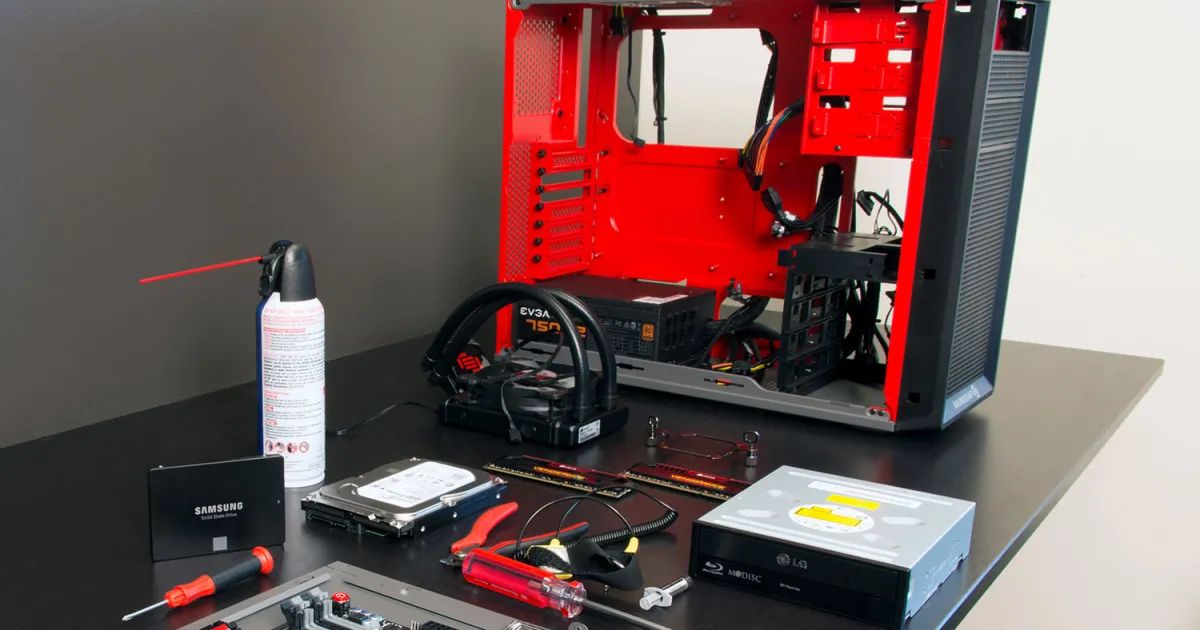
When you remove the glass side panel, your PC essentially becomes an open-air test bench. In a standard case, the GPU and CPU fans recycle hot air trapped near the glass. This is especially true if your case has a solid front panel or limited exhaust. Without the panel, that hot air escapes instantly rather than swirling back into the intake. Expect a GPU that normally runs hot under load to drop several degrees. This happens because its fans pull directly from room-temperature air instead of recirculating preheated air. The same effect benefits CPU tower coolers. The rear fan no longer fights against a pressure wall created by the glass. This is why you should temporarily remove the side panel during stress tests, a simple procedure covered in opening a PC case. It eliminates the thermal penalty that closed cases can impose on high-wattage components.
How to manage dust and noise
The immediate downside is a dramatic increase in dust accumulation. Without a filtered side panel, your case becomes a vacuum for airborne particles. This is worse if your PC sits on a desk or floor. Within a week, you will notice a fine layer of dust on the GPU backplate, motherboard VRM heatsinks, and fan blades. The noise penalty is equally noticeable. Fans run at full speed with no acoustic dampening. Coil whine from the GPU or power supply becomes clearly audible. The glass panel was designed to reflect and absorb some of that high-frequency noise. Remove it, and you hear every transient spike. If you decide to permanently remove glass from PC case, plan on cleaning your filters and fans every two weeks instead of monthly. Accept that your PC will sound like a small server room.
When you must keep the panel on
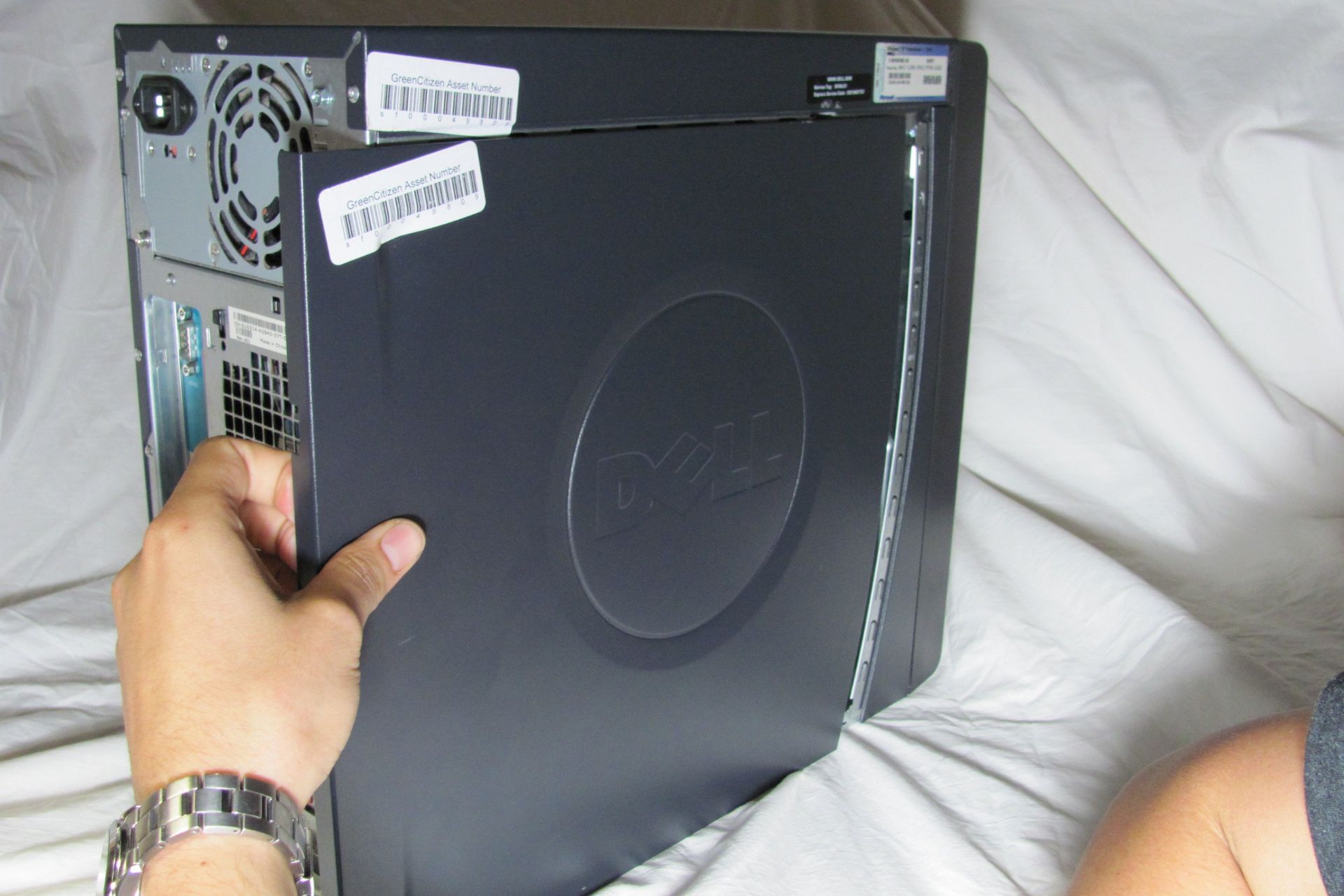
There are several scenarios where running without the side panel is actively harmful. Do not do this in homes with pets or small children. An open case invites fur, hair, and curious fingers directly into the motherboard and fan blades. A single cat hair can stall a GPU fan bearing. Skip open-air running entirely on cases that rely on negative pressure to cool VRMs and chipset components. This includes many Dell Optiplex or HP prebuilts. These systems actually lose cooling performance when the panel is removed. The intended airflow path from front intake to rear exhaust collapses. If you need to remove a hard disk drive on an iMac or other tightly packed system, you already know that removing the panel changes the pressure balance. On a standard PC, the same principle applies to spinning hard drives and NVMe drives that rely on channeled air. If your case has a dedicated hard drive cage that receives airflow only through a front intake, do not remove the panel. Doing so lets that air spill out sideways and leaves drives at ambient temperature. Similarly, if you need to open a Dell PC case or remove the back of an HP all-in-one PC, you are explicitly breaking the engineered thermal path. Running it that way permanently can cause VRM throttling on motherboards with weak heatsinks. Finally, leaving the panel off means the case no longer acts as a Faraday cage. In rare setups near sensitive radio equipment or high-power transmitters, you might notice signal degradation on Wi-Fi or Bluetooth cards. For most builders, the answer is yes, but only temporarily or in a clean, low-noise environment where dust and airflow are actively managed.