Practical guides for anyone who owns, builds, or maintains a desktop computer. It is aimed at everyday users, not just seasoned builders, who want to handle their machine’s enclosure safely and correctly. The articles here focus on the physical shell of the PC, its panels, lights, and glass, rather than internal component upgrades or software troubleshooting.
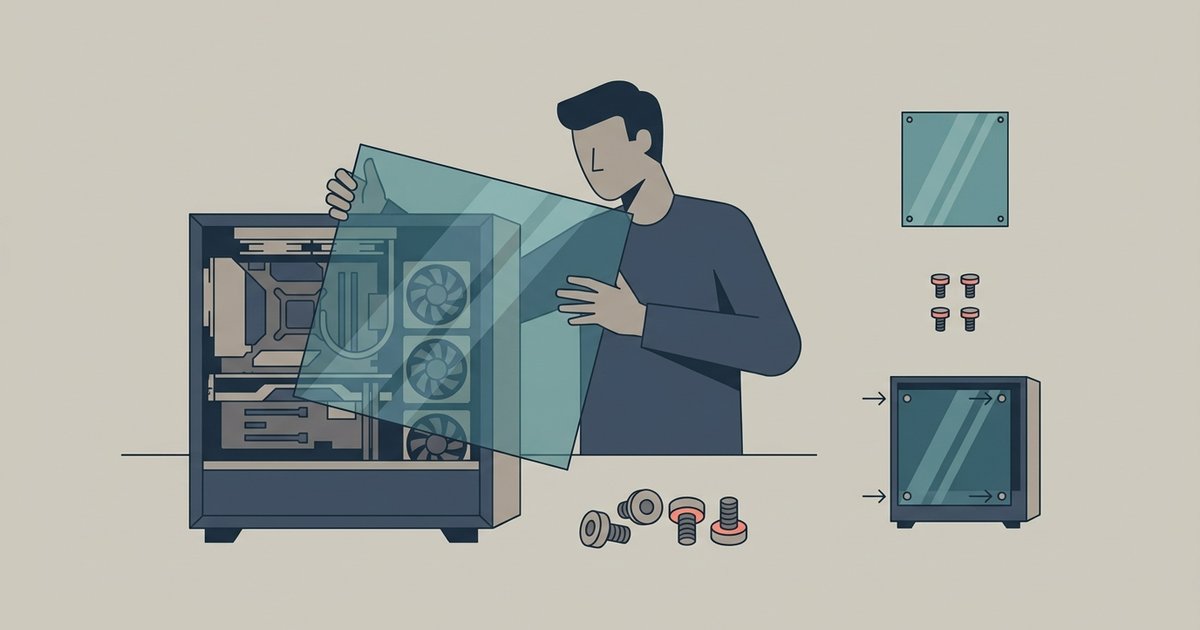
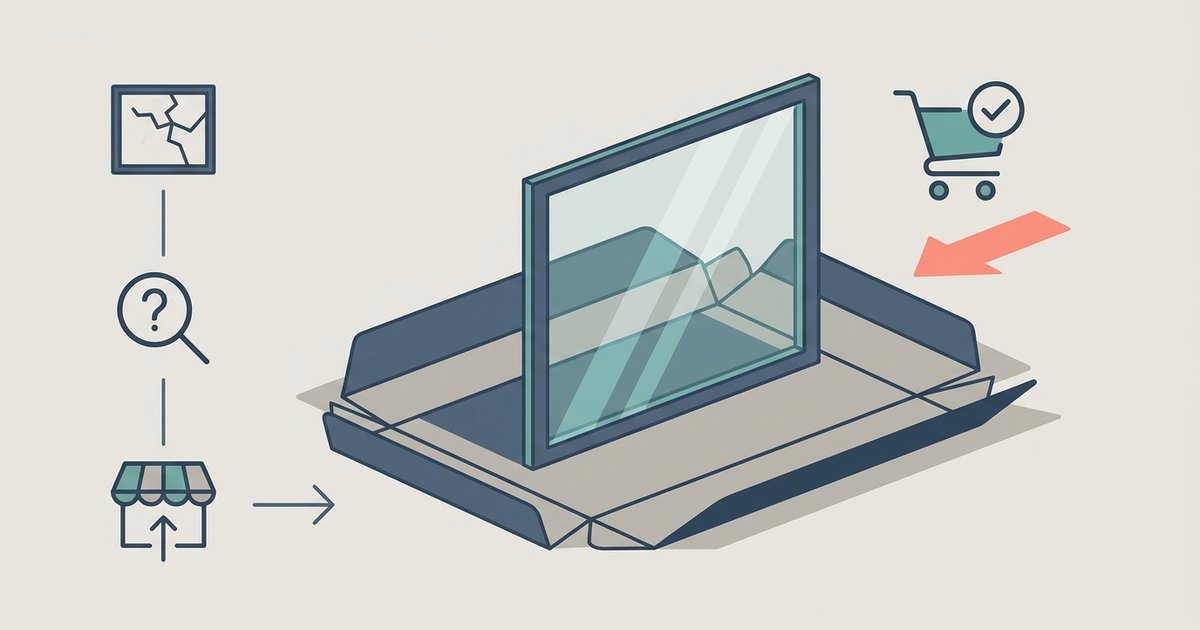
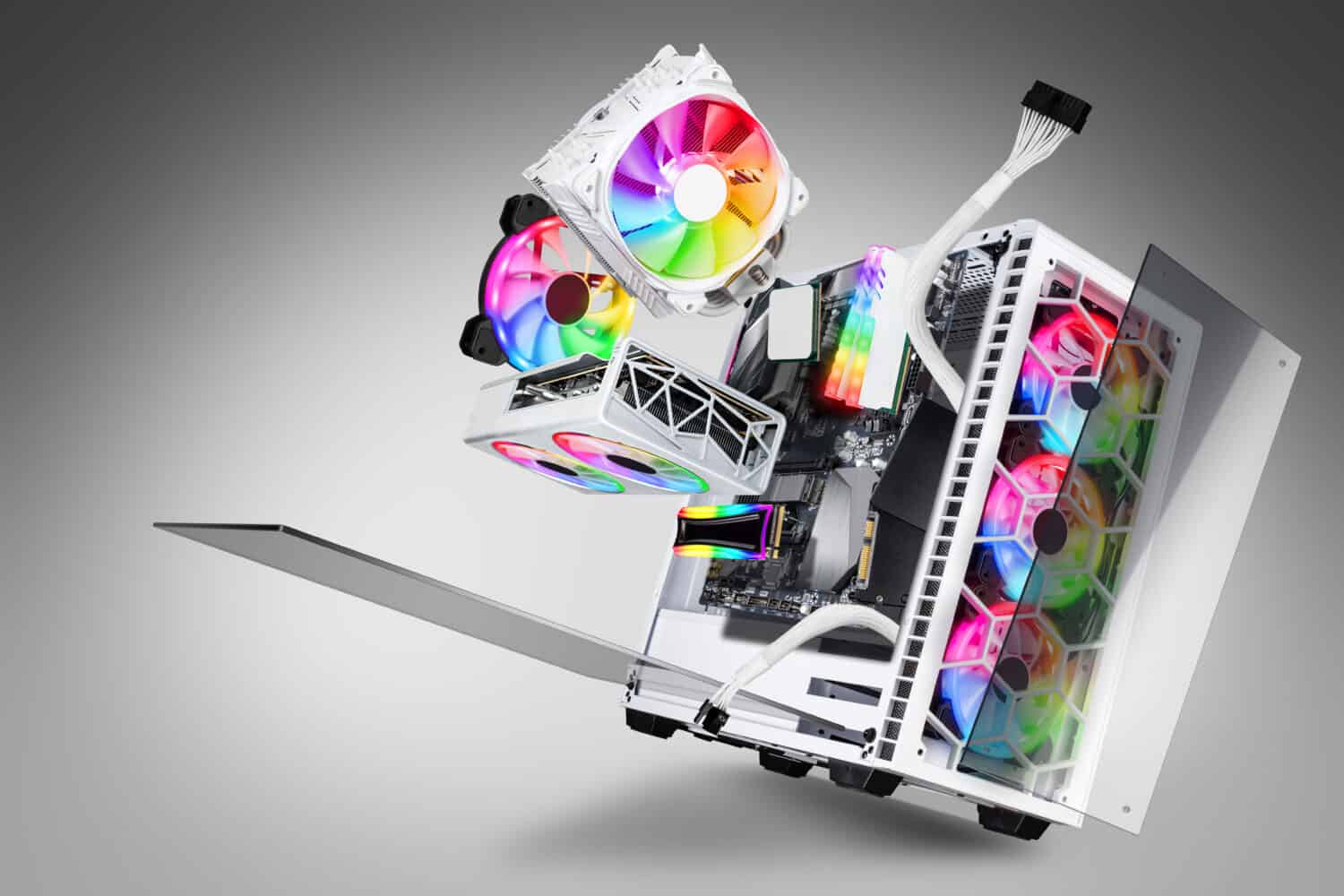
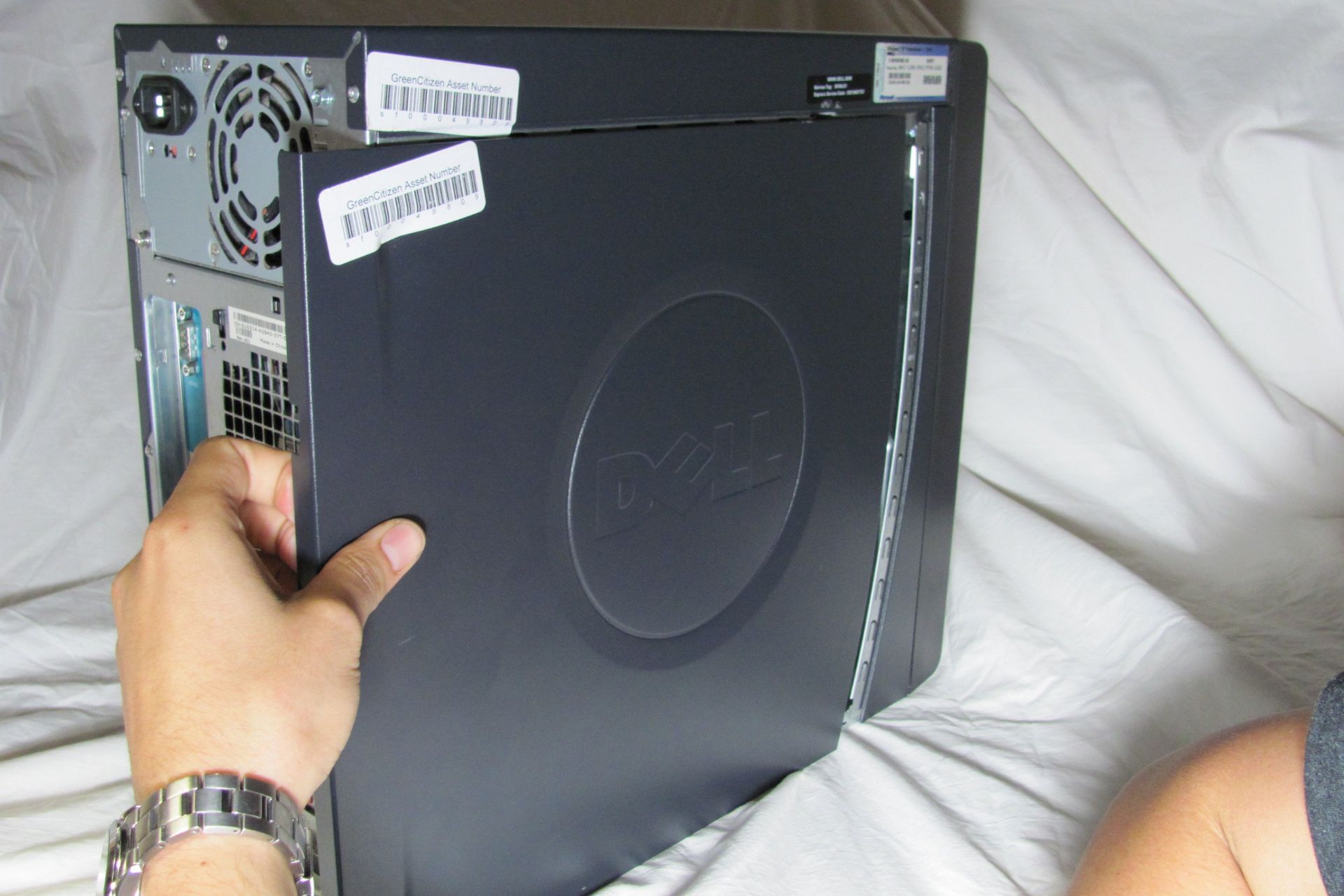
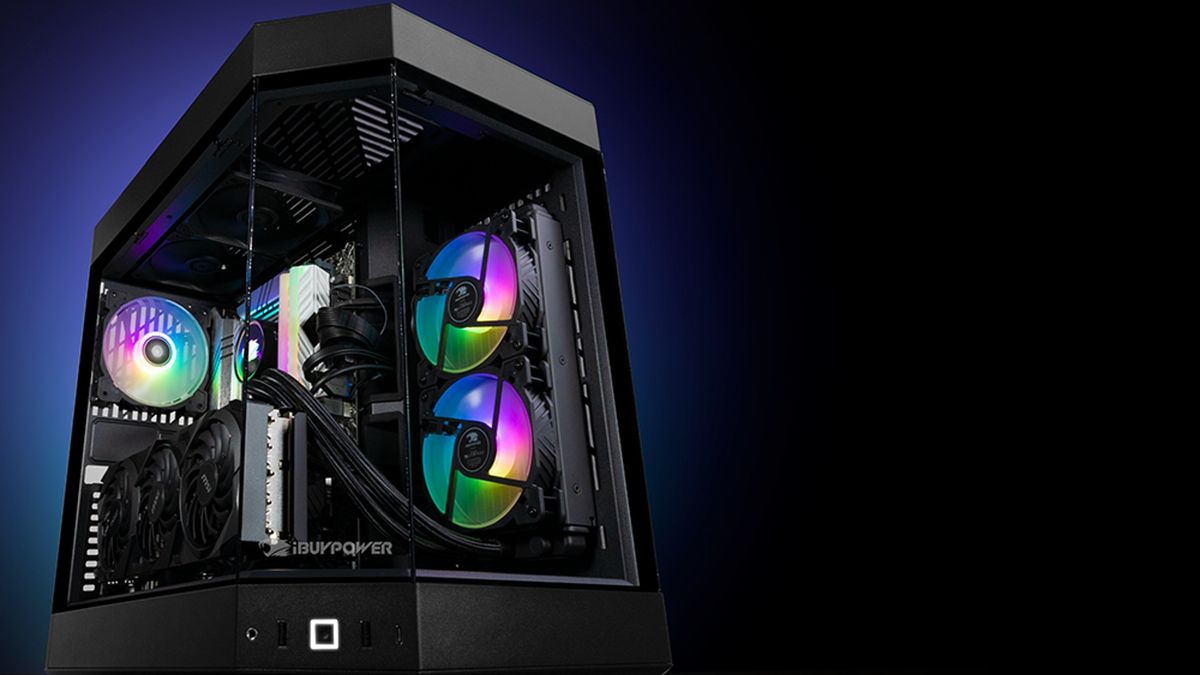
The topics fall into two main groups. The first is access and maintenance: several pieces explain how to open specific models like Dell desktops, how to remove a hard drive once the case is open, and how to take off a glass side panel without cracking it. These are straightforward, step-by-step guides for routine tasks. The second group covers lighting and glass safety. For example, one article explains what the flashing light on the front of a case means, while another shows how to turn off RGB lights on an iBuyPower system. On the glass side, there is guidance on reinstalling a tempered glass panel without shattering it, a clear warning about running the PC without that panel, and advice on where to buy a proper replacement. These pieces frame the risks honestly, they are about protecting your hardware and yourself, not about bypassing a lock or hacking a system.
Across all eight articles, the reader learns to perform specific actions: identify a status indicator, disable case lighting, safely open a Dell chassis, extract a drive, handle tempered glass with care, and source a correct replacement part. The tone is practical and cautious, treating the case as a component that needs respect, not as a barrier to be defeated.