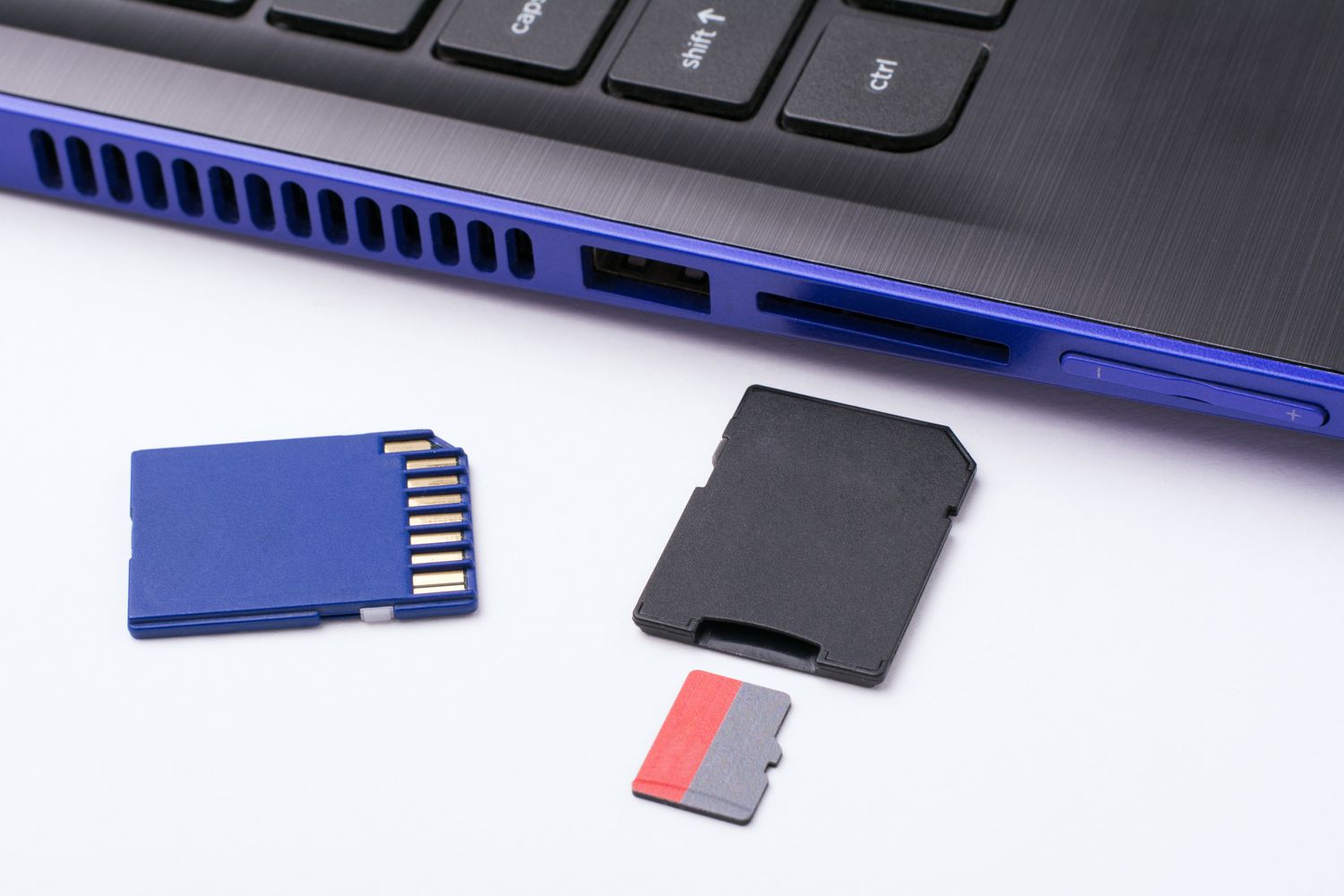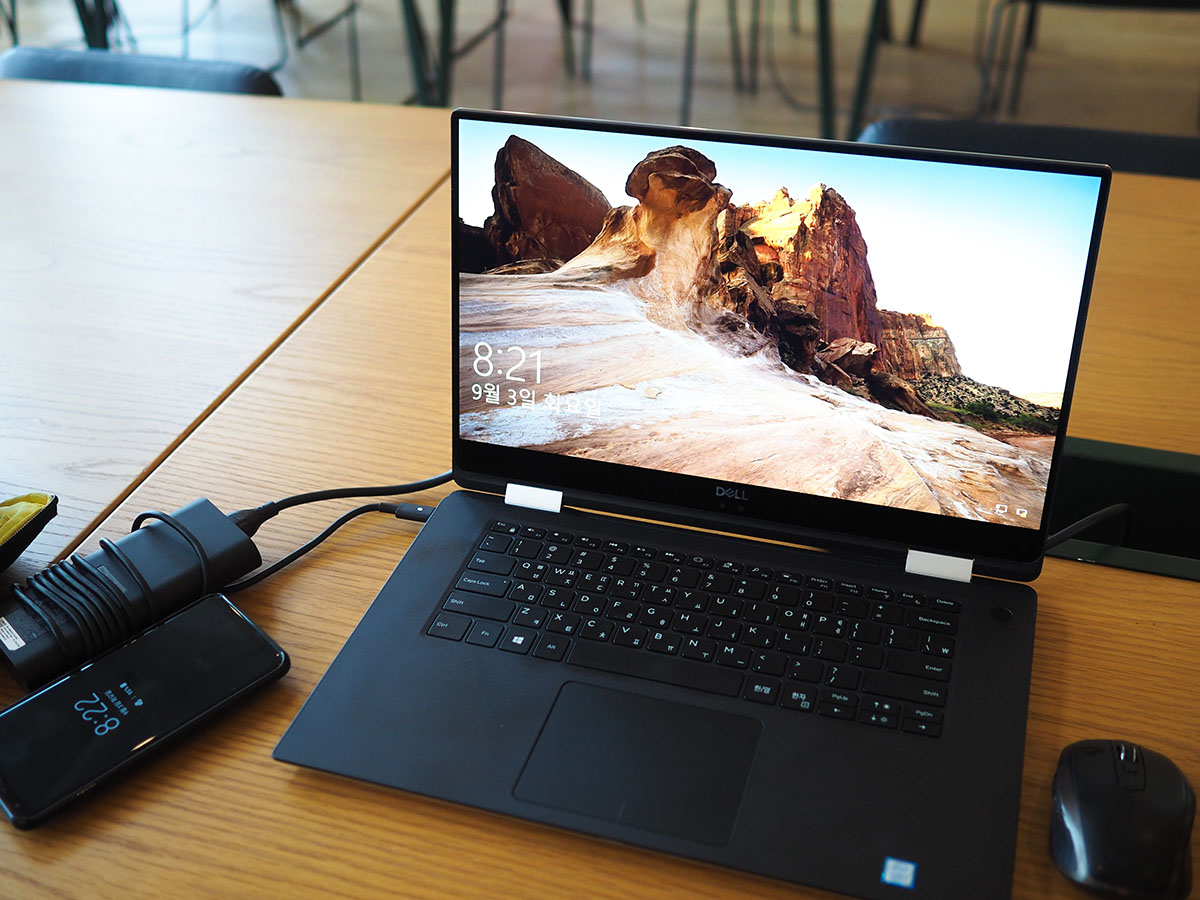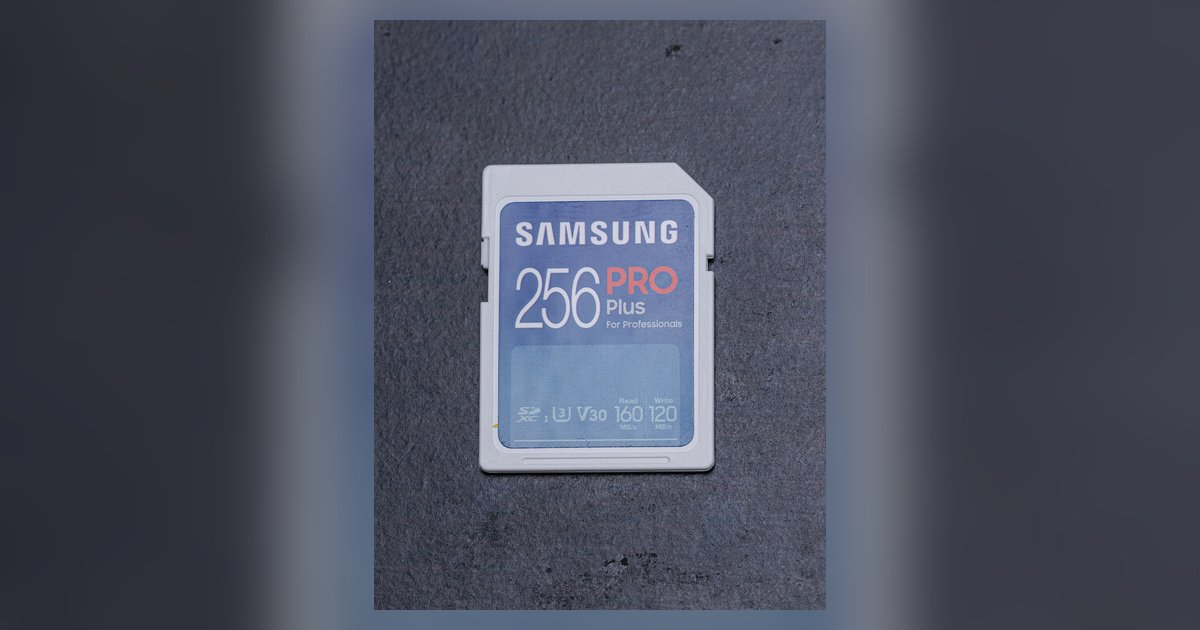
The spring mechanism is likely jammed by debris or the card's edge has worn down; try gently pressing and releasing the card repeatedly with a fingernail or use a piece of tape as a pull-tab. If the spring is completely broken, you may need to carefully extract it with thin tweezers.
Why pushing harder makes an sd card stuck worse
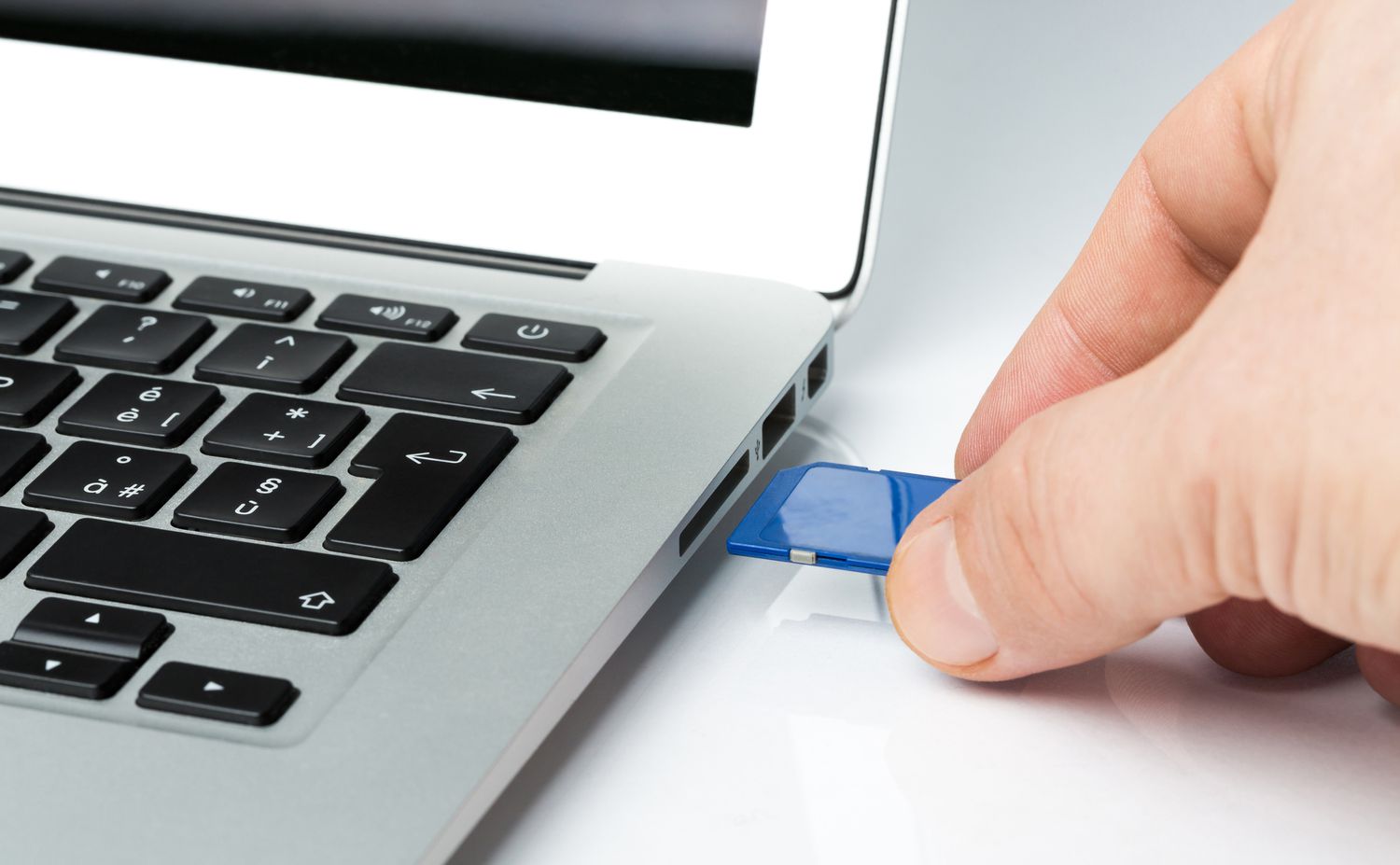
Most laptop SD card slots use a spring-loaded click-lock mechanism. When you push the card in, it engages a small latch that holds it flush, and pushing again releases the latch so the spring pops the card out. When the card feels jammed, your instinct is to push deeper, but this forces the card's edge against the internal plastic catch or metal spring arm. Pushing harder can bend the delicate contact pins inside the slot or collapse the spring entirely, turning a simple debris jam into a permanent mechanical failure. The mechanism is designed to work with a light, consistent press, not a shove. If the card does not click out after three or four gentle pushes, stop immediately. Continued force can also warp the card's edge, making it impossible for the latch to release. Instead of pressing harder, inspect the slot with a bright light. Often a speck of dust or a crumb is blocking the spring's travel path. A short burst of compressed air aimed at the slot's opening can dislodge debris without any physical contact. If you need a permanent external solution, you can use an sd card reader that plugs into a USB port, bypassing the laptop's internal slot entirely.
The tape pull-tab trick
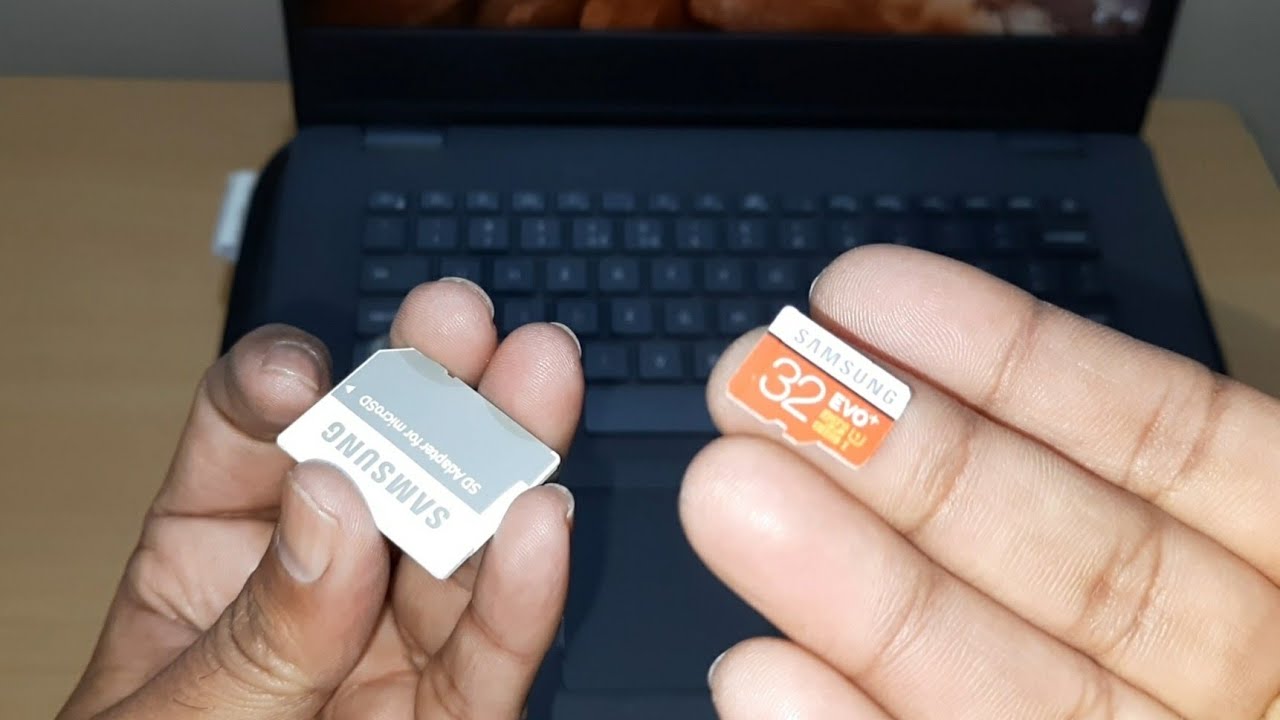
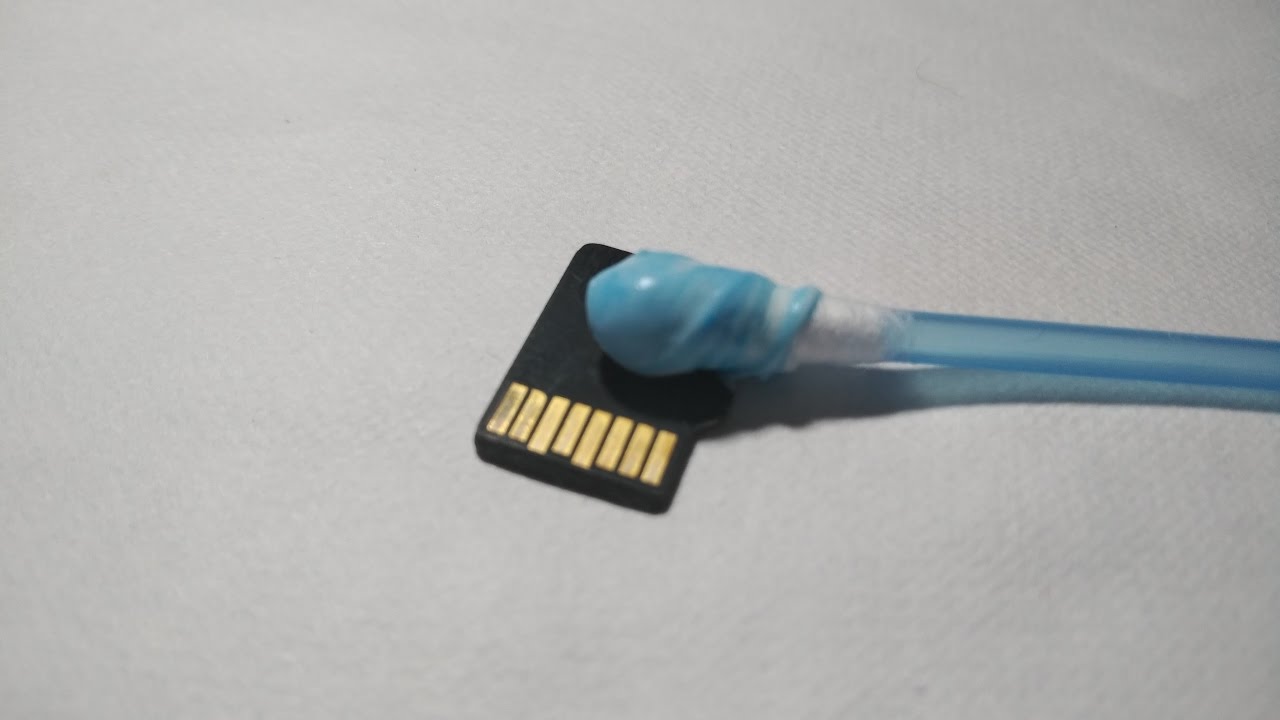
When the spring mechanism is stuck but not broken, you can create a temporary handle using a strip of tape. Cut a 2-inch piece of standard scotch tape and stick half of it to the exposed face of the SD card, leaving the other half free as a pull tab. Press the tape firmly onto the card's surface, ensuring no tape overlaps the slot's opening. Then, while gently pulling the tab outward, wiggle the card slightly left and right. The tape acts as a low-friction grip that lets you apply steady tension without metal tools. This trick works because the tape's adhesive pulls the card's edge past the stuck catch without bending the pins. If the card slides out a millimeter but catches again, stop pulling and push the card back in gently, then try the tape again with a slight upward angle. For micro SD cards stuck in an adapter, the same method applies, just be careful not to pull the adapter's plastic shell off the card. If you need to transfer files immediately after removal, you can put the micro SD card in a computer without an adapter by using a dedicated USB reader that accepts the card directly, avoiding the laptop's built-in slot entirely.
When the spring is already broken
If pressing the card produces no click at all, no resistance, no tactile feedback, the internal spring mechanism has likely failed completely. In this case, no amount of tape or pressing will release the card. You must extract it manually without damaging the reader's pins. Power down the laptop and disconnect the power cord. Use thin plastic tweezers (never metal, as they can short the contacts) to hook the card's exposed lip. If you do not have plastic tweezers, fashion a hook from a paperclip by bending a 1 cm right-angle tip and covering it with a thin layer of electrical tape. Insert the hook gently into the gap between the card and the slot wall, then lever the card outward a millimeter at a time. Do not yank; the card's edge may have worn down, making it harder to grip. If the card still will not budge, you can use an external USB reader instead, leaving the stuck card for professional disassembly. Once the card is free, inspect its edge for wear, a worn edge will keep jamming in any slot. To avoid future jams, copy files to the card while it is in a reader, and when you want to download movies to an SD card, always use a USB reader rather than the laptop's built-in slot to reduce wear on both the card and the laptop mechanism. If you are unsure about the correct orientation, review how to insert sd card into laptop so you never force it in upside down. This is the only guide that explains exactly how to create a non-conductive extraction hook from a taped paperclip when the internal spring has failed completely and no other tool can safely reach the card.