This tag collects practical guides for fixing common hardware failures in everyday consumer electronics, from desktop monitors and laptops to game consoles and smartphones. It is written for owners who want to attempt a repair themselves, whether to save money, extend the life of a device, or avoid the hassle of shipping it out. The emphasis is on clear, step-by-step problem solving, with no assumption of professional tools or prior experience.
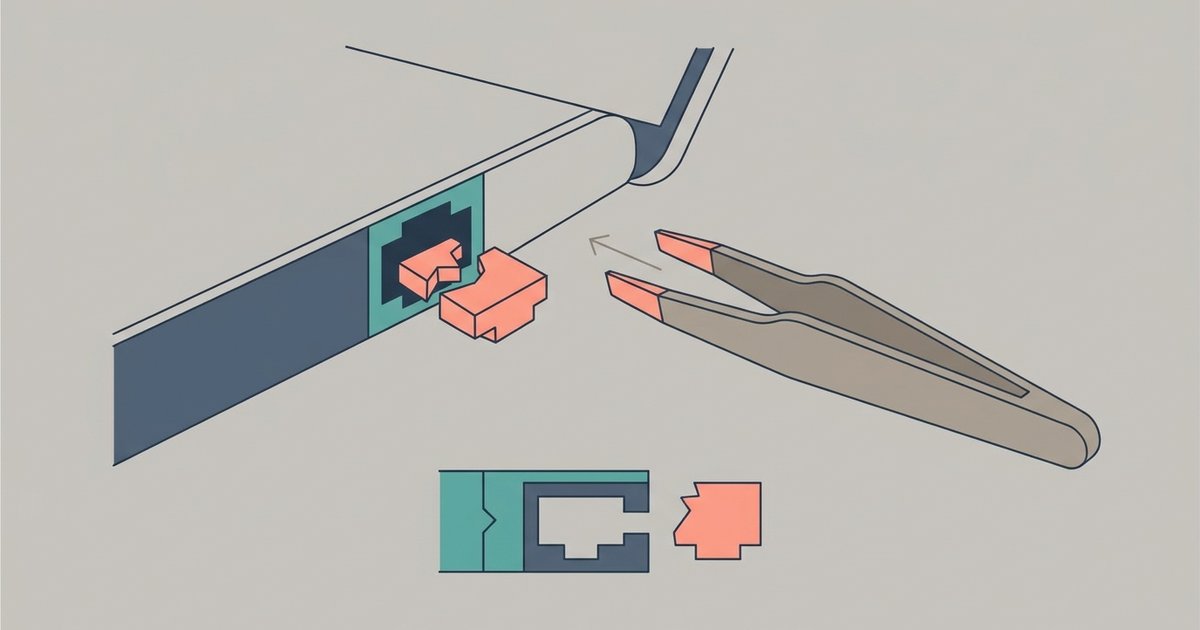
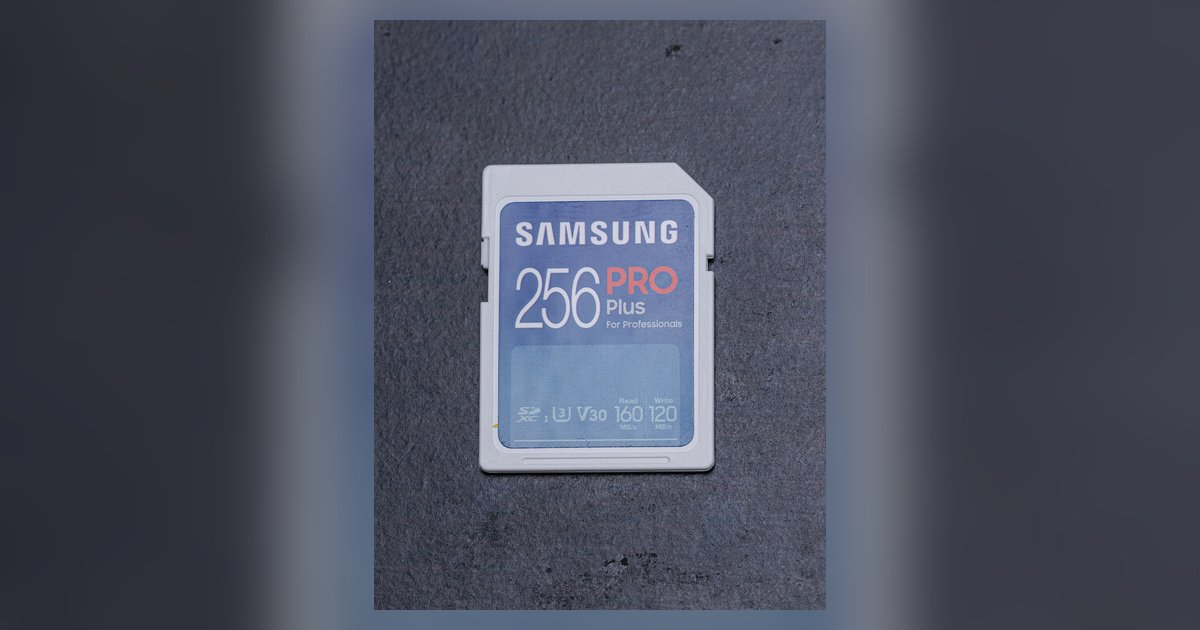
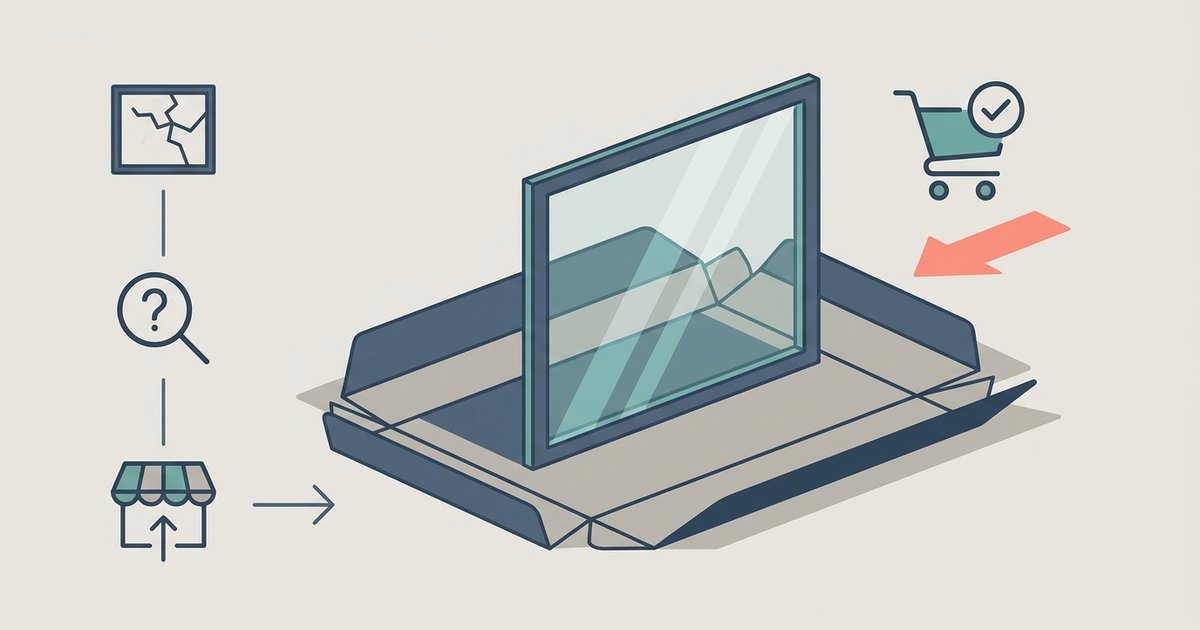
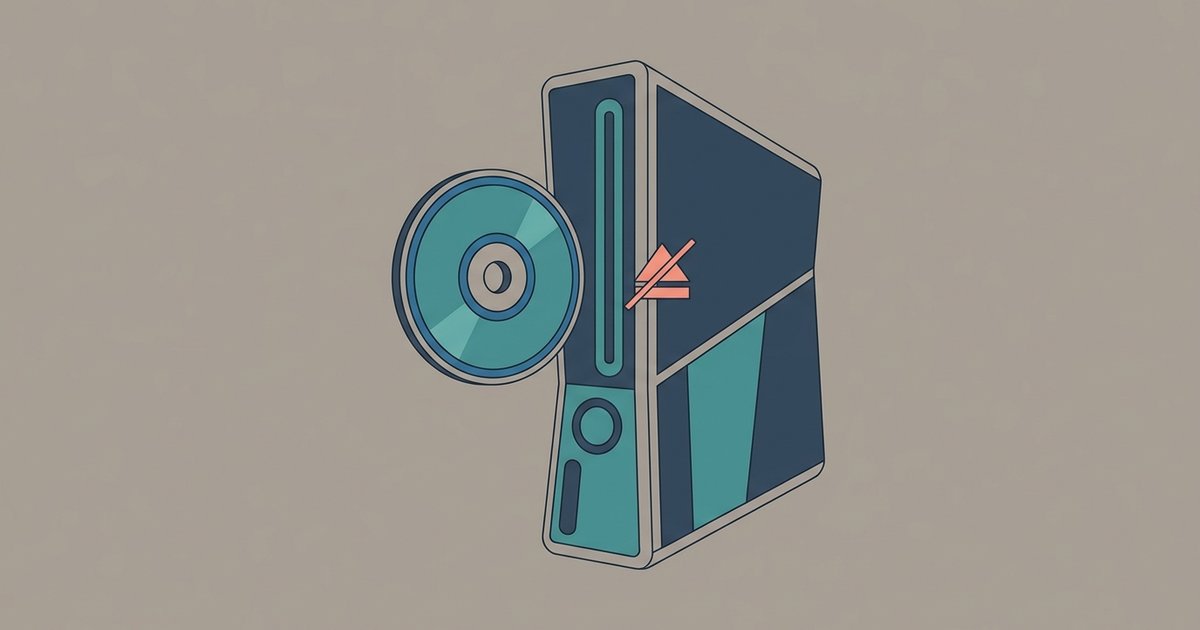
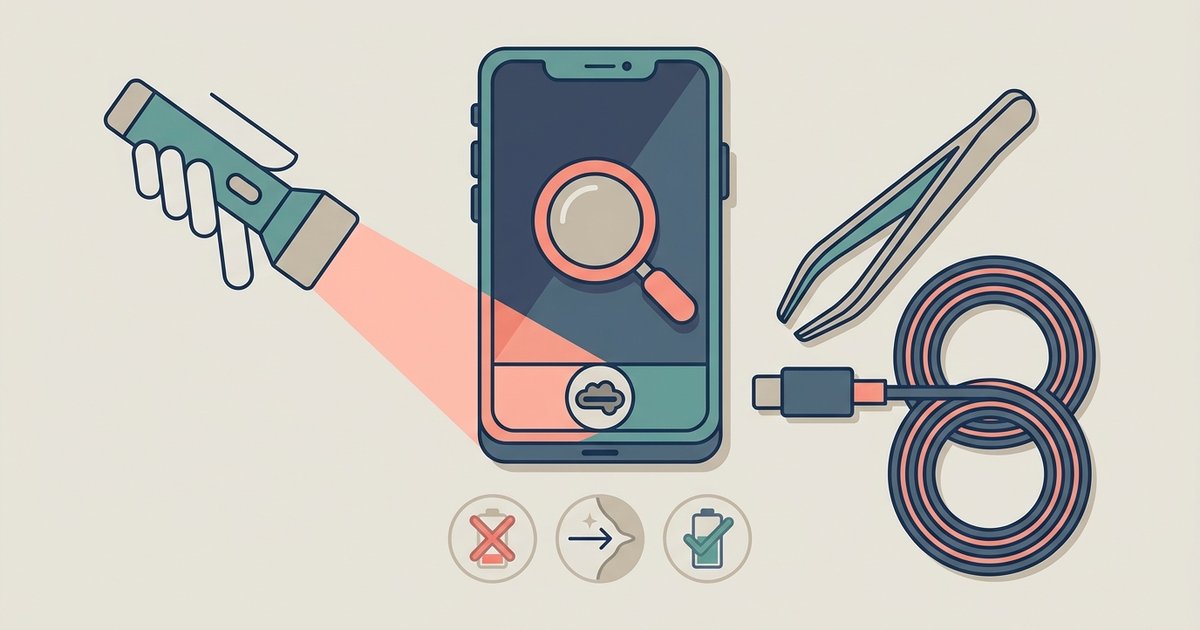
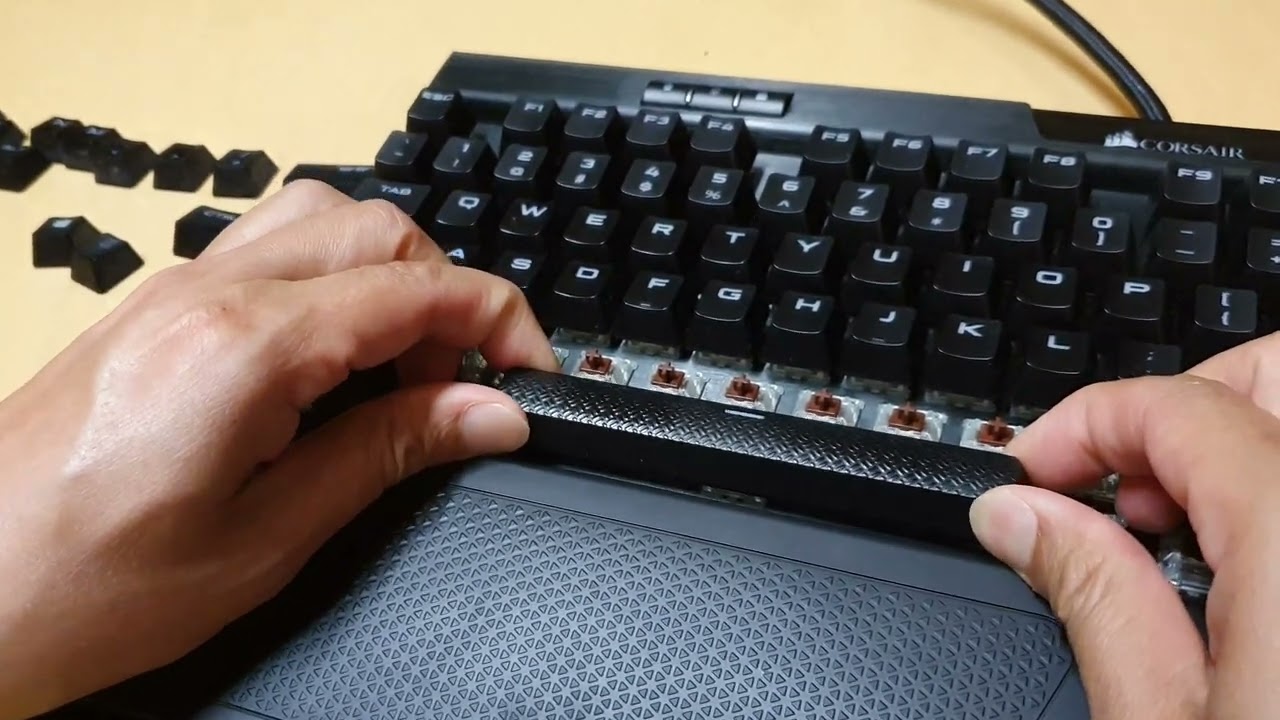
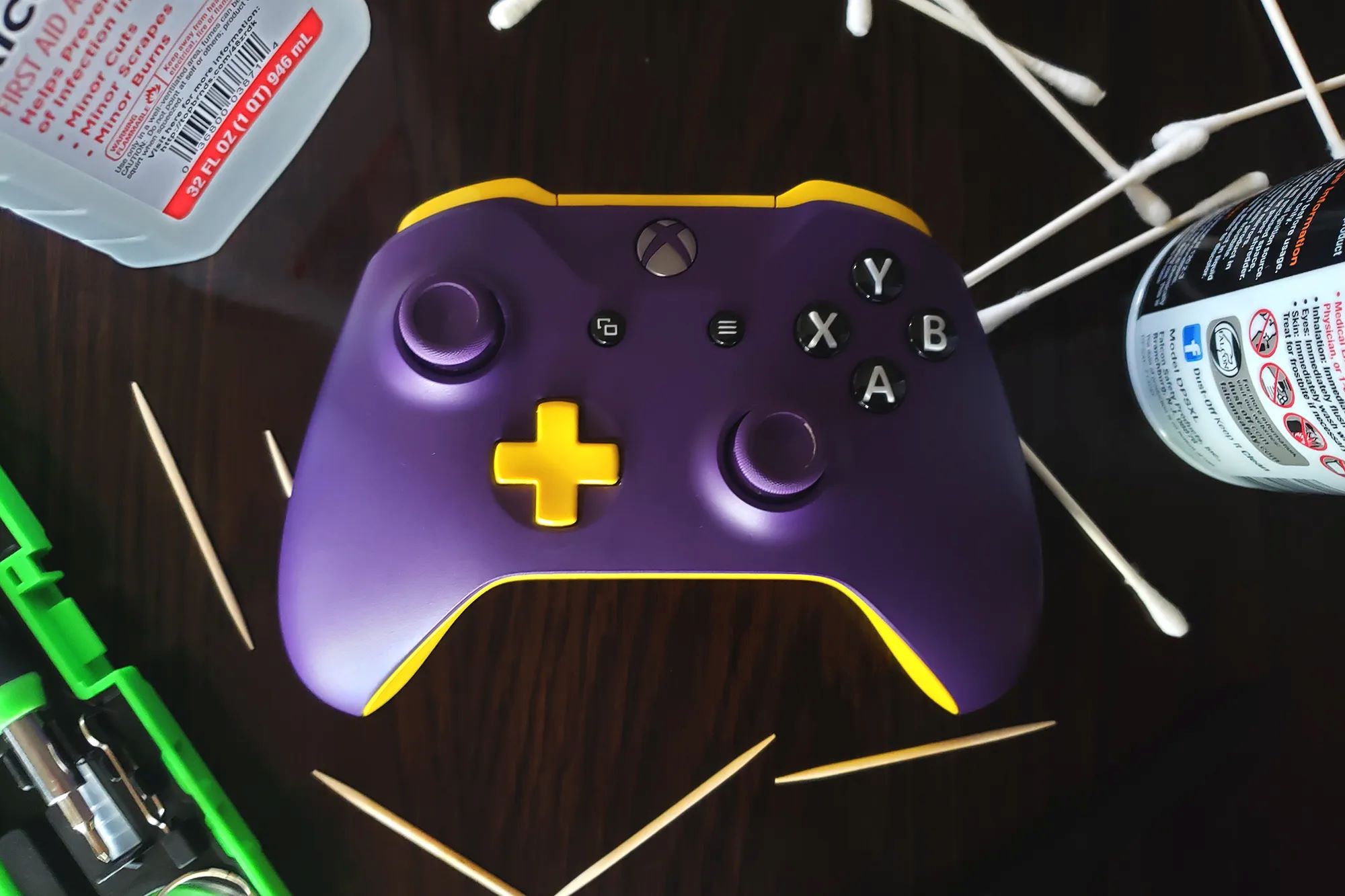
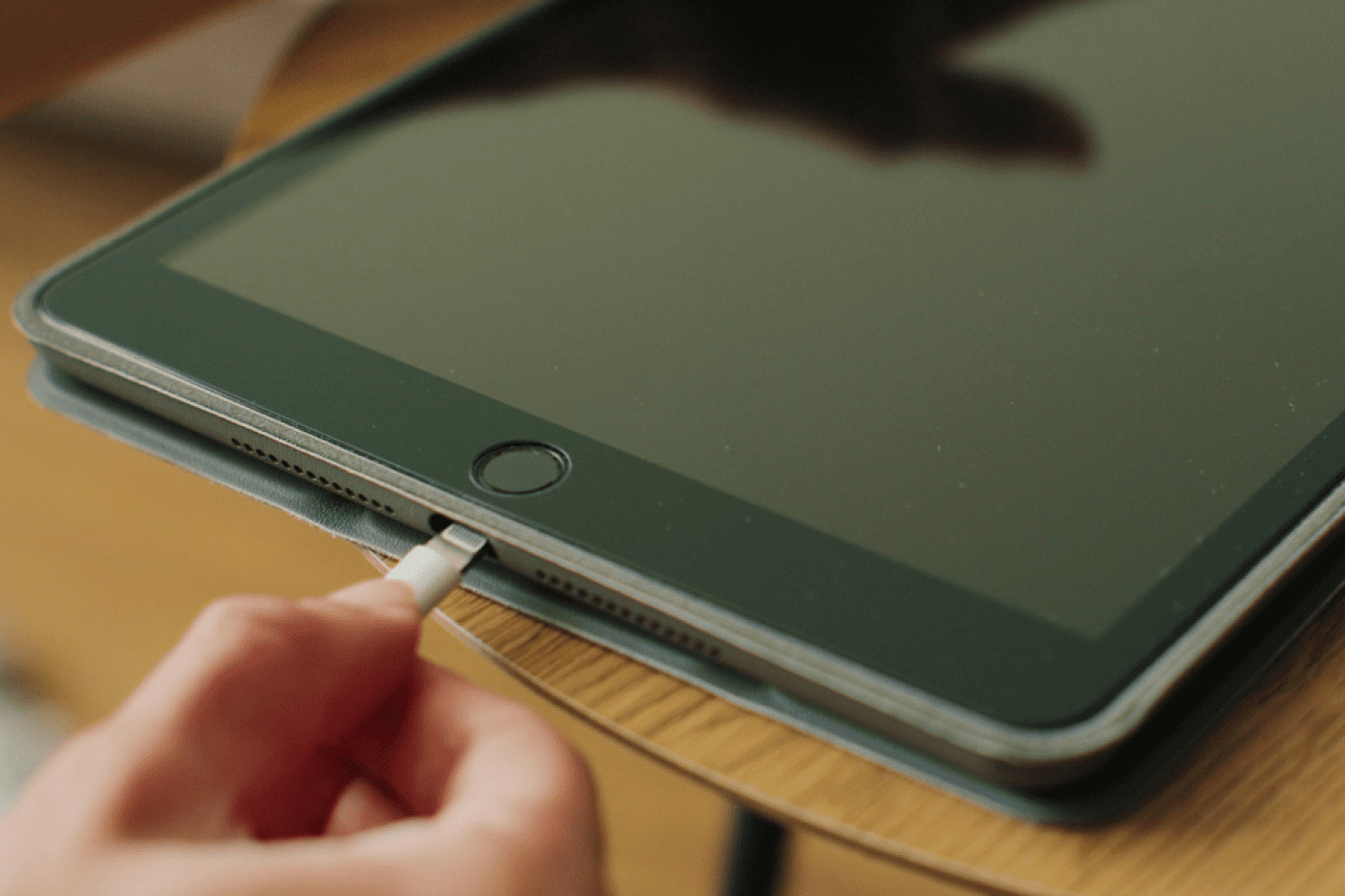
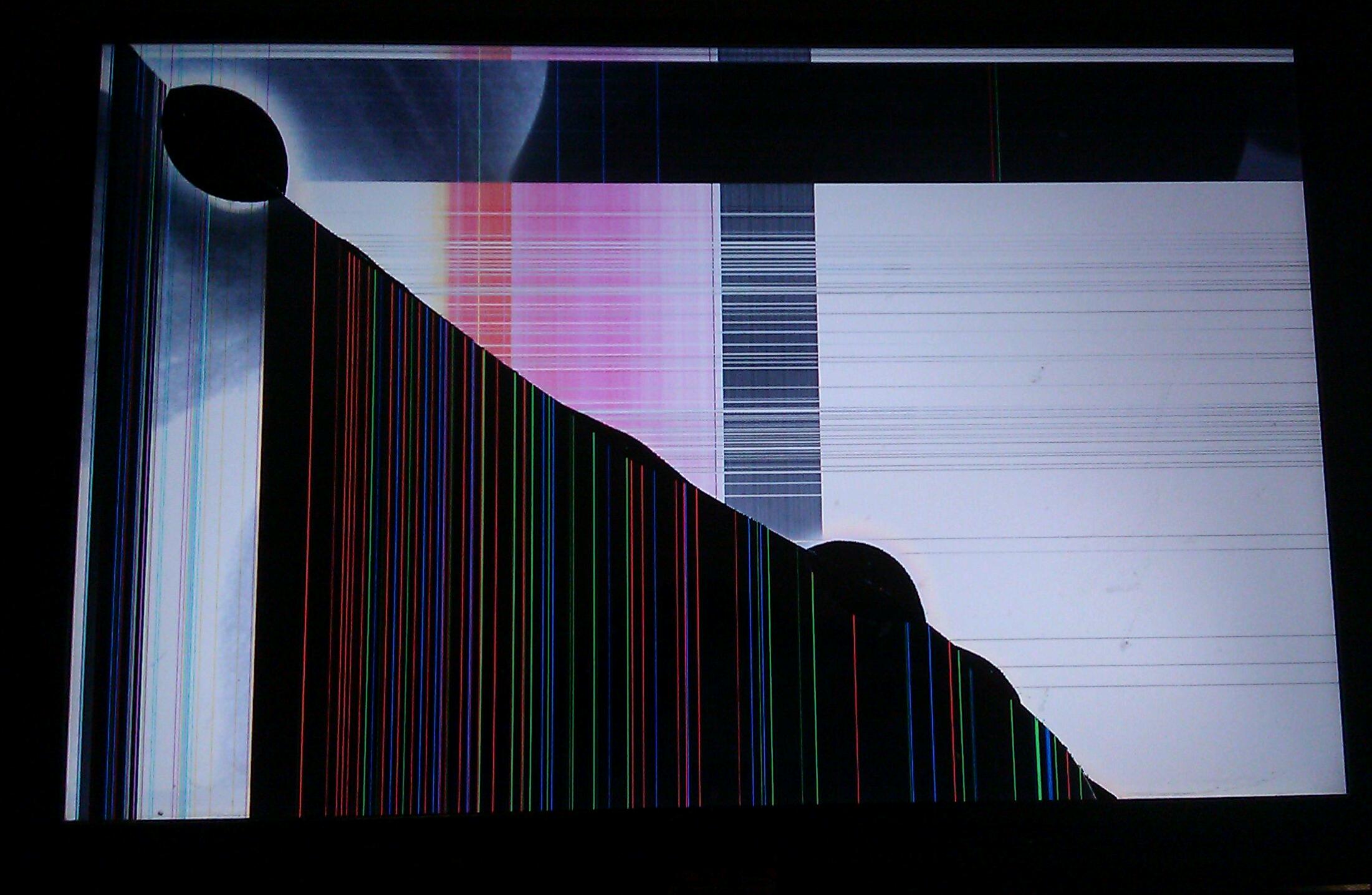
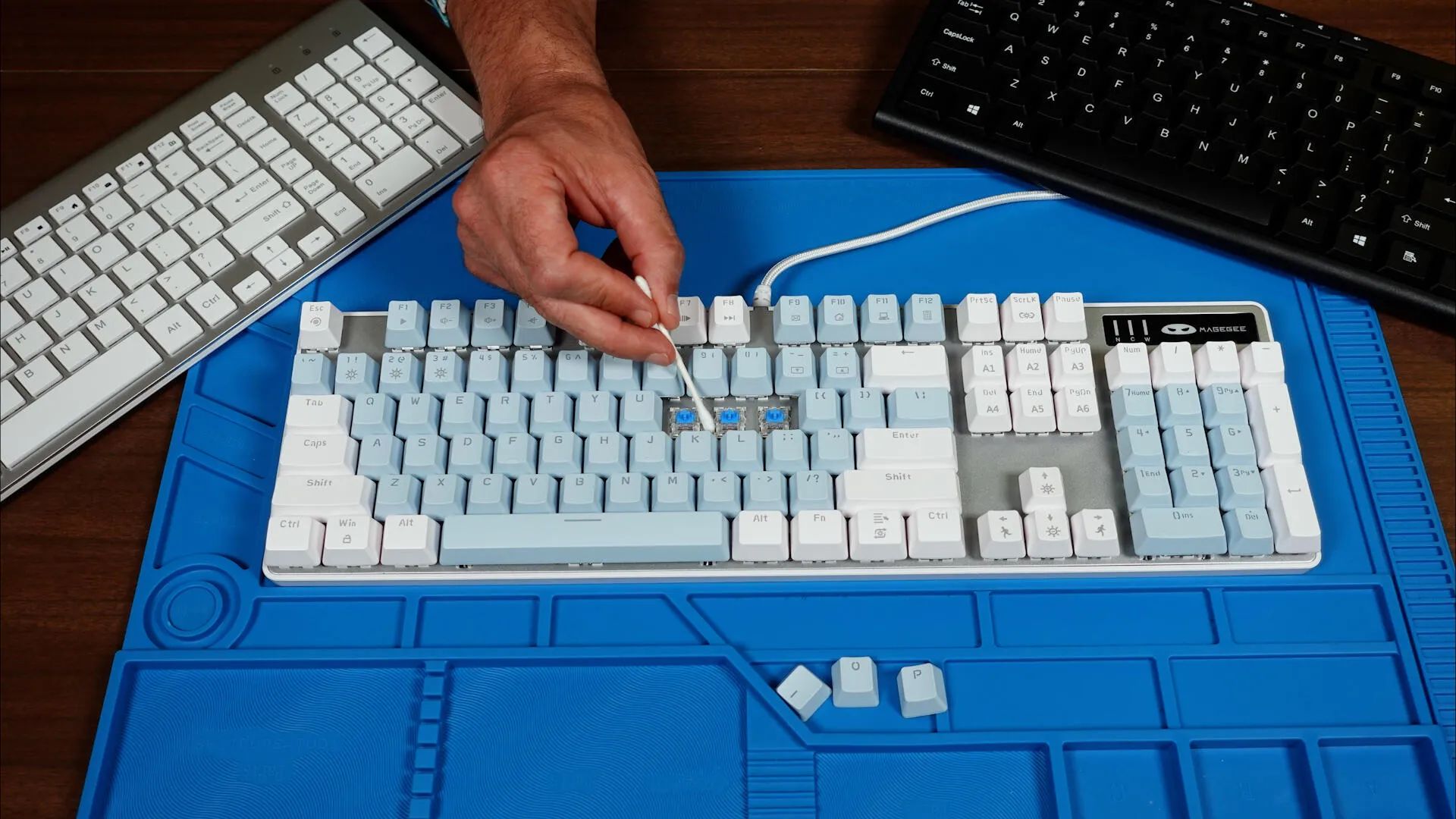
The articles cluster around three recurring themes. The first is physical damage and obstructions: you’ll find help for a cracked monitor screen, a broken Ethernet clip lodged in a port, and an SD card stuck in a laptop slot. These guides focus on safe extraction and careful handling, not on forcing parts or taking shortcuts. The second theme is component replacement, where the goal is sourcing the right part, like a replacement tempered glass side panel for a PC case, and fitting it correctly. The third theme is troubleshooting electronics that have stopped responding, such as a PlayStation disc drive that won’t read discs or a smartphone that won’t charge. These articles walk you through diagnostic steps, cleaning contacts, and checking common failure points before you consider more invasive repairs.
Notably, some entries approach their topic from a security or legal-alternatives angle rather than a pure how-to. For example, the guide on removing a broken Ethernet clip emphasizes freeing the port without damaging the socket, and the stuck SD card article advises on careful pressure and alignment, never on prying or bypassing locks. Likewise, the disc drive and charging fixes are about restoring normal function, not circumventing protections. The tag is for honest, cost-effective repair work, and it stays firmly within the bounds of what a responsible owner can do at home.