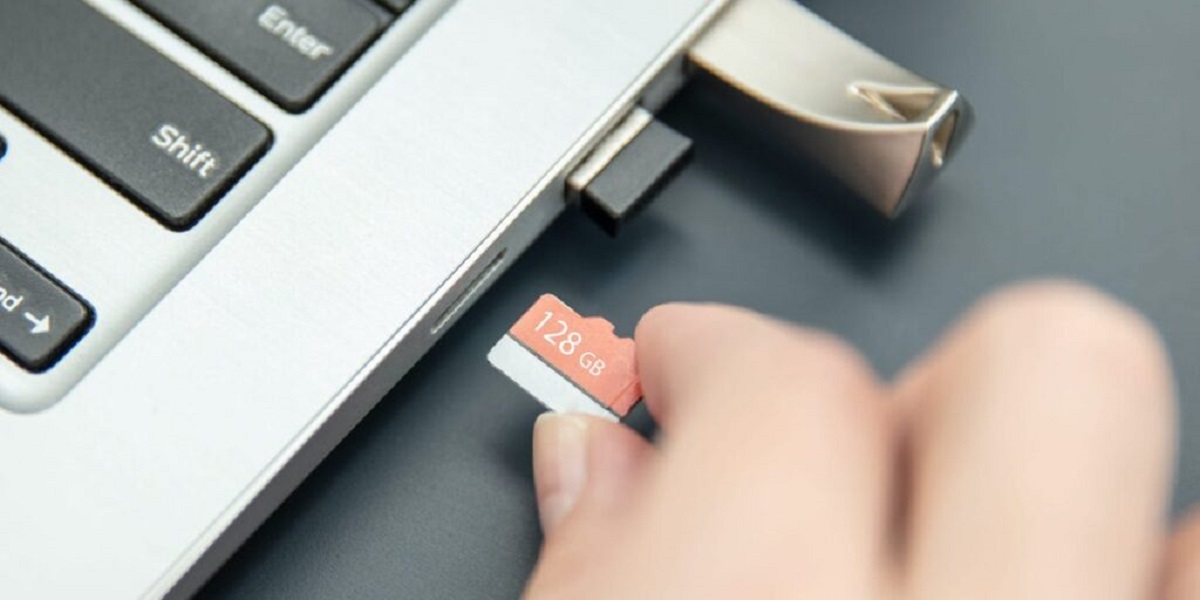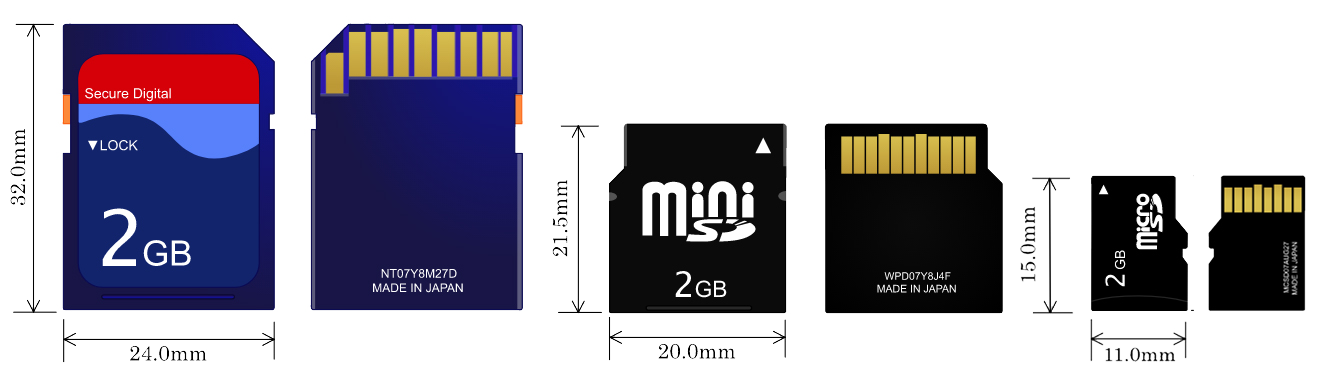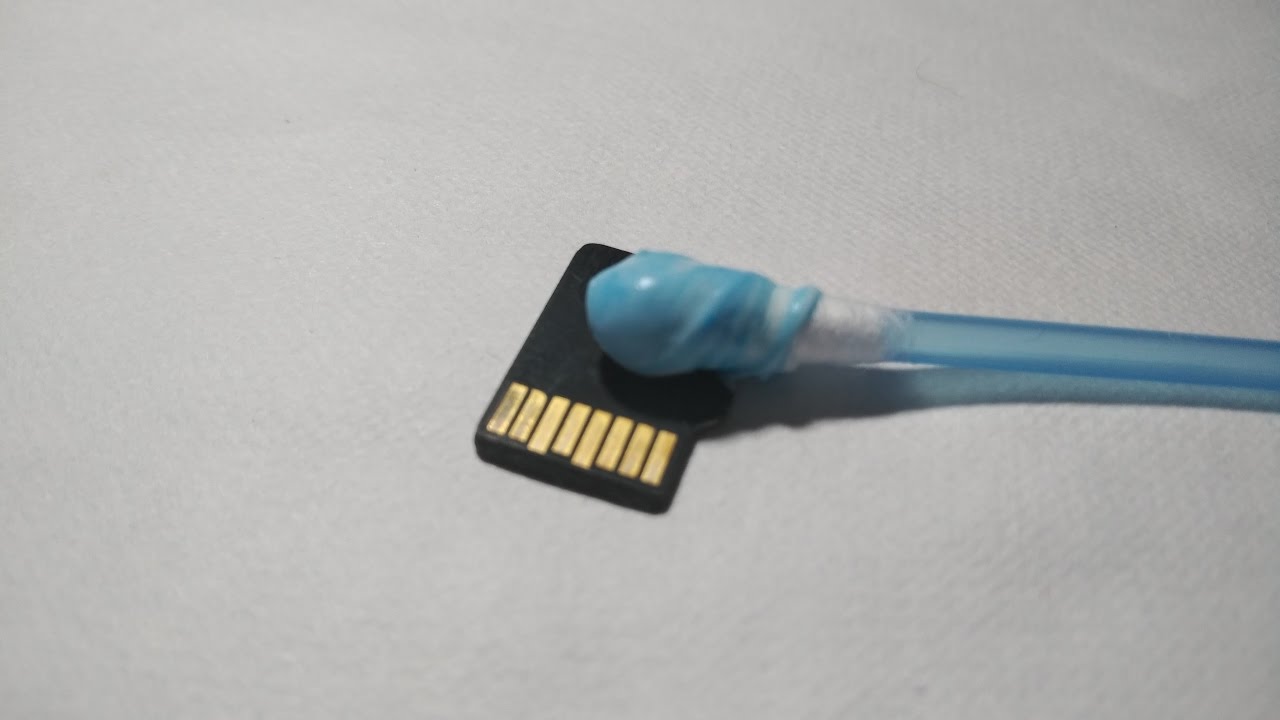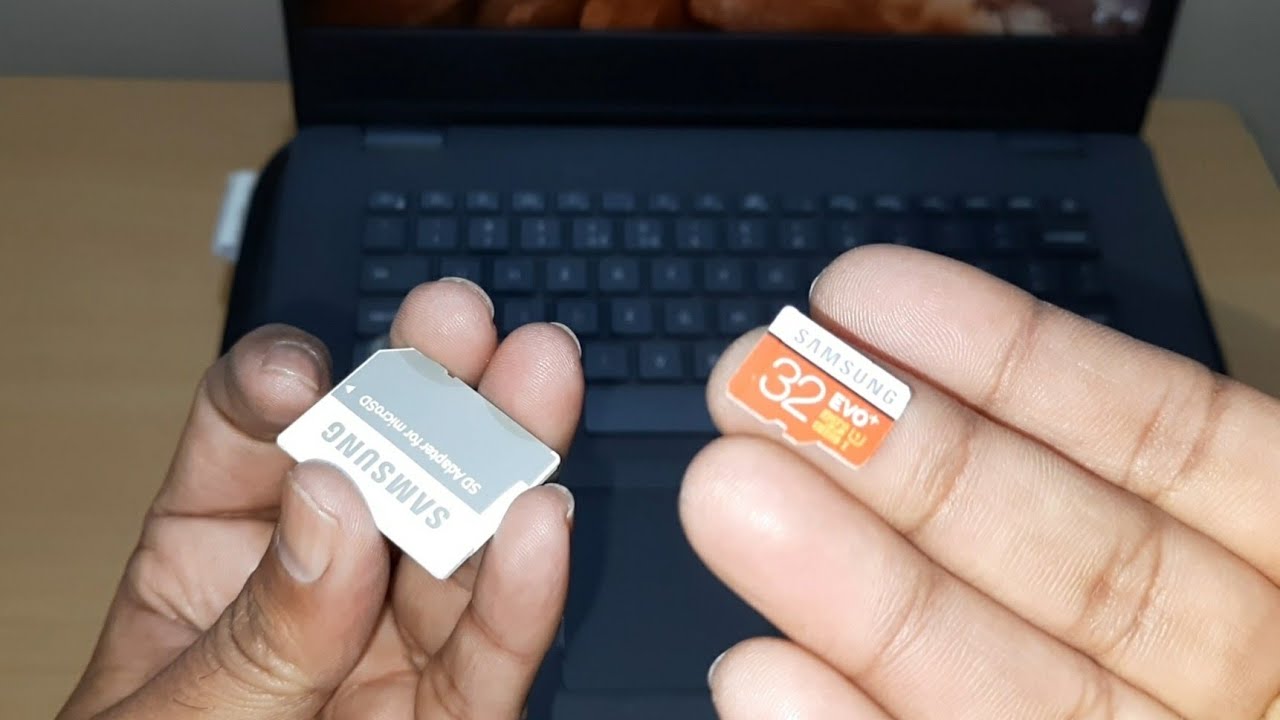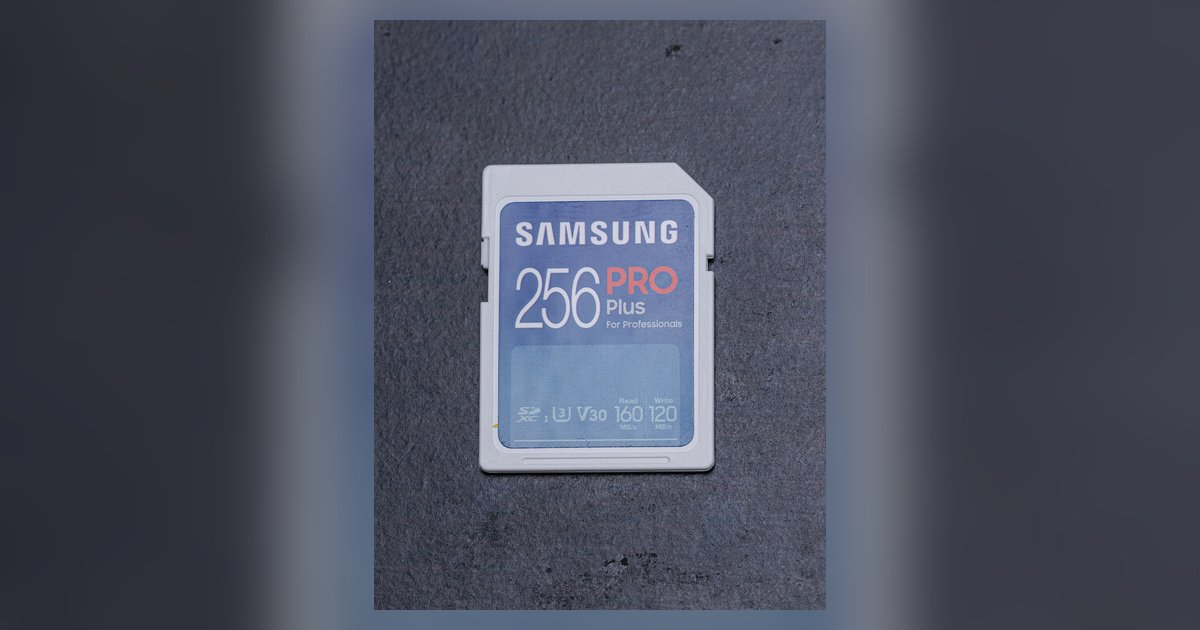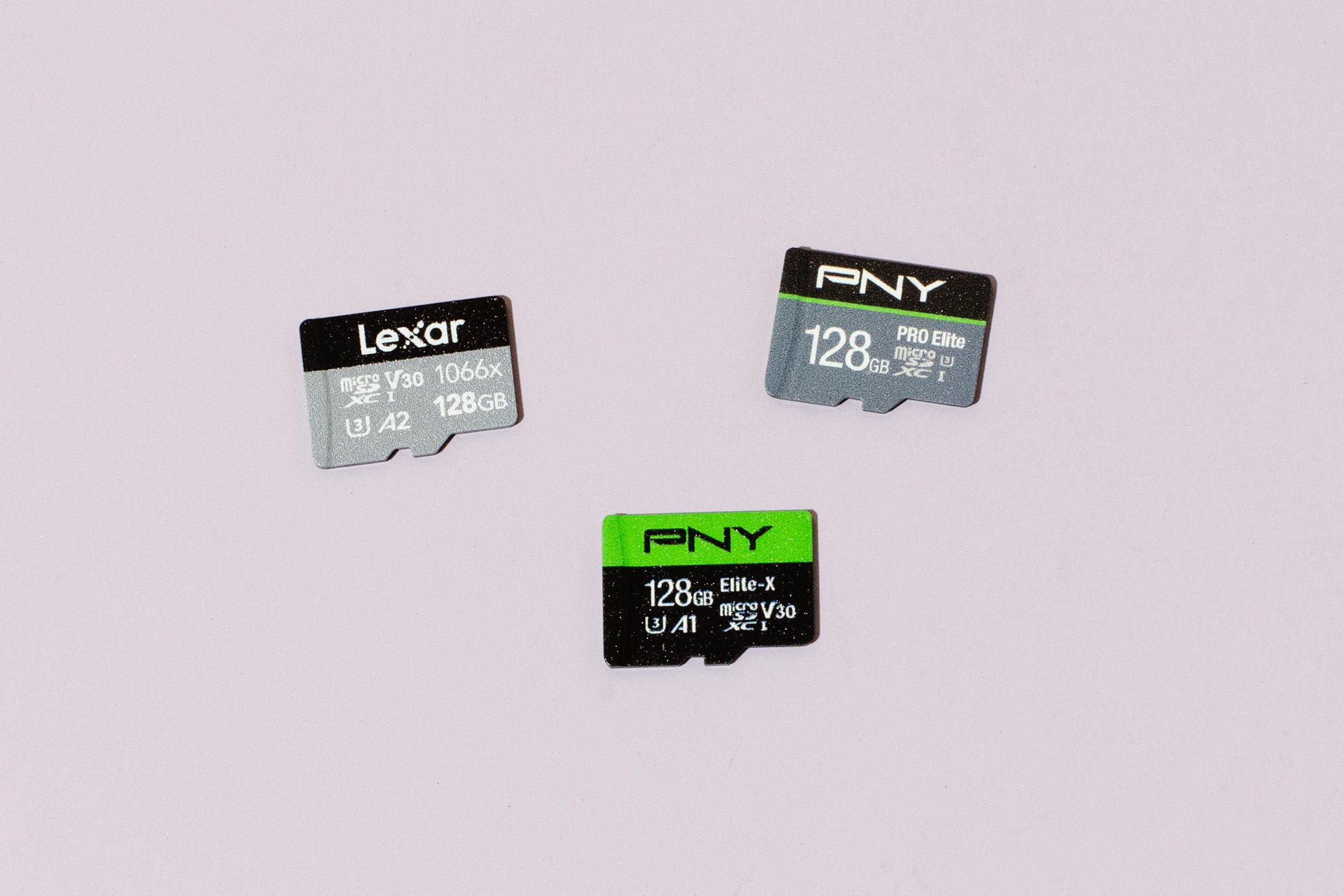
If you're wondering where to buy a micro SD card, you can get a genuine one from trusted online retailers like Amazon, Best Buy, Newegg, and Walmart, or from physical stores such as Best Buy, Target, Walmart, Staples, and Office Depot. However, the most critical step is to buy only from authorized sellers of reputable brands, because counterfeit micro SD cards are widespread and can fail or corrupt your data.
Where can I buy a micro SD card
The best places to buy a micro SD card are large, established retailers that source directly from manufacturers or authorized distributors. Online, that means Amazon (when sold by Amazon itself or the brand's official store), Best Buy, Newegg, and Walmart's website. In physical stores, your safest options are Best Buy, Walmart, Target, Staples, Office Depot, and specialized electronics stores like Micro Center. These retailers have return policies and quality control that protect you from fakes, and they reliably stock the largest micro sd card options for high-capacity needs. Avoid third-party marketplaces like eBay unless you are absolutely certain the seller is authorized and has a long history of positive reviews.
Buying from an authorized seller is not just a suggestion, it is the single most important factor in getting a genuine card. Counterfeit micro SD cards are engineered to look identical to real ones, and they are often sold through unofficial channels at tempting prices. A fake card may show a large storage capacity (e.g., 512GB) but actually hold only a few gigabytes, causing data loss when you exceed its real limit. Always verify that the seller is an authorized reseller of the brand you choose.
How to spot a fake micro SD card before you buy
Before you hand over your money, inspect the product carefully. Genuine micro SD cards come in sealed, high-quality packaging with specific labels and markings. Here are the key checks:
- Packaging labels: Look for a clear brand logo, a model number, and a capacity label that matches the card. Missing labels, blurry text, or a generic white box are red flags.
- Warranty information: Reputable brands include a warranty statement (often 5 years or lifetime) and a customer service contact. If there is no warranty info, it is likely counterfeit.
- UPC code: A proper UPC barcode is printed on the packaging. Scan it or compare it online to the official product listing. A missing or non-scannable UPC is a strong warning sign.
- Card appearance: On the card itself, check for color shifts when you tilt it under light. Genuine cards have consistent, vibrant printing. Incorrect fonts, misaligned text, or a slightly different shade of the brand color are common on fakes.
If you are shopping in a physical store, compare the card side-by-side with a known genuine sample from the same brand. If you are online, look at high-resolution photos from the brand's official store and compare the packaging details.
Trusted micro SD card brands to look for
Stick to well-known brands that have a reputation for quality and reliability. The most trusted names in micro SD cards are:
- SanDisk, The most widely used brand, known for durability and high-speed options.
- Samsung, Excellent performance, especially for 4K video and high-end smartphones.
- Kingston, Reliable and affordable, with a strong warranty program.
- Lexar, Popular among photographers and videographers for high-capacity cards.
- PNY, Good value for everyday storage needs.
Buying from these brands does not guarantee authenticity if you purchase from an unauthorized seller. Always confirm the seller is authorized by the brand. For example, on Amazon, look for the brand's official storefront or the "Ships from and sold by Amazon.com" label. On Best Buy or Walmart, the cards are sourced directly from the manufacturer, so they are safe.
How to test your micro SD card after purchase
Even when you buy from a trusted store, it is wise to test the card as soon as you receive it. Counterfeits can slip through, and a quick test can save you from future data loss. Use free software to verify the actual usable storage capacity:
- For Windows, H2testw: Download H2testw, insert your micro SD card into a reader, and run the program. It will write and read data to fill the entire card, then tell you the real capacity. If it reports less than the labeled size, the card is fake.
- For Mac, F3: Install F3 (F3X or F3 via Homebrew). Use the command
f3writeto fill the card andf3readto verify. The output shows the actual usable space. - For Android, SD Insight: Download SD Insight from the Play Store. It reads the card's internal metadata and displays the true manufacturer and capacity. A mismatch with the label means it is counterfeit.
Run the test before you store any important files. If the card fails, return it immediately to the retailer for a refund. Do not use a fake card even for temporary storage, it can corrupt files or fail without warning.
Red flags to avoid when shopping
Several warning signs indicate you are looking at a counterfeit or unreliable product. Memorize these red flags:
- Unusually cheap prices: Genuine high-capacity cards cost significantly more. Compare prices across authorized retailers to know the typical range.
- Used or refurbished cards: Never buy a used or refurbished micro SD card. Flash memory degrades with use, and a used card may have hidden defects or reduced lifespan. Only buy new, sealed cards.
- Peer-to-peer marketplaces without verified ratings: On eBay, Facebook Marketplace, or Craigslist, you have no protection against fakes. If you must use these platforms, only buy from sellers with thousands of positive reviews and a verified "authorized dealer" badge, and even then, test the card immediately.
- No return policy: If the seller does not accept returns, walk away.
By following these guidelines, you can confidently purchase a micro SD card that will store your photos, videos, and documents safely for years. The extra few minutes of checking packaging and testing the card are worth the peace of mind.
\nRelated reading: How To Put Micro SD Card In Computer Without Adapter and Where Can I Buy Roku.