Afterpay does not enforce a single universal cap on how many open orders on Afterpay you can have at once, but that doesn’t mean the number is unlimited, approval is decided in real time based on your individual account health. New users, however, should expect a tighter starting limit: if you’ve just signed up, Afterpay typically restricts both the number of concurrent orders and the total dollar amount you can spend until you build a repayment history.
Does Afterpay limit how many open orders you can have?
There is no fixed, published number that applies to every customer, so the short answer is: it depends on you. Afterpay approves each new order dynamically, weighing factors like your payment history, current open order count, and available spending capacity. That means one shopper might comfortably hold five active orders while another gets declined on their second, even if both have the same income. The system is designed to promote responsible spending, so your personal limit shifts as your behavior changes.
What counts as an open order on Afterpay
An open order is simply any purchase you’ve made through Afterpay that still has an unpaid installment balance. When you split a $200 purchase into four $50 payments, that entire $200 remains an open order until the final payment clears. You can run multiple open orders simultaneously, and your Afterpay dashboard lists each one separately, showing the remaining balance, due dates, and payment status. This makes it easy to see at a glance how much you owe across all active plans.
Your starting limit as a new Afterpay customer
New accounts typically begin with a restricted number of concurrent orders and a lower spending ceiling. Afterpay does this deliberately: the official rationale is to encourage responsible usage while you prove you can handle the payment schedule. As a first-time user, you might be limited to just one or two open orders at a time, with a modest total purchase cap. That restriction isn’t a punishment, it’s a safeguard that protects both you and Afterpay from overextension before you’ve demonstrated reliable repayment behavior.
How Afterpay decides whether to approve another order
When you attempt a new purchase, Afterpay runs a real-time assessment rather than applying a blanket rule. The key inputs are your repayment track record (late payments or missed installments will trigger an automatic decline), your current number of open orders, your available spending capacity, the age of your account, and the stability of your linked payment method. If you’ve been with Afterpay for months, always pay on time, and have only one small order left, you’re far more likely to get approved than a brand-new user with three unpaid orders and a recently changed card. The system also checks that your total outstanding balance stays within a range it considers safe for your profile.
How to increase your open order capacity
Your capacity isn’t static, it grows as you demonstrate reliability. Here’s what actually moves the needle:
- Make every payment on time, without exception. One late payment can reset your progress.
- Pay off existing orders early to reduce your open count faster, which immediately frees up room for new purchases.
- Let your account age naturally. Afterpay gradually raises limits as your history lengthens, so patience works in your favor.
There’s no secret trick or customer-service request that bypasses this process; the algorithm rewards consistent, low-risk behavior over time.
Managing multiple open orders without missing payments
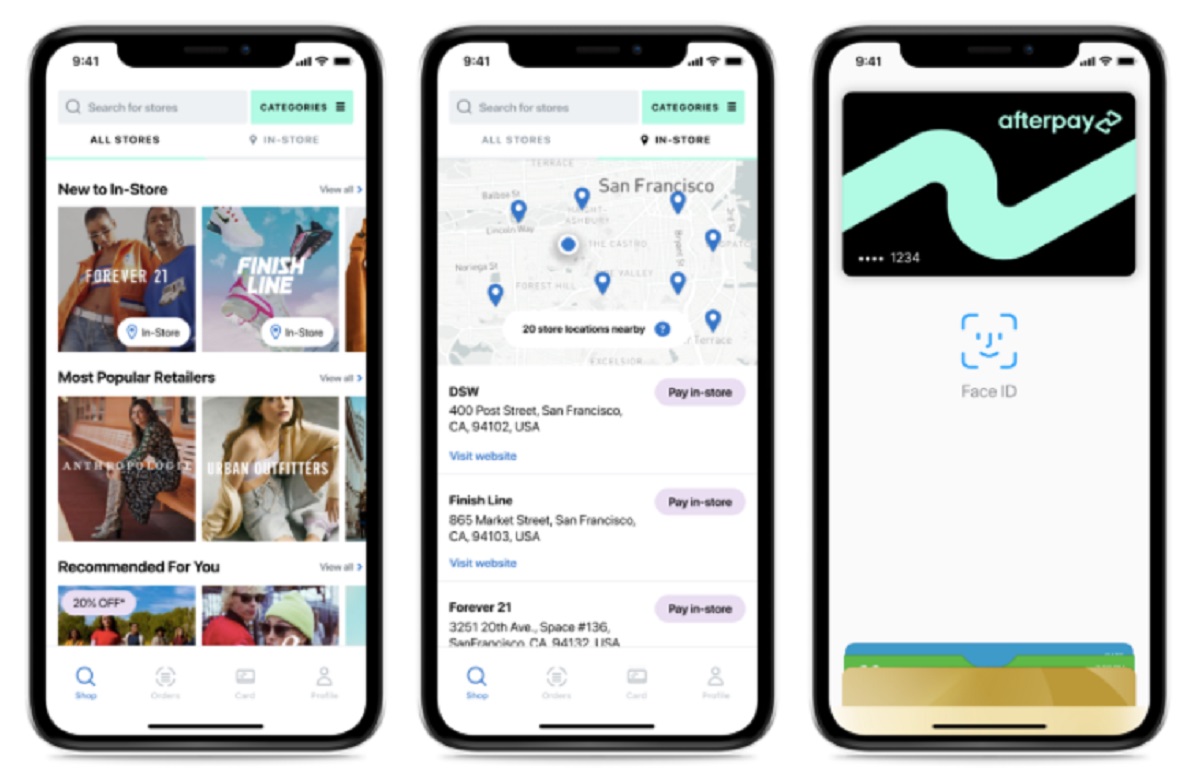
Juggling several installment plans is manageable if you stay organized. Set reminders for every due date, Afterpay sends notifications, but a separate calendar alert adds a safety net. Budget for your installment dates as fixed expenses, just like rent or utilities, so you never treat them as optional. Check your account dashboard weekly to spot any upcoming payments early. If you ever feel overextended, contact Afterpay support before a payment is due; they can sometimes offer flexibility, but only if you reach out proactively. Also, before adding a new order, ask yourself whether you could still cover all existing payments if an unexpected expense hit. If the answer is no, pause. For practical day-to-day management, you’ll want to know which stores accept Afterpay so you can plan where to shop, how to find your Afterpay card number for in-store purchases, how to check your Afterpay balance before ordering, how to change your payment date if a due date conflicts with payday, and how to get a virtual card for online checkout without using your physical card. Each of these tools helps you stay in control, but none of them change the core rule: your open order limit is a reflection of your reliability, not a number you can negotiate.
For the wider topic, see stores that accept Afterpay.