This tag collects practical guides for anyone who needs to store, move, or manage digital files on physical media, whether that means a memory card, an external drive, or the built-in storage of a computer or phone. It is written for everyday users who are not IT professionals but want to handle their own data safely and competently. The articles assume you have a device and a goal, but not a lot of jargon.
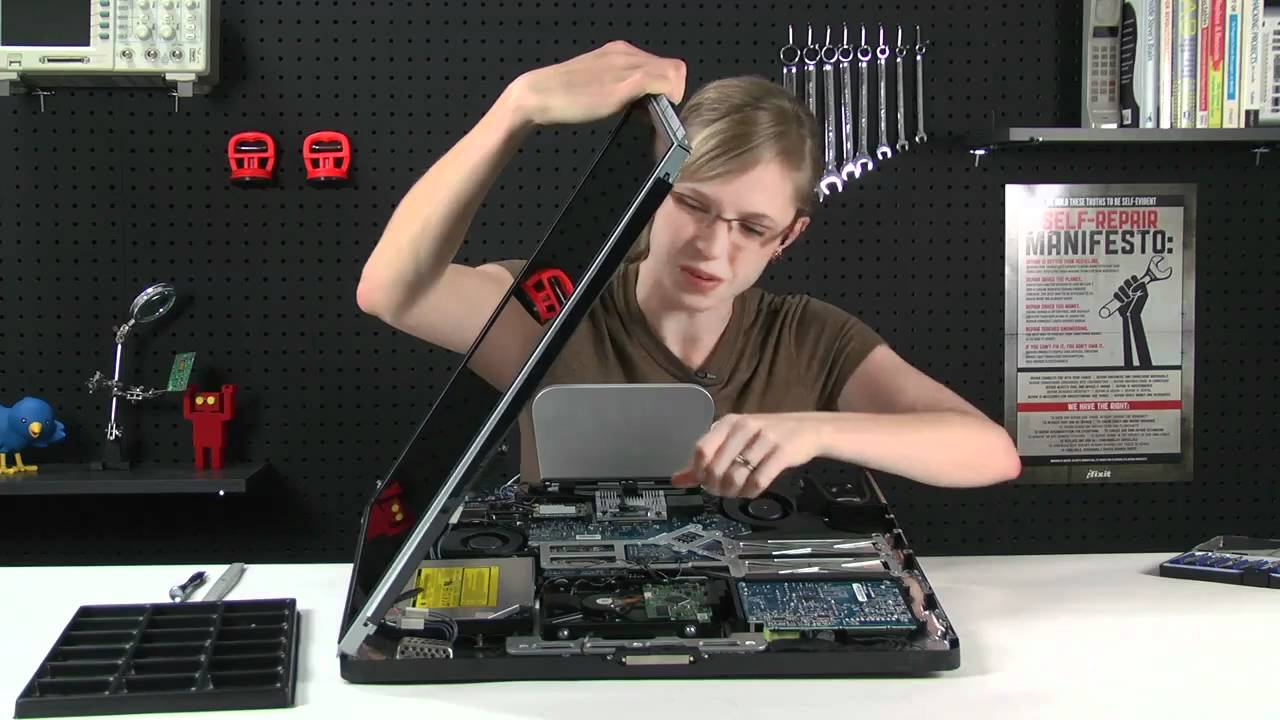
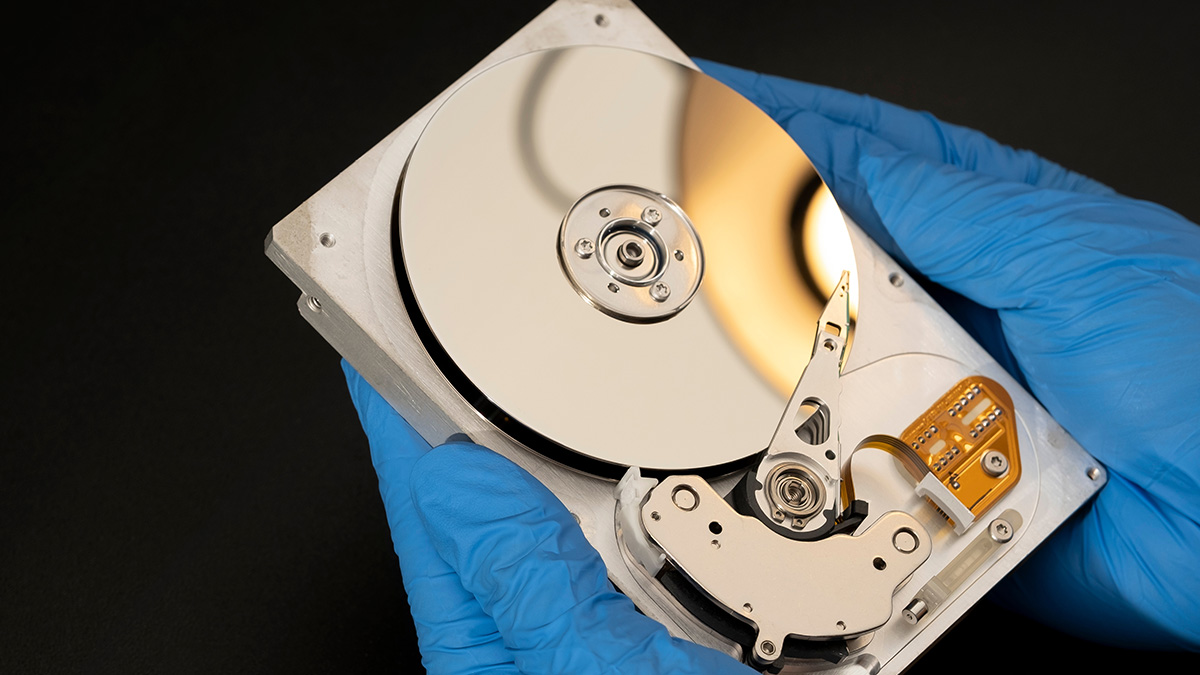
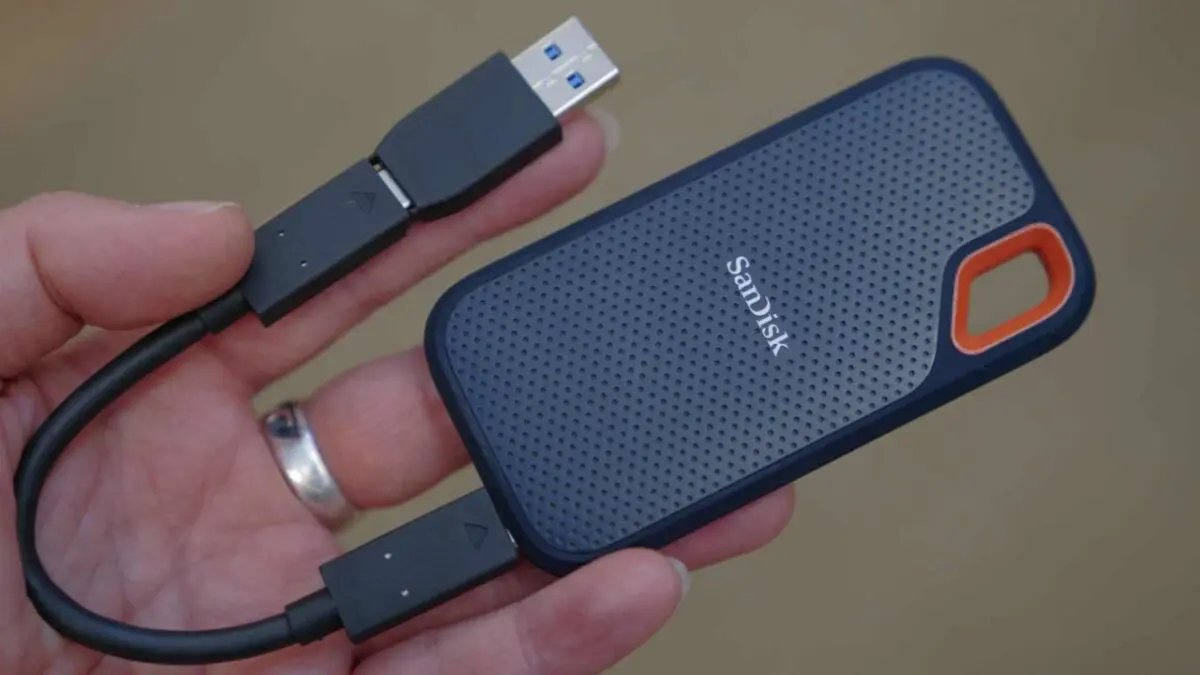
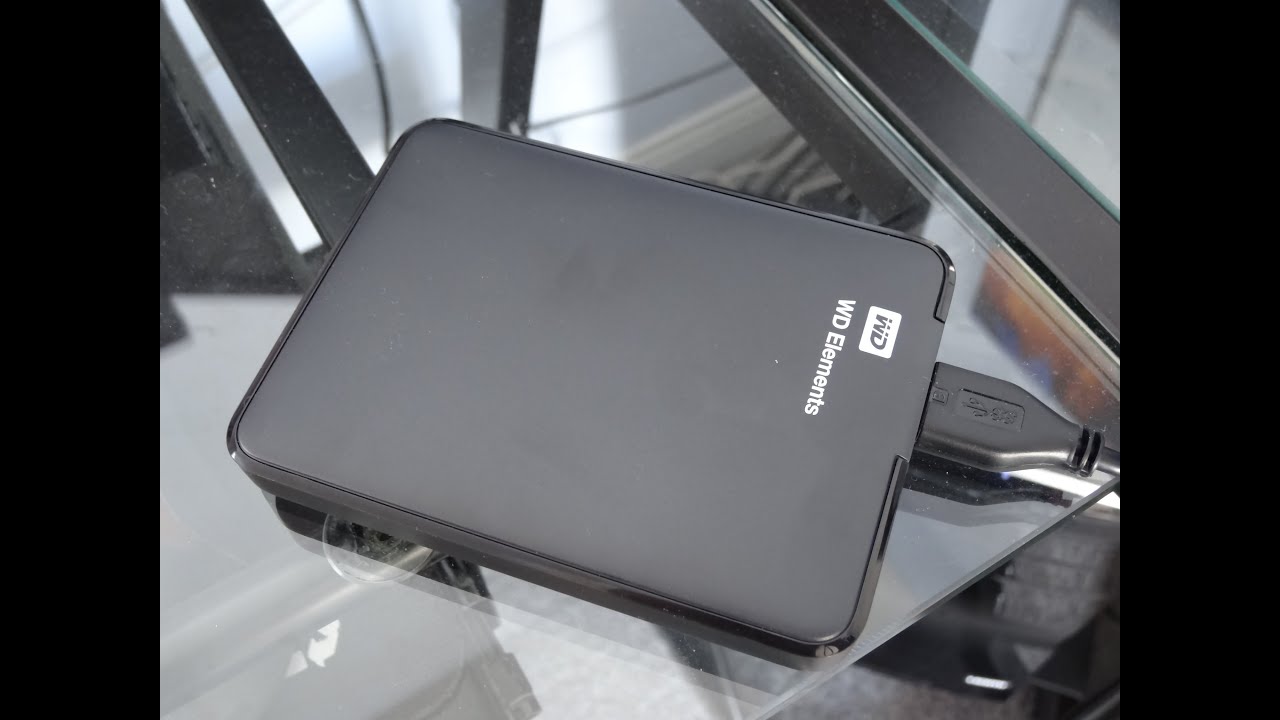
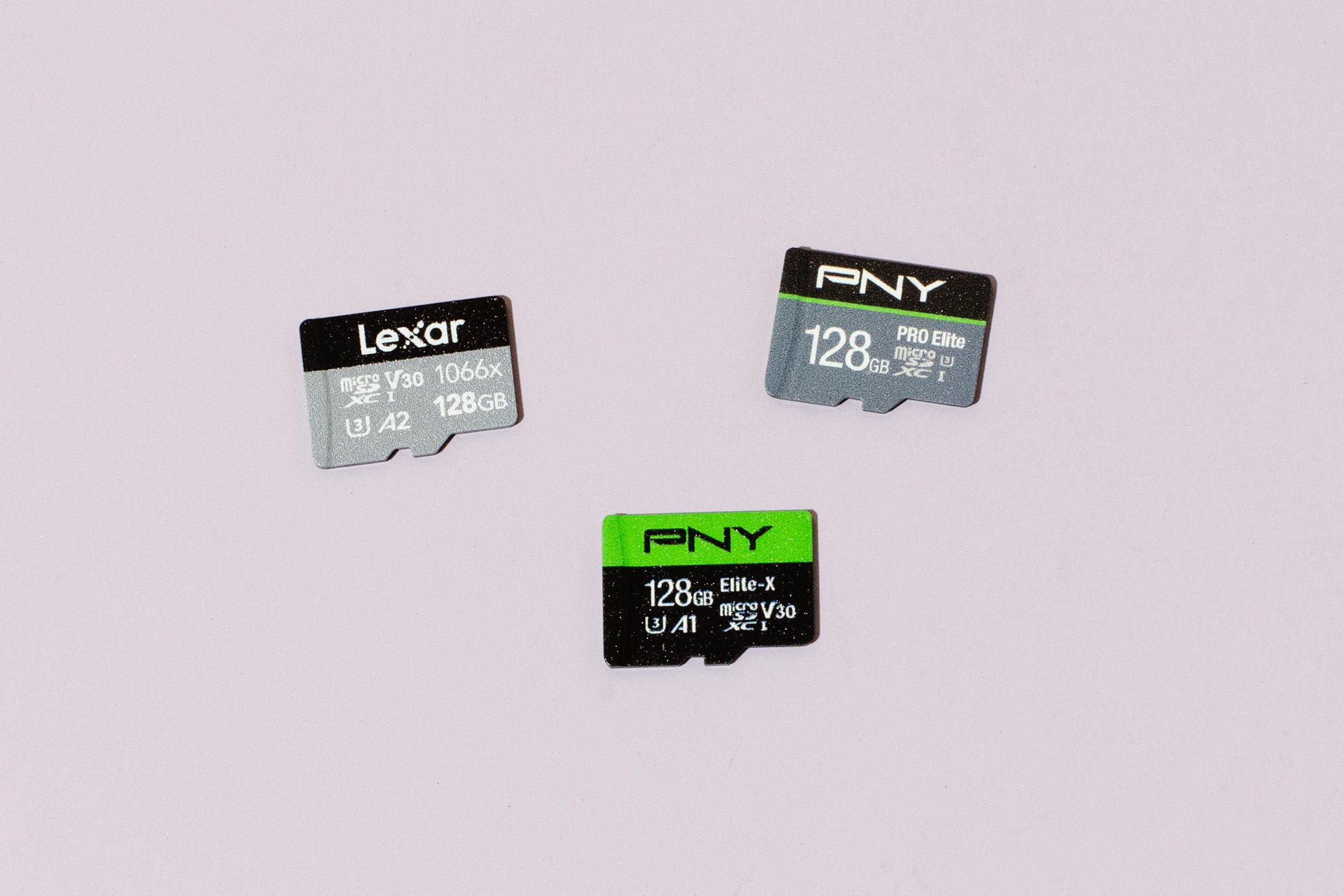
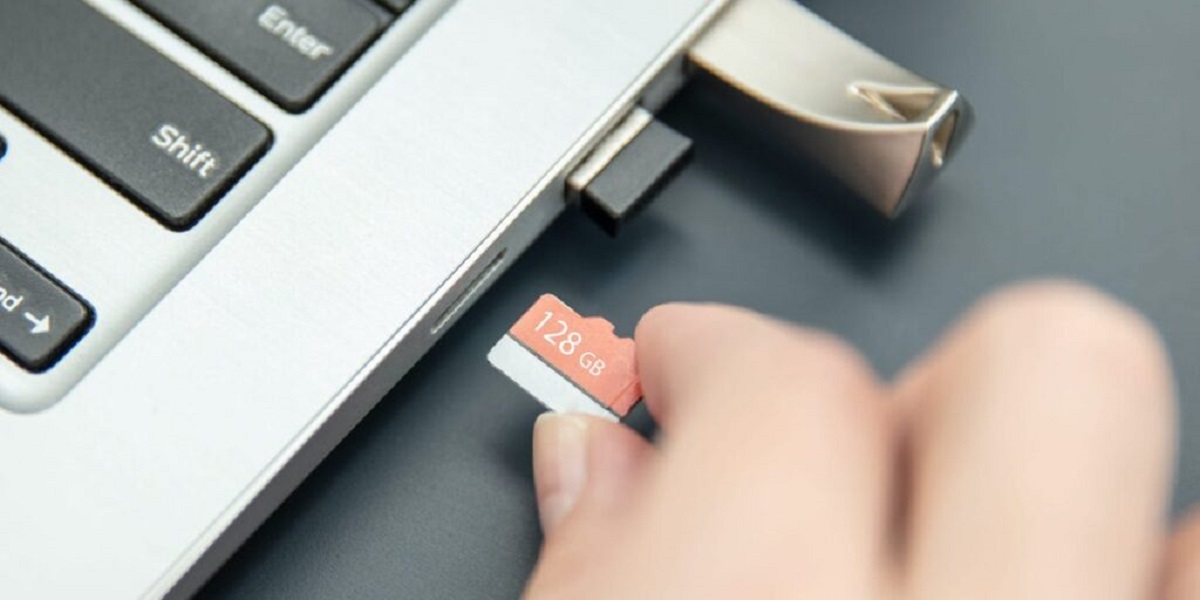
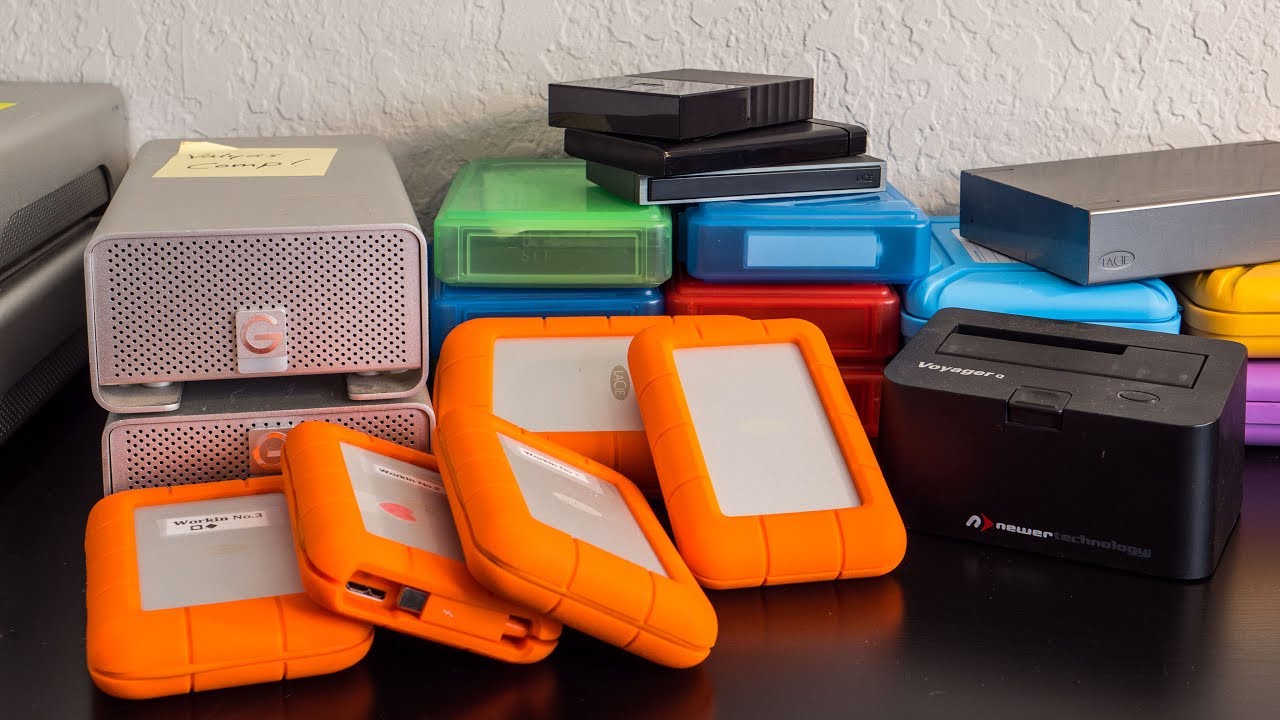
The problems these pieces solve fall into a few clear themes. One is getting data off a small or awkward device: for example, learning how to put a micro SD card into a computer when you do not have an adapter, or moving photos from a phone to an external hard drive. Another theme is choosing and using dedicated storage hardware, where to buy a micro SD card, how to operate a WD Elements or LaCie external drive, and what a hard disk drive actually does inside your system. A third theme is maintenance and safe removal, such as taking a hard drive out of an iMac, which is covered from the angle of careful, step-by-step disassembly rather than as a shortcut or hack.
Several articles also address storage options on mobile devices, including saving data to a SIM card on Android. That piece is framed as a legitimate way to manage contacts and small files within the phone’s supported features, not as a workaround for system limits. Throughout, the emphasis is on doing things correctly, avoiding data loss, and using hardware the way it was intended, so you can transfer, back up, or repurpose your storage with confidence.