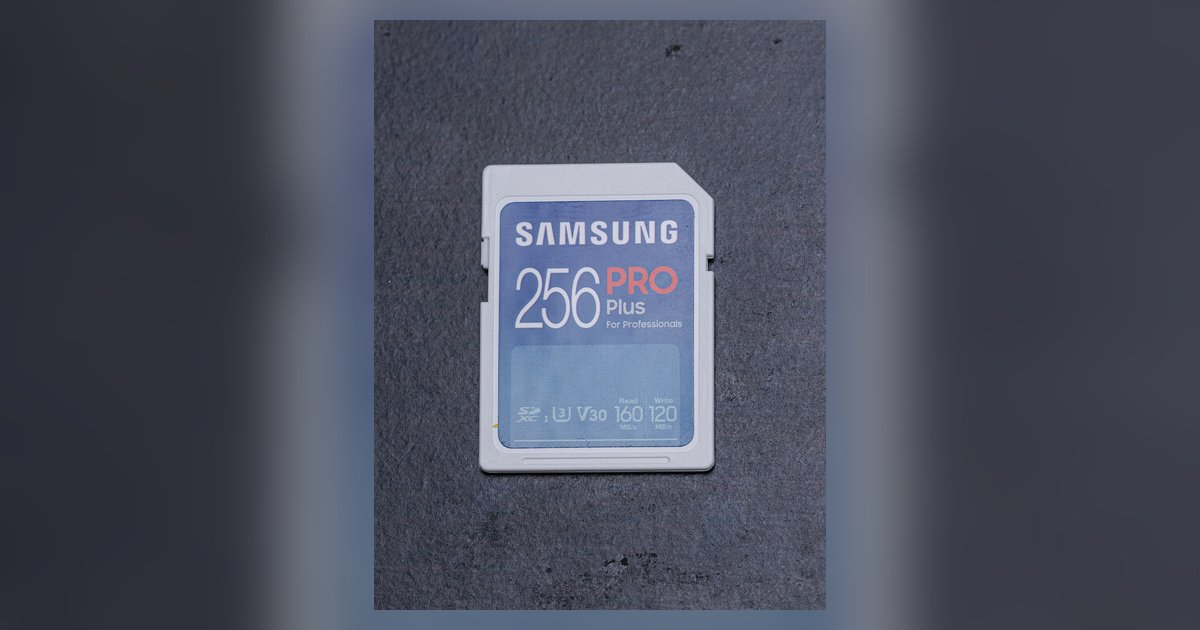
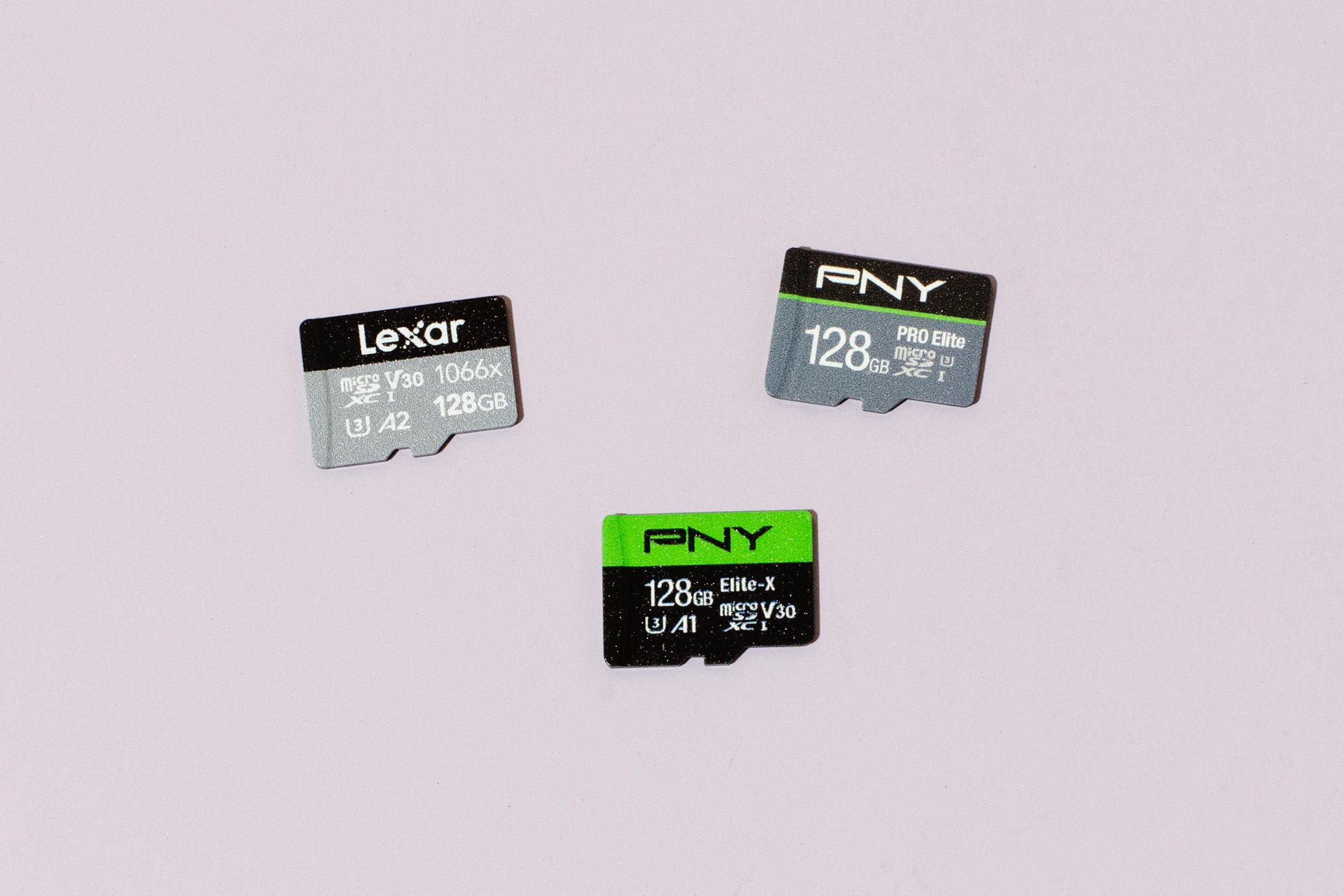
This tag collects all of our practical guidance on memory cards, from the everyday tasks of managing storage to troubleshooting when things go wrong. It is written for anyone who uses a digital camera, laptop, or other device that relies on SD or microSD storage, whether you are a casual photographer, a hobbyist, or someone just trying to get an old card working again. The articles here are focused on clear, step-by-step help for common situations, not on advanced or risky procedures.
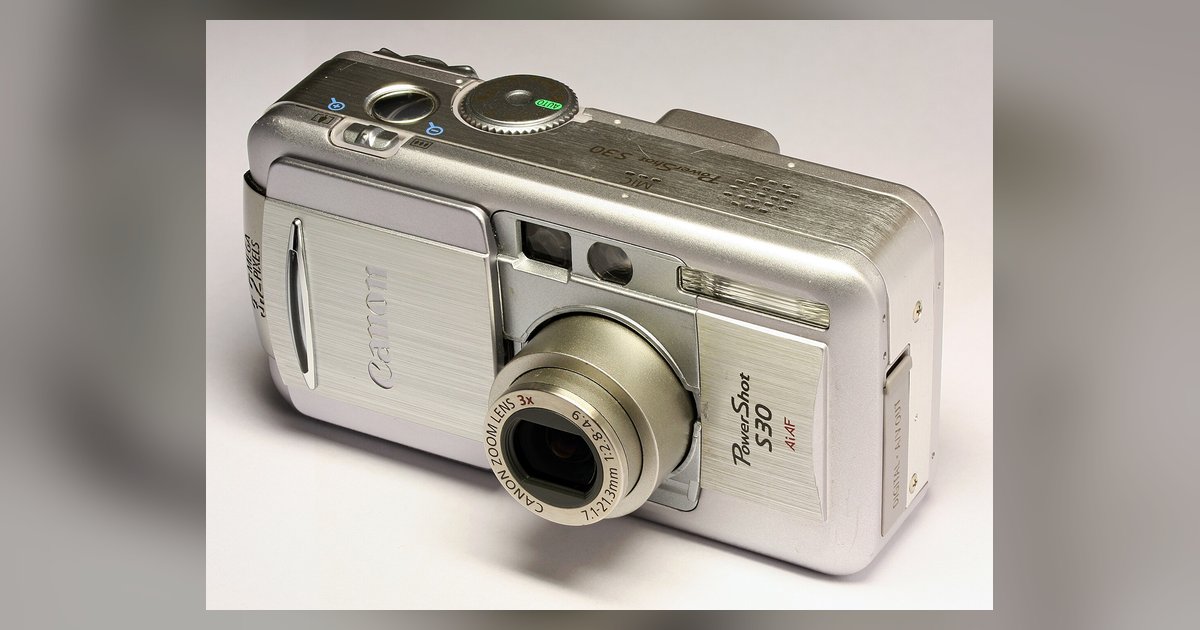
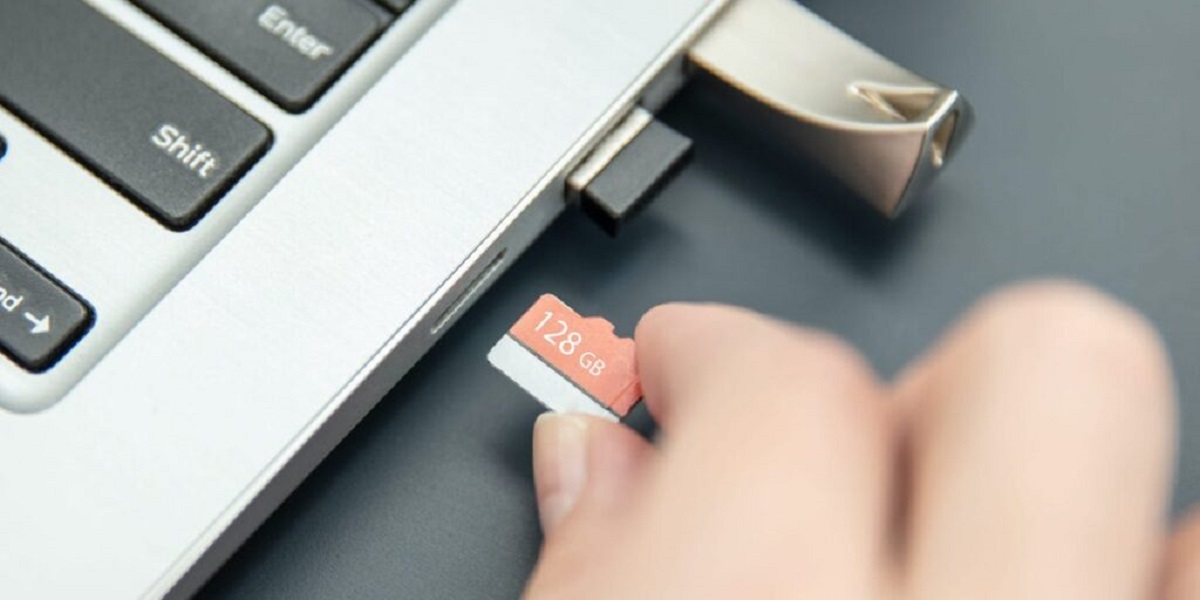
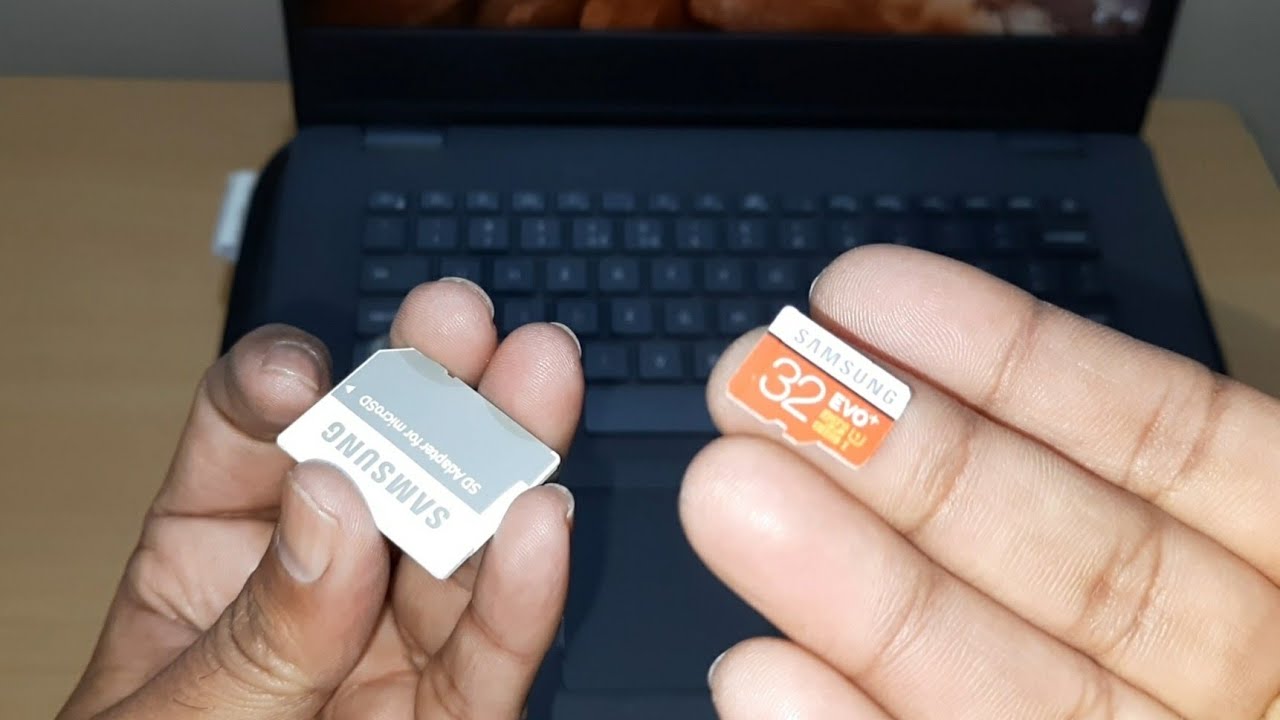
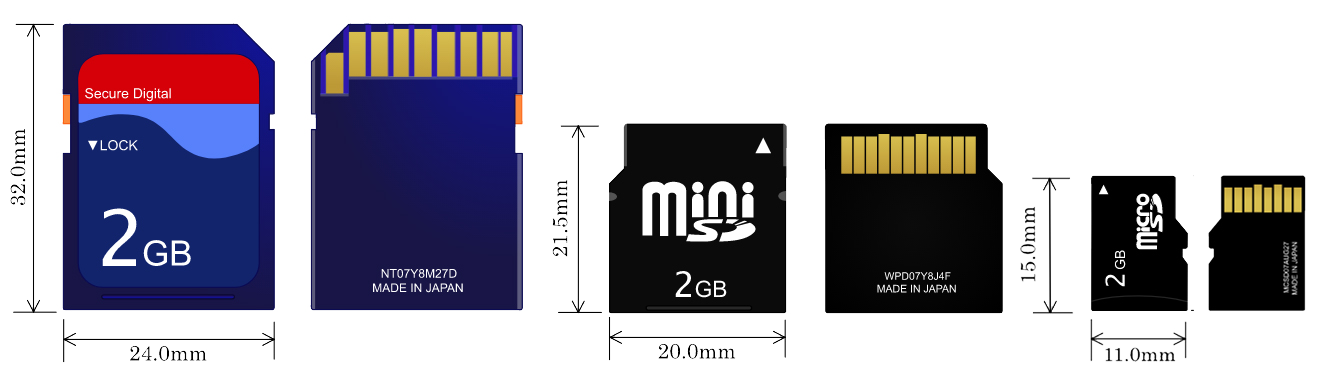
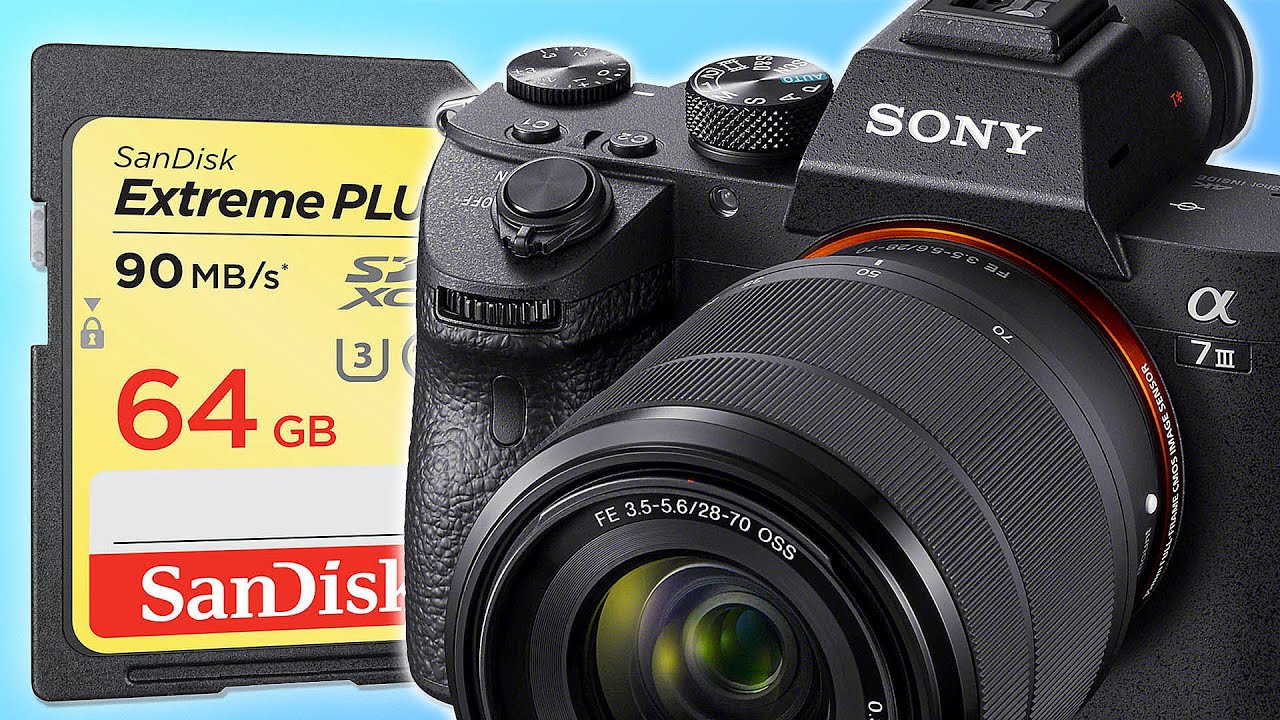
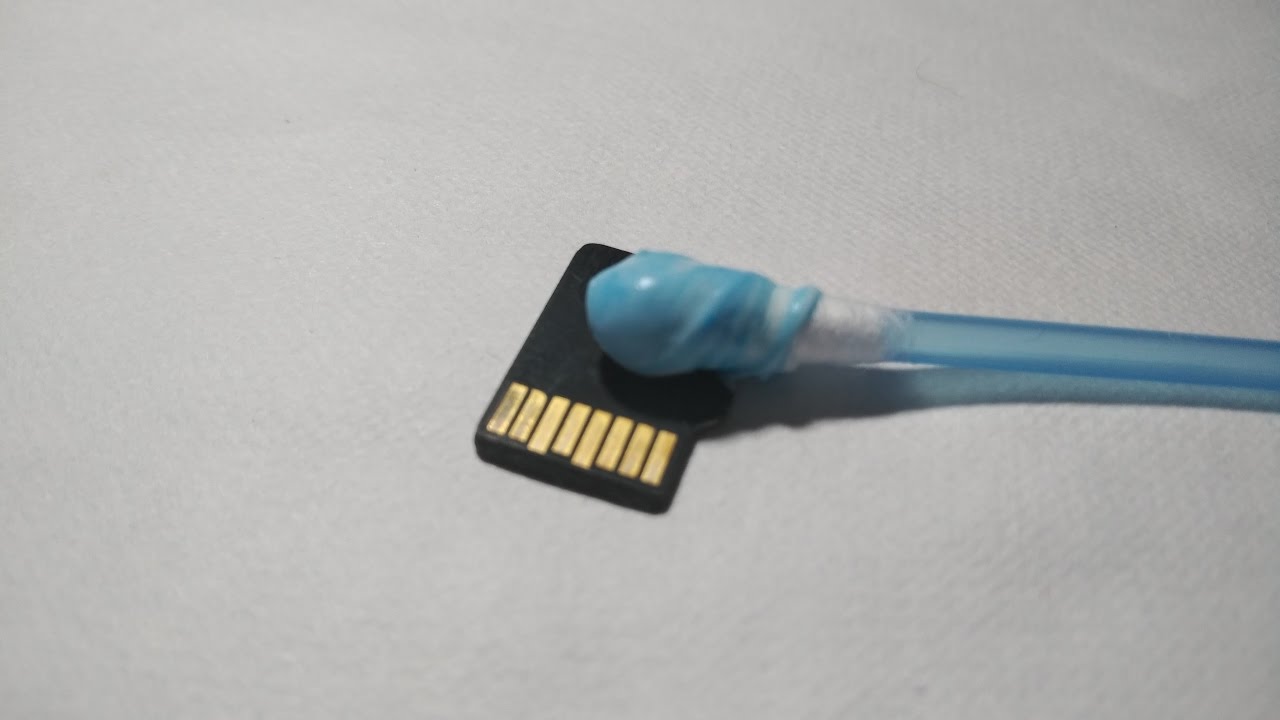
The pieces fall into two broad themes. The first is routine maintenance and device compatibility. Here you will find straightforward instructions for cleaning an SD card, formatting one specifically for a Sony A7 III, and figuring out the largest microSD card your gear can handle. This group also covers the physical side of things, like how to insert an SD card into a laptop, how to put a microSD card into a computer without an adapter, and where to buy a replacement card in the first place. The second theme is recovery and problem-solving. These articles address frustrating moments: restoring deleted pictures from a digital camera, dealing with an SD card stuck in a laptop slot, and checking the memory card compatibility list for a Canon PowerShot before you buy. Note that the recovery piece is framed around legitimate, safe restoration of your own files, not around circumventing any protection, and the stuck-card article is about careful, non-destructive removal.
Across these posts, the goal is to help you get your card working, keep it working, and rescue your data when something goes wrong, all without causing further damage or voiding your warranty.