To unsuspend your PlayStation account, you must contact PlayStation Support directly and, if the suspension is debt-related, pay any outstanding balance first. The exact process for how to unsuspend your PlayStation account depends on the reason for the suspension, but every path starts with checking your email and verifying your account status before you take action. If a birthdate mismatch triggered the suspension, you may first need to change age on PlayStation account to restore access. If you decide to leave the platform entirely, you can deactivate PlayStation account to unlink your consoles.
Why your PlayStation account was suspended
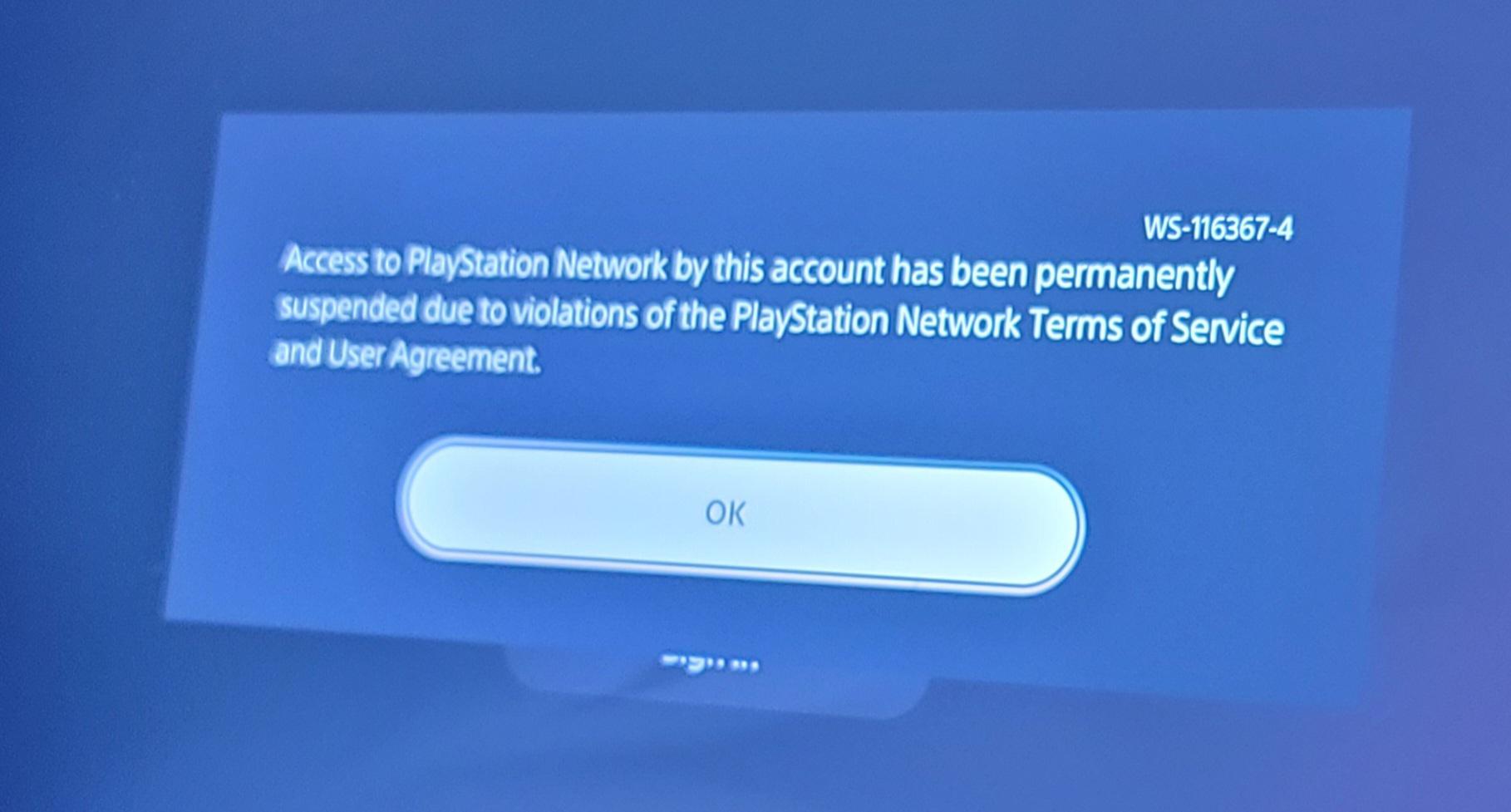
PlayStation accounts can be temporarily suspended or permanently banned for violating the PlayStation Terms of Service and Code of Conduct. The most common reasons include Terms of Service violations such as cheating, hacking, or exploiting game mechanics; unauthorized access detected through suspicious login patterns; payment issues like unpaid fees or chargebacks that create account debt; and offensive content, including harassment, hate speech, or sharing inappropriate material. PlayStation does not provide a specific number of warnings before a permanent ban, and repeated violations can escalate from a temporary suspension to a permanent one.
Check your email and account status before you do anything
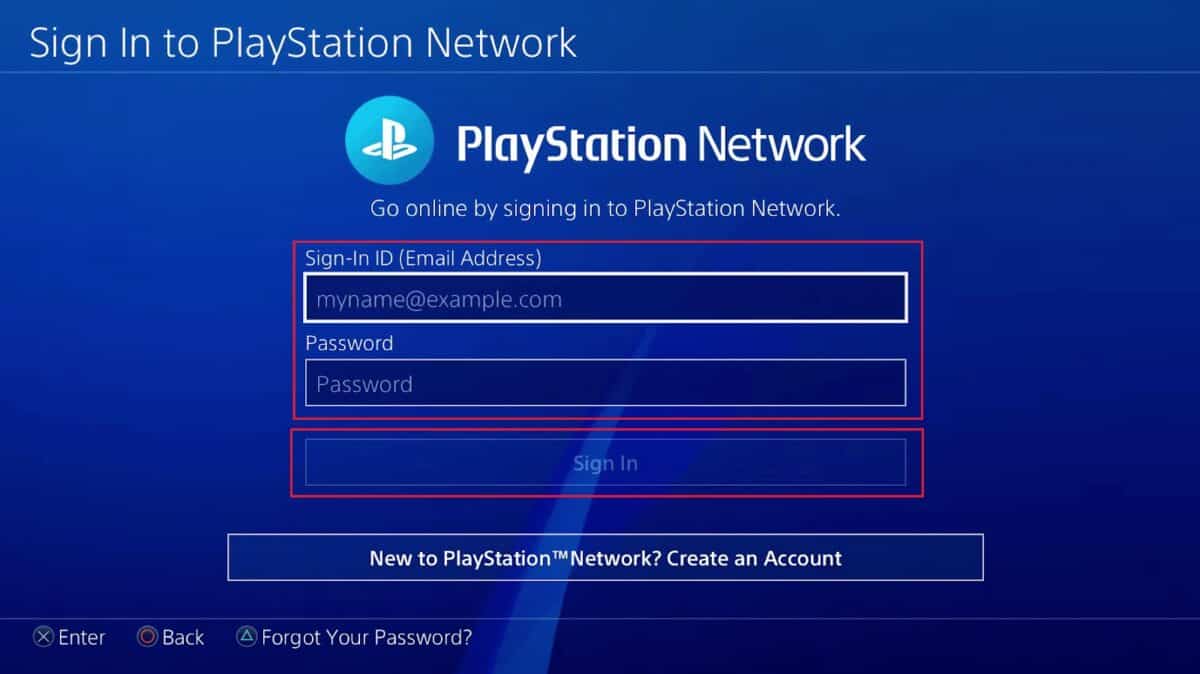
Before you attempt any recovery steps, look for the official suspension email sent to the address associated with your account. This email will explain the reason for the suspension and its duration, which is your first clue about whether the issue is a temporary penalty or a permanent ban. Next, visit My Support on the PlayStation website to check your current account status. If you see an error code when attempting to sign in, that code indicates your account or console has been suspended, and the status page will confirm whether the restriction is active and what type it is.
How to unsuspend your PlayStation account: contact Support
Once you have confirmed the suspension and reviewed the email, the only official way to begin the unsuspension process is through PlayStation Support. Follow these steps in order:
- Go to the official PlayStation Support page and navigate to the account suspension section.
- Choose live chat or phone as your contact method, but first check the PlayStation support phone number and live chat hours so you reach a representative during active support windows.
- Explain your suspension clearly, including the reason stated in your email and the error code you saw at sign-in.
- Have your account email address and any requested identification ready, such as a government-issued ID, to verify you are the account owner.
During your conversation, remain patient and cooperative. The support team will guide you through any additional verification steps, which may include resetting your password or confirming your identity through a secondary process. Follow their instructions exactly and provide accurate information to avoid delays.
If your suspension is from a chargeback or debt
If your suspension is due to unpaid debt, most commonly from chargebacks on purchases, you must pay the outstanding balance to lift the suspension. This is a mandatory step; PlayStation will not unsuspend an account with unresolved debt, and you cannot appeal the suspension until the balance is cleared. To dispute unauthorized charges, visit the unauthorized transactions guide on PlayStation Support, which explains how to report purchases you did not make. If you believe someone else used your payment method without consent, file the dispute through that official channel before attempting to pay, because paying a fraudulent charge may complicate your case.
What you can’t do while suspended (and the console ban difference)
During an account suspension, you cannot sign into your account, access online multiplayer, browse the PlayStation Store, or use any features that require network connectivity, including some paid products and services you already own. A temporary suspension lifts automatically after the duration stated in your email, but a permanent suspension requires an appeal. A console suspension is different and more severe: it prevents any account on that specific console from accessing the PlayStation Network, meaning even a different account on the same device will be locked out. Console suspensions are reserved for the most serious violations, and they are much harder to reverse than account-level suspensions.
Prevent your PlayStation account from getting suspended again
After your account is reinstated, take proactive steps to avoid a repeat suspension. The most important habit is following the PlayStation Terms of Service and Code of Conduct at all times, which means avoiding cheating, harassment, and any form of abusive behavior. Enable two-factor authentication to protect against unauthorized access, and keep your payment information valid so chargebacks or expired cards never create debt. If you share a console with others, remember that violations on one account can affect other accounts on that device, so communicate the rules with anyone who uses your system. Finally, periodically review PlayStation’s policies, since updates to the Terms of Service can introduce new restrictions. By staying compliant and vigilant, you reduce the risk of future suspensions and keep managing a PlayStation account a smooth, uninterrupted experience. Understanding the PlayStation suspension duration for different violation types also helps you know what to expect if a minor infraction occurs, but the best strategy is to avoid violations altogether.
For the wider topic, see managing a PlayStation account.