Before you do anything: know what you're really up against
If you need to unlock a tablet you are locked out of, you must first identify the exact type of lock on the screen. A simple PIN or pattern lock is not the same thing as a Google FRP lock. That protection kicks in after a reset if you cannot enter the original synced profile credentials. Even worse, a corporate or enterprise tablet may have a Knox or MDM lock enforced remotely. A factory reset removing Samsung Knox or MDM lock is almost never possible without the administrator's permission. Attempting it can brick the device entirely.
Ask yourself: do you know the synced profile that was last active on this tablet? If not, a standard reset will trigger FRP. You will be locked out in a new way. Also, check whether the tablet ever had Find My Device turned on. Unlocking a Samsung tablet without Find My Mobile is a different process than when that service is active. The official device recovery tools may require that service to be enabled. If the tablet boots into recovery mode asking for a password before reset, that is a separate, hardware-level encryption lock. Standard bypass methods cannot touch it.
Finally, if you do have access to Find My Device, note that unlocking a Samsung tablet with Find My Mobile is the manufacturer-approved path. It does not void the warranty. It still requires you to prove ownership through your device manufacturer profile. Knowing which of these locks you face determines whether a reset will solve the problem or make it worse. This is the only guide that tells you plainly: if you see a blue screen asking for a PIN before the reset menu even loads, you are dealing with an encrypted device that no consumer software can unlock.
Unlock the screen with a pin, pattern, or password you forgot
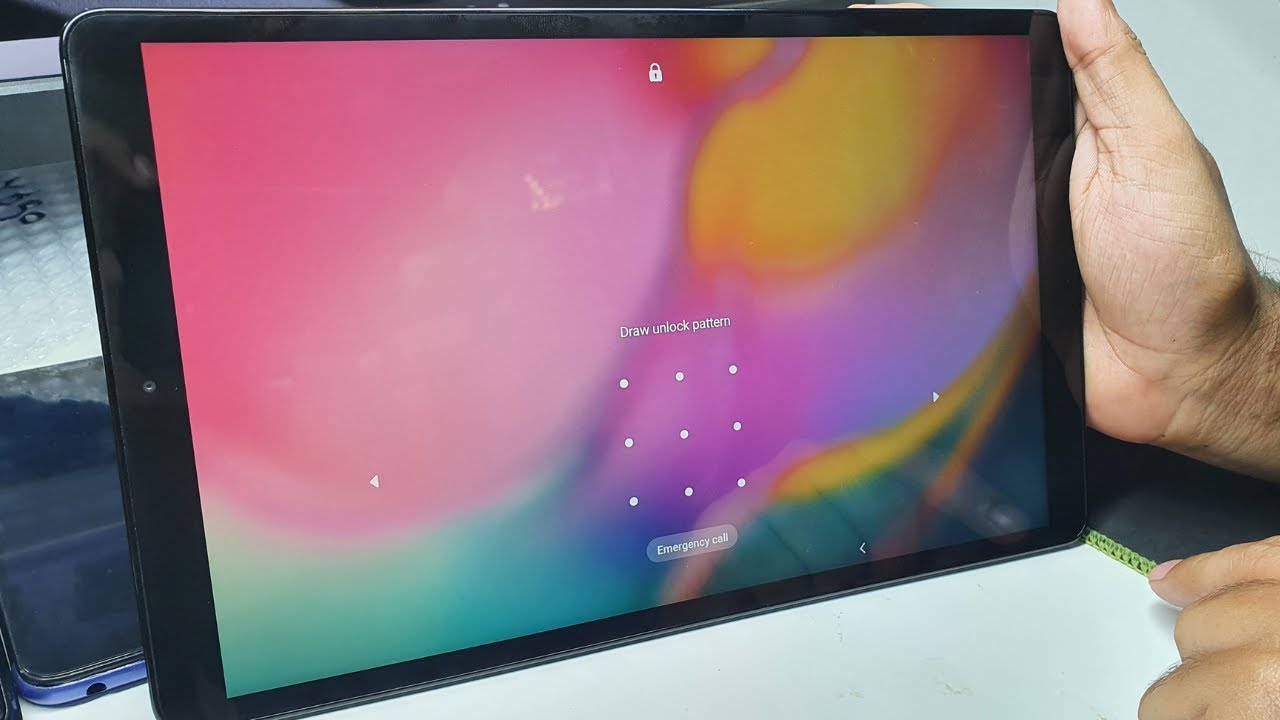
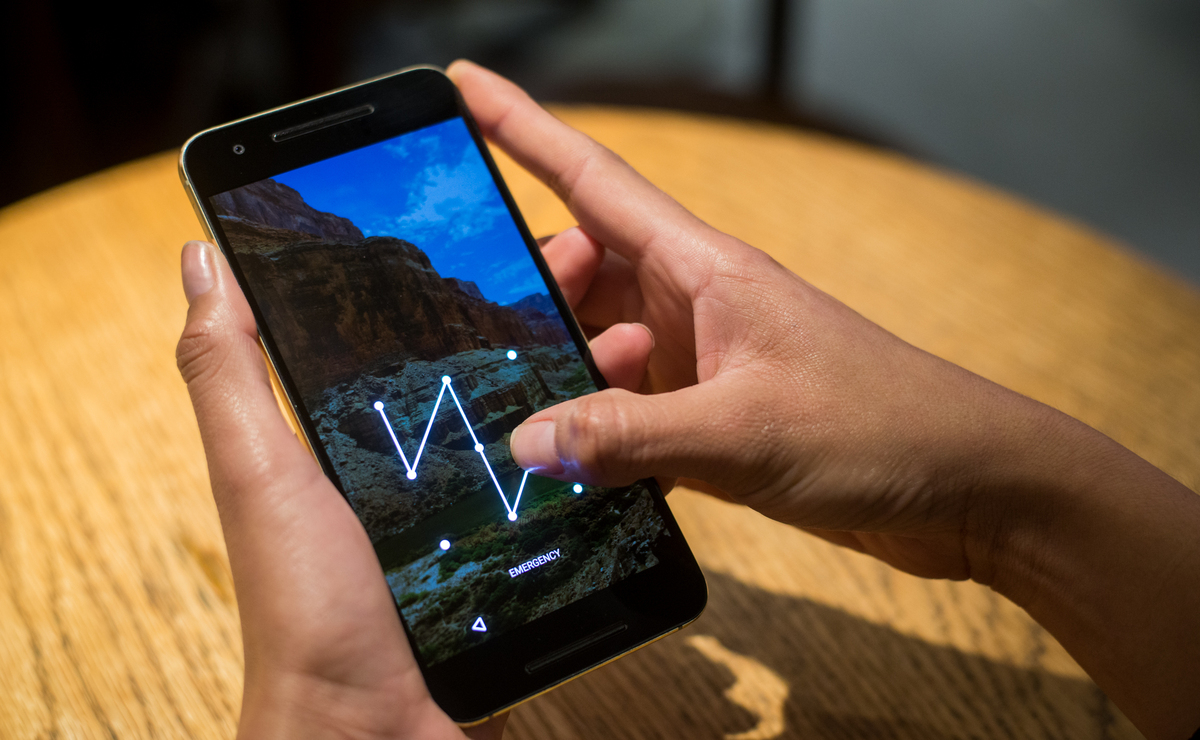
If you still remember fragments of your lock screen credentials, a few digits of the PIN, the first letter of the pattern, or the general length of your passcode, try entering variations slowly. The tablet will often display a "Forgot Passcode?" or similar option after several failed attempts. Tapping it may let you sign into the Google profile that is linked to the device. For Galaxy tablets specifically, the brand’s Find My Mobile service lets you remotely remove the screen lock. This works if you have a Galaxy profile and the tablet is connected to Wi‑Fi. You can log into that service on a computer, select your tablet, and choose "Unlock." If your tablet is offline, you will need to wait until it connects or try another method. Should you own an older device and need to recover a forgotten code, you can find pin number on Android phone by checking the phone’s SIM card settings or the voicemail setup menu. The same PIN often applies to the tablet if you used a shared profile. For a direct approach without a computer, the steps to unlock a Samsung tablet vary by model. Most recent models allow a remote screen removal from the brand’s website. If all else fails and you are locked out of a non‑Galaxy tablet, the general process to unlock an Android phone often involves booting into the system reset mode and clearing the lock screen data. This works only on devices running older Android versions, as newer versions encrypt that data. Remember that a full device wipe should be your last resort. It triggers Google FRP, which demands the original Google profile credentials. This protection remains the one barrier no reset tool can permanently bypass without the owner’s verified identity.
Force a factory reset when you're completely locked out
If you cannot get back into your tablet at all, a full data wipe performed entirely through hardware buttons is often the last resort. Before you start, understand that this will erase all your data. It will remove photos and apps. It will also trigger Google's Factory Reset Protection (FRP). If you do not know the Google profile previously synced to the device, the tablet will ask for those credentials immediately after the wipe. This could leave you locked out in a new way. To begin, you must power off the tablet completely. For devices made by the Korean manufacturer, the process usually involves holding a specific combination of hardware buttons simultaneously until the maintenance menu appears. From there, you can navigate to "Wipe data/factory reset" using the volume keys; this is essentially the most reliable method to hard reset Samsung tablet without password. For many other Android brands, the key combination may vary, but the principle is the same. Hold the Power button with either Volume Up or Volume Down. If you own a Lenovo device, you can reset Lenovo tablet without password by pressing the appropriate hardware buttons together, then selecting the factory reset option from the menu. For those with a Sky device, the specific steps to hard reset a sky device tablet involve holding the appropriate hardware buttons until the bootloader screen shows. Then use the volume keys to choose the reset option. This same general button-press procedure is the standard way to hard reset Android tablet when locked out. Ultimately, if you are unable to access the settings menu, this hardware method is the only way to reset a tablet if you forgot the password. Proving you own the device to the manufacturer remains the most reliable path forward.
Reset your tablet using a computer
If your tablet’s physical buttons are broken or the standard rescue mode won’t launch, you can still wipe the device by connecting it to a computer. For many Android models, the fastest path is to download the manufacturer’s official desktop tool. The utility for Galaxy devices, for example, may include a recovery option that erases all data and the screen lock. When no official tool exists, you can use Android Debug Bridge (ADB) commands. This works provided you previously enabled USB debugging on the tablet. Connect the locked tablet to your PC and open a command prompt. Use ADB commands to attempt to reboot into recovery, then navigate the rescue menu using volume buttons if they still work. If not, other ADB commands may let you flash a stock firmware image that wipes everything. A good article on how to reset Android tablet with computer will walk through the exact ADB syntax for each brand. The core principle remains: the computer sends a wipe command directly to the device’s bootloader or rescue partition. This bypasses the need for physical button presses. Keep in mind that this method still triggers Google FRP after the reset. You must know the original Google credentials or have proof of purchase ready before starting.
Bypass the Google account verification after a reset
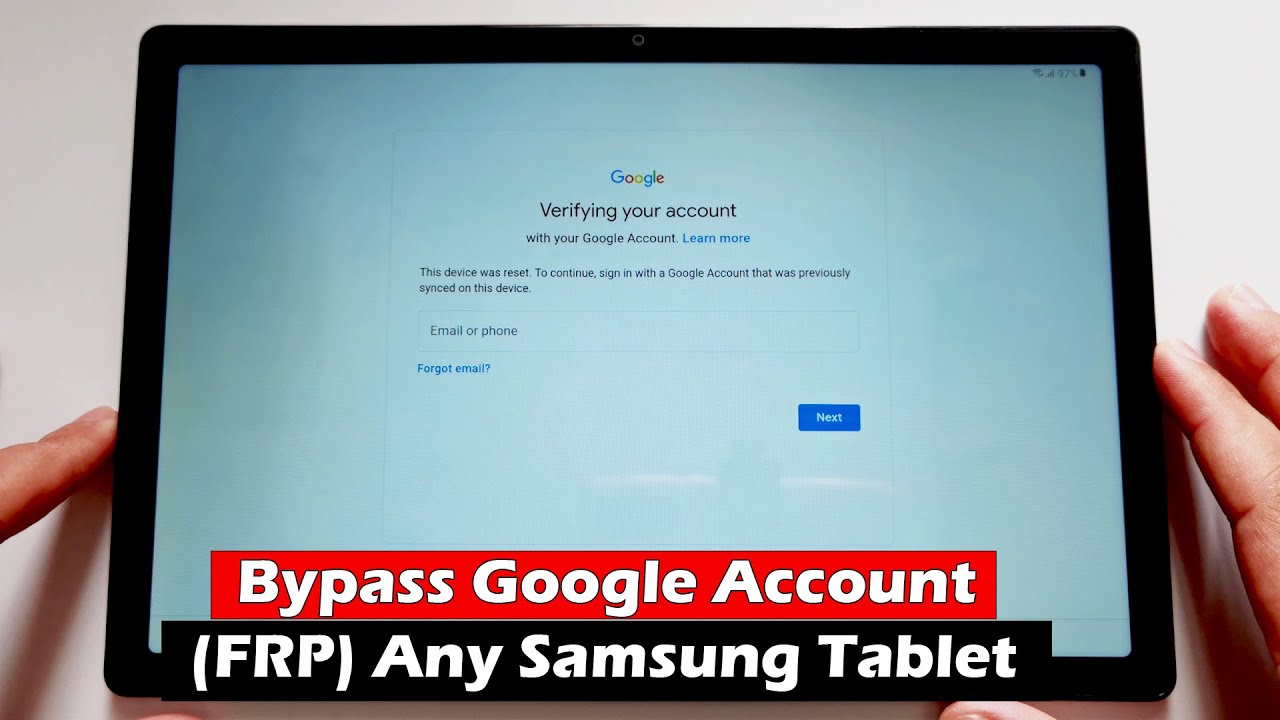
Once a factory reset wipes your tablet, Google's FRP system will demand the last synced profile before you can set up the device fresh. To get past this screen without a PC, you might try one of the well-known workarounds. These include attempting to open apps from the welcome screen, such as the YouTube app. You could also attempt to use the "Emergency Call" button to access a browser. Another option is attempting to exploit the settings menu during the setup flow. One popular approach is to attempt frp lock bypass methods without software or OTG cable, which is useful if you want to avoid buying extra hardware or installing risky programs. These rely purely on the tablet's own interface quirks rather than external tools. Another common technique involves a sequence of taps and swipes. It aims to bypass Google frp lock on any Android tablet without computer, a method you would use when you lack access to a PC but still need to regain control of your device. This often attempts to work by jumping into the accessibility or keyboard settings. If you can reach a web browser, you may be able to attempt to unlock Google account on Android phone after factory reset, which is a step you might try when the setup screen refuses to move forward without the previous account. Do this by using Google's official Account Recovery page on a separate device to reset your password, then returning to the setup app. For a systematic walkthrough of these steps, a resource like [full guide] how to bypass Google account verification after reset is the article you would read when you want every detail of the process laid out from start to finish. However, be aware that manufacturers patch these loopholes quickly. The only guaranteed fix remains using the official restoration tool or proving ownership to your tablet's support team. This page notes that these manual tap sequences are often patched quickly on major-brand devices.
- [full guide] how to bypass Google account verification after reset — [Full Guide] How to Bypass Google Account Verification After Reset
- bypass Google frp lock on any Android tablet without computer — How To Bypass Google Frp Lock On Any Android Tablet Without Computer
- unlock Google account on Android phone after factory reset — How To Unlock Google Account On Android Phone After Factory Reset
- frp lock bypass methods without software or OTG cable — Unlocking Your Device: FRP Lock Bypass Methods Without Software Or OTG Cable
Fix a locked Onn or RCA tablet
If you are locked out of an onn or RCA tablet, the first thing to check is the physical button combination. Many onn models allow a hard reset by holding a specific button combination while the device is off. This bypasses the lock screen entirely. Before you do that, remember that a reset will trigger Google FRP if you do not know the original user profile. The most direct way out of that second lock is to use the original Google account credentials.
If you have already tried a reset and are now stuck at the Google credentials screen, you can look up how to unlock an onn tablet if you forgot the password to recover access without losing your data. That method may involve specific steps in the recovery menu. For devices where you never set up a Google profile in the first place, the approach changes. You will want to read how to unlock an onn tablet without a Google account to skip that setup entirely. This often relies on a hidden settings menu accessible from the lock screen.
RCA tablets share similar quirks. Their repair mode is sometimes triggered by a different button combination. If you are dealing with an FRP or Google verification lock, rather than a simple screen lock, you will need a separate set of steps. These steps differ mainly by brand. The four items that follow are all variations of that same bypass process. For Samsung users, you can learn how to bypass Google verification on a Samsung tablet to get past the FRP screen after a reset. For RCA models, you can find instructions on how to bypass Google verification on an RCA tablet to clear the account check. For onn tablets, you can read how to bypass the Google lock on an onn tablet to regain full access, or how to bypass FRP on an onn tablet to skip the factory reset protection. Each is written for a specific manufacturer. Choose the one that matches the logo on your tablet’s back cover.
- bypass frp on onn tablet — How To Bypass Frp On Onn Tablet
- bypass Google lock on onn tablet — How To Bypass Google Lock On Onn Tablet
- bypass Google verification on RCA tablet — How To Bypass Google Verification On RCA Tablet
- bypass Google verification on Samsung tablet — How To Bypass Google Verification On Samsung Tablet
- unlock onn tablet without Google account — How To Unlock Onn Tablet Without Google Account
- unlock onn tablet forgot password — How To Unlock Onn Tablet Forgot Password
Fix a locked Samsung or Xiaomi tablet
If you own a Galaxy Tab, the official solution is to use Samsung's Find My Mobile service. Sign in with the Samsung Account you set up on the device. Use Samsung's SmartThings Find, select your tablet, and choose the "Unlock" option (requires Remote Unlock to have been enabled beforehand). This will remotely remove the screen lock without wiping your data.
If you cannot access that account, you must use Google's Find My Device or the recovery mode. These methods perform a full device wipe. For Xiaomi tablets, if you have forgotten a Privacy protection or App lock password linked to a Xiaomi Account, you can reset it through the account recovery options.
If you need to unlock a Samsung tablet when you forgot the pattern, the same Find My Mobile route works. But if you never set up a Samsung profile, you will be forced to perform a full wipe. This triggers Google FRP. For example, to unlock Samsung Galaxy tab a forgot password, you would first power off the tablet, then hold the Volume Up and Power buttons, releasing Power when the logo appears but continuing to hold Volume Up to enter recovery. Then, wipe data and reboot. Be ready to enter the original Google credentials.
Interestingly, many users have asked how to unlock celero 5g phone without password. While that device uses a different brand system, the principle is the same. Proving ownership through the manufacturer's official tool is the only reliable long-term fix. Forgot redmi password? Here's how to unlock: perform a factory reset via Recovery Mode or contact Xiaomi support with proof of purchase. Always remember that third-party bypass methods for FRP are quickly patched, so stick to official channels.