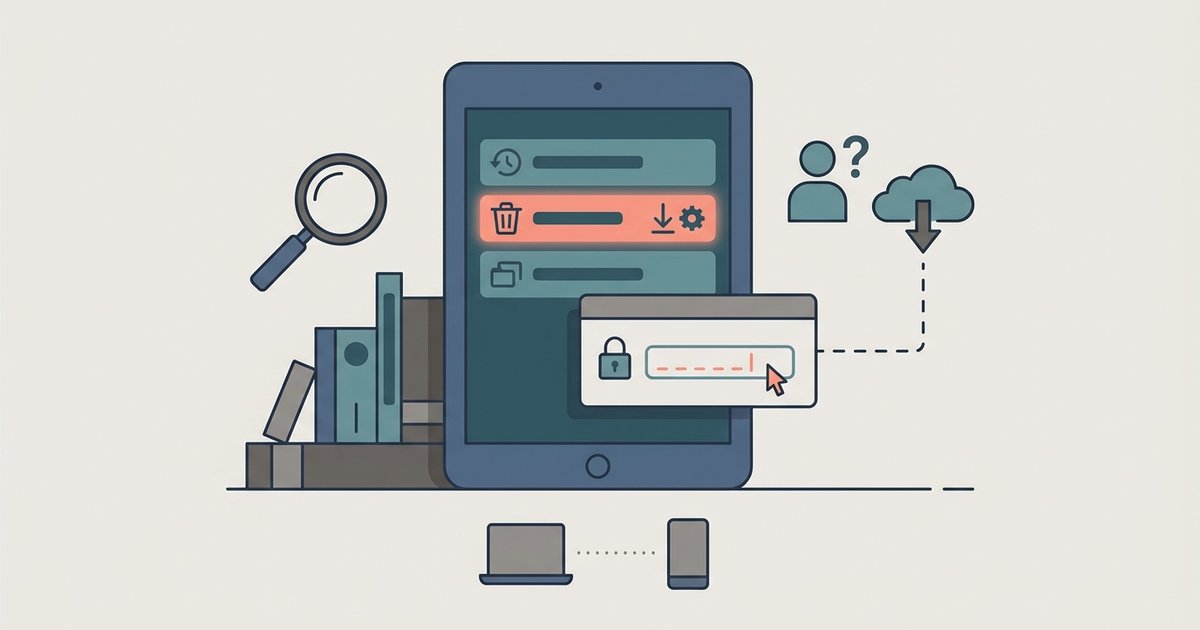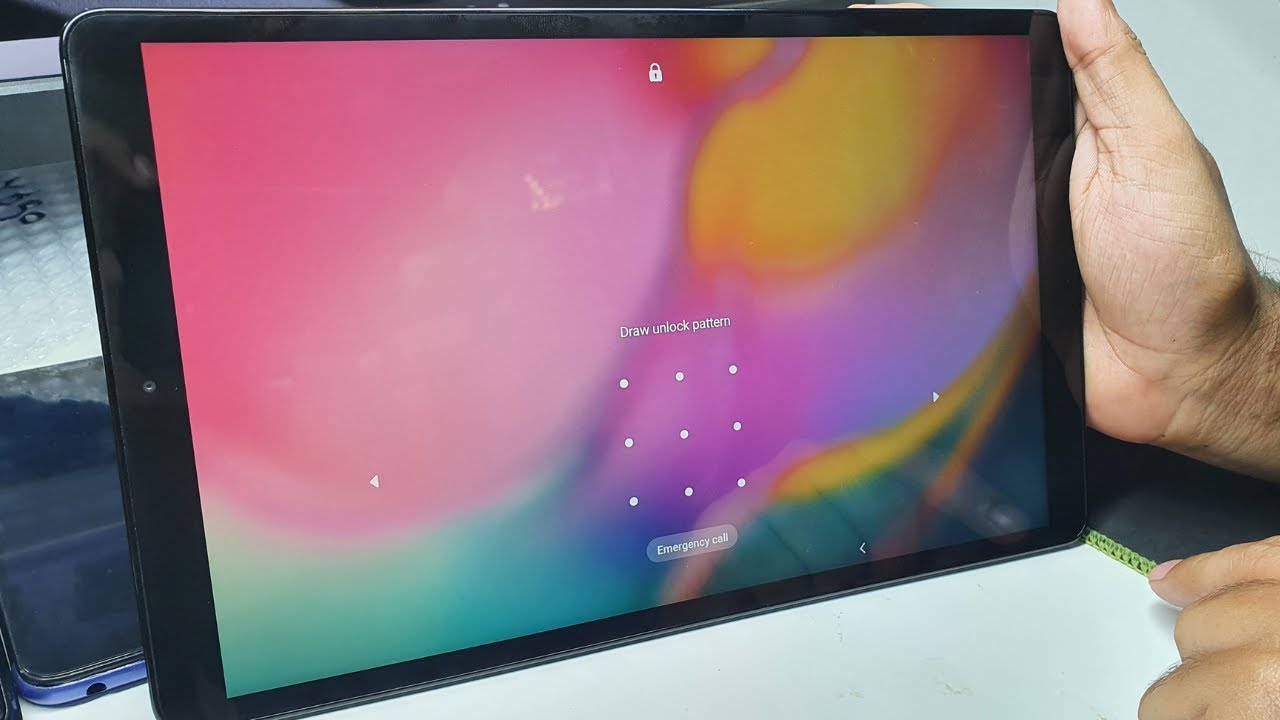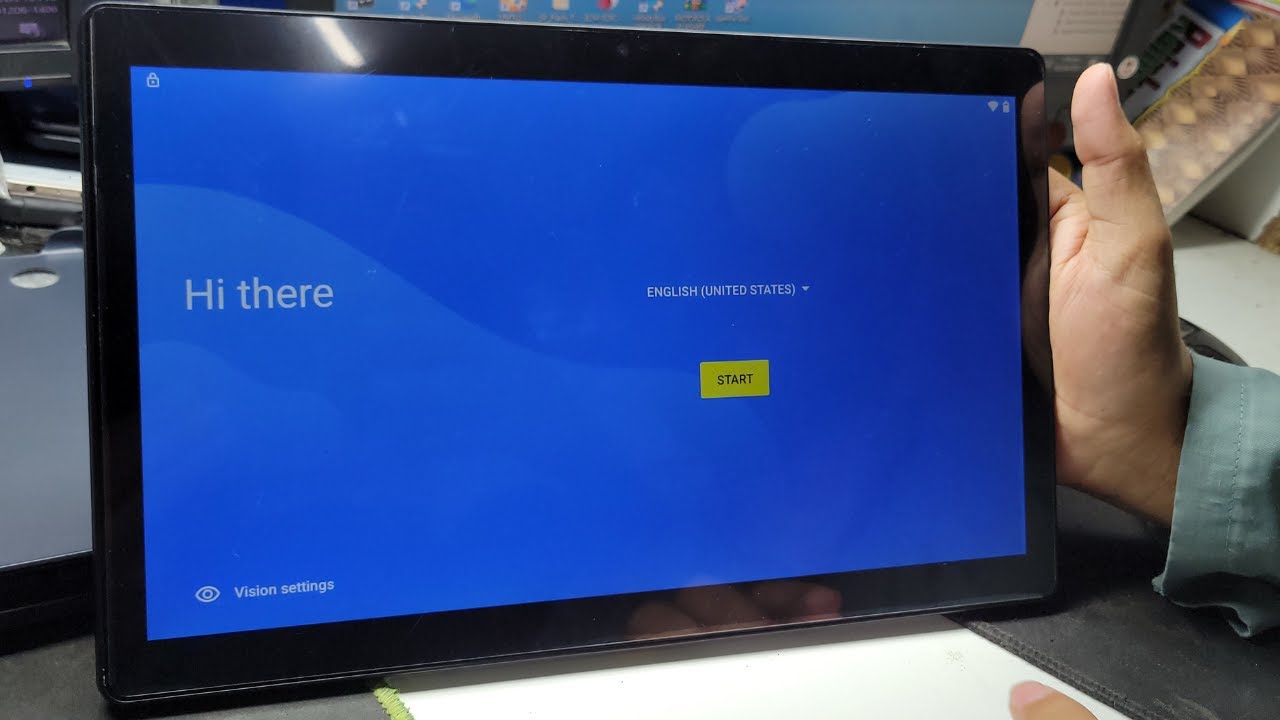
Being locked out of a phone or tablet is a frustrating experience, and this tag collects practical guides for getting back into a device you own. The articles here are written for everyday consumers who are facing a forgotten PIN, a misplaced pattern, or a device that has become unresponsive after a system glitch. The focus is on legitimate recovery methods, not workarounds for someone else’s hardware.
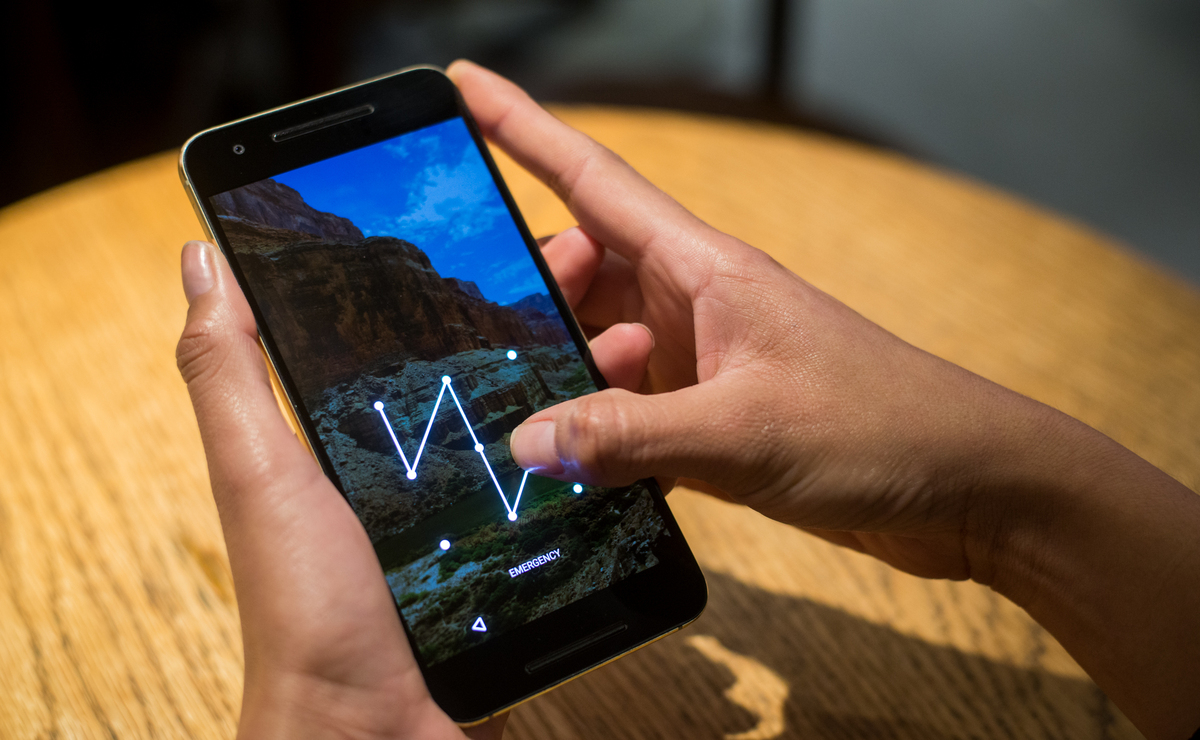
The solutions fall into a few clear themes. First, there are the direct unlock methods for Android phones and Samsung tablets, including specific steps for when you have forgotten your pattern or password. Second, several articles address the more drastic but sometimes necessary route of a hard reset or factory reset, which wipes the device clean so you can set it up again. Finally, a couple of pieces cover the trickier situations that come up after a reset, such as when recovery mode demands a password before proceeding, or when you never activated Samsung’s Find My Mobile service and need to work around that missing safety net.
Instead of encouraging risky or unauthorized bypasses, these guides help you take the safe, supported path back into your own device. You will learn how to unlock a locked-onn tablet, what to do if recovery mode asks for a password before a factory reset, and whether it is even possible to unlock a Samsung tablet when Find My Mobile was never turned on. The tone is practical and reassuring, so you can follow along step by step without feeling lost, or like you are doing something you should not be doing.