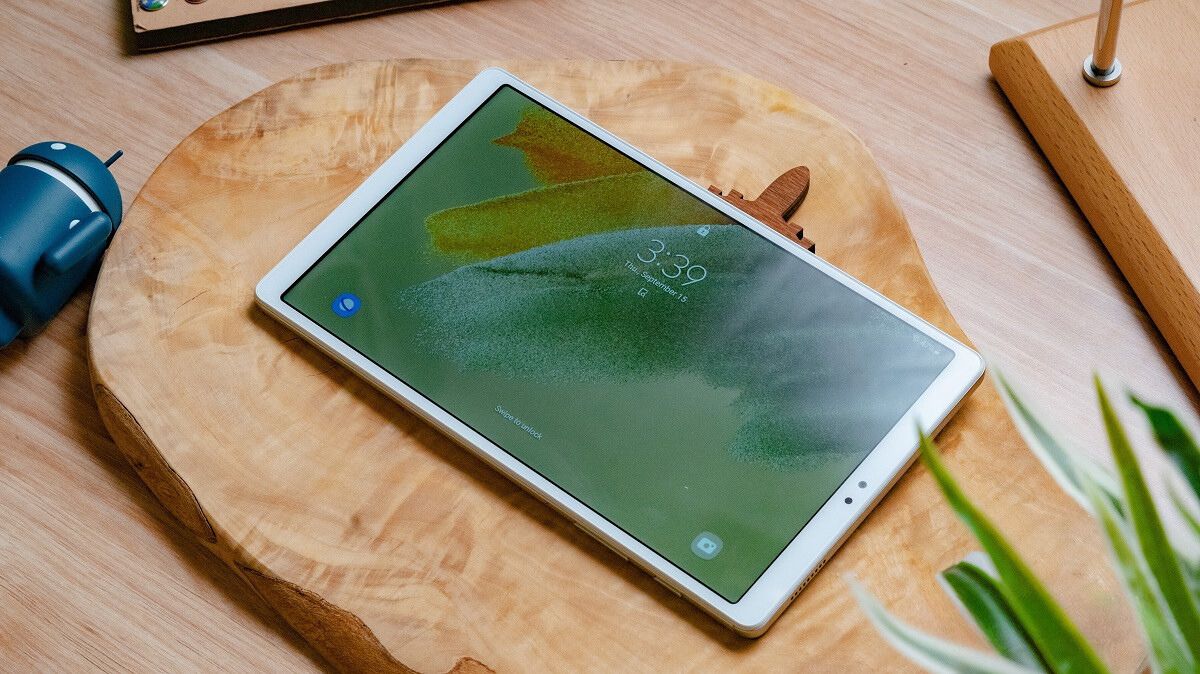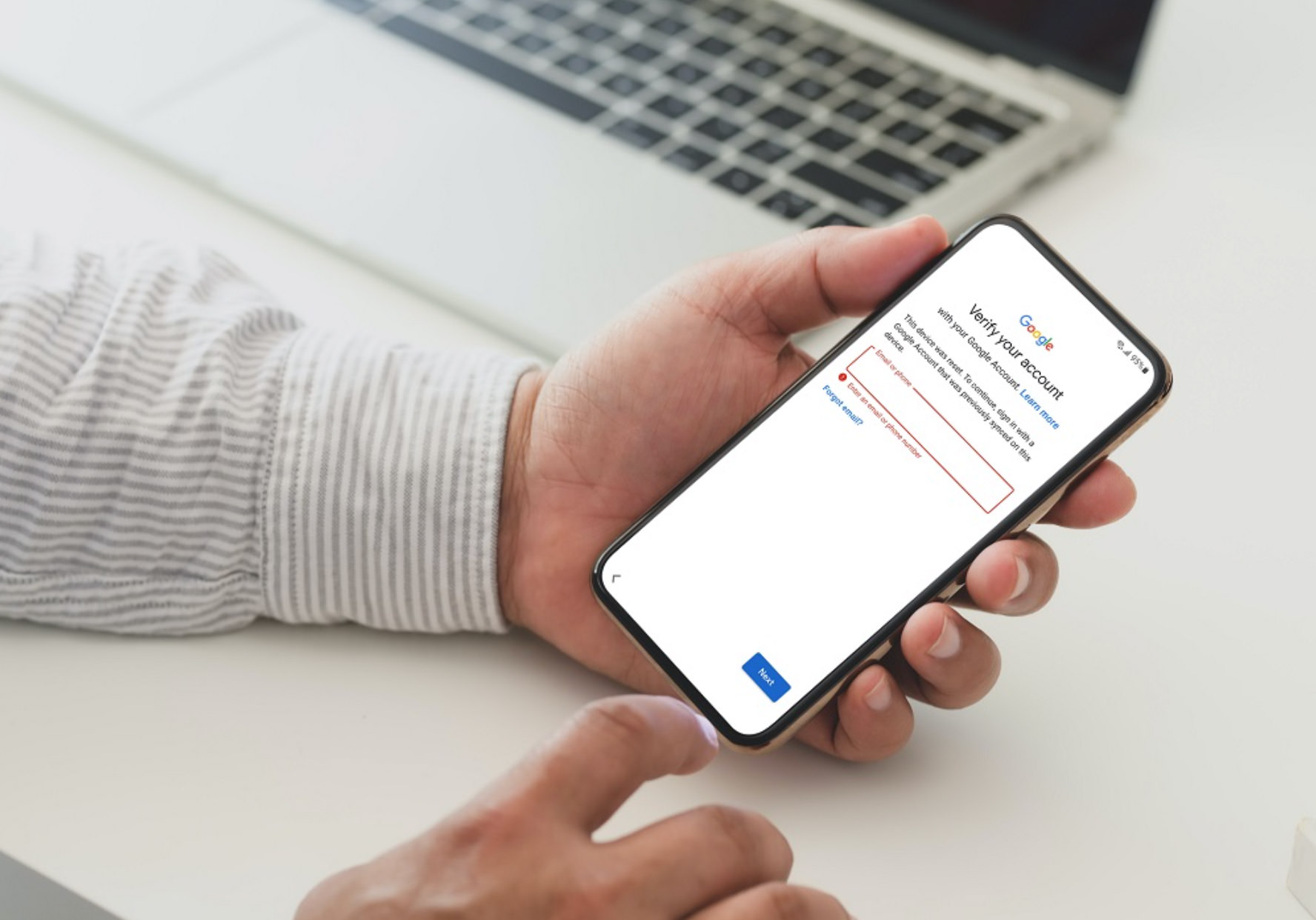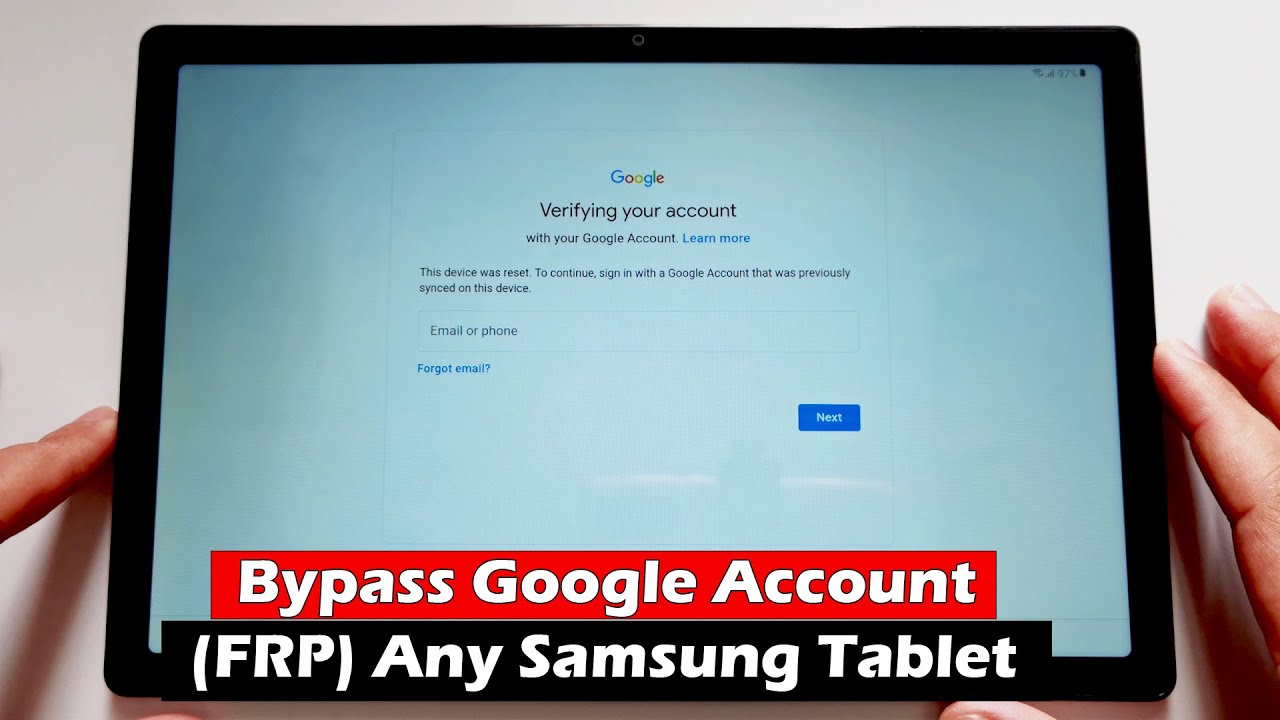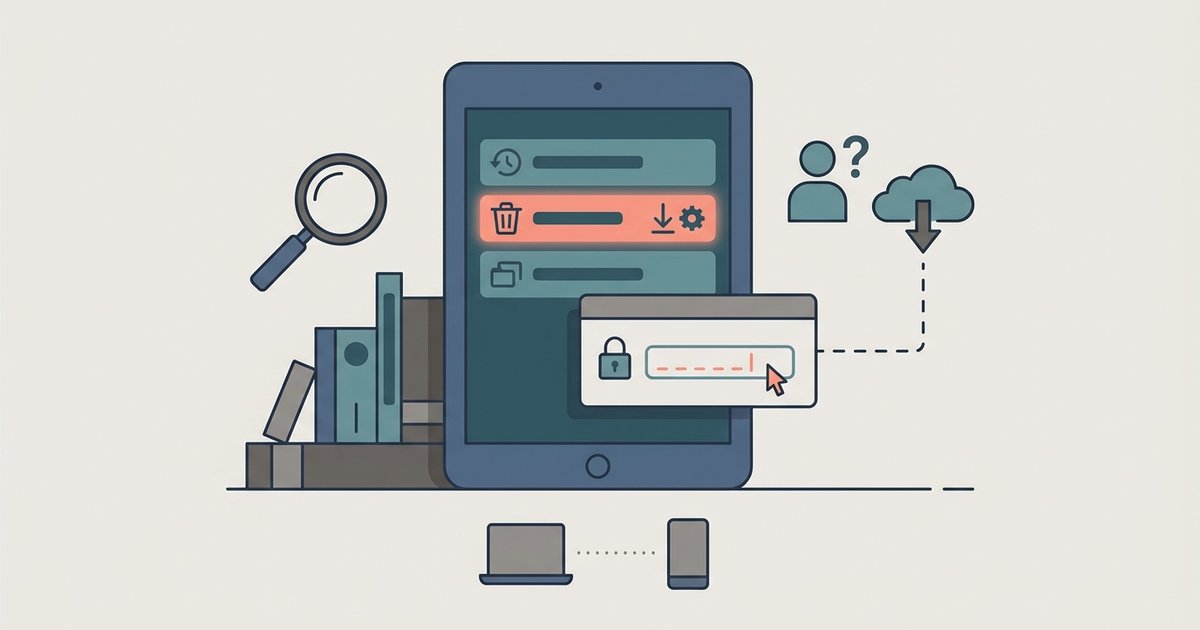
If recovery mode is asking for a password before you can factory reset, you have encountered a security feature called Factory Reset Protection (FRP) or a locked recovery partition. You must enter the last known PIN, pattern, or password to proceed. Alternatively, use the company’s Find My Mobile service to remotely remove the lock and reset the device. If you have forgotten your lock-screen credentials and have already tried the standard button combination to enter recovery mode, only to be blocked by a password prompt you cannot bypass, you are hitting a deliberate wall designed to prevent unauthorized resets.
Why recovery mode asks for a password
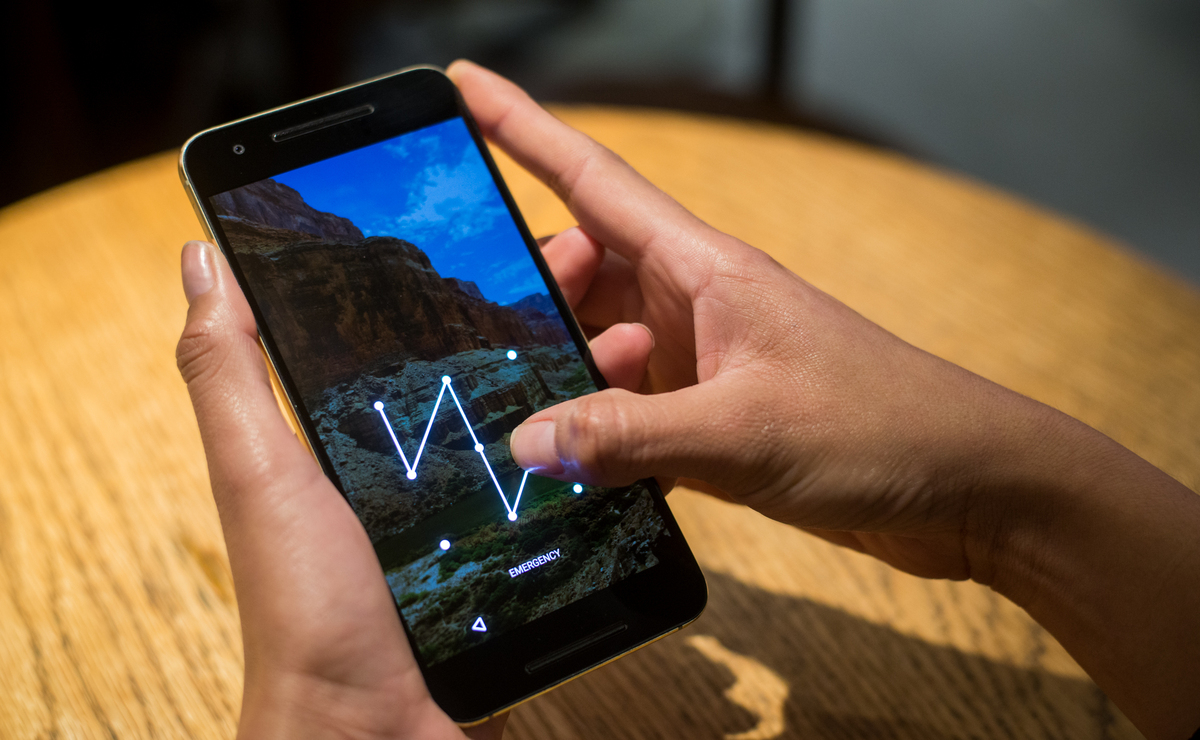
Modern devices lock the recovery menu to prevent thieves from wiping stolen devices without credentials. When you press the required button combination to enter recovery mode, the system may not grant full access until it verifies the last known screen lock. That means your PIN, pattern, or password. This is built into the operating system as a security feature. It activates after a factory reset is attempted without first removing the Google account linked to the device. The security feature is tied to your account credentials. Even if you can see the menu options, selecting “wipe data/factory reset” will immediately prompt you for the password. This means the standard button combination becomes useless if you do not remember the exact lock-screen credential you set.
Using find my mobile instead of recovery mode
If you cannot provide the password inside recovery mode, the most effective workaround is to use the manufacturer’s device location and management service. Log into the account that was active on the tablet using any web browser on a computer or another phone. Once inside the device management dashboard, select the option to remotely remove the screen lock. This action does not require you to know the old PIN or pattern. After the unlock is confirmed, you can then choose the option to factory reset from the same dashboard. That will wipe the tablet completely without ever entering recovery mode. This method works because it authenticates through your account credentials rather than the local lock-screen password. It effectively bypasses the FRP challenge. Note that this only works if the device is powered on, connected to Wi-Fi or mobile data, and signed into the same account you use on the portal.
When you are completely locked out and find my mobile is off
If you cannot enter the password and Find My Mobile is not enabled on the tablet, or you cannot recall the account login, you face a dead-end scenario. No software tool or button trick will allow you to unlock a Samsung tablet without the original credentials, because the security lock is enforced at the system level. Searching for how to unlock a Redmi phone will not help here. These devices operate under different security rules than other manufacturers' phones. Similarly, advice on how to “hard reset Samsung tablet without password” found on forums typically fails because the security prompt blocks the reset command. Even the so-called security lock bypass methods rarely work on modern tablets running recent operating system versions. The manufacturer patches those exploits with each security update. Your only remaining option is to contact the company’s support team or visit an authorized service center. You must provide proof of purchase, such as a receipt, invoice, or box with the IMEI, to verify ownership. Once verified, the service center can reflash the firmware or remove the FRP lock. This will perform the factory reset and allow you to set up the tablet as new. For broader guidance, you can also learn about unlocking a locked tablet.