Practical, straight-talking guides for anyone facing a Google account or screen lock issue after a device reset. This page is for everyday owners of Android phones and tablets, not technicians, who are temporarily locked out of their own hardware and need clear, legitimate paths back in. The articles here focus on recovery from the user’s perspective, covering situations where you know your credentials but the device is not cooperating, or where you need to prove ownership to regain access.
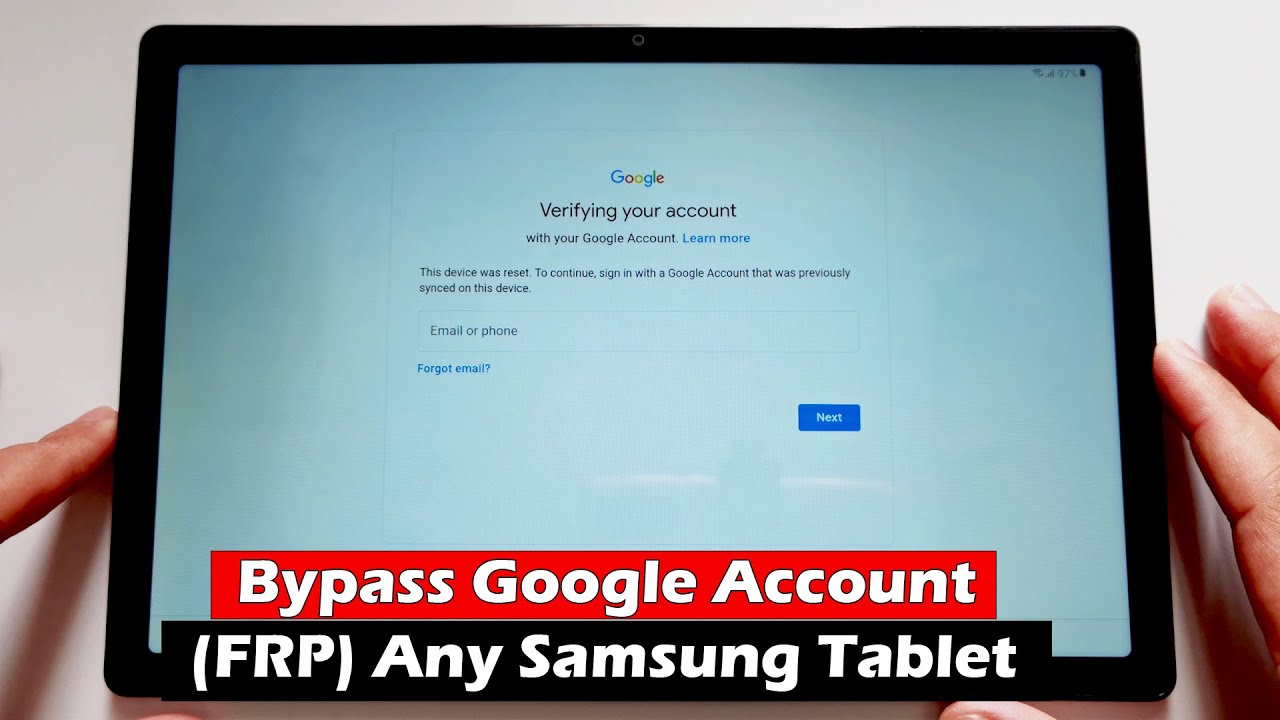
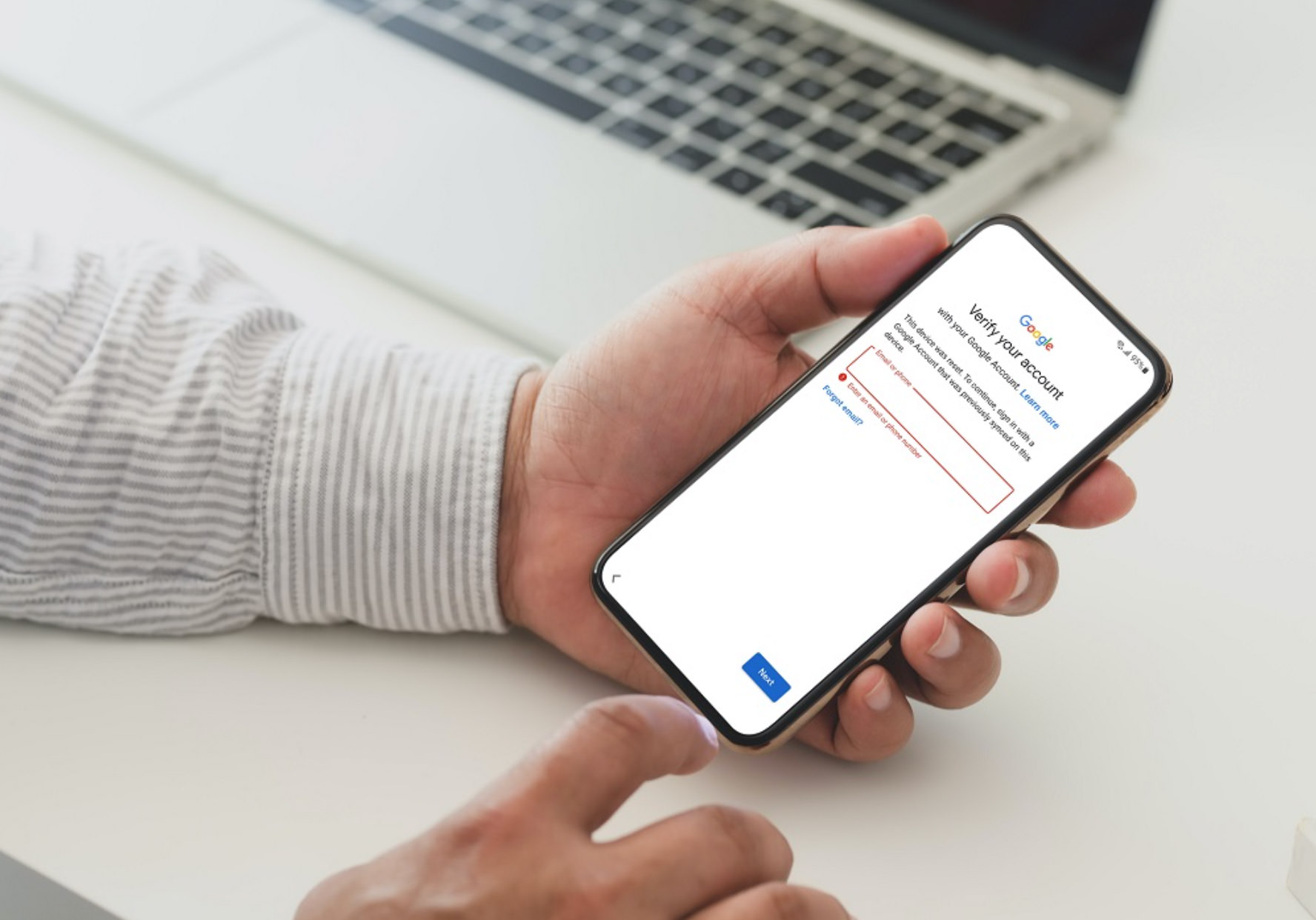
The problems addressed fall into two main themes. First, several pieces walk you through the standard, legitimate recovery flow: unlocking a Google account after a factory reset, recovering an account you’ve forgotten the password for, and handling the “verify it’s you” prompts after a reset. Second, a few articles tackle the more specific scenario of a tablet or phone that is fully locked out, whether you’ve forgotten the PIN, pattern, or the device is asking for a password before it will even enter recovery mode. One article takes a security-conscious angle, explaining what to do when recovery mode itself asks for a password, which is a protective measure rather than a bypass trick.
You’ll find walkthroughs for Samsung tablet Google account recovery, steps to hard reset an Android tablet when locked out, and advice on what to do if your device asks for a password before a factory reset. The tone throughout is about regaining access to your own property through official channels, Google’s own recovery tools and manufacturer-approved reset methods, not circumventing security. If you’re stuck on a “Google Account is associated with this device” screen or a similar dead end, these articles give you the legitimate steps to try next.
![[Full Guide] How to Bypass Google Account Verification After Reset](https://robots.net/wp-content/uploads/2023/11/How-to-Bypass-Google-Account-Verification-After-Reset.png)