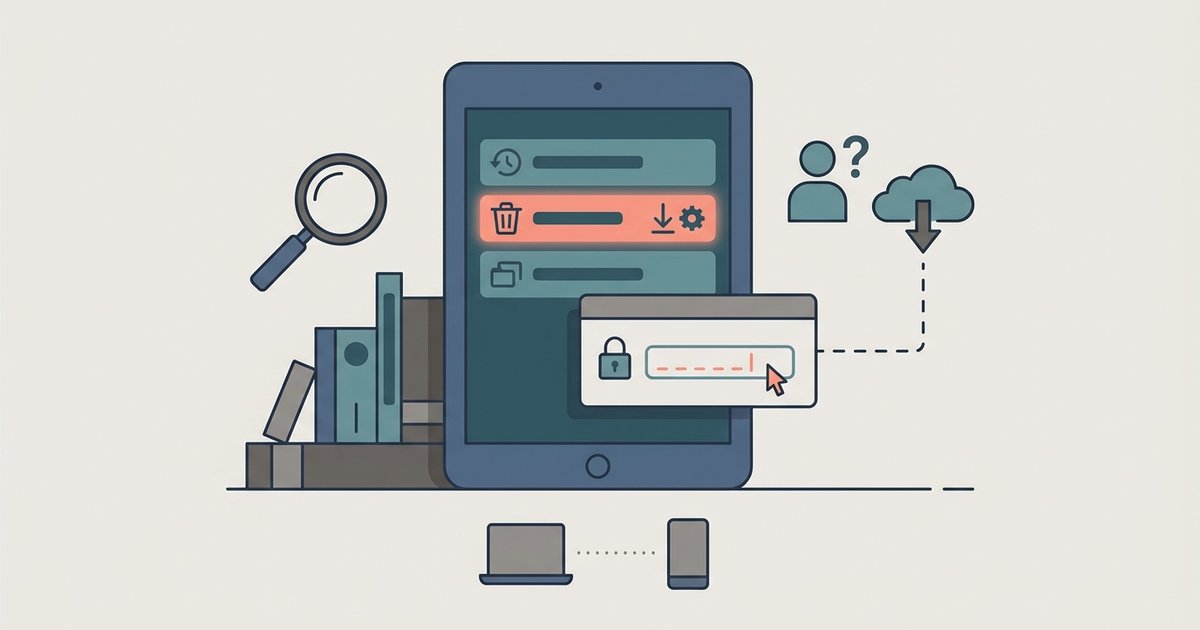
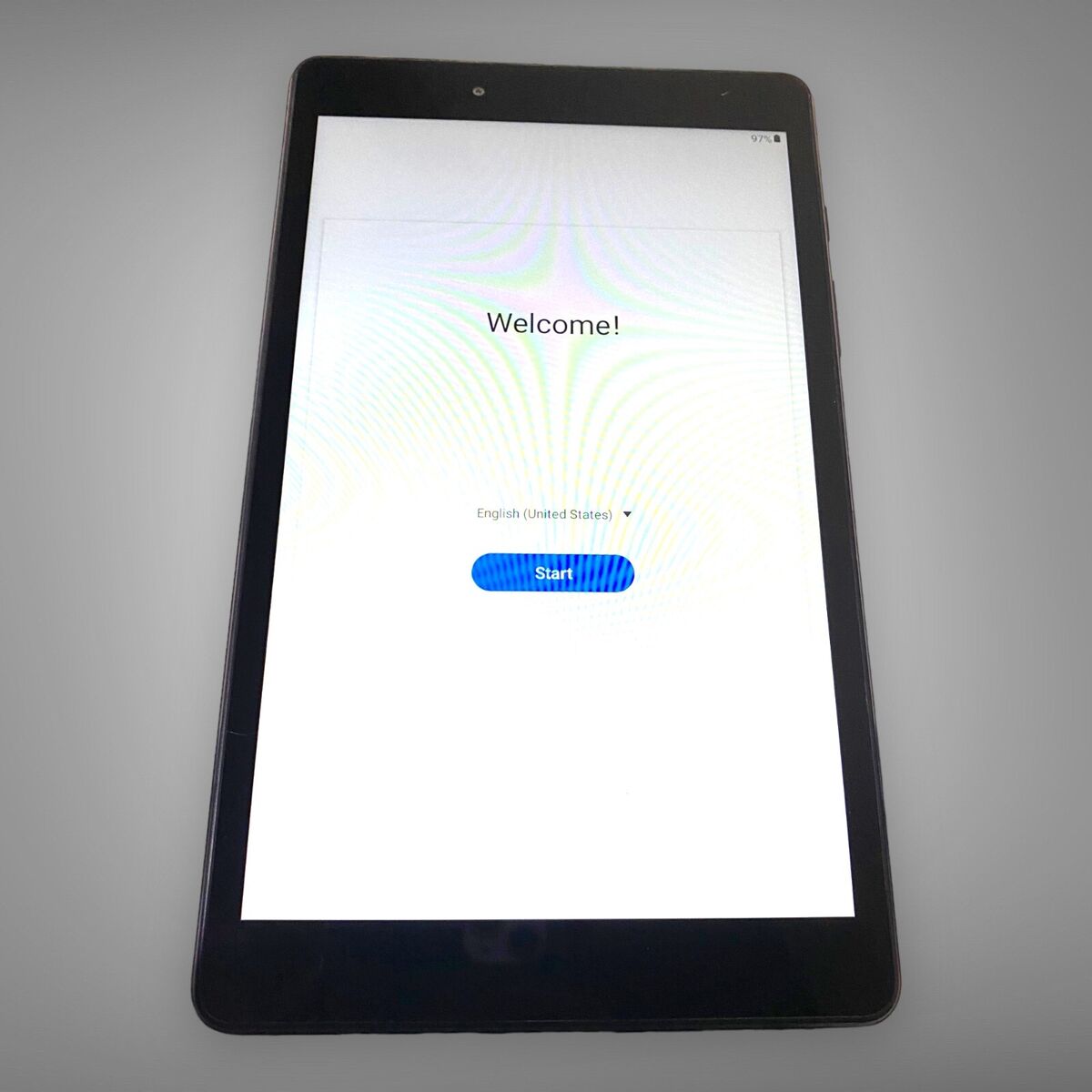
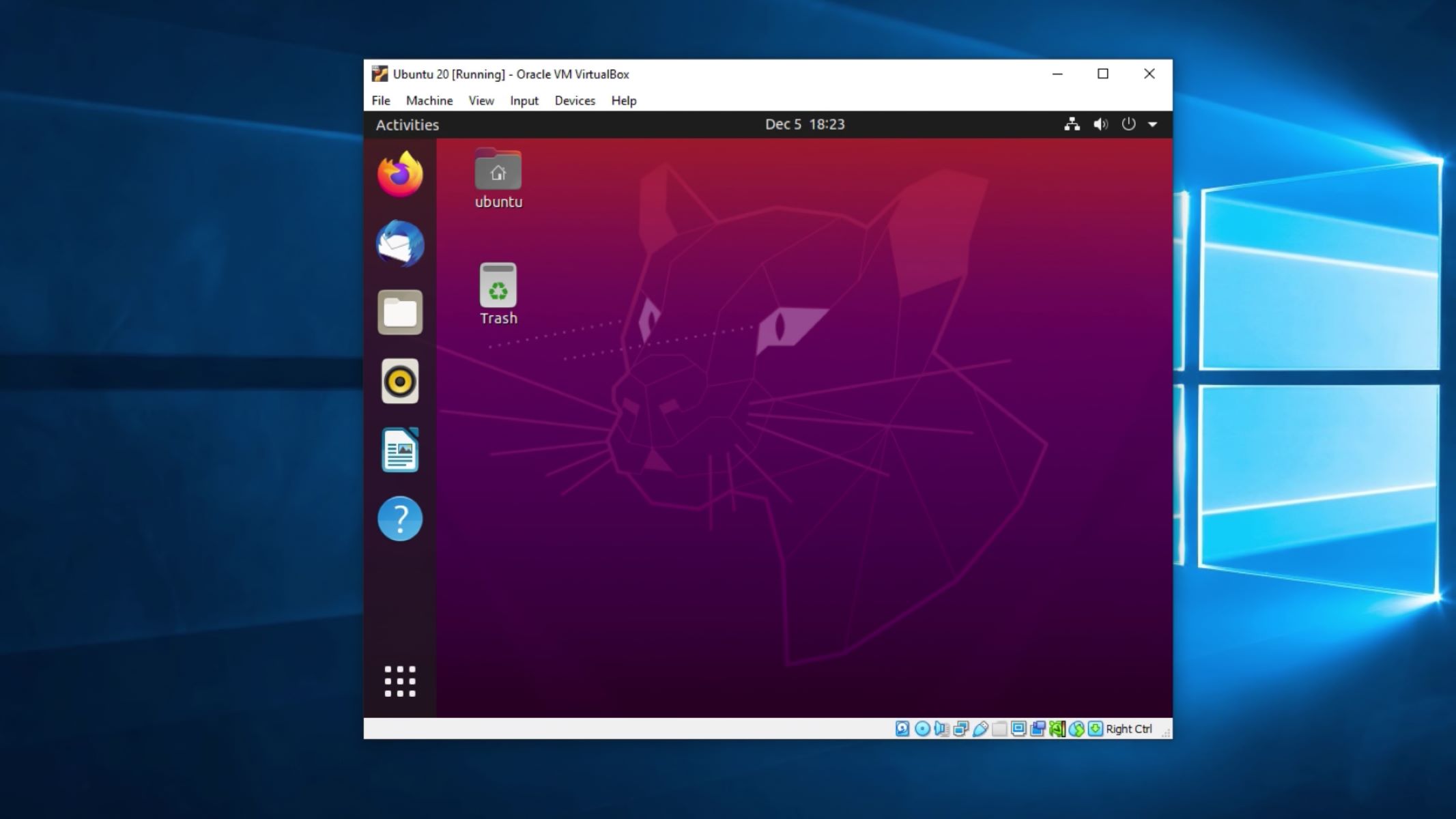
Recovery mode is a built-in troubleshooting environment on many devices, and this tag collects guides that help you use it safely and legally to regain access to your own hardware. These articles are written for everyday users who are locked out of a tablet, a virtual machine, or an Amazon Kids device, not for bypassing security, but for restoring control when you have a legitimate right to the device. The common thread is getting past a forgotten password or a stuck boot loop without losing data unnecessarily or resorting to risky third-party tricks.
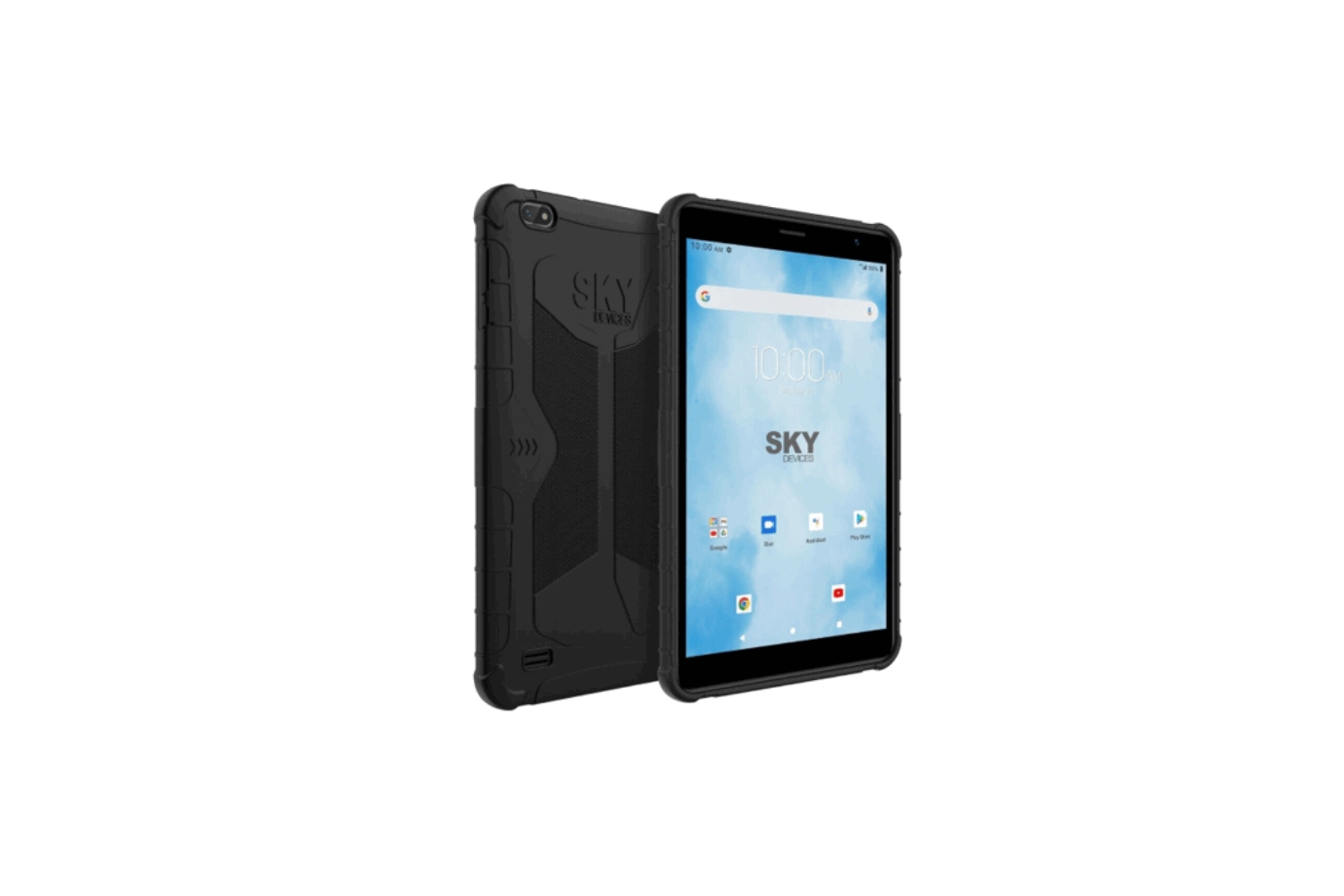
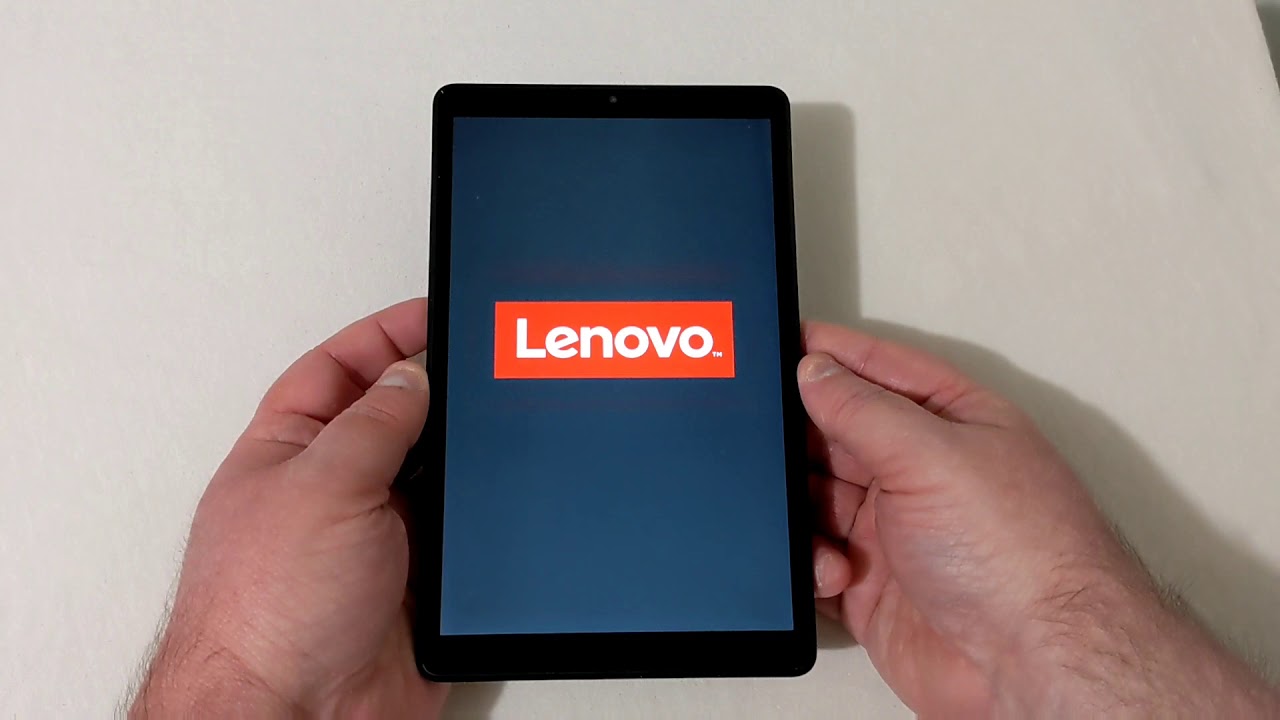
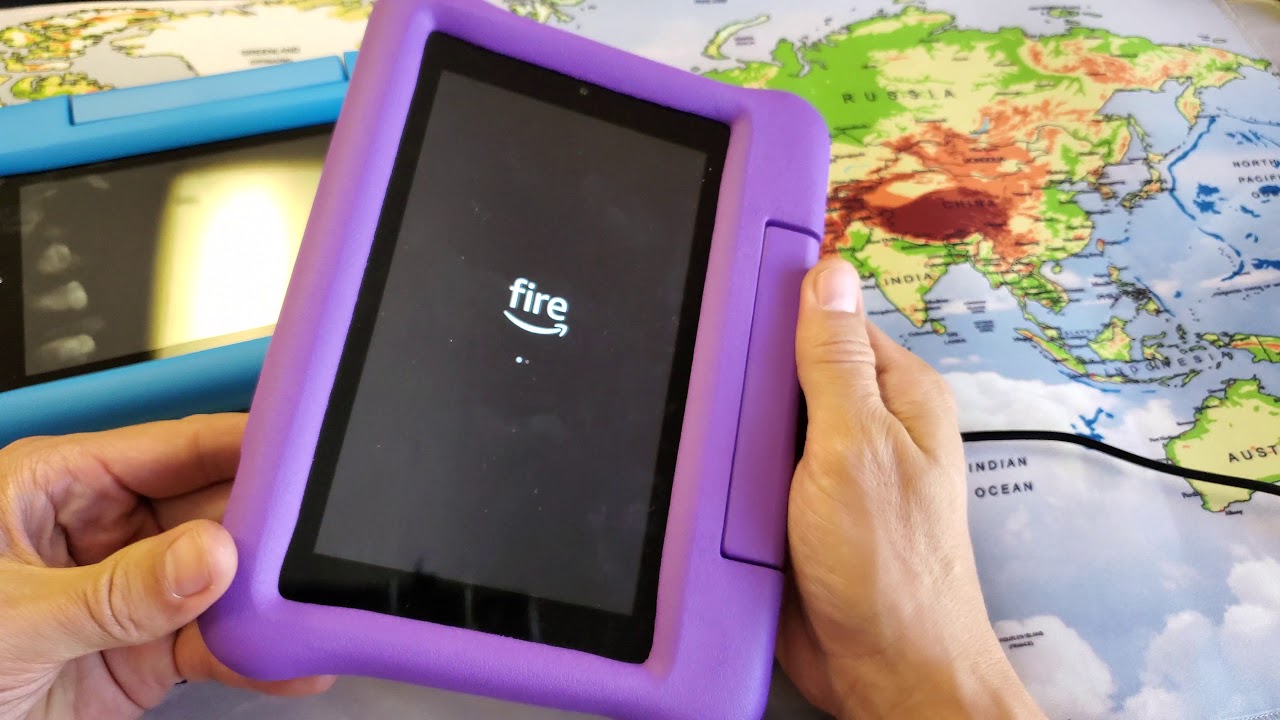
Several articles focus on password recovery on specific platforms, such as resetting a password inside an Ubuntu virtual machine on VirtualBox, or performing a hard reset on Samsung, Lenovo, or Sky tablets when you’ve been locked out. These walk you through the official or manufacturer-supported recovery menus, so you can wipe or restore the device to a usable state. Another theme is parental or family account recovery, as seen with the Amazon Kid Tablet guide, this helps you regain access to a child’s device after a forgotten PIN or profile lock, while keeping the parental controls intact. Finally, one article addresses a confusing situation where recovery mode itself asks for a password before a factory reset; that guide explains what that prompt means and how to respond correctly, rather than trying to circumvent it.
Across these topics, the goal is always to help you solve a real access problem, whether that’s clearing a forgotten credential, restoring a sluggish tablet, or understanding a confusing recovery screen. The instructions are practical and step-by-step, but they stay within the bounds of what a device manufacturer would consider legitimate use. If you’re stuck at a lock screen or a recovery menu, these articles show you the proper path forward, not a hack.