A factory reset will not remove a Knox or MDM lock because these protections are stored in a secure, tamper-resistant memory partition that survives user-space wipes. Even after you wipe the device through recovery mode or Settings, the lock remains active and will reapply itself the moment the device boots back into the operating system. This is not a glitch or a failure of the reset process, it is the intended behavior of Samsung’s defense-grade security architecture.
Why a factory reset fails to remove Knox
Knox and MDM locks are enforced at the bootloader and trusted execution environment level, not in the user data partition that a factory reset clears. When an enterprise enrolls a device in an MDM system, it writes a persistent flag into the Knox hardware-backed secure storage, such as the RPMB (Replay Protected Memory Block) or a secure partition. This flag is checked by the bootloader before the operating system even loads. A factory reset only wipes the /data partition, which contains apps, settings, and user accounts. It cannot touch the Knox boot-time checks, the TEE (Trusted Execution Environment) configuration, or the hardware-backed attestation keys. For example, on a Samsung Galaxy device enrolled in Knox Configure, the lock policy file resides in the Knox container’s secure zone. After a reset, the device boots, the bootloader reads that policy, and it immediately re-locks the screen and restricts setup. The result is a locked device that looks clean but is functionally unusable.
The FRP trap after the reset
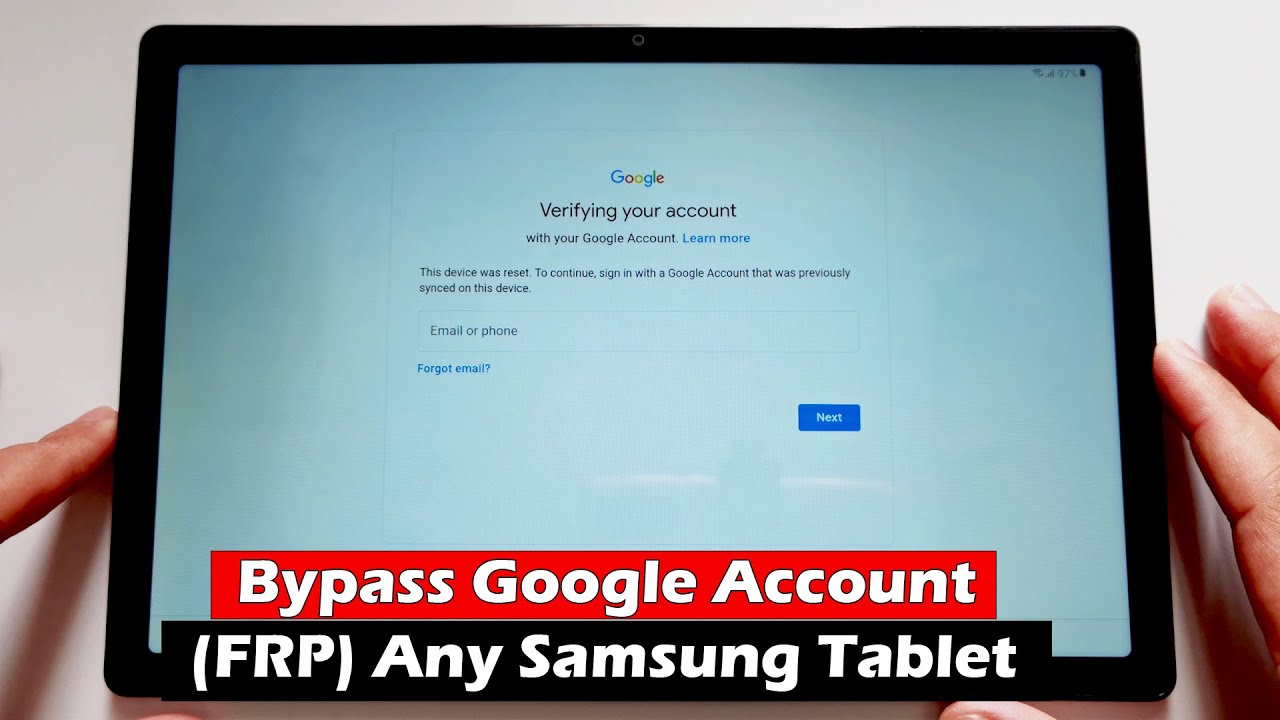
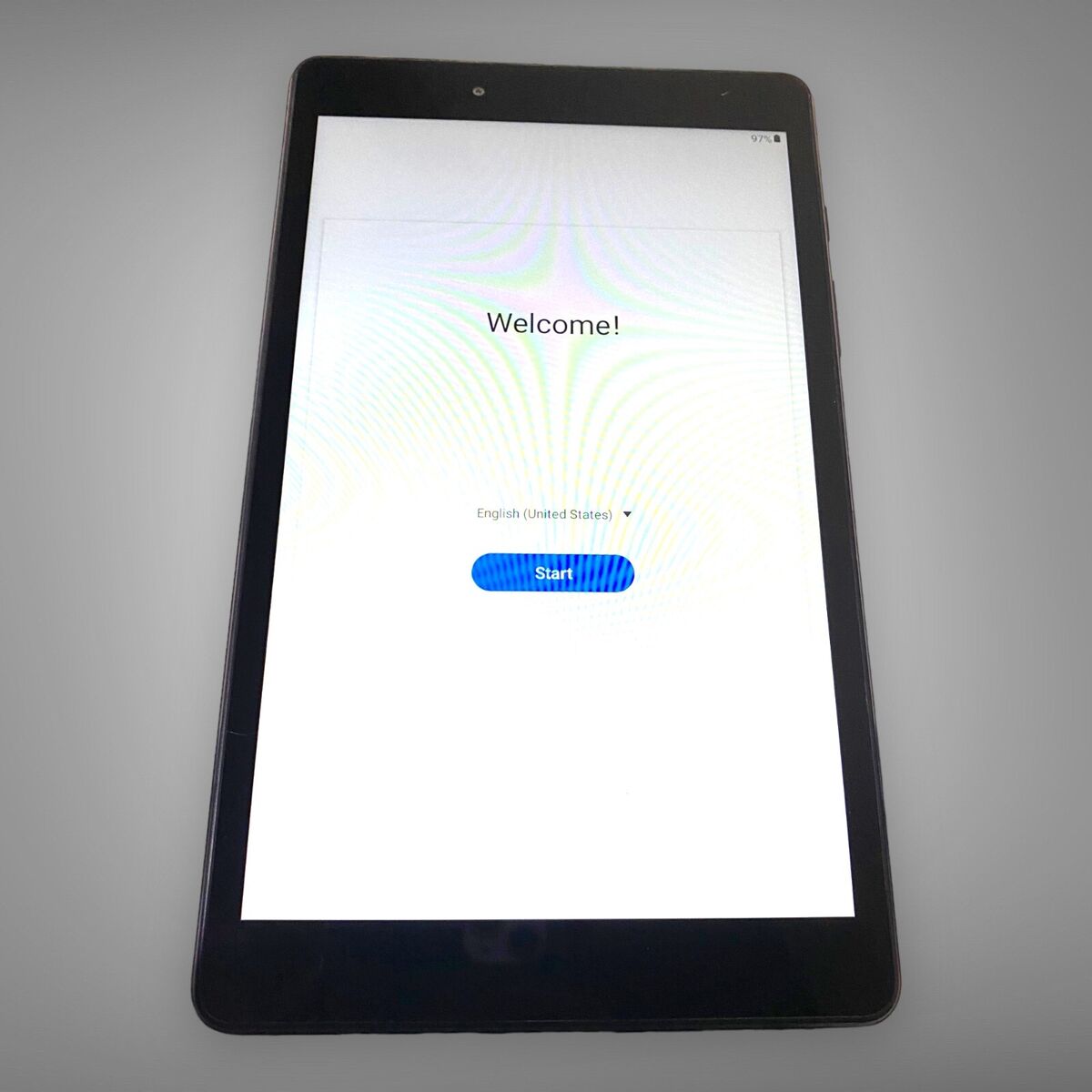
Describing how a reset on an MDM-enrolled device often triggers Factory Reset Protection, demanding the original Google account or enterprise credentials before setup can continue. This is a second layer of defense that catches many second-hand owners. Even if you manage to bypass the Knox lock at boot, for instance, by flashing a modified firmware, the device will then hit the FRP wall. FRP is stored in the /persist partition and is tied to the Google account that was last signed in. On enterprise devices, the MDM policy often forces a specific Google account during enrollment, so after a factory reset, the device asks for that same account. If you do not have it, you cannot proceed past the welcome screen. Some users attempt to use tools found in guides like “unlock a Samsung tablet” or “hard reset a Samsung tablet without a password,” but those methods work only on devices that are free of MDM or Knox policies. Once an enterprise lock is present, those techniques simply fail. The same is true for methods to bypass an FRP lock without software or an OTG cable; they rely on the device being in a state where FRP is the only block, not a combined Knox+FRP lock. In an MDM scenario, the Knox lock prevents even entering FRP bypass tools.
What actually removes these locks
Only server-side deactivation from the MDM console or a proven ownership verification process through an authorized service center can permanently lift the lock. Book an appointment at a Samsung authorized service center and arrive with your original purchase invoice and a government-issued ID, then ask the technician to submit a Knox lock removal request using the ownership verification portal. Skip any third-party unlocking kiosk or mail-in service that promises a remote bypass. An IT administrator must log into the MDM provider’s portal, such as Knox Manage, VMware Workspace ONE, or Microsoft Intune, and issue a device removal or deactivation command. This sends a signed certificate to the device’s Knox agent, which then clears the secure storage flag. Without this server-to-device handshake, the lock is immutable. For a second-hand device owner, the only legitimate path is to contact the original company or the MDM provider and prove ownership via an invoice or purchase receipt. Samsung’s authorized service centers can also perform a hardware-level unlock, but they require the same proof. If you have a personal device that you locked yourself and later search for how to unlock a forgotten Redmi password, that advice does not apply because the lock is not a password, it is a corporate policy. No amount of local tinkering, reflashing, or third-party software will remove a Knox or MDM lock. The security model is designed so that even physical access to the device’s internal storage cannot bypass it without the cryptographic key from the server.
Unlike a forgotten screen lock, a Knox or MDM lock is a corporate policy flag burned into hardware-backed secure storage that no local reset or consumer tool can erase, which is why unlocking a locked tablet requires a deeper understanding of enterprise-level restrictions covered in the broader topic of How to Unlock a Tablet You Are Locked Out Of.