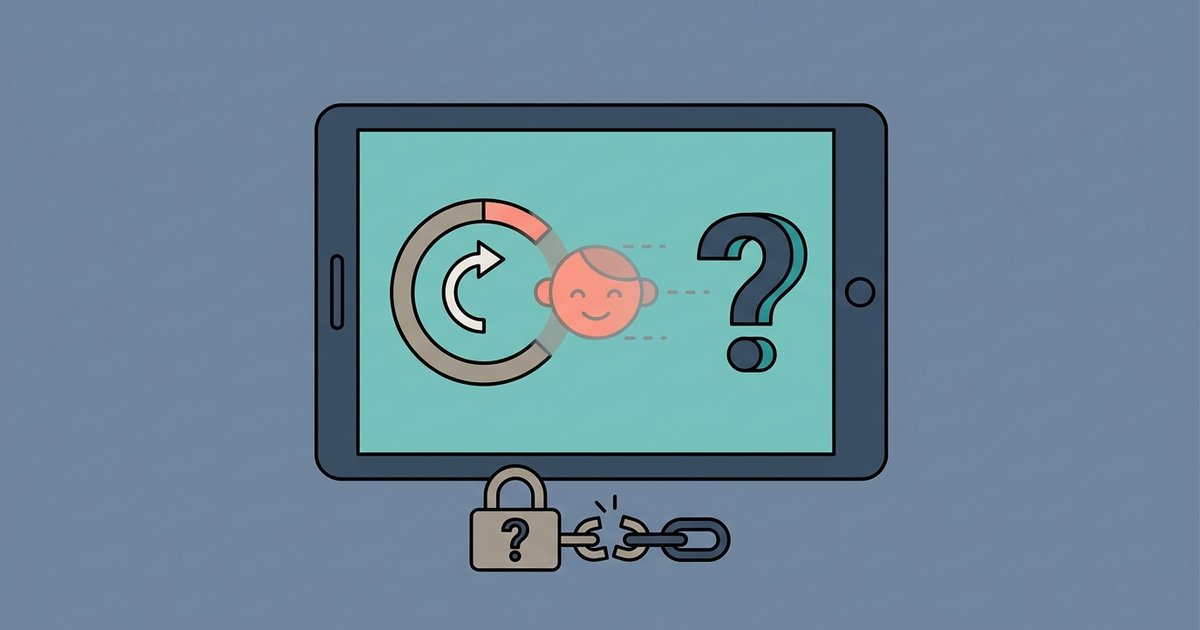
No, a factory reset will not silently remove parental controls. The device requires the parent's Google account password or Family Link confirmation during setup, which triggers an unavoidable notification.
What factory reset parental controls do during setup
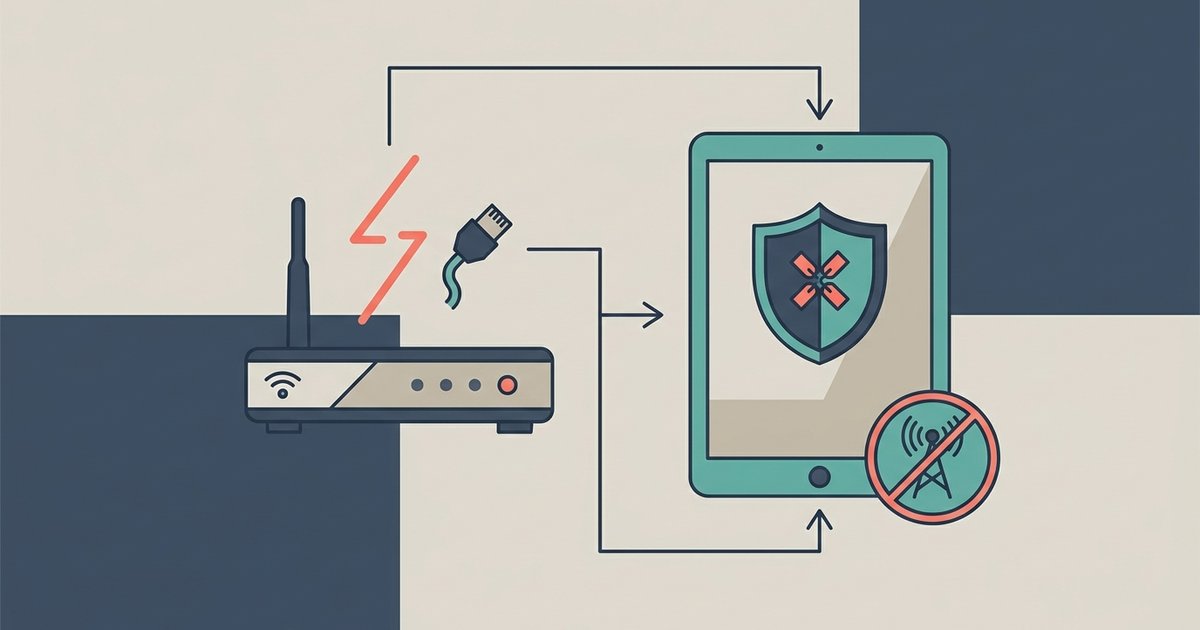
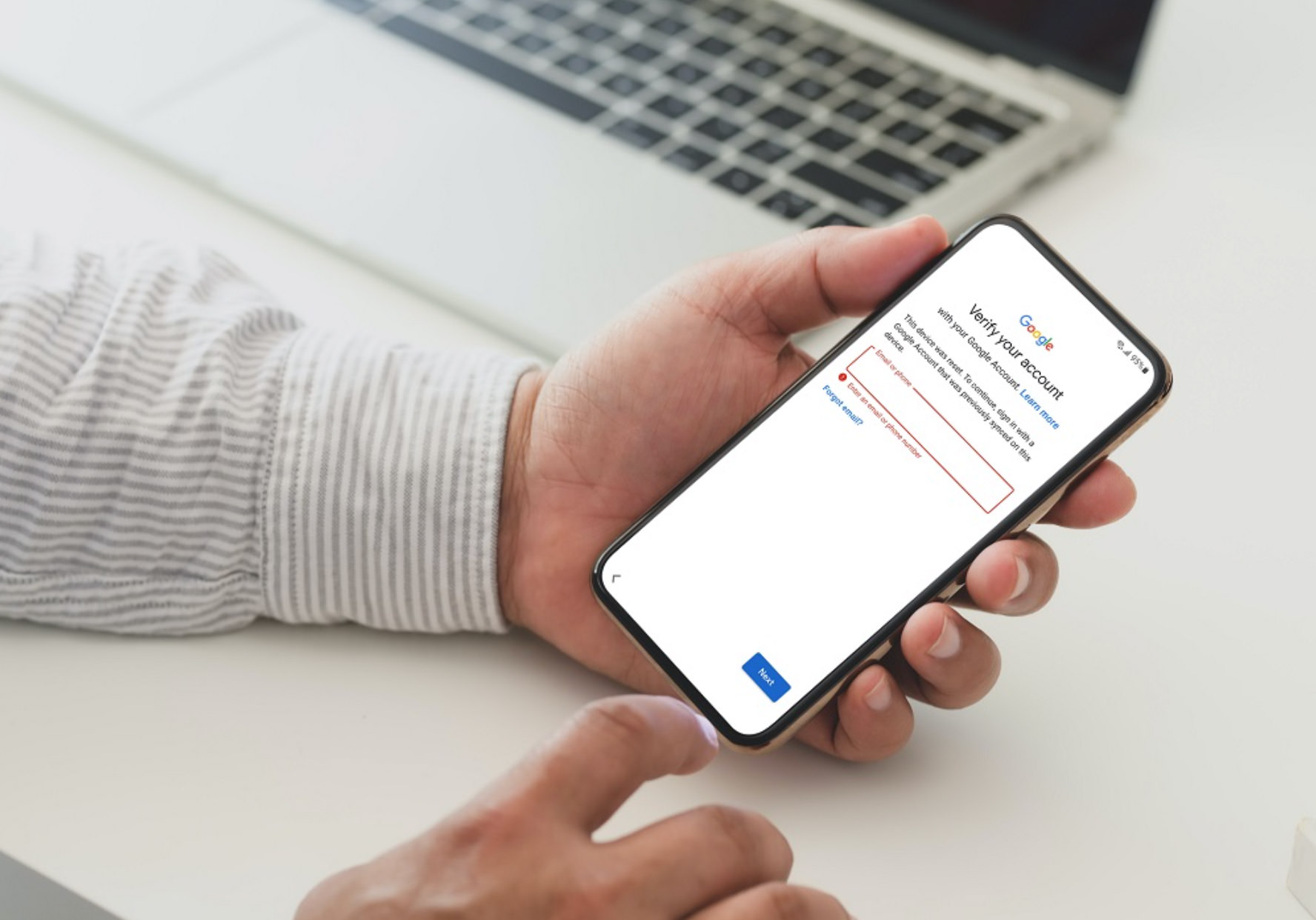
After a factory reset, the device boots into the Android setup wizard. The first critical step is connecting to Wi-Fi. Once online, the device contacts Google's servers and identifies itself by its unique serial number and Google Account identifier (the "Android ID"). If those identifiers are linked to a Family Link supervised profile, the setup wizard immediately locks and displays a screen that says "Set up with Family Link." At this point, you cannot proceed without entering the parent's Google profile password. If you try to guess or bypass that password field, the wizard simply loops back to the same screen. Simultaneously, Google's backend sends a notification to the parent's Family Link app, reading "[Device name] is being set up. Approve or deny?" The parent's phone also receives an email with the subject line "Your child is setting up a new device." There is no offline workaround because the device cannot complete the initial provisioning without a valid server response from Google.
Skip the workaround that fails
Do not attempt to sign in with a different adult profile or skip Wi-Fi during setup. If you skip Wi-Fi, the setup wizard lets you proceed to the home screen, but the device remains in a "setup incomplete" state. Core functions like the Google Play Store, Chrome, and any app that relies on Google Play Services are locked. More importantly, the system still has the original parent profile's supervision policies cached locally. If you try to add a new adult profile via Settings > Accounts, you only trigger a "This device is managed by a parent" error, and the device eventually forces a reboot back to the setup wizard. Similarly, using a different adult login to sign in during the initial setup results in a conflict: the device detects that the hardware is already associated with the original parent profile, and Google's servers reject the new credentials. The only way to proceed is to provide the original parent credentials, which sends the notification anyway. Do not waste time using a VPN to change the region, because Family Link restrictions are enforced server-side by user identity, not by IP address.
What parents see and when
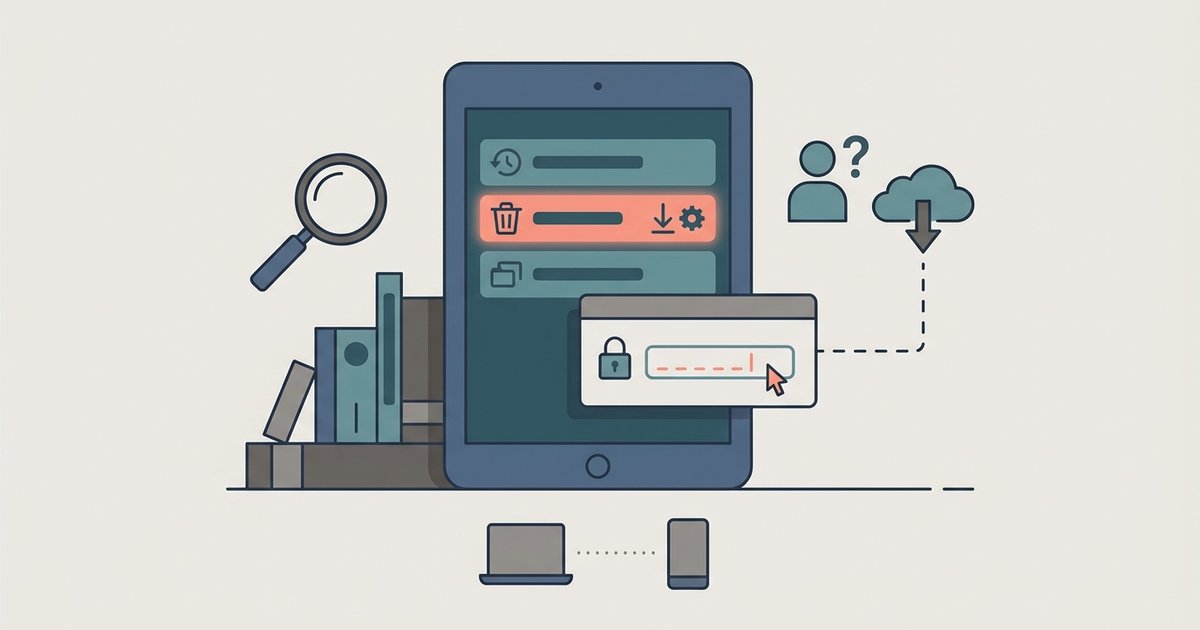
Parents receive two simultaneous alerts the moment the device connects to the internet after a factory reset. First, the Family Link app on the parent’s phone shows a banner: "[Device name] needs your approval to finish setup." Tapping it opens a screen with the child’s name, device model, and a "Approve" or "Deny" button. Second, an email is sent to the parent’s Gmail inbox within 30 seconds, with the same information and a direct link to the Family Link dashboard. There is no stealth window: the notification is sent before the child can even see the home screen. If the parent denies the request, the device remains locked on the setup screen indefinitely. Even if the parent ignores the notification, the device cannot proceed without their password. This applies to all supervised Android devices, including tablets used to block porn on a tablet. For example, if a parent has set up restrictions to block porn on a tablet, a factory reset does not remove those policies, the tablet remains locked to the parent profile. Similarly, if a parent is managing restrictions on a sibling's device, the reset still requires the original parent password. The same principle holds for game-specific controls: a reset cannot turn off parental controls in Among Us without the parent’s approval. Even on non-Android devices like a streaming stick, a factory reset does not bypass profile-level restrictions, for instance, a reset cannot block apps on Roku TV without the parent re-entering the PIN.
In every case, the parent is notified instantly, and the device remains unusable until they respond, making a factory reset the loudest possible alarm rather than a silent escape, which underscores the importance of understanding the full process of setting up parental controls and how they can be turned off.