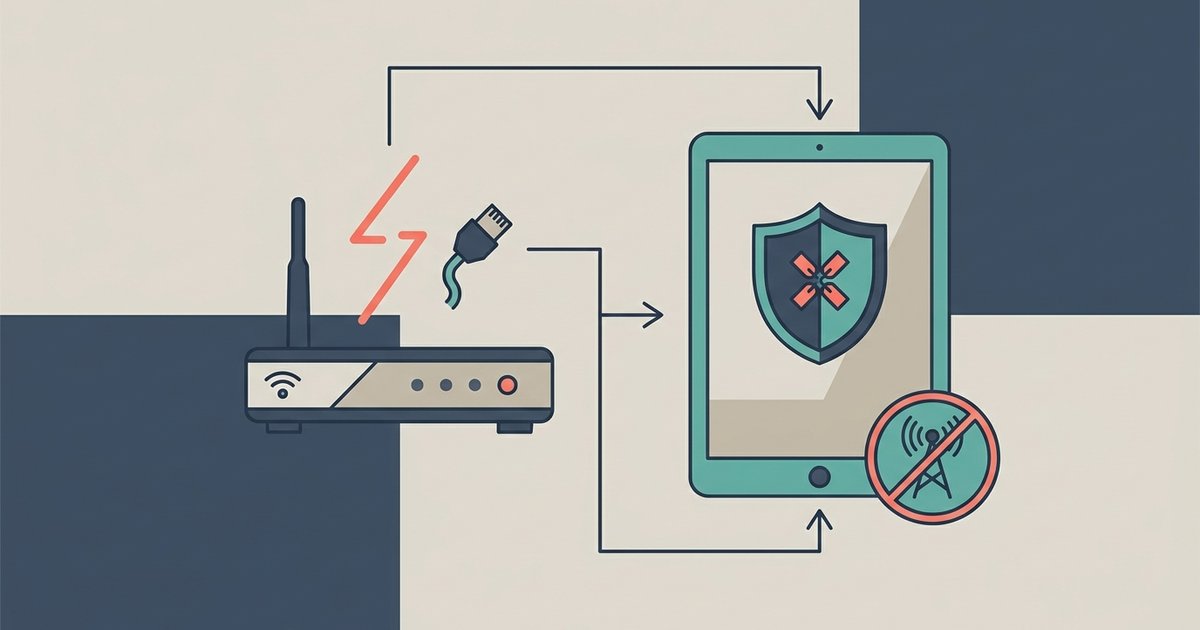
Yes, most core restrictions like screen time limits and on-device content filters work offline, but web filtering and remote management alerts will stop functioning without an internet connection.
How parental controls offline rules keep working
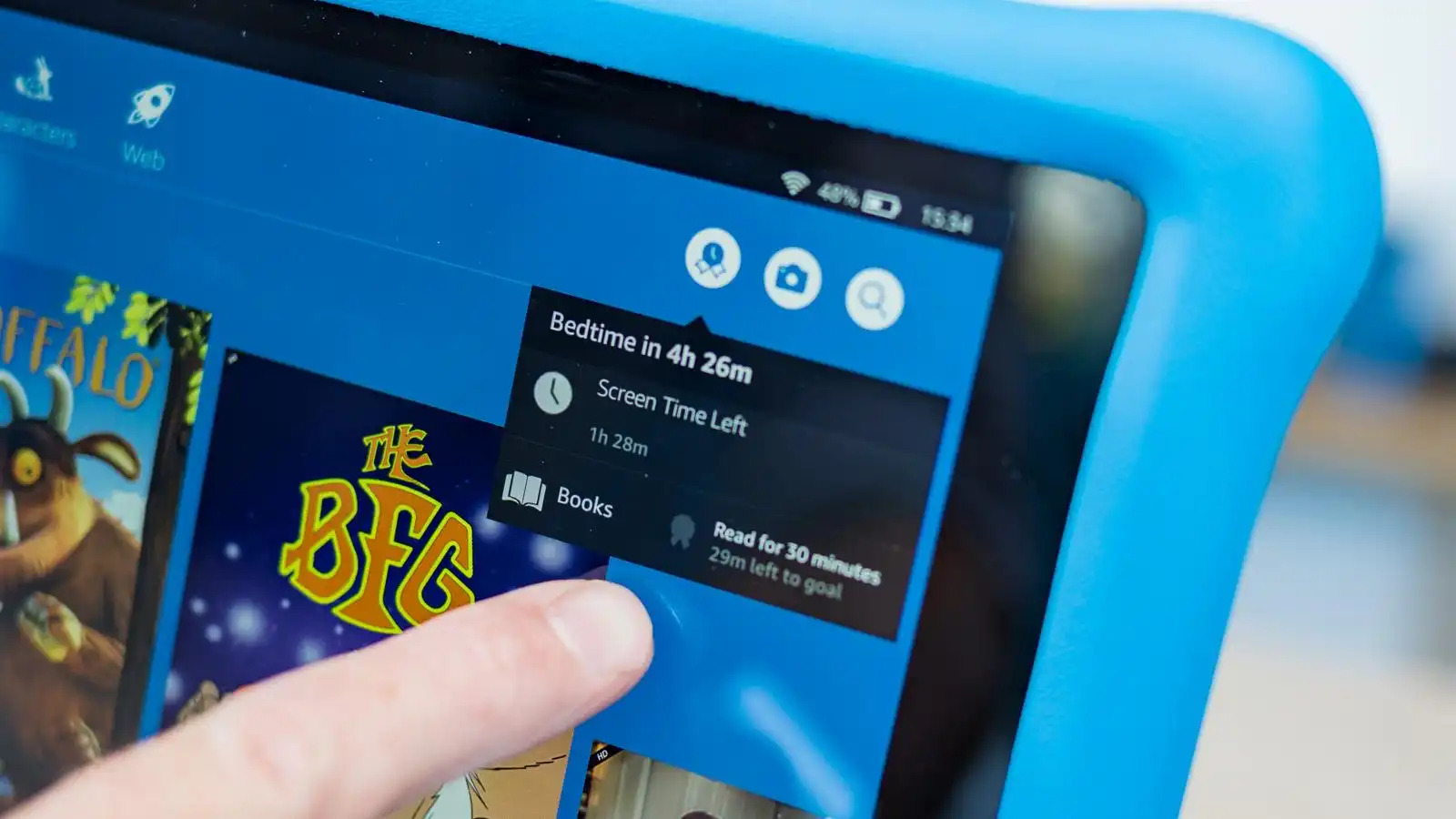
Parental control systems on Android, iOS, and Amazon Fire tablets download a local policy file the moment you apply settings. This file contains your specific limits. For example, a “Downtime” period from 9:00 PM to 7:00 AM, a daily app limit of two hours for games, and a list of blocked built-in apps like the browser or camera. Because these rules are cached directly on the tablet’s storage, they continue to enforce screen time caps even when the device is in airplane mode. A content rating filter set to block apps rated 17+ lives in the device’s package manager and does not need a server check. Similarly, the on-device content filter maintains its block list locally when you block porn on a tablet. Any attempt to open a pre-blocked app or visit a known adult site in a restricted browser still fails offline.
What silently breaks without internet
Web filtering is the most vulnerable feature. When a child uses a browser, parental controls typically send each URL request to a cloud service to check it against a block list. Without internet, the browser cannot reach that service. It either loads the page normally or falls back to a local cache of allowed sites, which a child can manipulate. If a child has already visited a site while online, the page’s data may be stored in the browser’s cache, allowing them to view it offline. Additionally, any third-party app that does not rely on the device’s content filter can be used freely. A downloaded game or a media player with its own browser bypasses the system-wide filter entirely. The firmware may enforce restrictions to block apps on Roku TV only when connected to your home network. Offline, the TV may ignore the block list and allow any installed channel to launch.
Why remote consoles go blind
Parental control dashboards rely on periodic syncs to report activity. When the device is offline, the parent’s mobile app or web console shows the last known data, often hours or days old. Real-time alerts for app installs, screen time exceeded, or location changes are never triggered. You cannot push a new limit, pause the device, or send a remote lock command until the tablet reconnects. If your child turns off Wi-Fi just before a scheduled limit hits, the remote console will not register the violation. Your ability to intervene remotely is completely frozen. Some parents also try to turn off parental controls among us by disconnecting the device, hoping to access settings that require a server check. That tactic succeeds only because the offline device cannot verify the parent’s account credentials against the cloud. It may allow a local bypass if the child knows the device passcode.
The offline loophole smart kids exploit
A common exploit involves turning off Wi-Fi seconds before a screen time limit is supposed to lock the device. On Android with Family Link, the timer that counts remaining minutes is stored locally. The final lock command that triggers the “Time’s up” screen is enforced locally on the device. If the child disconnects right before the limit ends, the local timer may freeze, giving them extra minutes or even hours before the device realizes it should enforce the limit. The same trick works with remote lock commands. A parent can try to lock the tablet from the console, but if the device is offline, that command sits in a queue and never arrives. Until the tablet reconnects, the child can keep using it. To block this, the device must not easily disconnect. Disable the option to turn off Wi-Fi from the quick settings menu. Use a network-level firewall that blocks internet access but keeps a local connection to your home router. However, no amount of local rules can fully protect against a determined child who knows how to bypass Google's family link by factory resetting the device offline, which erases all local policies.
Parental controls are a patchwork of local rules and cloud-dependent checks, and a child with physical access to the device and no internet connection holds a decisive advantage. Setting up parental controls is only the first step in a continuous process of balancing oversight with your child's growing autonomy.