Practical, step-by-step guidance for owners of Amazon’s Fire tablets and Fire TV devices. It is written for everyday users, parents setting up a child’s tablet, travelers trying to watch shows offline, or anyone who has hit a confusing lock screen or settings menu. The articles assume you are not a technical expert, and they focus on clear, safe, and legitimate ways to manage your own device.
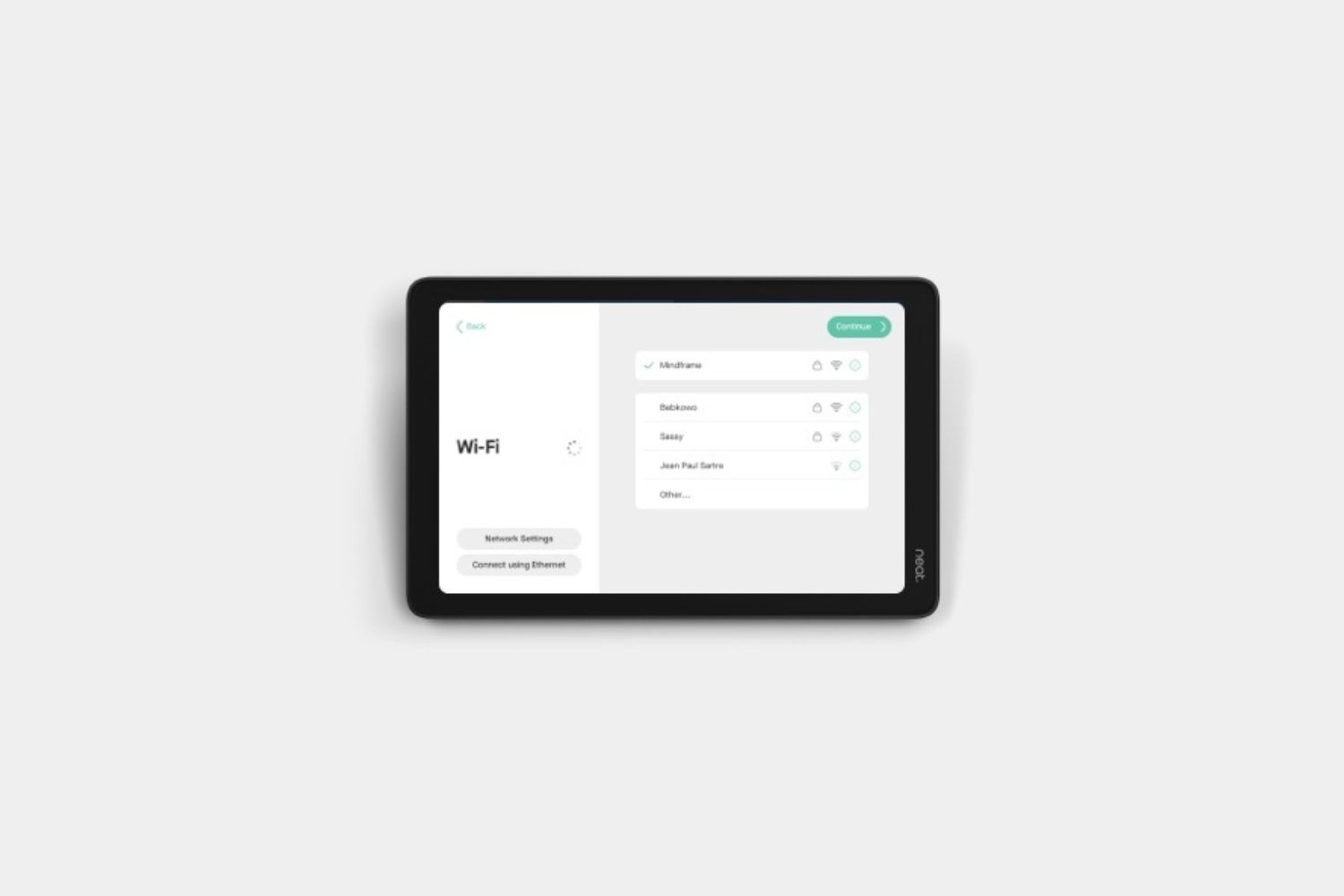
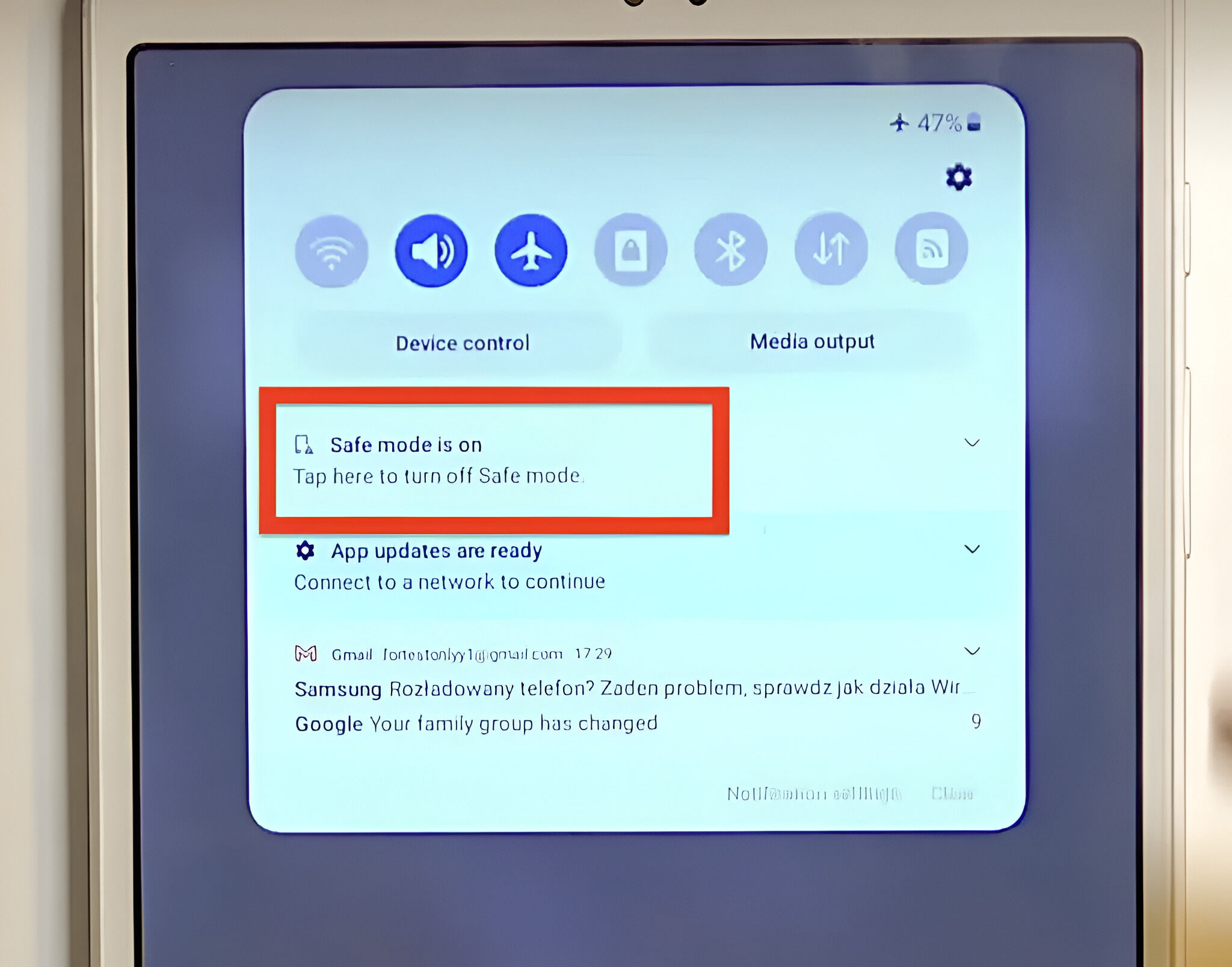
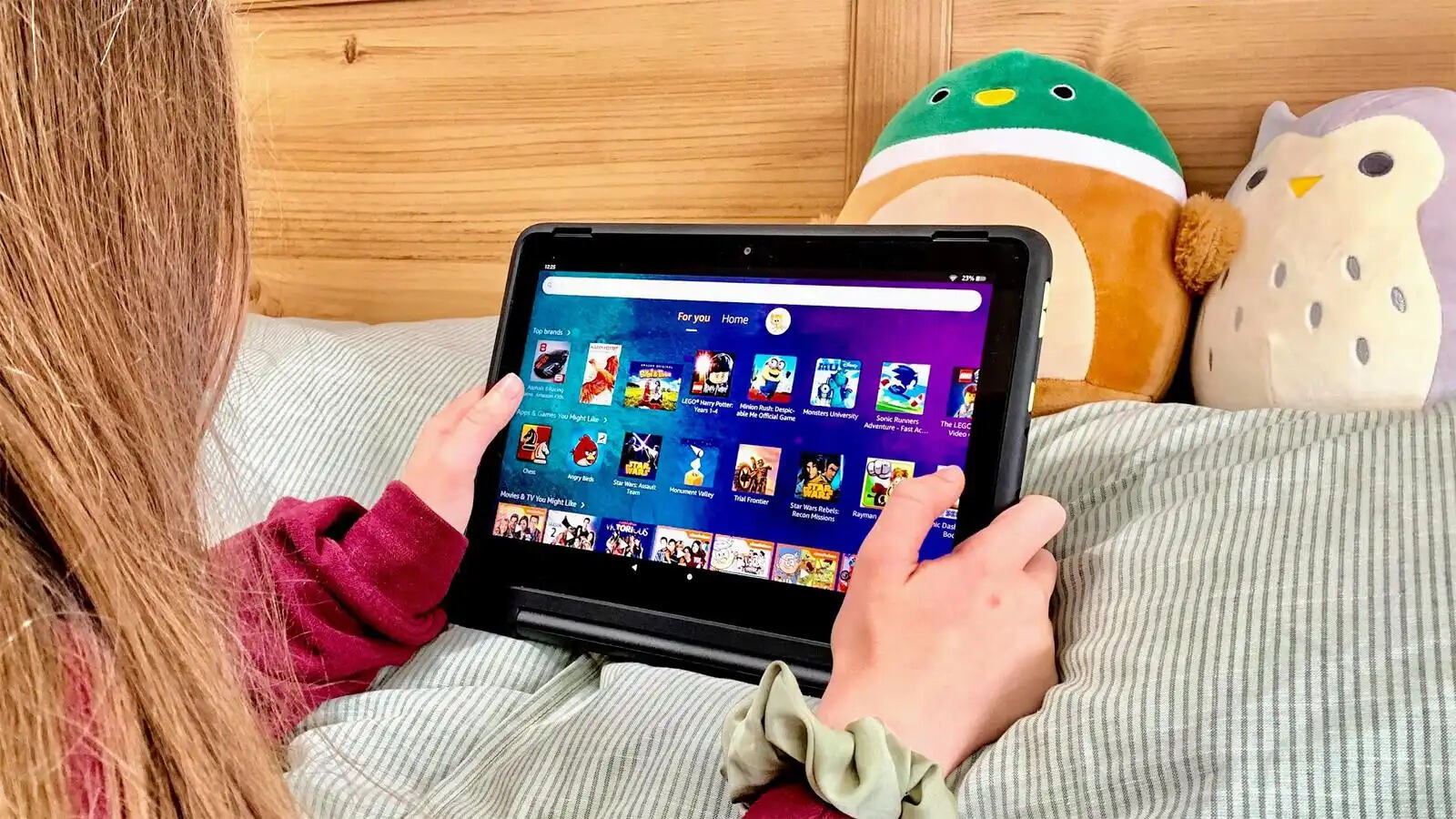
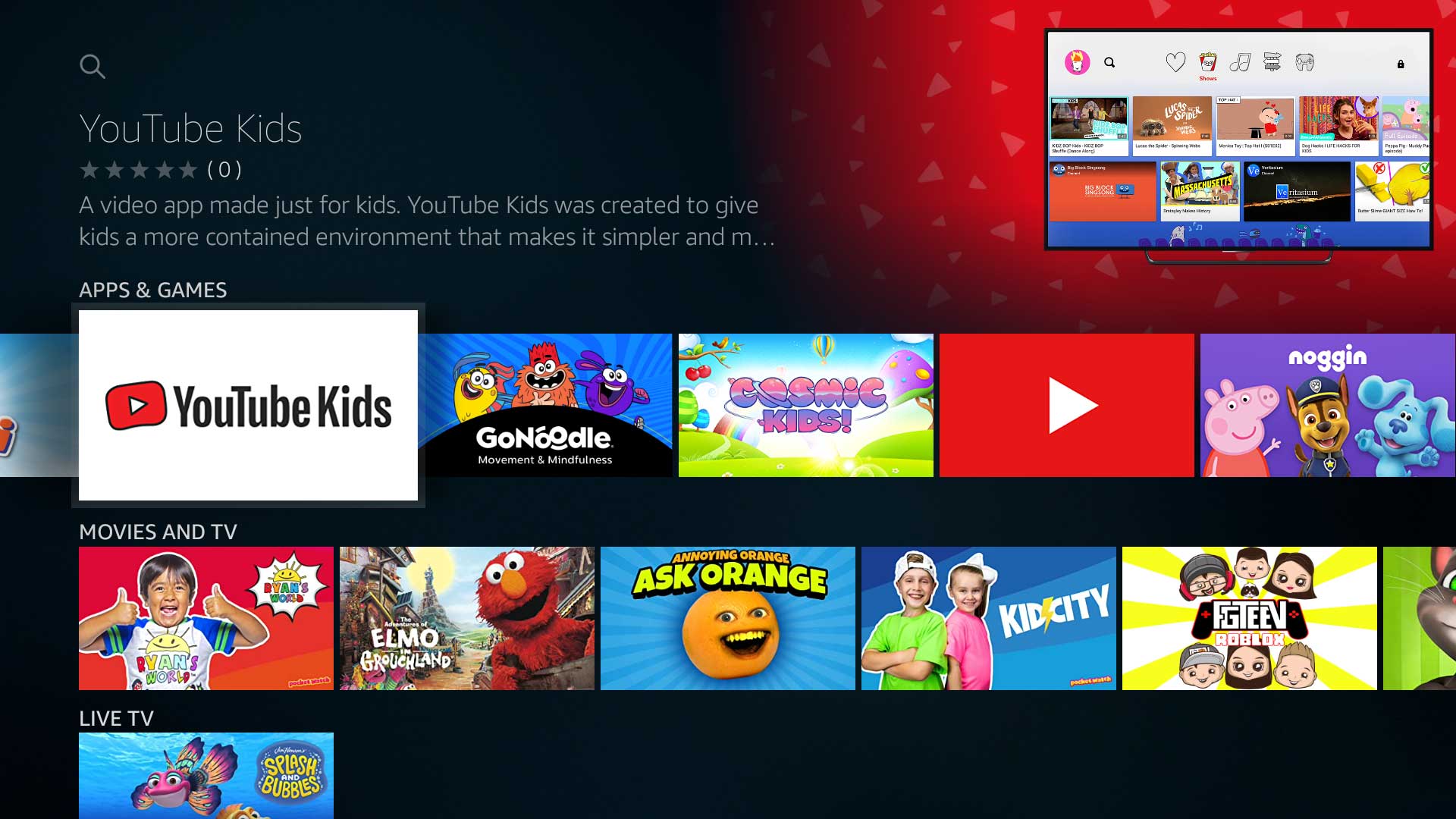
The problems these articles solve fall into two main themes. First, there are device basics and troubleshooting: unlocking a forgotten password, getting a tablet out of Safe Mode, identifying which model you own, and connecting to Wi‑Fi. These are the small but frustrating hurdles that stop you from using your device normally. Second, there is a strong emphasis on parental controls and kid‑friendly use. Several articles walk through how to update Roblox on an Amazon Kids tablet, how to download YouTube Kids or Netflix movies for offline viewing, and, importantly, explain how parental controls behave when the device is offline. That last piece is framed as a security and supervision feature, not a loophole: it helps parents understand what their child can access without a connection, so they can set expectations and limits accordingly.
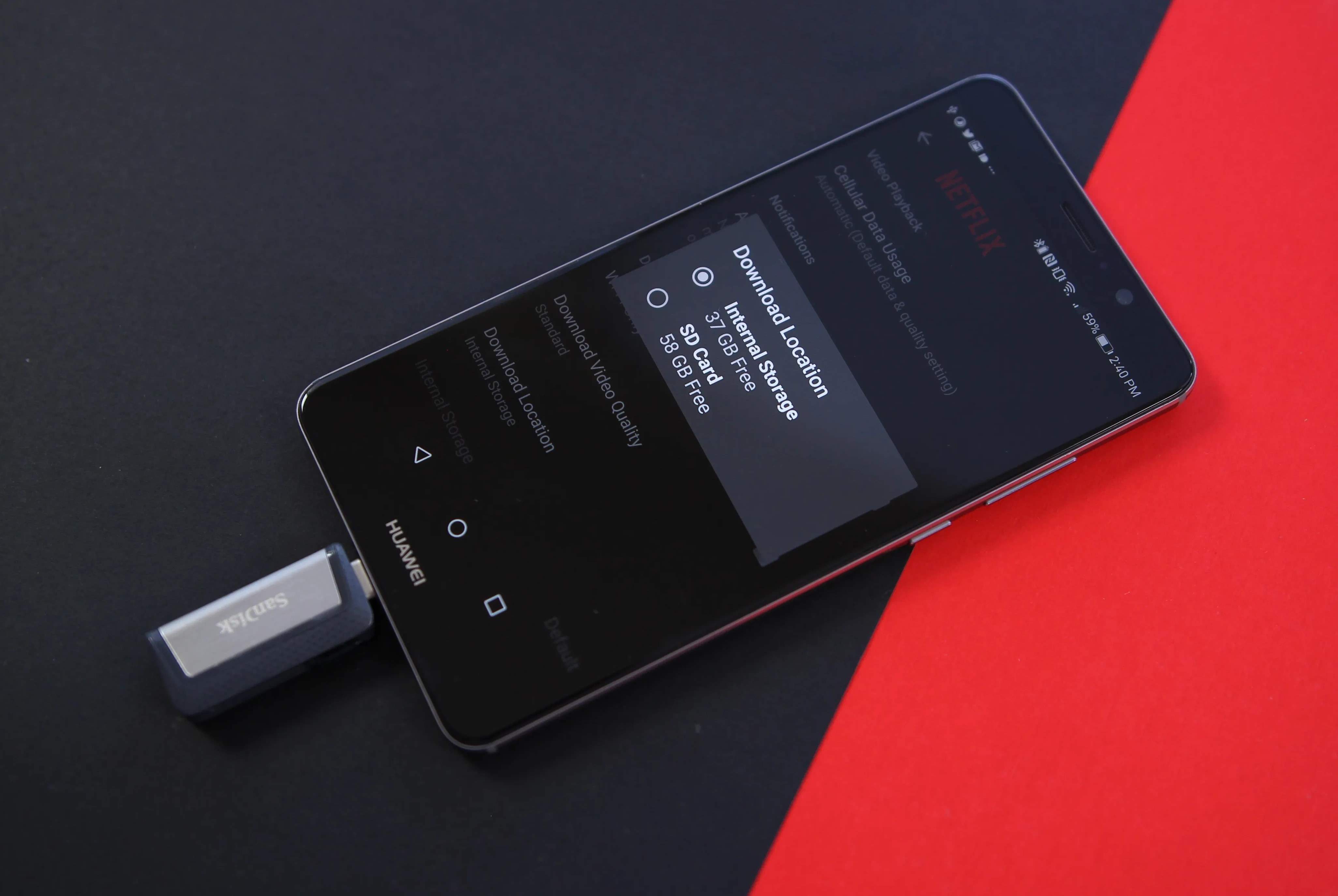
Specific topics mentioned across the tag include downloading Netflix films to a USB drive for travel, unlocking a locked Amazon tablet, and determining your exact tablet model. The tone throughout is supportive and practical, helping you complete tasks like connecting to the internet or updating apps without judgment or risky workarounds. If you own an Amazon Fire device and need a straightforward fix or a clearer understanding of its features, this tag is a reliable starting point.