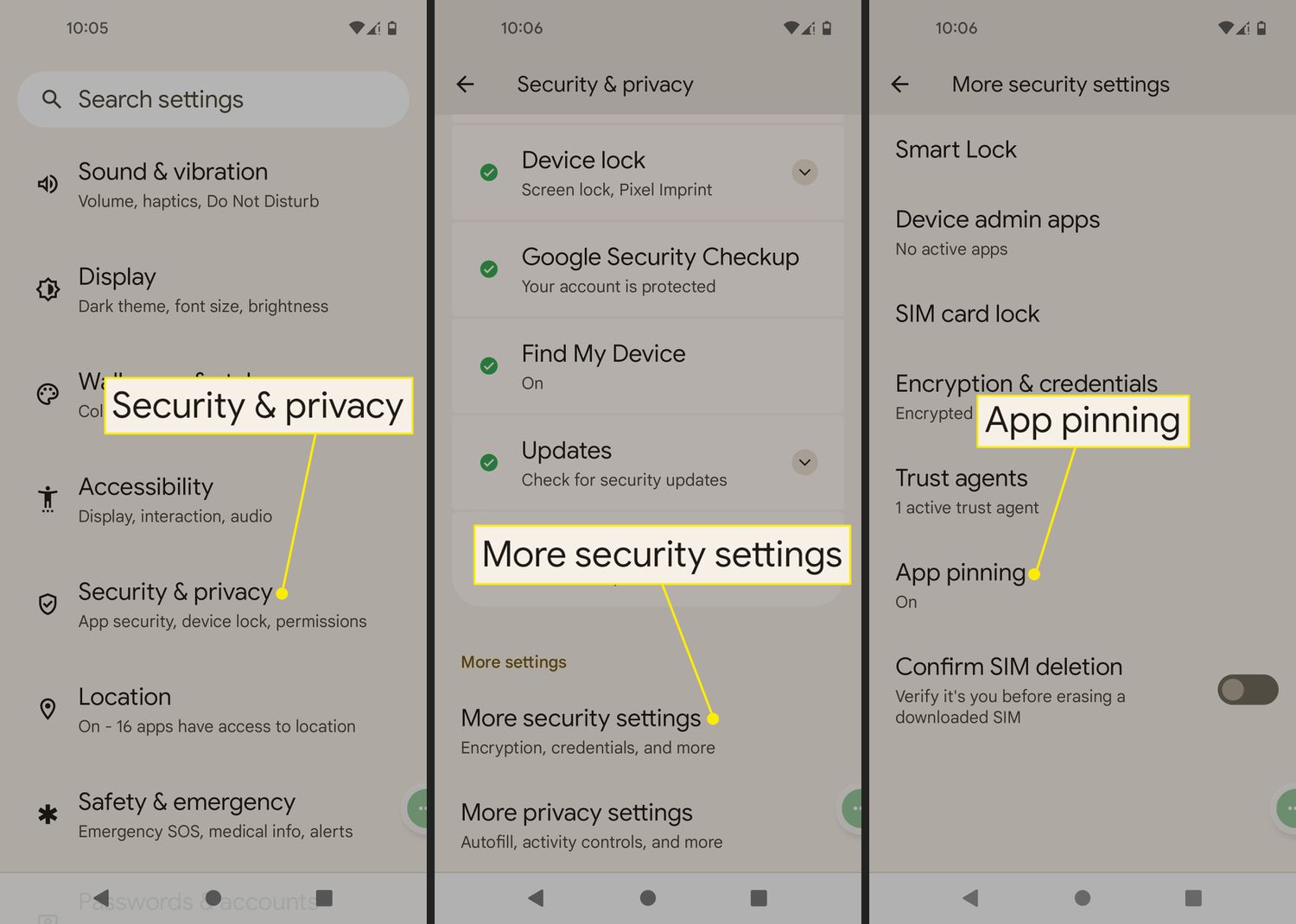
You’ll face a temporary lockout that gets progressively longer with each failed attempt—starting at 30 seconds and eventually reaching several minutes or even hours—but the device never wipes itself or permanently locks you out.
The escalating waiting timer for a wrong parental pin
On Android, using Google Family Link, the waiting schedule begins with a delay after the first wrong PIN entry. Each subsequent incorrect attempt increases the delay, with longer lockout periods after multiple failures. On iOS, Screen Time follows a similar pattern with escalating cooldown periods after wrong attempts. This escalation exists to prevent brute-force guessing. If you try to block porn on a tablet by rapidly entering PINs, the system deliberately slows you down to protect the restriction you set.
What your child sees on the screen
The error message is deliberately generic. On Android, the screen simply says “Incorrect PIN” or “Wrong PIN. Try again in 30 seconds.” On iOS, it displays a message indicating the passcode was incorrect, with a countdown timer. Neither message reveals that a parent is attempting to change settings. Your child sees no clue about your failed attempts. The one subtle clue that might appear is a small "Forgot Passcode?" link on iOS after several wrong entries. A "Forgot PIN?" button may appear in Family Link after several wrong attempts. These only appear when the timer is active, not during normal use.
When you’re barred from entry but haven’t forgotten the pin
The most common mistake is continuing to guess during the waiting window. If you enter another wrong PIN while the timer is counting down, the system resets the delay to the beginning of the current penalty tier. It often extends the delay further. For example, if you’re in a two-minute wait and you try again after 90 seconds, the timer restarts at two minutes, not 30 seconds. To wait it out correctly, simply leave the tablet idle until the countdown reaches zero. Do not touch the PIN screen at all. Once the timer expires, you get one fresh attempt. If that attempt is also wrong, the next delay will be the next tier in the schedule. If you’ve truly forgotten the PIN, avoid the urge to bypass Google's family link by guessing repeatedly, because that only deepens the access restriction.
Recovering when the pin is truly lost
If you cannot remember the PIN, recovery depends on your platform. On iOS, tap "Forgot Passcode?" after several wrong attempts, then follow the prompts to reset the Screen Time passcode. On Android, Family Link requires you to sign in with the parent Google account that created the restriction. Open the Family Link app on your own phone, navigate to your child's profile, and find the option to reset the PIN. If you cannot sign in to that account, or if you never set up a recovery email, the hard failure case is a factory reset. You must erase the entire tablet through recovery mode. This removes all parental controls, apps, and data. This is also the only way to turn off parental controls in Among Us on a device where the PIN is lost and no account recovery exists. Similarly, if you need to block apps on Roku TV using a PIN and lose it, you must factory reset the Roku stick. To avoid this, always write down your PIN and store it in a password manager. The device never wipes itself or permanently bars you; only forgotten credentials combined with no recovery path force a reset, which is why careful planning when setting up parental controls is essential.