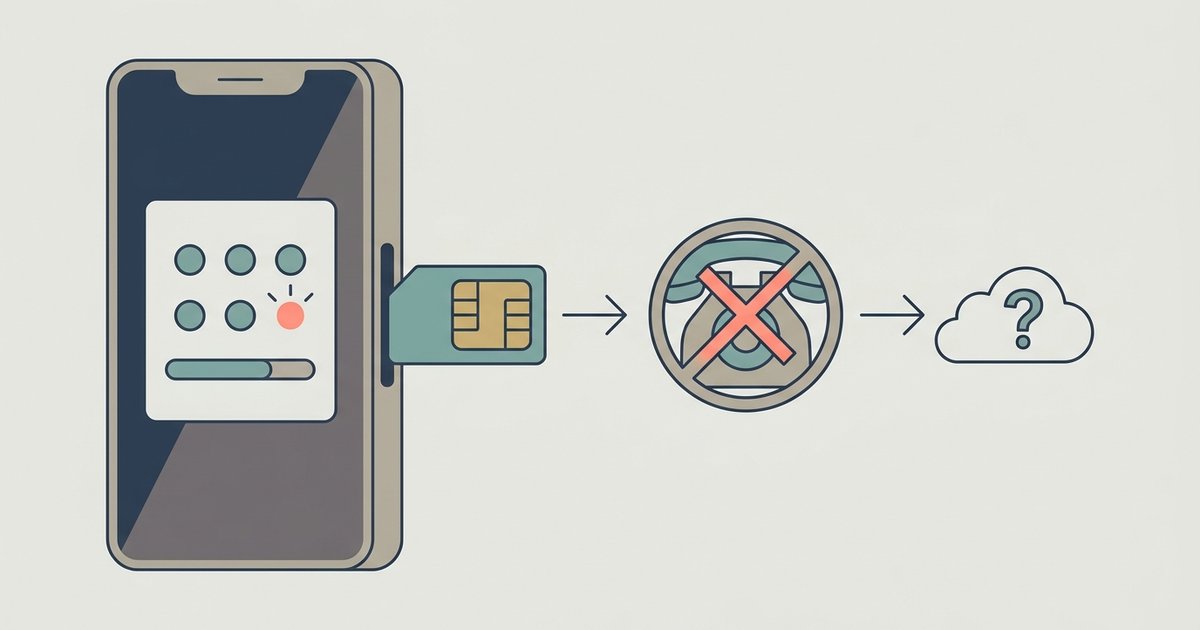
No, changing your phone number does not affect your Google Authenticator codes at all. The codes are tied to your device and the app's local storage, not your SIM card or phone number.
The one truth about a Google Authenticator new number
Even if you swap carriers, port your number, or get a brand new SIM, the app continues generating the same time-based codes without interruption. You can safely change your phone number without ever opening the Authenticator app.
Why your phone number doesn't matter
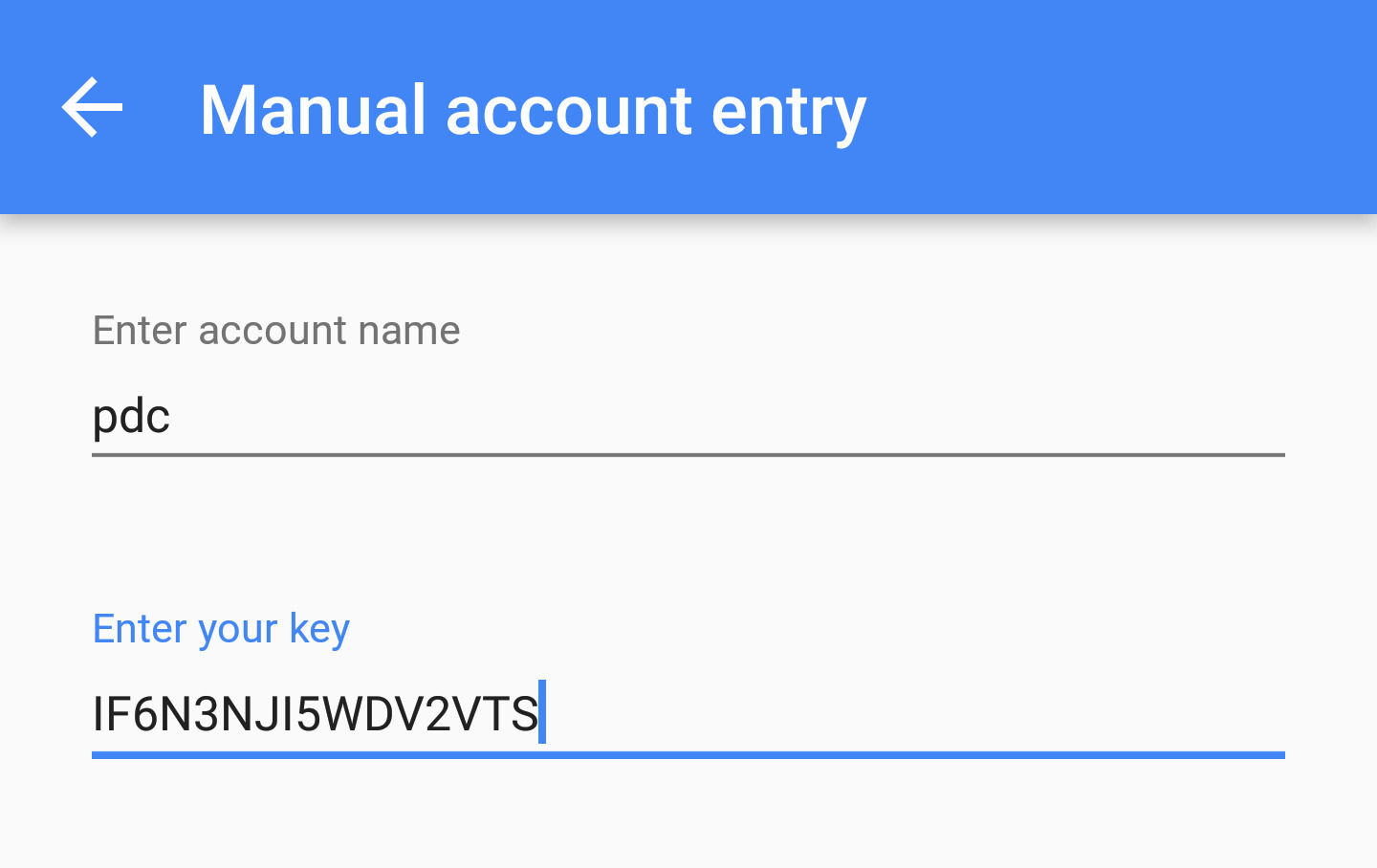
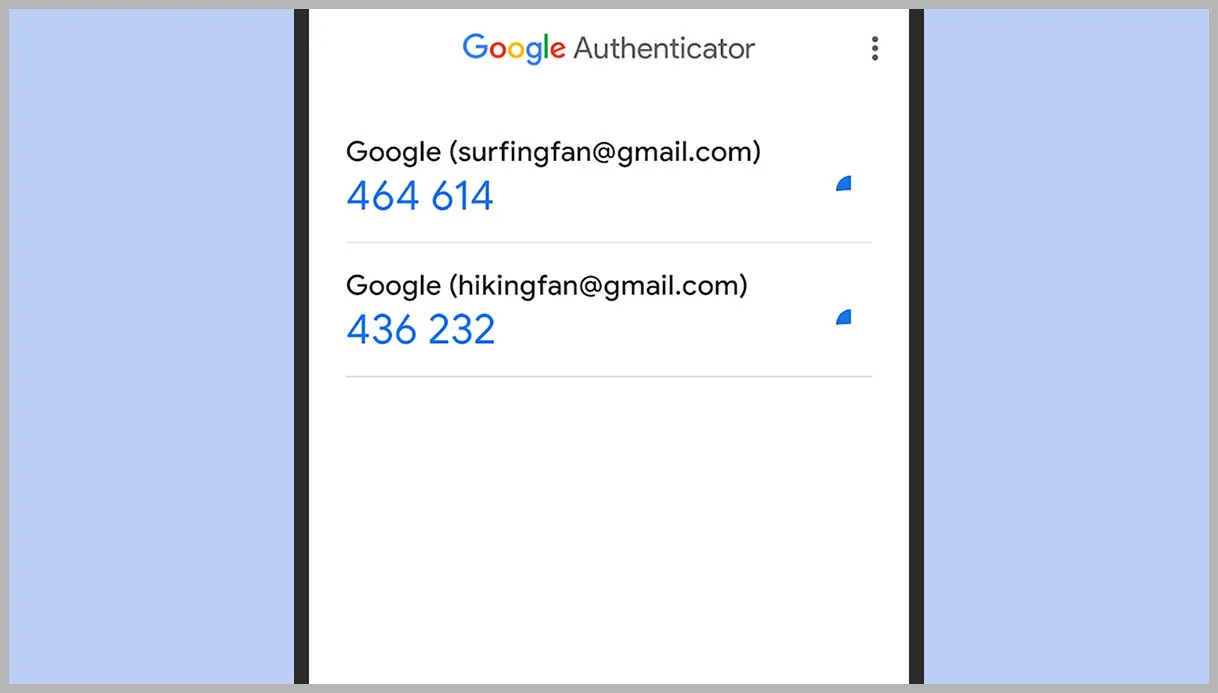
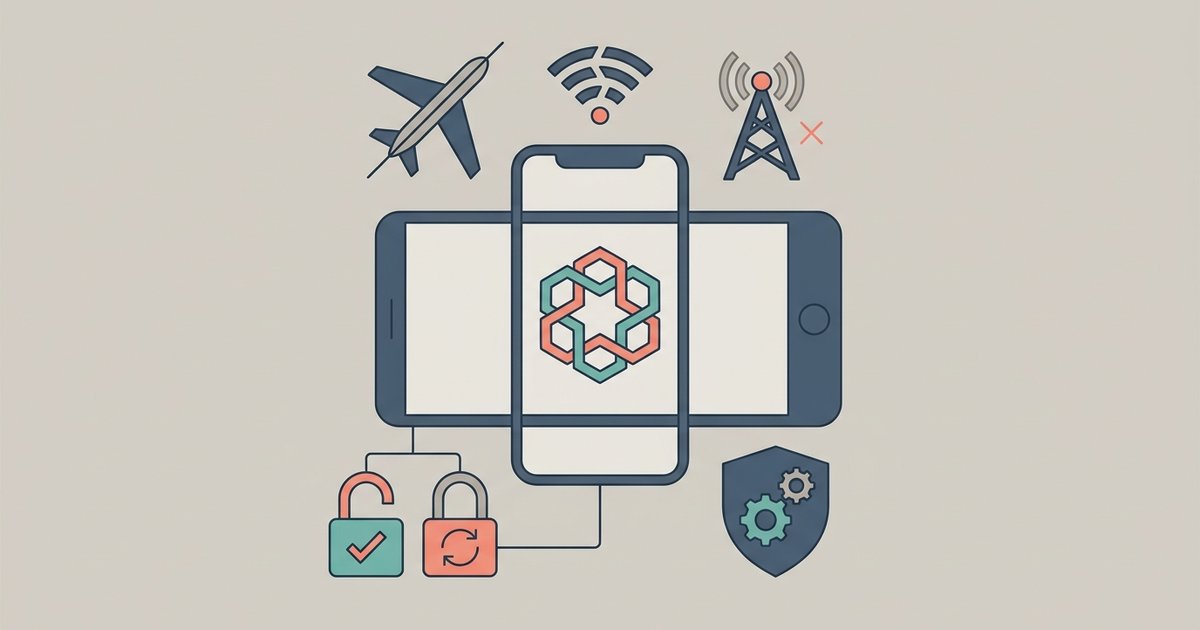
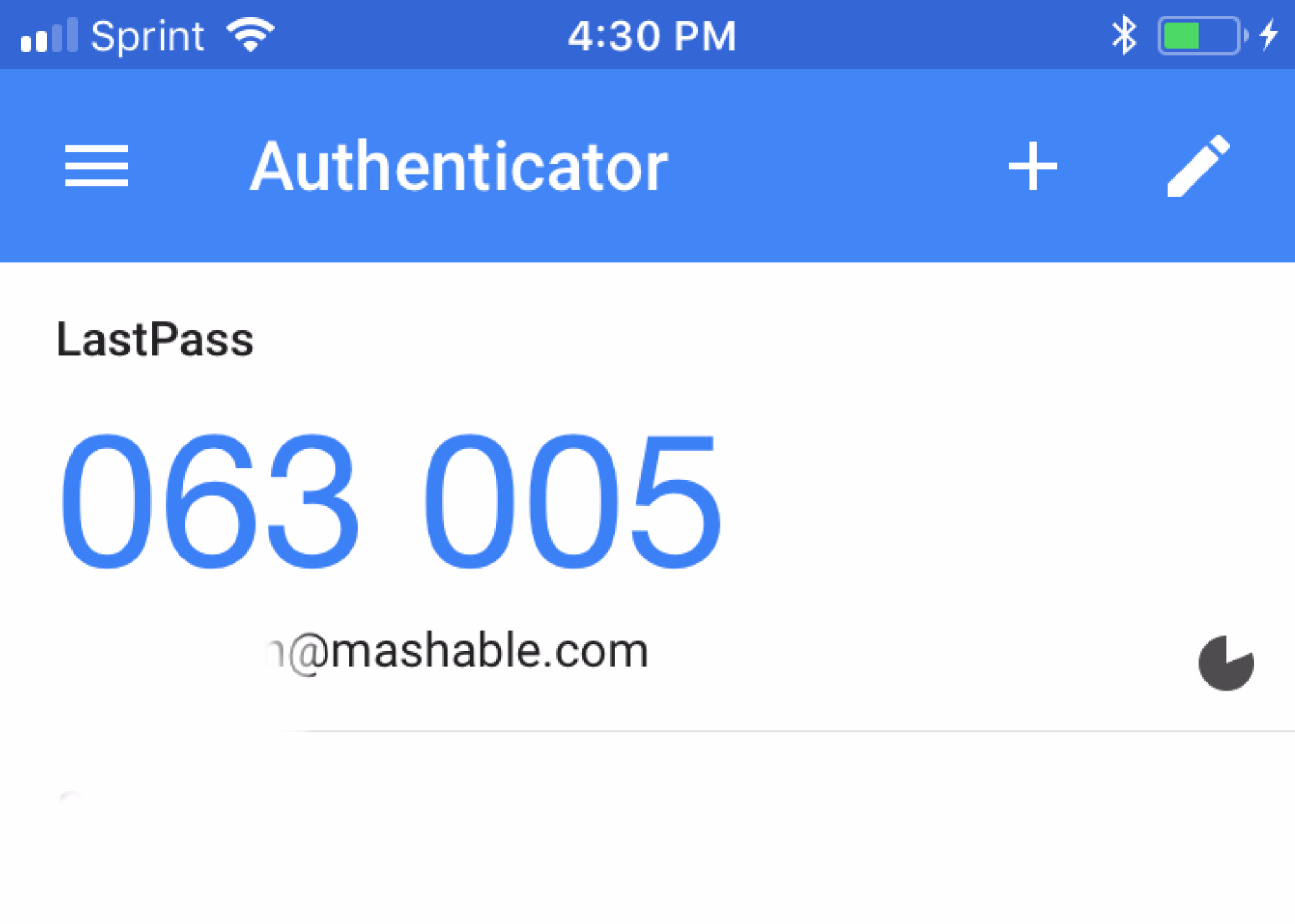
Google Authenticator generates codes entirely offline using a cryptographic seed stored on your phone. That seed, sometimes called the secret key, is established the moment you scan a QR code or enter a setup key during the initial pairing. The app uses that seed plus the current time to produce a new six-digit code every thirty seconds. Because this process runs locally on the device, it has zero dependency on your SIM card, carrier, or phone number. Your phone number never touches the algorithm, and the app never pings a network to verify it. Even if you remove the SIM entirely and run the phone in airplane mode, the codes continue to work. The only thing that matters is that the internal clock on your phone stays reasonably accurate, which has nothing to do with your mobile number.
What actually puts your codes at risk
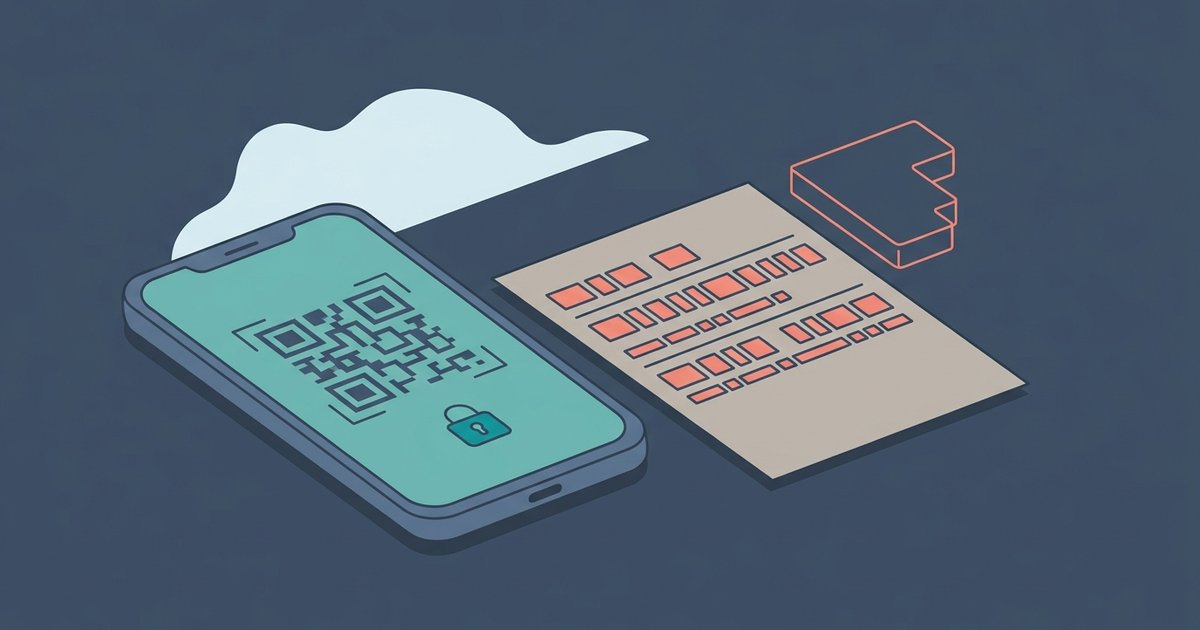
The real dangers that people confuse with a number change are far more direct. If you wipe your phone to factory settings, delete the Google Authenticator app, or lose the device entirely, the codes disappear because the local storage is gone. Many users accidentally uninstall the app while cleaning up old software, not realizing that the seeds are not backed up to Google servers. Another common mistake is switching to a new phone without transferring the accounts. Google Authenticator can sync across devices if you sign into your Google Account and enable the sync feature, though you can also manually move each account by scanning a QR code on the old phone or using the export feature. If you have not saved the backup codes provided during setup, typically a list of eight one-time codes, you will be locked out of any service that uses the app for two-factor authentication. The phone number change itself never triggers this loss; it is the act of tampering with the device or the app that destroys the codes.
The one exception where a new number causes trouble
There is a single scenario where changing your phone number creates a problem, but it involves SMS fallback, not the Authenticator app. Many services let you integrate Google authenticator as your primary second factor but also keep an SMS backup option. If you lose access to the Authenticator app, because you wiped your phone without backup codes, the service will try to send a verification text to your old number. If you have already changed that number and no longer control it, the SMS never reaches you, and you cannot complete recovery. This is not a failure of the Authenticator app itself; it is a separate recovery path that depends on your old phone number. To avoid this trap, update your phone number in every account's security settings before you switch carriers. Also, print or securely store your backup codes. If you ever need to recover your Google Authenticator key, you will need either the original device, a backup code, or a trusted recovery method that does not rely on your old SIM. Remember that your 6-digit Google Authenticator code belongs to the app on your current phone, not to your phone number, so the key on Google Authenticator remains safe as long as you keep the device intact.