This tag collects articles about Google Authenticator, the two-factor authentication app that generates time-based codes for logging into online services. It is written for everyday consumers who use the app to protect their personal accounts, people who may be setting it up for the first time, switching phones, or simply trying to understand what all the numbers and keys on their screen actually mean. The articles assume no technical background and focus on practical, step-by-step guidance.
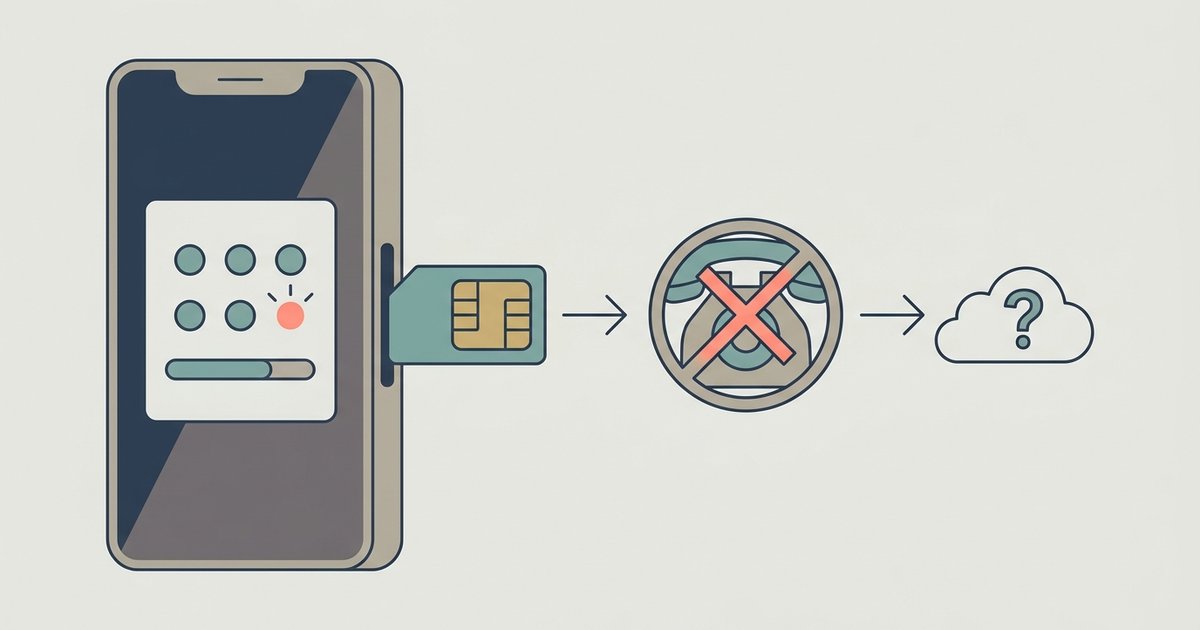
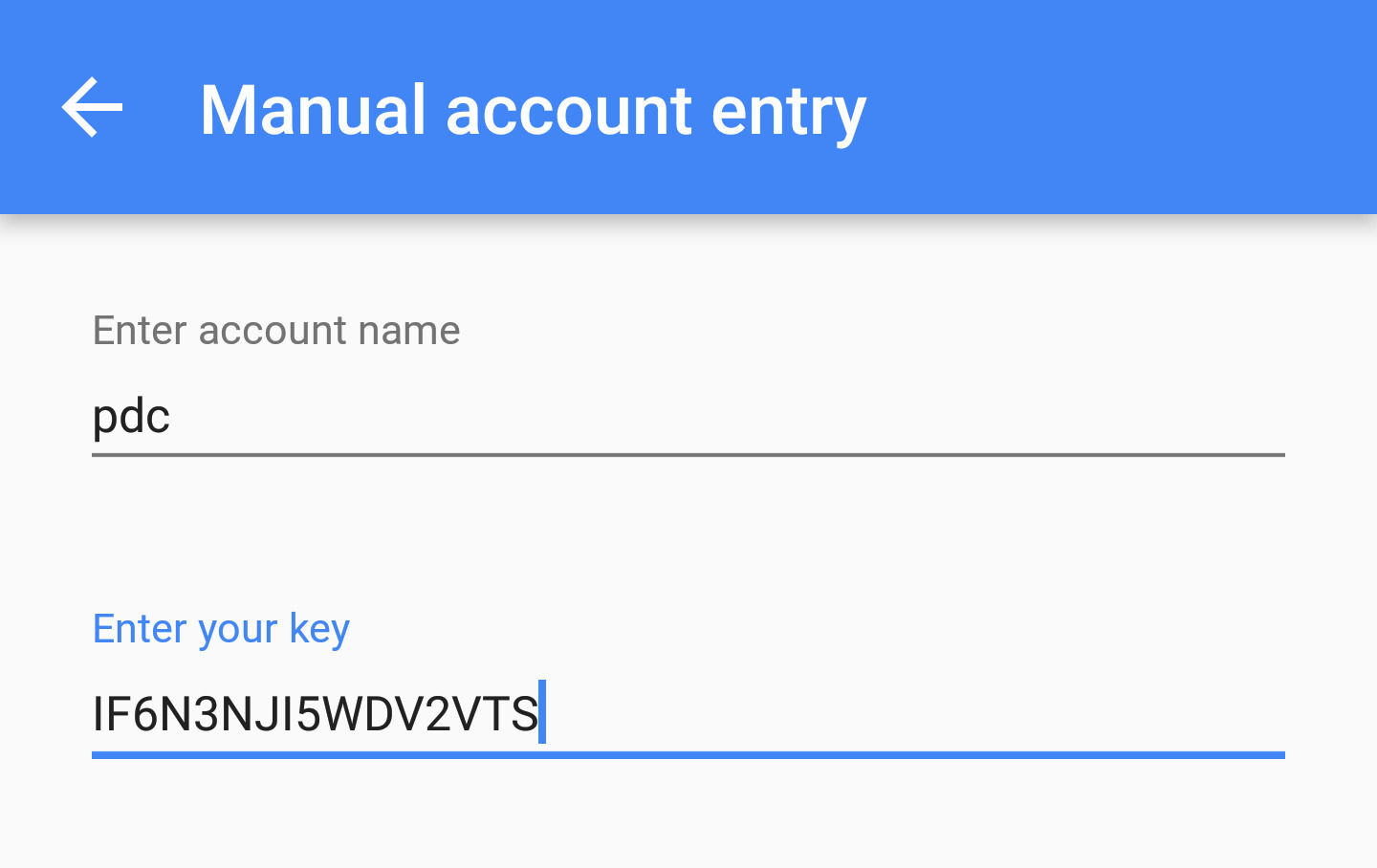
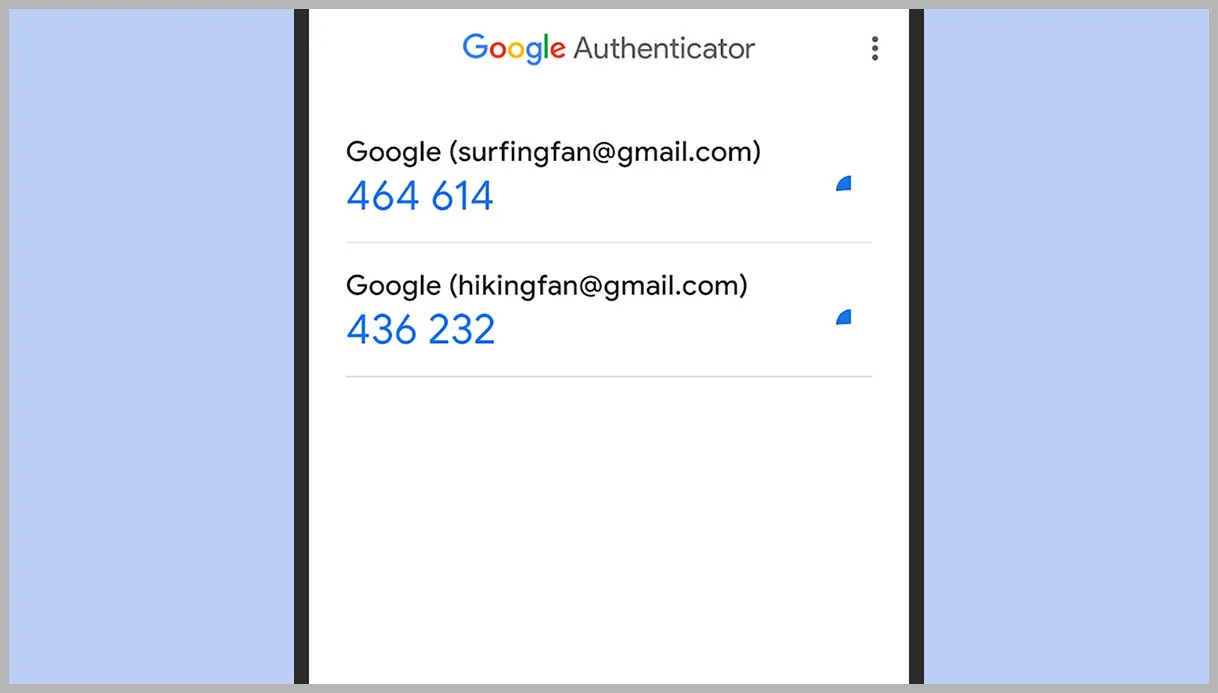
The problems covered here fall into two main themes. First, there is account and device management: how to add new services like Facebook, Yahoo email, or a PlayStation account, how to add a second account, and how to delete an old one when you no longer need it. The second theme is recovery and migration, what to do when you lose access, how to transfer your codes to Microsoft Authenticator, and what happens to your codes if you change your phone number. Several articles also explain the underlying concepts, such as what a setup key is, what the difference is between backup codes and a secret key, and whether the app works without internet or cell service.
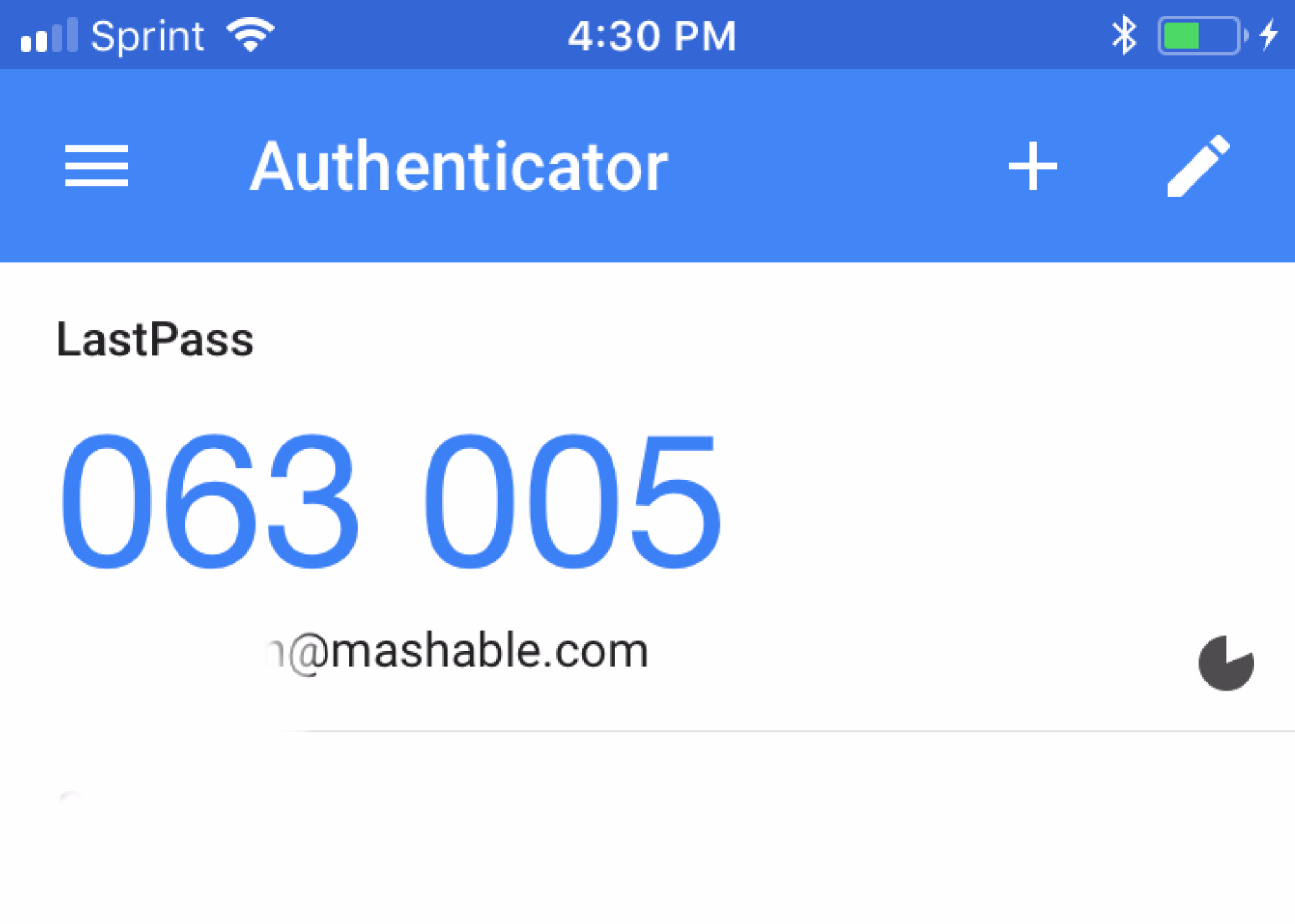
Across these topics, the articles help the reader do concrete things: locate their six-digit code, find and safely store their secret key, recover an account after a lost device, and understand the limits of the app, such as how many accounts it can hold. For safety and security, the pieces on recovery and backup codes are framed as guidance for legitimate account access, never as a workaround for bypassing protections. The goal is to help you keep your own accounts secure, not to circumvent anyone else’s.