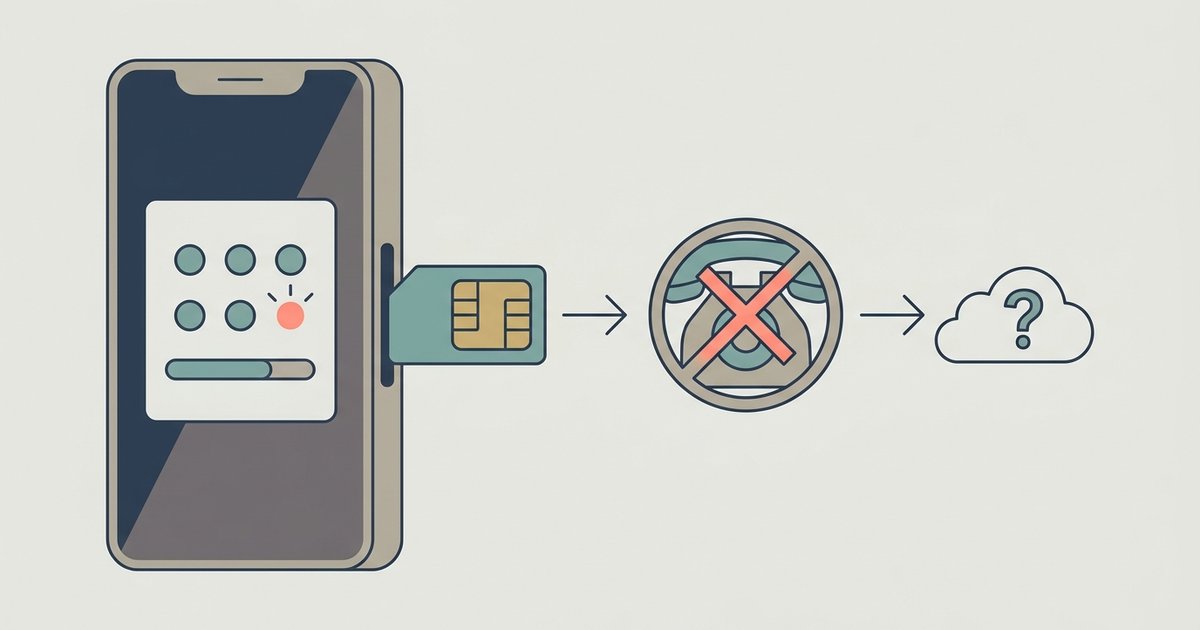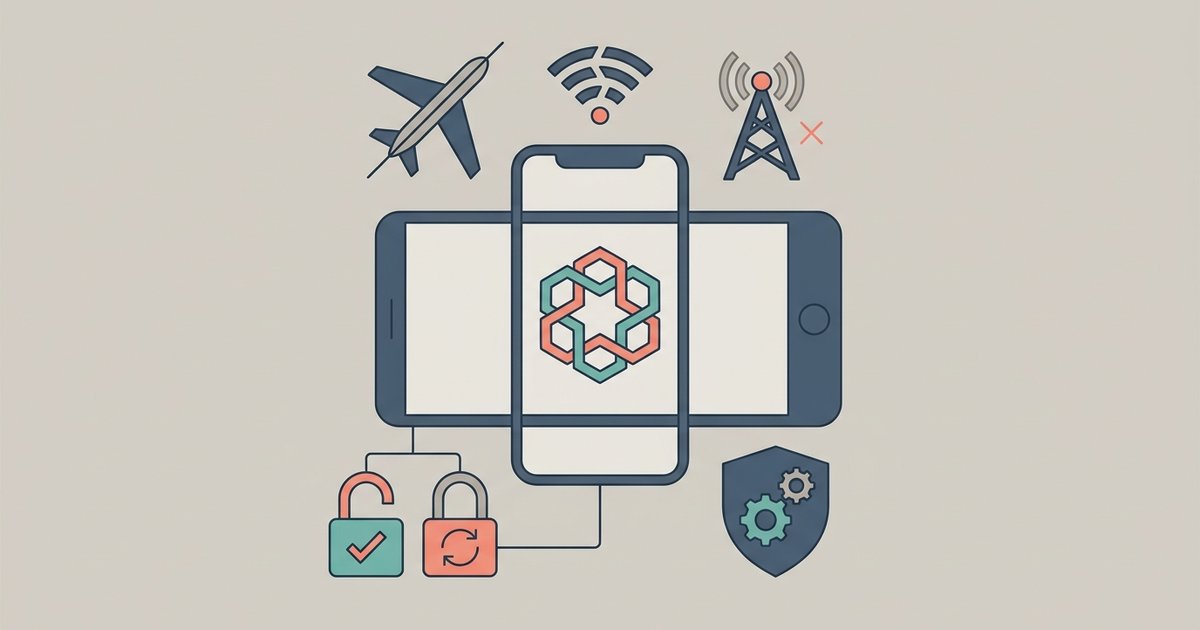
Yes, Google Authenticator generates one-time codes entirely offline once set up. The app only needs an internet or cell connection during the initial QR code scan or manual key entry to sync the secret with the server.
Why Google Authenticator codes work offline
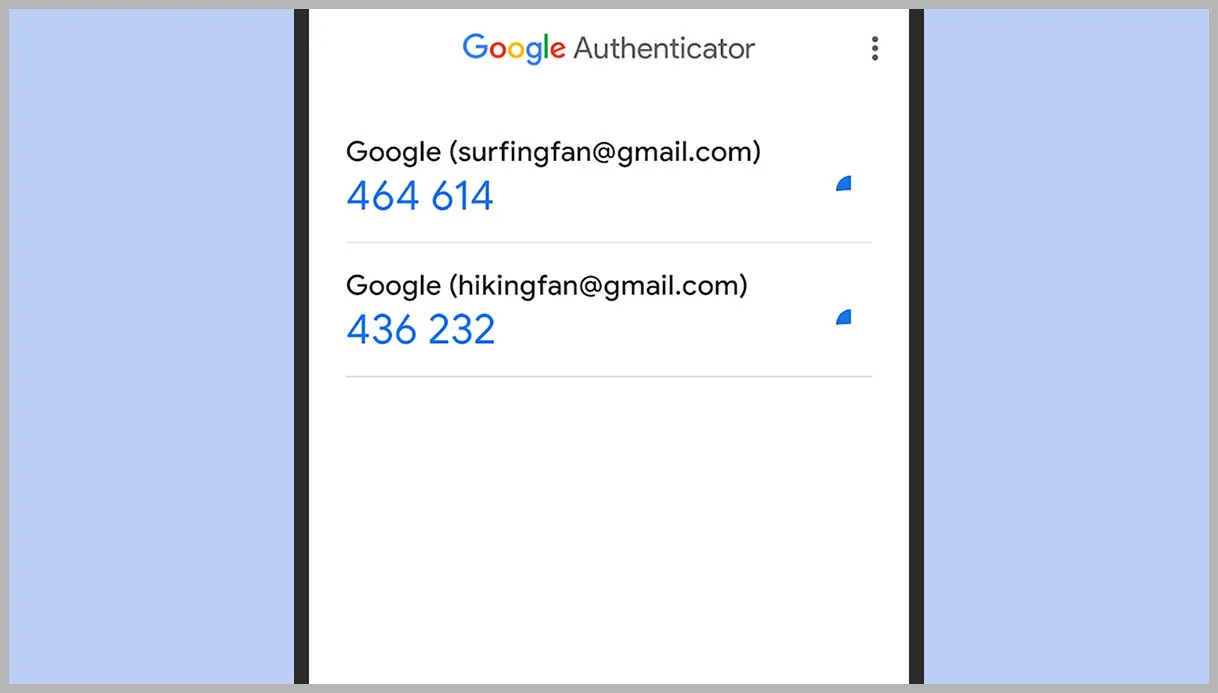
The app uses a stored secret seed and your phone's internal clock to compute codes locally, never phoning home. This is possible because Google Authenticator implements the Time-based One-Time Password (TOTP) algorithm. That algorithm requires only two pieces of data: the secret key you received during setup and the current Unix timestamp from your phone’s system clock. Every thirty seconds, the app runs a cryptographic hash function using those two inputs to generate a six-digit code. No data is sent to Google’s servers. No cellular signal is checked. No internet request is made. The code is calculated entirely inside your phone’s processor. That is why the same app can generate codes for dozens of accounts without any network activity after the initial configuration.
What actually requires a connection
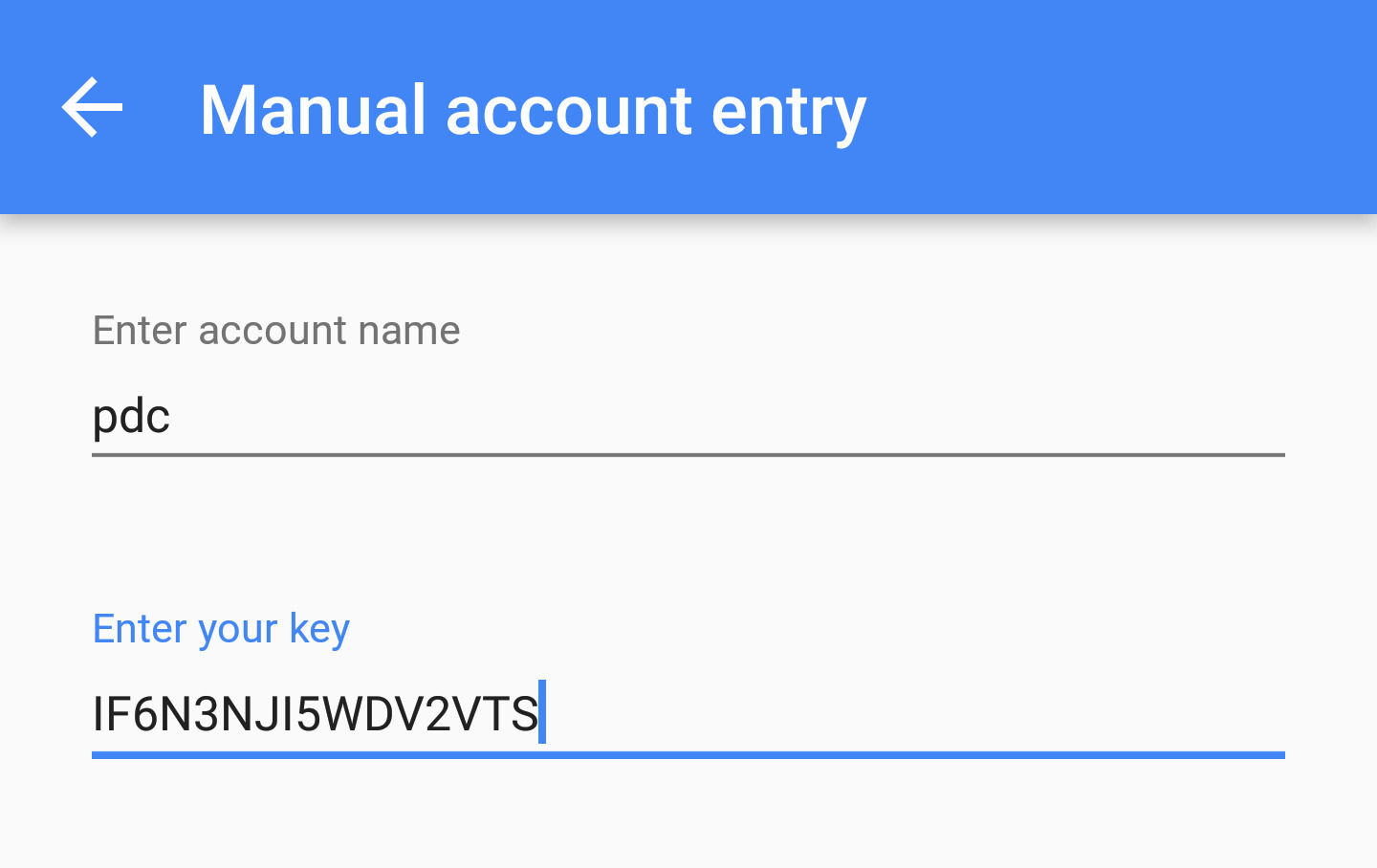
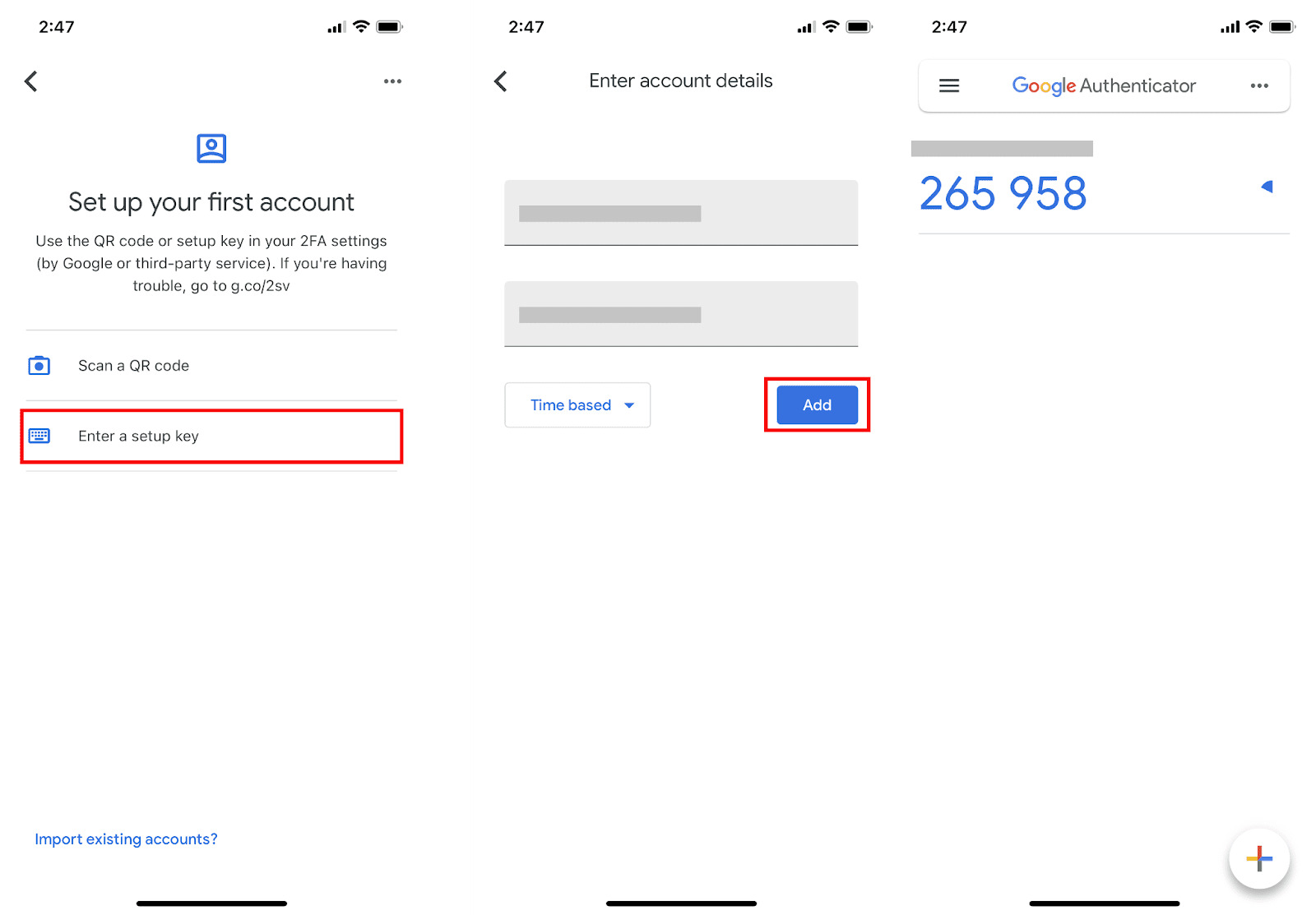
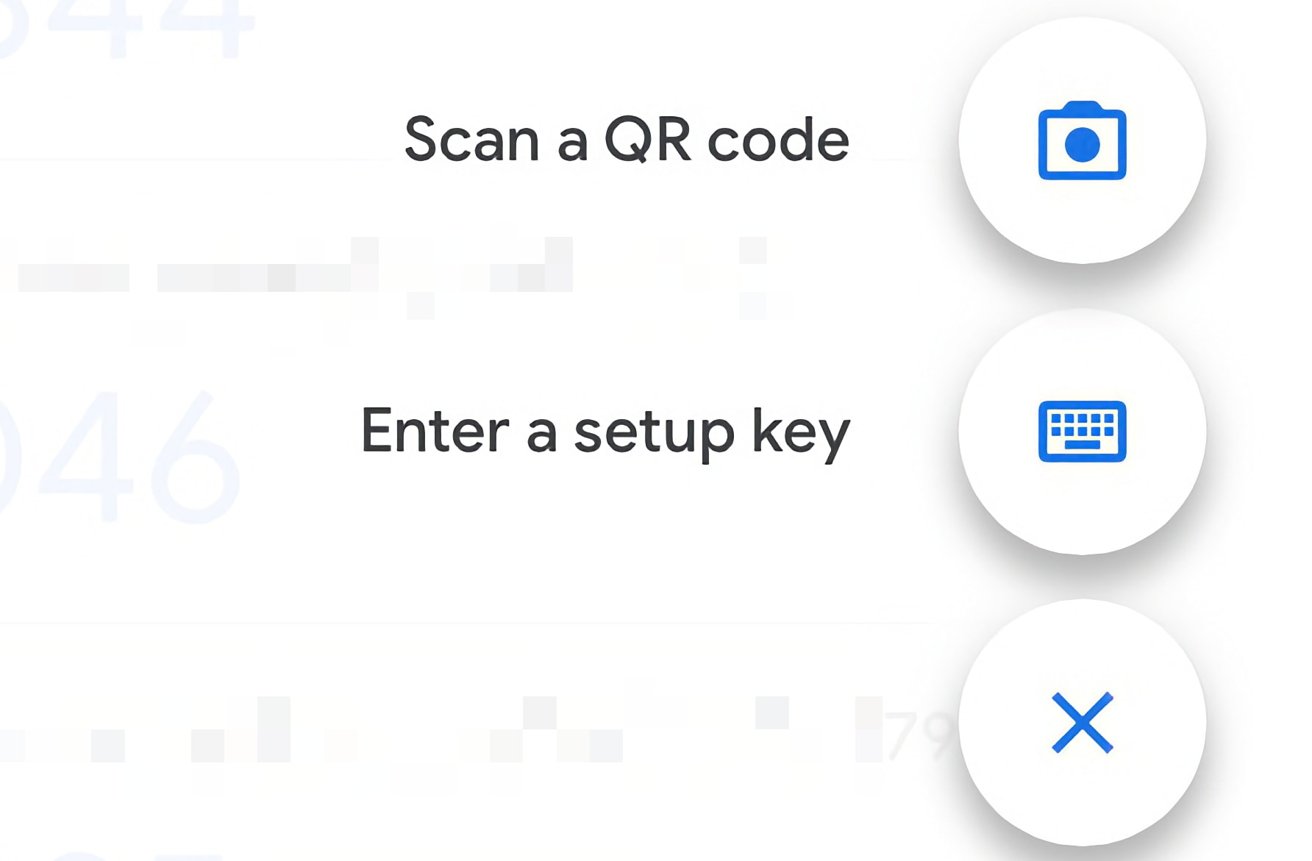
The initial setup step is the only moment connectivity matters. Scanning the QR code or entering the setup key requires the secret to be shared from the service to your device. When you enable two-factor authentication on a website, that service generates a unique secret key and displays it as a QR code or a text string. Your phone needs either a camera or a keyboard to capture that key, and both work offline. But the key itself must be transmitted from the service’s server to your screen. If you are offline at that exact moment, you cannot retrieve the QR code from the website. Once that key is stored in the app, the connection is no longer required. You can then proceed to use the codes forever without touching the network again.
When codes fail despite having no signal
The most common failure is an incorrect phone clock, not a missing connection. The algorithm depends on time synchronization rather than network access. Since TOTP relies on your phone’s internal clock to determine the current thirty-second window, a clock that is even a few minutes off will cause every generated code to be rejected by the server. If you travel across time zones and your phone does not automatically update the time, or if you manually set the clock, the codes will stop working. To fix this, go to your phone’s system settings and enable automatic date and time. That usually requires a brief internet or cell connection to fetch the correct time from a network time protocol server. After that, the codes will start working again. Another rare cause of failure is deleting and reinstalling the app without first backing up your secret keys. Uninstalling the app erases all stored seeds, so you would need to repeat the setup process, which again requires a connection to fetch the QR code. To avoid this, you should always save your secret key in a secure place before resetting your phone, or use the transfer feature built into the app. For step-by-step guidance on those tasks, you can follow instructions on how to integrate Google authenticator into your accounts, how to locate your setup key in Google authenticator, how to add another account when you need a second token, and how to retrieve your secret key before you lose your device.
Google Authenticator computes every code entirely on-device using the TOTP standard without ever syncing secrets to a cloud account by default, which means your tokens remain accessible even when your phone has no connection and no account recovery is required.
\nRelated reading: How To Get Secret Key For Google Authenticator.