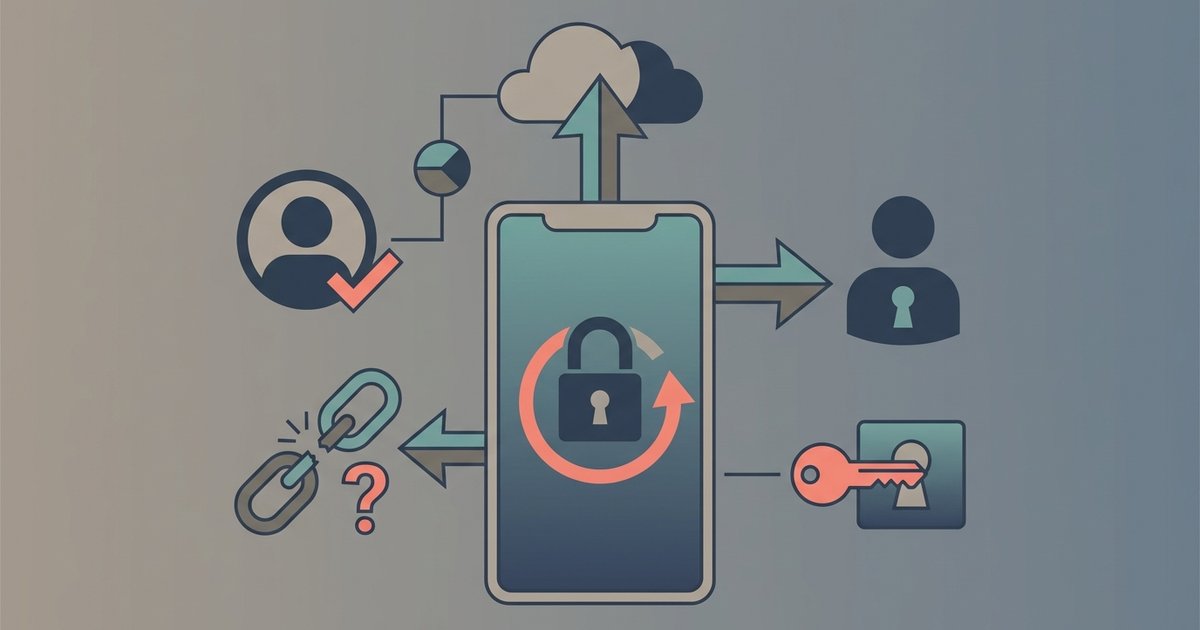
Practical, everyday guides for anyone who wants to keep their online accounts locked down without getting a degree in cybersecurity. These articles are written for regular consumers, people juggling multiple logins, switching phones, or just tired of relying on weak passwords. Whether you are a social media regular, a mobile banking user, or a gamer trying to protect your PlayStation profile, this tag offers straight answers to common authentication headaches.
The articles here solve three main kinds of problems. First, there are setup and management guides: you will see clear instructions for adding accounts to Google Authenticator, transferring codes between authenticator apps, and understanding what that “setup key” or “secret key” actually does. Second, there is a strong recovery theme, helping you regain access when you lose your phone, change your number, or get locked out of Instagram or Cash App. These pieces explain backup codes, account recovery steps, and what happens to your codes when you switch carriers. Third, several articles take a security-minded angle, helping you protect online banking, secure your Instagram, and choose better passwords in the first place.
Specific topics you will find include how to get your 6-digit Google Authenticator code, whether the app works offline, and how many accounts it can hold. You will also see practical comparisons, like the difference between backup codes and secret keys, plus guidance on logging into Discord and using mobile banking safely. None of this is about bypassing security, it is about understanding and using 2FA properly so you stay in control of your own accounts.