Regain access to your Instagram account
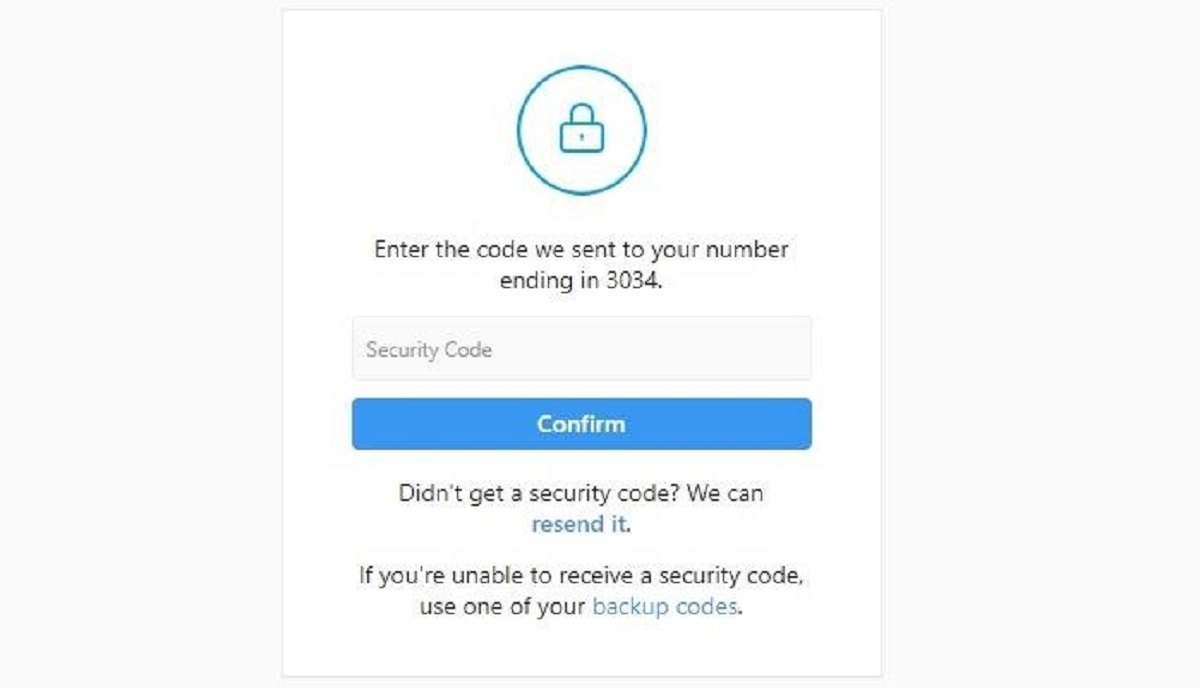
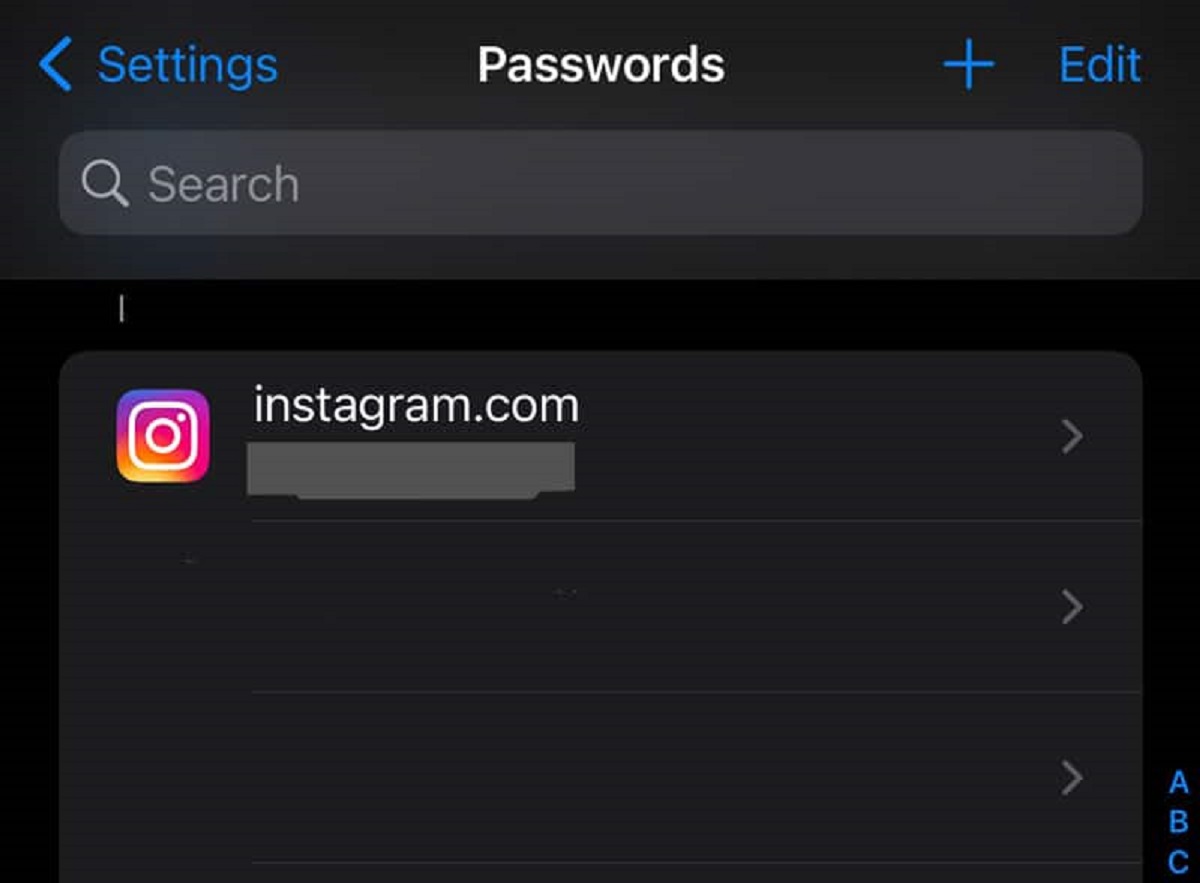
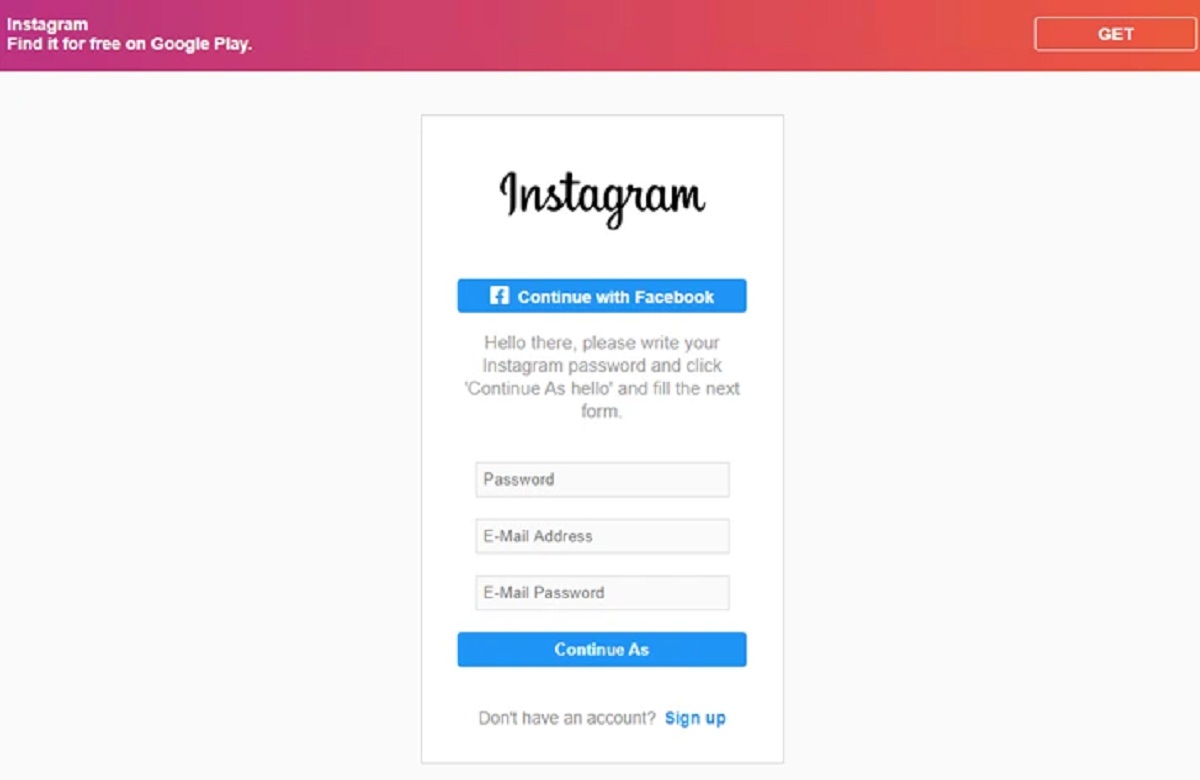
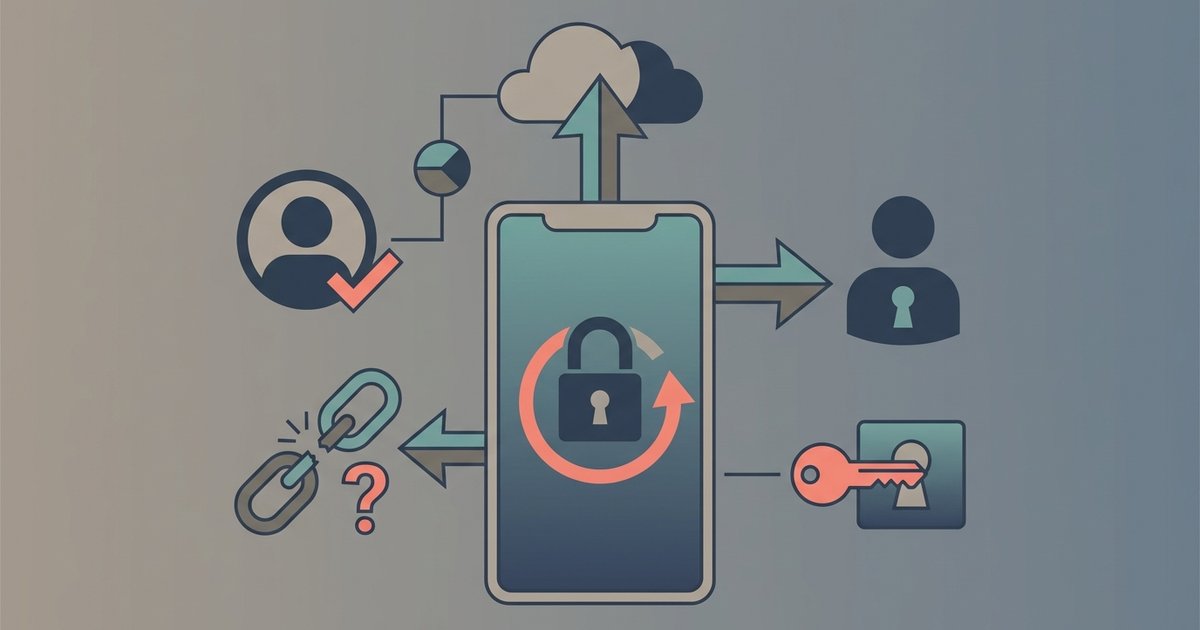
If you are staring at a login screen with no way forward, the first thing to understand about Instagram account recovery is that most tools inside the app only work if you are already signed in on a phone or browser you have used before. When you are completely locked out, forgotten password, lost phone, or a swapped SIM, the only reliable path is Instagram’s own account recovery flow. Avoid any service that promises to find your Instagram password from outside the app; those sites almost always phish your credentials or install malware. Instead, open the Instagram app or website, tap “Forgotten password?” (iOS) or “Get help signing in” (Android), and follow the prompts using the email or phone number you originally registered. If you have lost your two-factor codes, you may be able to get Instagram backup code without login by requesting a recovery link to your verified email. This is the legitimate, built-in method that does not require a third party. Be extremely wary of anyone who claims they can hack an Instagram account on your behalf; these services are scams that either steal your own login details or lock you out further. While you can download Instagram photos from public profiles you have permission to save, you should never trust third-party websites. Instagram’s privacy settings cannot be bypassed with third-party tools. Any site or software promising to reveal private profiles or grant you special desktop powers is a scam designed to steal your information. After you regain access, immediately update your password, re-enable two-factor authentication, and download fresh backup codes from the Security tab. The entire process is designed to protect your data, not to make it easy for strangers to break in.
- get Instagram backup code without login — How To Get Instagram Backup Code Without Login
- find your Instagram password — How To Find Your Instagram Password
- hack an Instagram account — How To Hack An Instagram Account
Save your own Instagram content
If you want to keep a local copy of your posts, the best place to start is the Instagram app itself. You can download individual photos and videos from your own profile by tapping the three-dot menu on any post. For a complete archive, navigate through Settings and privacy, then Accounts Center, then Your information and permissions, then Download your information, and select "Request a download" or "Create export". This lets you download all photos from Instagram in a single data file that arrives as a ZIP folder. This method is especially useful if you are planning to deactivate your account or just want a full backup of everything you have shared.
When you are working from a computer, you might need to download Instagram on a laptop to access the web version's download tools. The process for bulk downloads remains the same as on mobile. You should never trust third-party sites or apps claiming to download Instagram photos from locked accounts. These are almost always scams that compromise your own data. Instagram's official recovery path is the only reliable option if you are completely locked out. No external tool can bypass that process safely.
Access restricted or desktop content
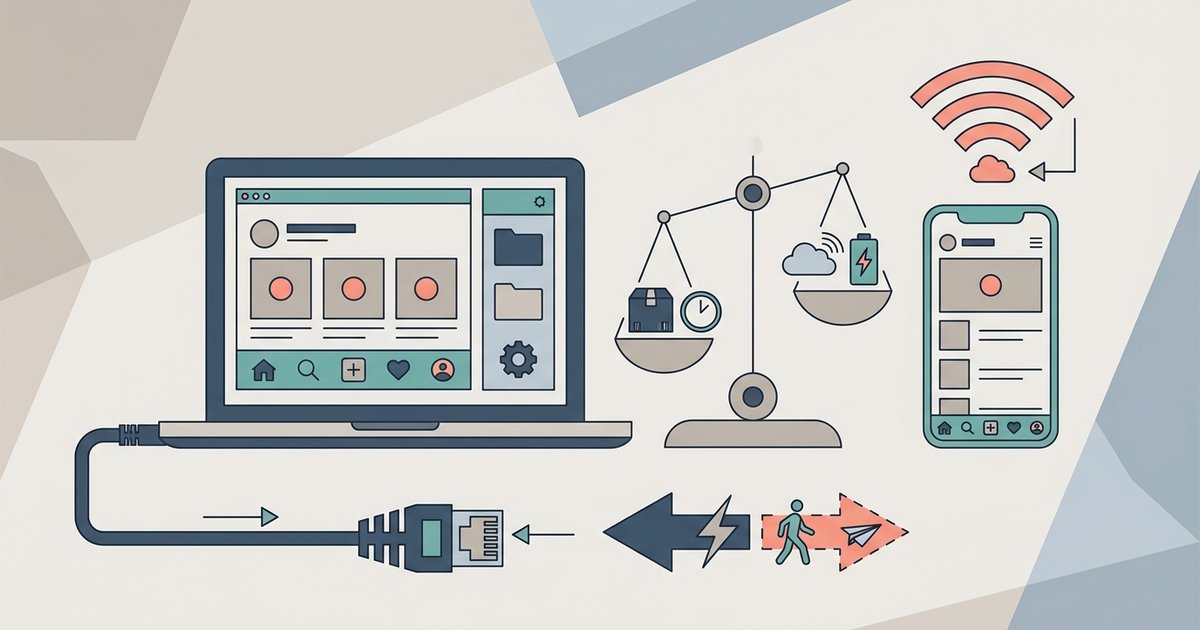
If you are trying to view or save content that a private account has shared, your options are extremely limited. No built-in feature allows you to download private Instagram pictures from another user without their permission. The only legitimate way to see that content is to send a follow request and wait for approval. When you are using a computer, the differences between the Instagram desktop app vs browser can affect what you can actually do. The browser version lacks certain direct-messaging features but now supports uploading stories natively. The dedicated app offers a more phone-like experience but may still feel clunky. One common frustration was Instagram desktop blocking Reel posts from being uploaded through the web interface, though native Reel posting is now supported. This forces you to switch to a mobile device if you want to publish short video content. None of these limitations can be bypassed with third-party tools. If you are completely locked out of your account, the official recovery path on a trusted phone remains your only safe bet.