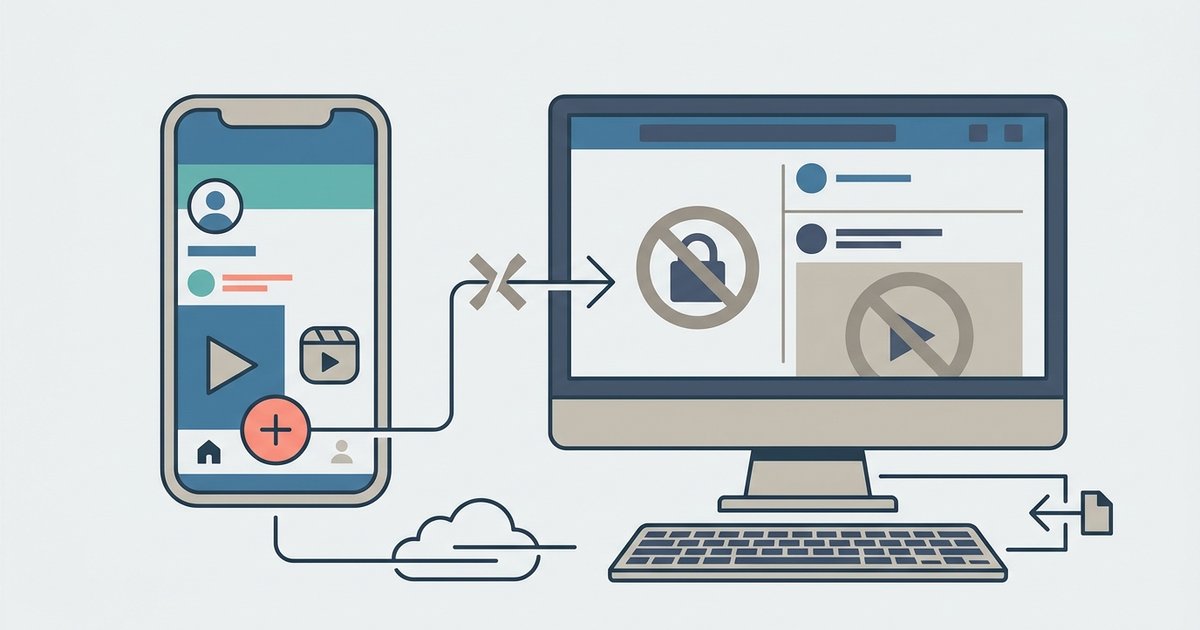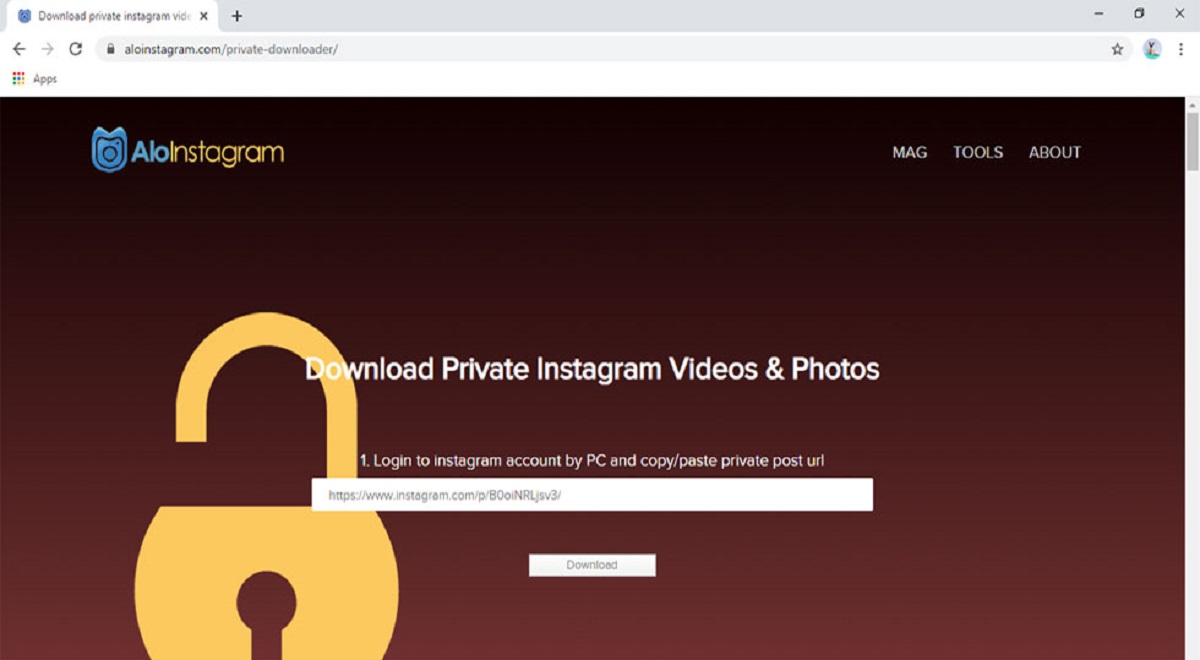
No tool can download private Instagram pictures from an account you don't follow, and any service claiming otherwise is a scam. The only verified way to download private Instagram pictures is to become an approved follower and then use your device’s built-in capture features or ask the owner directly.
Can you really download private Instagram pictures?
The short answer is no, not from accounts you don’t follow. Instagram enforces a “follower wall” on its servers, meaning private content is only delivered to approved followers. Third-party apps or websites that promise to bypass this are lying. They often steal your login credentials, install malware, or simply show you public content while charging you money. Even if a tool claims to work on private accounts, it can only access what you can already see while logged in, making its “private” label misleading. Attempting to use such tools also violates Instagram’s Terms of Use, which can lead to account suspension or legal action. The only legitimate path is through the account owner’s approval.
The only way in: get approved as a follower
Before you can save anything from a private account, you must be an approved follower. This process is straightforward but requires patience and respect.
- Find the profile: Search for the exact username in Instagram’s search bar. If you don’t know the username, try searching external search engines or checking mutual friends’ follower lists.
- Send a follow request: Tap the “Follow” button on the profile page. This sends a request to the account owner.
- Wait for approval: The owner may take hours or days to respond. Check your notifications for acceptance or denial. If denied, respect the decision and move on, do not send repeated requests or messages.
Once approved, you can view the account’s posts in your feed, but you still cannot download them directly through Instagram’s interface. That’s where the legitimate methods below come in.
Legitimate method 1: screen record or screenshot visible posts
After you become an approved follower, the simplest way to save a photo is to capture your screen. This works on both phones and computers without any third-party software.
- On mobile: Open the photo you want to save. For screen recording, swipe down to access the control center and tap the record icon before opening the photo.
- For video, use the Xbox Game Bar (Windows) or QuickTime Player (Mac).
This method preserves the image quality as displayed on your screen, though it may include UI elements like icons or captions. It’s fast, free, and does not alert the account owner.
Legitimate method 2: ask the account owner directly
If you need the original, high-resolution file, the most respectful approach is to ask the owner. Send a direct message explaining why you want the photo, whether for inspiration, a project, or personal use. Many users are happy to share their content if you ask politely and give credit. This method guarantees the best quality and avoids any copyright issues. If the owner declines, accept their decision and do not attempt workarounds.
Legitimate method 3: download your own private Instagram data
If the private account is yours, Instagram provides an official tool to export all your content. This is useful for backing up your own photos, videos, and messages.
On desktop
- Log in to Instagram.com and go to your profile.
- Navigate to “Settings,” then “Privacy and Security,” and select “Data Download.”
- Request your download. Instagram will email a link to your verified email address within 48 hours.
On mobile
- Open the Instagram app and tap your profile picture.
- Tap the three horizontal lines (menu icon), then go to “Settings and privacy.”
- Select “Your activity,” then “Download your information.”
Once the link arrives, you’ll receive a ZIP file containing your photos, videos, comments, profile information, and messages. This is the only official method to download private content, and it only works for accounts you own.
Stay safe: avoid fake downloader tools and scams
Any website or app that claims to download private Instagram pictures from accounts you don’t follow is a trap. These tools often ask for your Instagram login, which they use for phishing. Others install adware or ransomware on your device. Even if a tool appears to work, it likely only fetches public content or content you can already see, then charges you for the privilege. Using such tools also risks your account being flagged for violating Instagram’s Terms of Use, which can result in suspension or permanent ban. If you want to protect your own images from similar misuse, learn how to stop others to download my photos on Facebook.
When it comes to what you download, remember that “fair use” only covers personal, offline viewing. Reposting, redistributing, or monetizing someone else’s content, even with their permission, requires explicit consent. If you save a photo for inspiration, keep it private and never publish it without credit. The same rules apply to your own data: once you download your ZIP file, store it securely and avoid sharing it publicly.
The bottom line is that there is no magic button. The only ways to download private Instagram pictures are to be an approved follower and use screen capture, to ask the owner directly, or to download your own data through Instagram’s official tool. Anything else is a scam that puts your security and account at risk. For any issues with your own account, such as losing access or needing to recover data, use Instagram’s official “Instagram account access and recovery” features rather than third-party services. Respect the platform’s rules and the people who use it, and you’ll never need to worry about malware, phishing, or legal trouble.
\nRelated reading: How To Download Instagram On A Laptop.