Instagram intentionally restricts Reel creation and uploading to its mobile apps to prioritize in-app camera tools, vertical filming, and music licensing controls that don't exist on desktop. You can post standard photos, short videos, and Reels from a computer, though Reel publishing from a laptop has limited editing features compared to the mobile app.
Instagram desktop reels are built for phones only
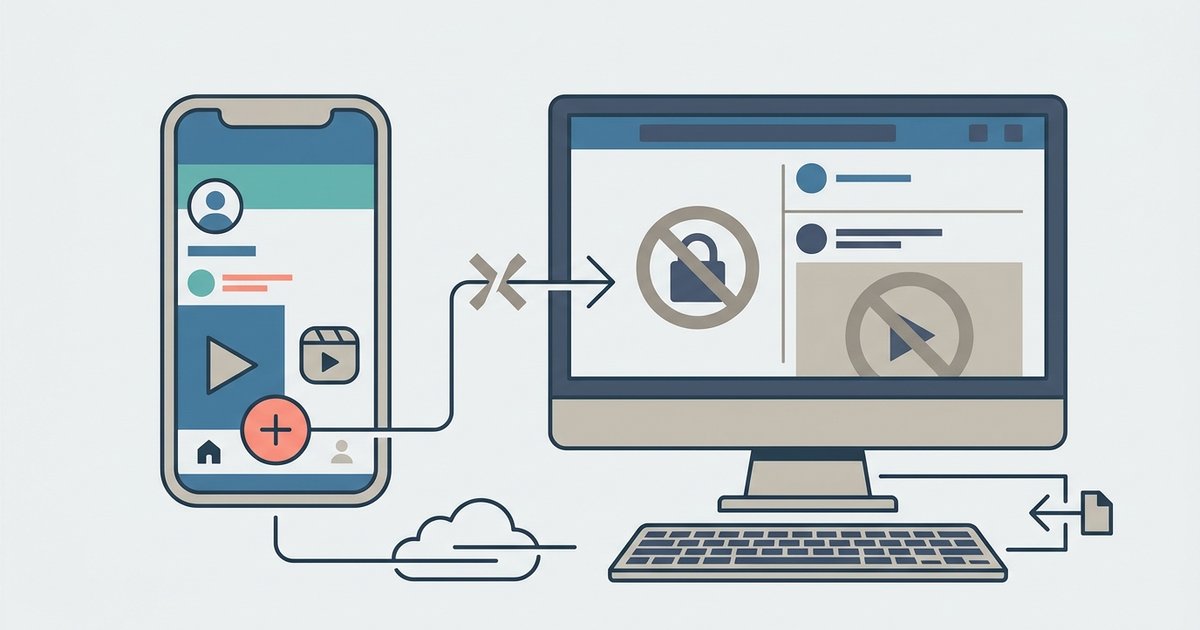
You can only post standard photos and short videos from a computer. Full Reel publishing with all editing features is not supported from a laptop; basic Reel uploading is available on the web version. This isn’t a bug or a missing update. It’s a deliberate design choice by Meta to keep Reels as a mobile-first feature, leveraging the phone’s hardware and proprietary licensing agreements that the desktop environment simply cannot replicate.
The deliberate mobile-only design of Reels
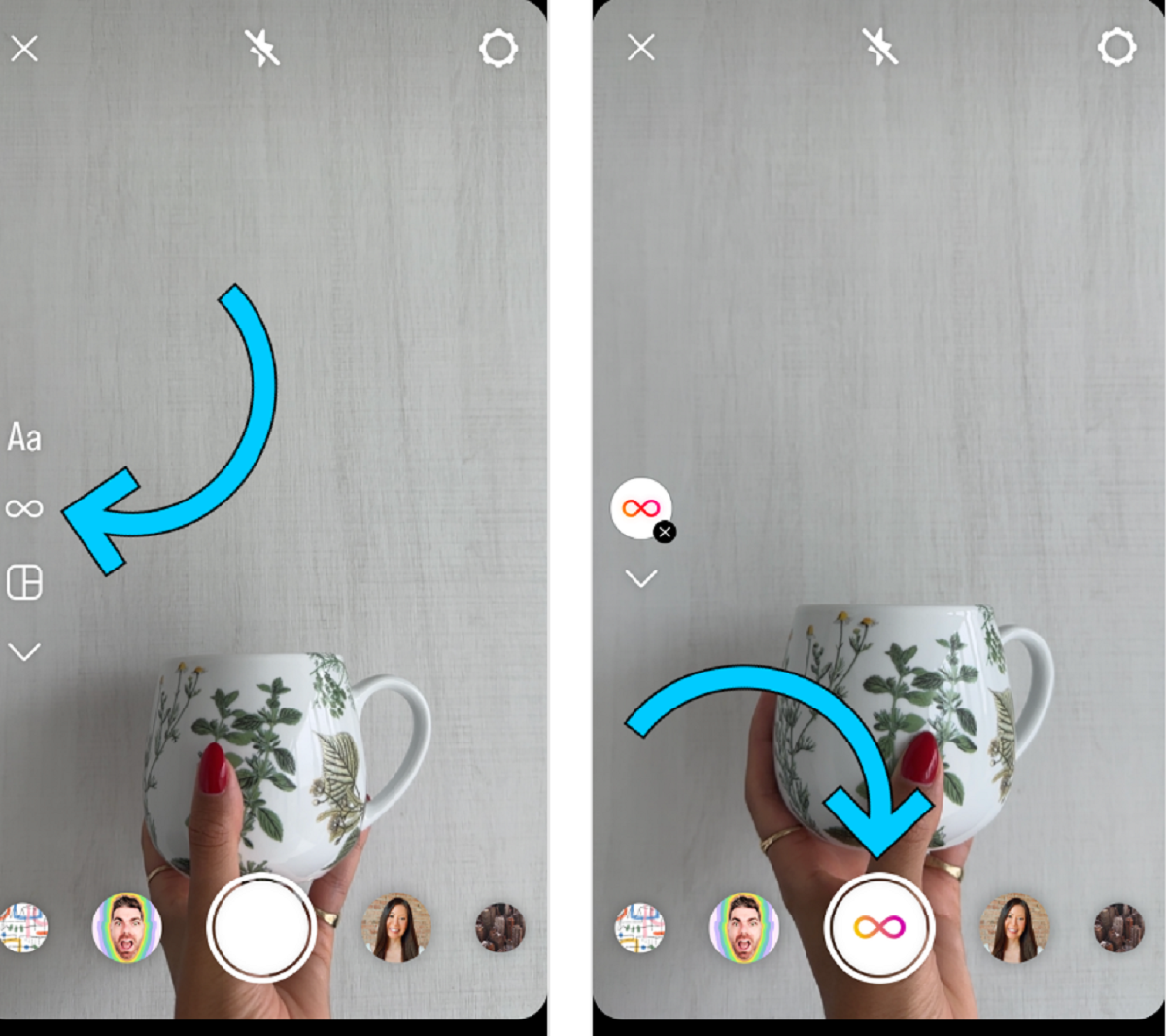
Instagram locks Reel creation to phones because the entire feature is built around the mobile camera’s vertical orientation and the suite of editing tools that live only inside the Instagram app. When you tap the Reels camera on your phone, you access augmented reality effects, a multi-clip timeline, speed controls, and the crucial music sticker library. That music library is the real bottleneck. Meta has signed licensing deals with record labels specifically for in-app usage on mobile devices, where the audio is mixed and synced to video clips. A desktop browser doesn’t have access to these proprietary audio files or the camera’s gyroscope for stabilization. So Meta never built the upload interface for Reels on a laptop. When you upload a pre-edited vertical video from your computer via the web version, the platform can identify and post it as a Reel. The backend metadata required for Reel classification, like the “remix” flag or music attribution, is never generated outside the mobile app. This is why you can’t download Instagram on a laptop and expect the same Reel workflow. If you’re locked out of the mobile app entirely, Instagram account access and recovery can help you regain entry so you can use the full Reels tools. The desktop version is deliberately stripped of these mobile-only features.
What you actually can post from a laptop
From a laptop, you can post standard photo posts, carousels of up to ten images or videos, short video clips that appear in the feed, and Reels via the web version. To post a video, you click the “+” icon on the desktop site or app, select your file, and adjust a single crop ratio: 1:1, 4:5, or 16:9. There is no option to add trending audio, interactive stickers, or advanced video effects, though basic Reel posting is available. The video will play as a standard feed post. Its duration is capped at 60 seconds, or 15 minutes for what was once IGTV and is now folded into video posts. If you try to upload a vertical 9:16 video, it will still appear in the feed. But it won’t get the Reels icon, the “Reels” label, or the Explore tab placement. You cannot use your laptop to join trending audio challenges, tag a song in the caption, or enable the “remix” feature. Those are all hallmarks of a true Reel. The desktop app also lacks the ability to schedule Reels natively. Third-party schedulers like Later or Buffer can only queue standard posts, not Reels, because Instagram’s API does not expose Reel creation endpoints for desktop clients.
The workaround that doesn’t work
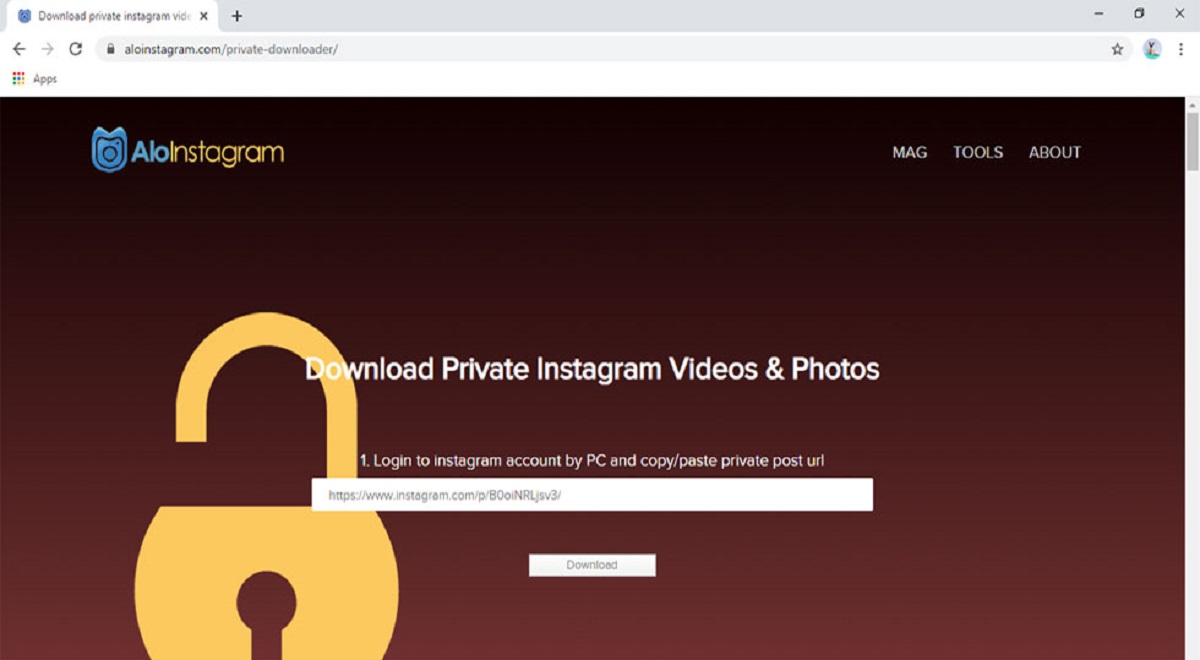
Some users try to trick Instagram by changing their browser’s user agent string to a mobile device. This fails because the desktop server still refuses to serve the Reels upload interface. Even if you spoof an iPhone or Android user agent, the page loads a mobile-style layout that still lacks the Reels camera button. Meta’s backend checks your actual device fingerprint, not just the browser header. Third-party scheduling tools like Hootsuite or Buffer also fail because Instagram’s Graph API explicitly blocks Reel uploads from non-mobile sources. Any attempt to push a video through these tools results in a “media type not supported” error. Worse, using unofficial methods, like modified desktop apps or browser extensions that claim to enable Reel publishing, risks account suspension. Instagram’s automated systems flag these as spam or API abuse, and you may get a temporary lockout or a permanent ban. Uploading a Reel from a laptop is possible via the Instagram web version, though with limited editing features.
Instagram’s Reels feature is the only major social media short-video format that cannot be uploaded from a desktop browser at all, because the entire licensing and metadata system depends on in-app mobile tools that no web version can replicate.
\nRelated reading: How To Pin Post On Instagram.