This tag collects all of Robots.net’s Instagram-related guides, written for everyday users who want to get more out of the app without digging through jargon. Whether you run a small business, manage a personal profile, or just want to fix a confusing setting, these articles are for you. They focus on practical, doable actions, not abstract tips or advanced marketing theory.
The articles fall into two clear themes. The first is content creation and profile management: you can learn how to add subtitles to Reels, put Spotify music on a Story, create Highlights, rearrange posts, pin a post, or go live. The second theme is account recovery and security. Several pieces walk you through recovering deleted messages, retrieving a forgotten password, restoring a backup code, or securing your account against unauthorized access. A smaller but important group covers privacy and platform behavior, like what happens when you unsend a message, deactivate your account, or use Vanish Mode, so you understand the consequences before you act.
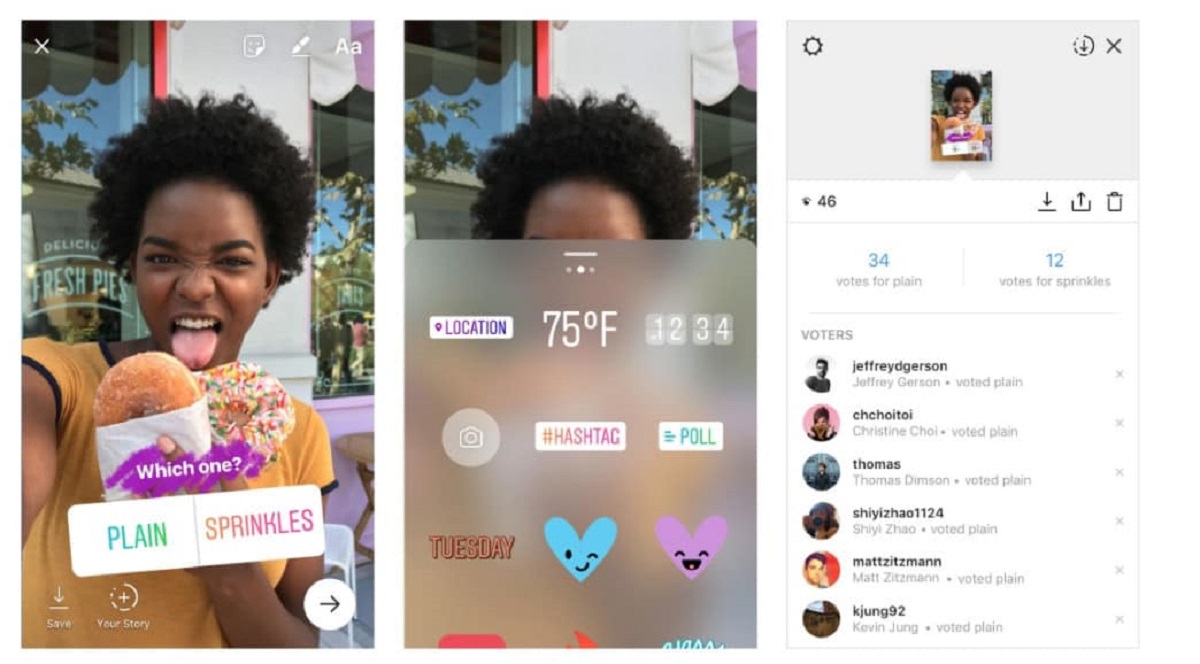
You’ll also find safe, legal ways to handle content you want to keep, such as downloading videos or photos from your own account or with the creator’s permission, these are explained as legitimate alternatives, not as ways to bypass rules. Other topics include turning off suggested Reels, making a Boomerang, running a poll, or using the newer Spreads app for panoramic posts. In every case, the goal is to help you use Instagram with more confidence and control, whether you’re fixing a problem or just exploring a feature you haven’t tried yet.