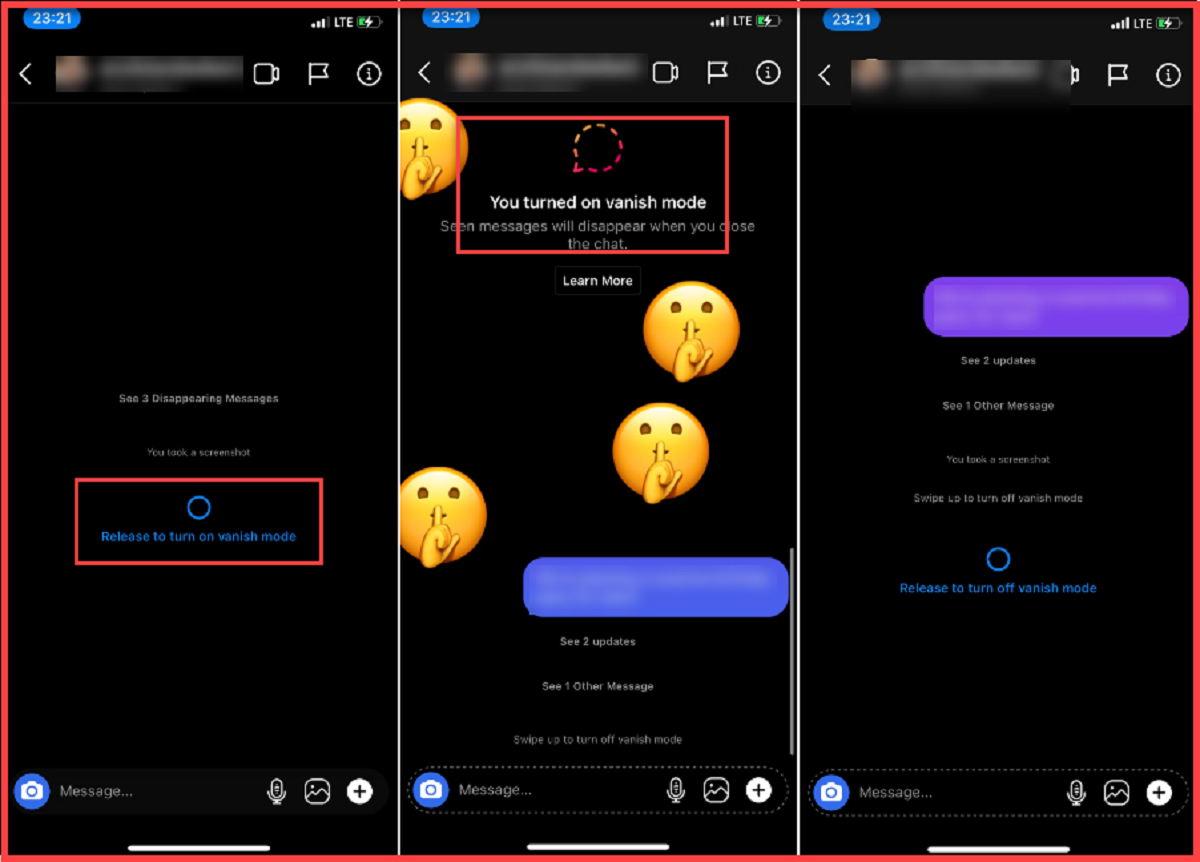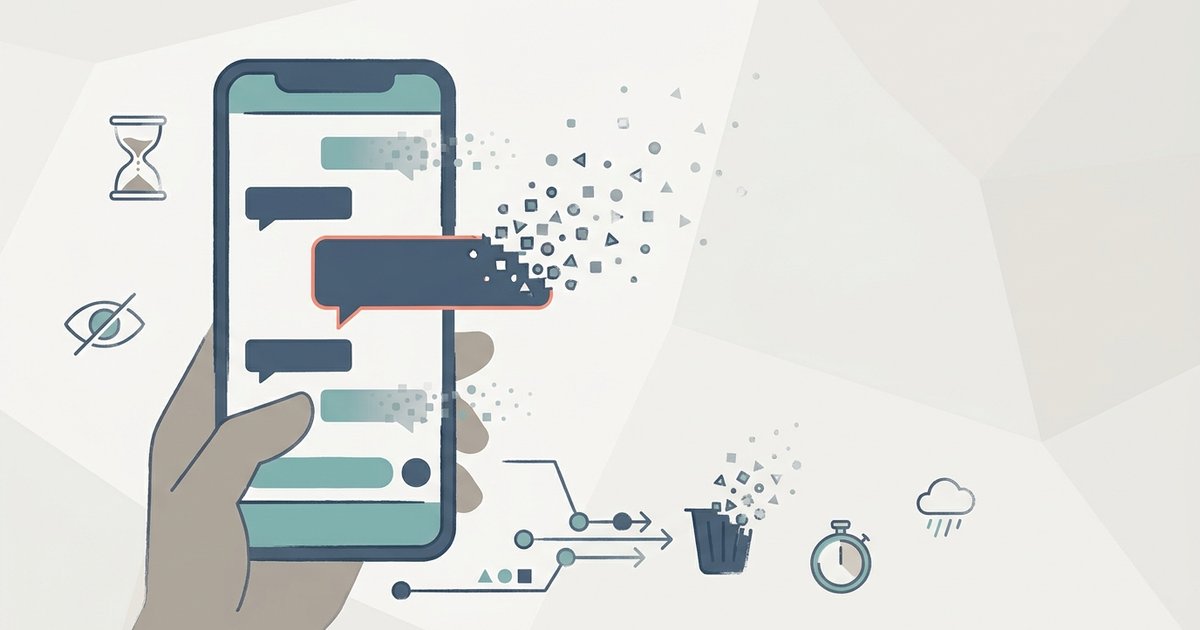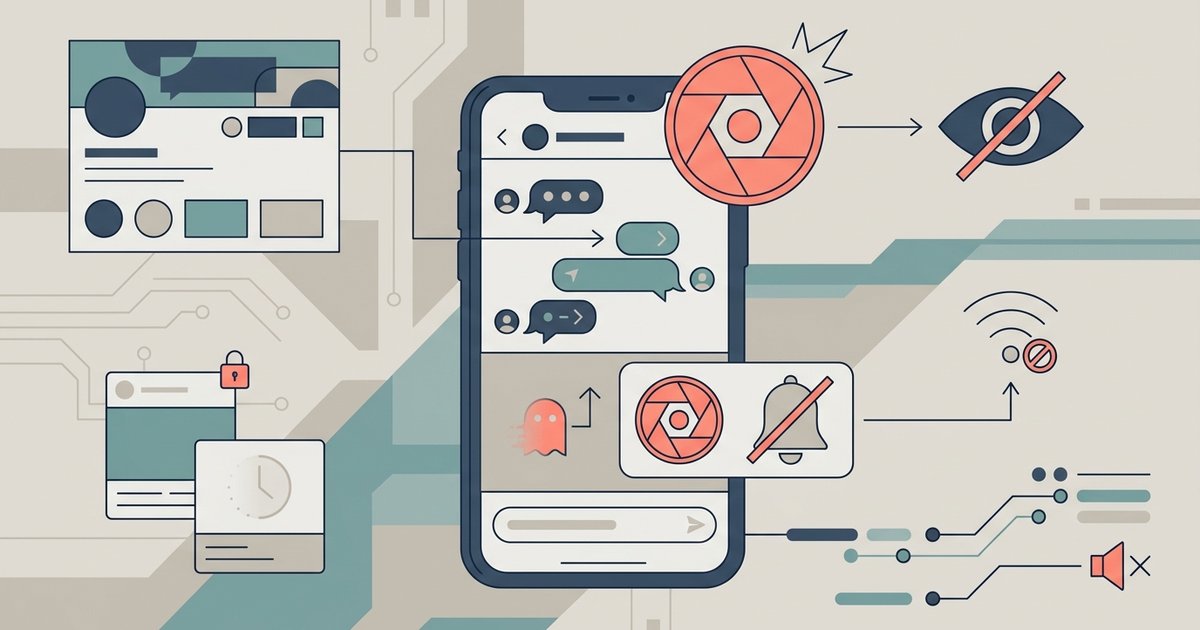
If you screenshot an Instagram vanish mode chat, the other person gets a notification. The alert appears only for disappearing messages viewed inside the vanish mode thread itself, not for previews or the chat list. The feature is not foolproof while active, and you cannot retrieve deleted Instagram messages after they vanish unless you saved them beforehand. Understanding its exact behavior prevents false assumptions about privacy.
How the Instagram vanish mode screenshot notification appears
Taking a screenshot inside a vanish mode conversation sends a real-time visual alert directly into the other participant’s chat window. A small, semi-transparent banner appears near the bottom of their screen. It reads “Screenshot taken” alongside a camera icon. This alert vanishes after a few seconds and never appears in any notification tray or history log. Only a standard screenshot capture on the device triggers the alert, whether taken with physical buttons or an assistive gesture. The notification appears regardless of whether the screenshot saves to the device’s gallery. The mere act of capturing the screen during an active vanish mode session is enough to send the alert.
When Instagram stays silent
Instagram’s screenshot detection in vanish mode has several documented gaps. No alert is sent if you screenshot the message from a notification banner or the lock screen preview. The app does not treat those surfaces as part of the vanish mode thread. Screen recording using iOS’s built-in tool or a third-party app on Android also triggers the notification, as Instagram detects screen recordings in Vanish Mode. Instagram monitors for both static captures and continuous video streams in Vanish Mode. Taking a screenshot while the vanish mode chat is minimized or in the background also fails to generate an alert. The app switcher view is one such example. The vanish mode window must be actively displayed and focused. Using a device’s long screenshot or scrolling capture feature often circumvents detection entirely. Instagram identifies only a single-frame capture, not a stitched composite.
Why the notification is widely doubted
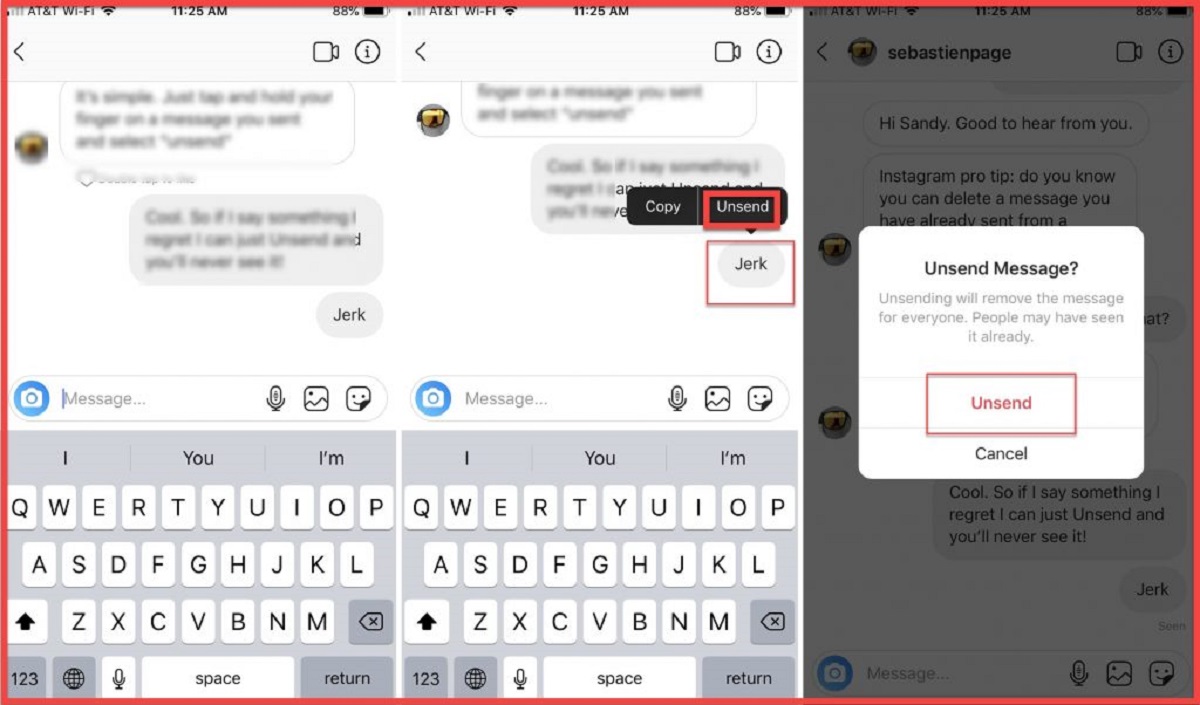
The most common source of confusion stems from the difference between vanish mode and regular disappearing messages. Instagram does not notify about screenshots at all in standard disappearing messages set to view once or allow replay. Users then assume the same rule applies in vanish mode. Inconsistent behavior across message types causes further doubt. A mix of vanish mode messages and regular text means only screenshots of the vanish mode portion trigger the alert. Screenshots of the rest go undetected. Some users test the feature with their own secondary account and miss the alert. It appears only on the sender’s side and vanishes quickly. The phrase “vanish mode Instagram” is the hub for this topic. Vanish mode is an opt-in ephemeral chat mode, not a global setting. Screenshots taken in vanish mode are not recoverable from Instagram’s servers. Apple’s iMessage disappearing photos also include screenshot notifications, but they behave differently. Unsending a message on Instagram removes the message from both sides but does not retroactively block a screenshot that was already taken, which is just one of many nuances to consider when navigating the broader topic of disappearing and deleted messages.