This feed shows only posts from accounts you already follow, so you can turn off suggested reels on Instagram each time you open the app by tapping a single option at the top of the Reels tab.
Why does Instagram show suggested reels?
Suggested Reels are algorithm-picked clips designed to keep you scrolling. Instagram’s system analyzes your likes, follows, and watch history to surface videos it thinks you’ll enjoy, even if they come from accounts you don’t follow. The most common reasons users seek to remove them are distractions, endless autoplaying videos pull attention away from other tasks, and content control, since the algorithm sometimes serves topics you find irrelevant, repetitive, or even uncomfortable. If certain accounts keep appearing in your feed, learning what restricting do on Instagram can quietly limit their content without an outright block. A cluttered feed can also tempt some to get fake Instagram followers in hopes of reshaping their algorithm, though this rarely solves the underlying problem.
How to switch to the Following feed for reels
Switching to the Following feed is the only reliable way to hide suggested Reels in 2025. It takes about two seconds once you know where to look, and it works every time you open the Reels tab.
- Open the Instagram app and tap the Reels icon (a clapperboard symbol) in the bottom navigation bar.
- Look at the top of the screen, where you’ll see two tabs: “For You” and “Following.”
- Tap “Following” to switch away from the default algorithmic feed.
The Following feed now displays only Reels from accounts you follow, in chronological order. There is no way to make this the permanent default, so you’ll need to repeat the tap each time you open the Reels tab. This is the core answer to the search intent: it removes suggestions without deleting your account or losing access to content you actually want.
Old methods that no longer work
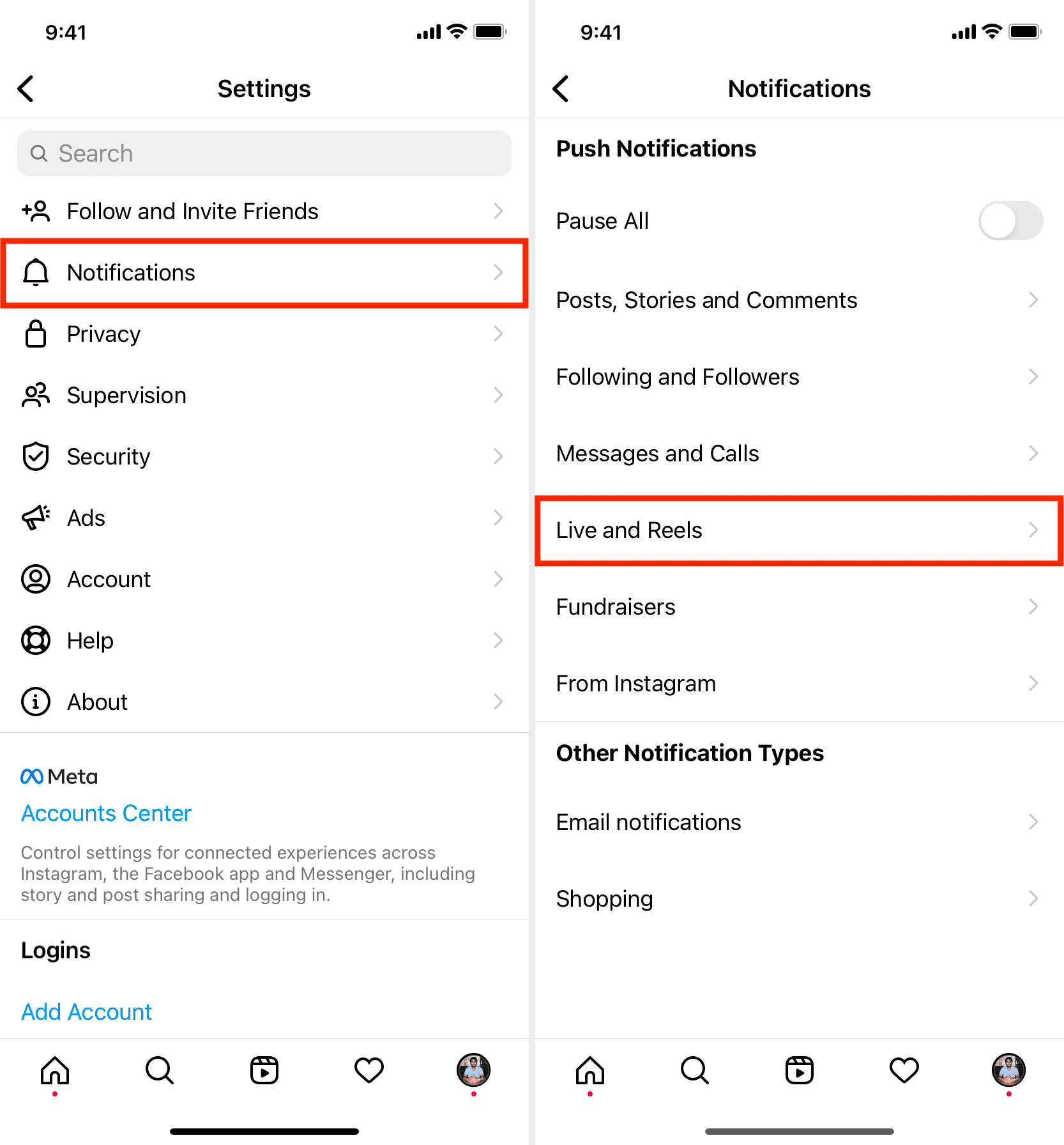
If you’ve searched before, you may have seen advice about a “Not Interested” menu on the Reels section or an Account Settings toggle labeled “Suggested Reels.” Both of those options have been removed by Instagram. The “Not Interested” button still exists on individual Reels, but it only affects that one video, not the entire feed. The Settings menu no longer contains any control for suggested Reels, so there’s no hidden toggle to find. If the lack of control becomes too frustrating, deactivating your Instagram temporarily pauses all Reels until you return.
How to further personalize your Instagram feed
While you can’t disable suggestions entirely, you can train the algorithm to show fewer unwanted clips over time. When a suggested Reel appears in your For You feed, tap the three-dot menu on the right side and select “Not Interested.” This tells Instagram to show you fewer videos like that one. You can also select “Hide” on specific Reels to remove them from your feed immediately. Doing this repeatedly for topics you dislike, such as cooking, fitness, or political content, will gradually refine what the algorithm recommends. For a more aggressive approach, unfollow accounts that post Reels you don’t enjoy; the algorithm weighs your follows heavily. These actions won’t eliminate suggestions, but they make the For You feed feel less noisy and more aligned with your tastes, giving you back a degree of control without losing access to the discovery features you might still want.