Google Authenticator has no fixed hard limit on the number of accounts it can hold; the practical limit is determined by your phone's available storage and processing power, with most modern devices handling hundreds of entries without issue.
Why there is no official Google Authenticator limit
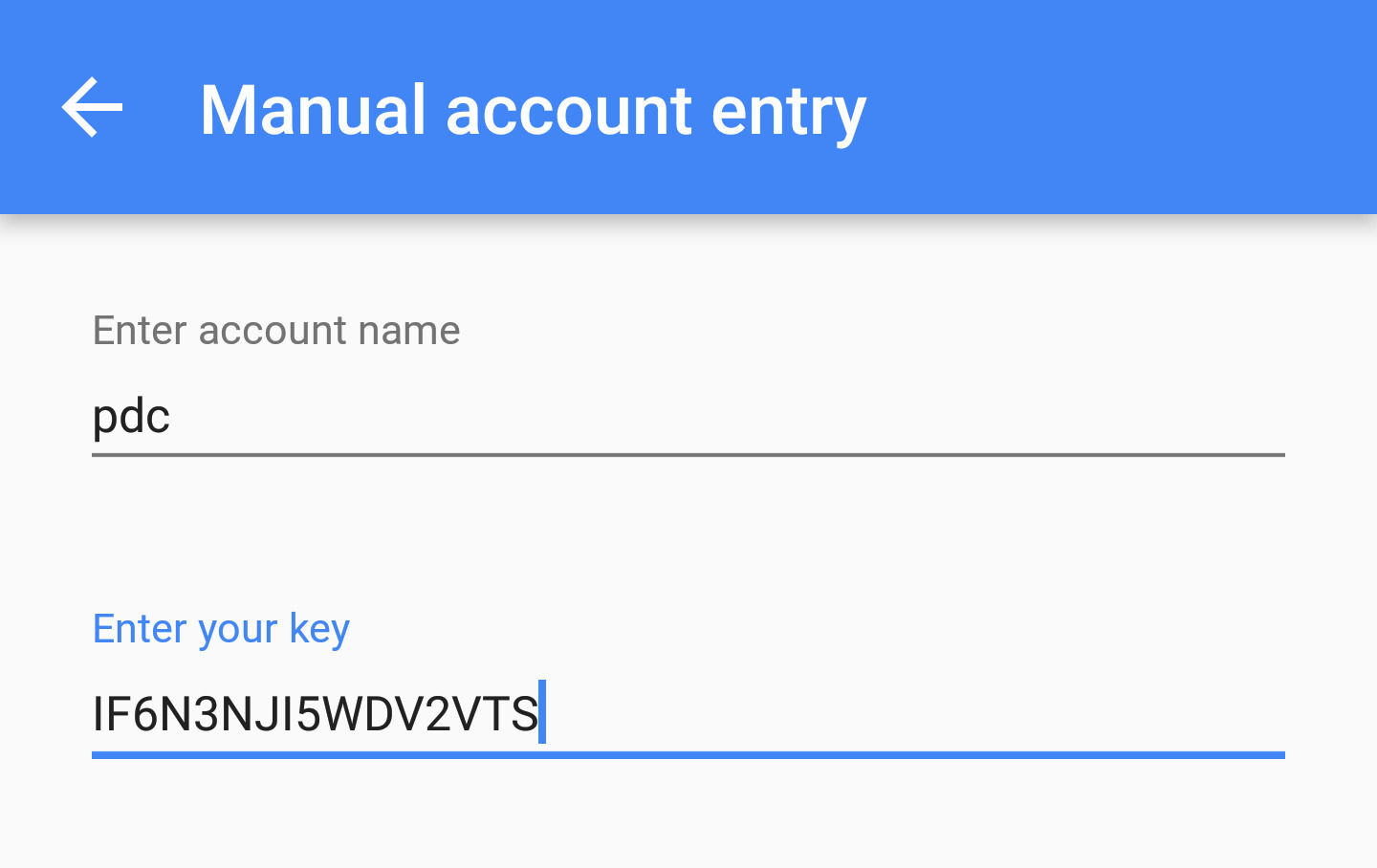
Google deliberately avoids imposing an artificial cap because the underlying technology is incredibly lightweight. Time-based One-Time Password (TOTP) secrets are stored as tiny text strings, typically 16 to 32 characters. These live in a local SQLite file on your device. Each entry also includes a label and issuer name. Even with a hundred accounts, the total file size rarely exceeds a few hundred kilobytes. The app does not need to pre-allocate memory for a maximum number of entries. It simply appends new rows to the file. This design means you can continue to add accounts as long as your phone has free space and sufficient RAM to load the data. The only theoretical limit is the file size itself. On modern Android and iOS devices, this can reach several gigabytes, far exceeding any realistic number of two-factor authentication entries. If you ever need to migrate these secrets, you will rely on the setup key in Google authenticator to manually restore each account.
What actually slows the app down
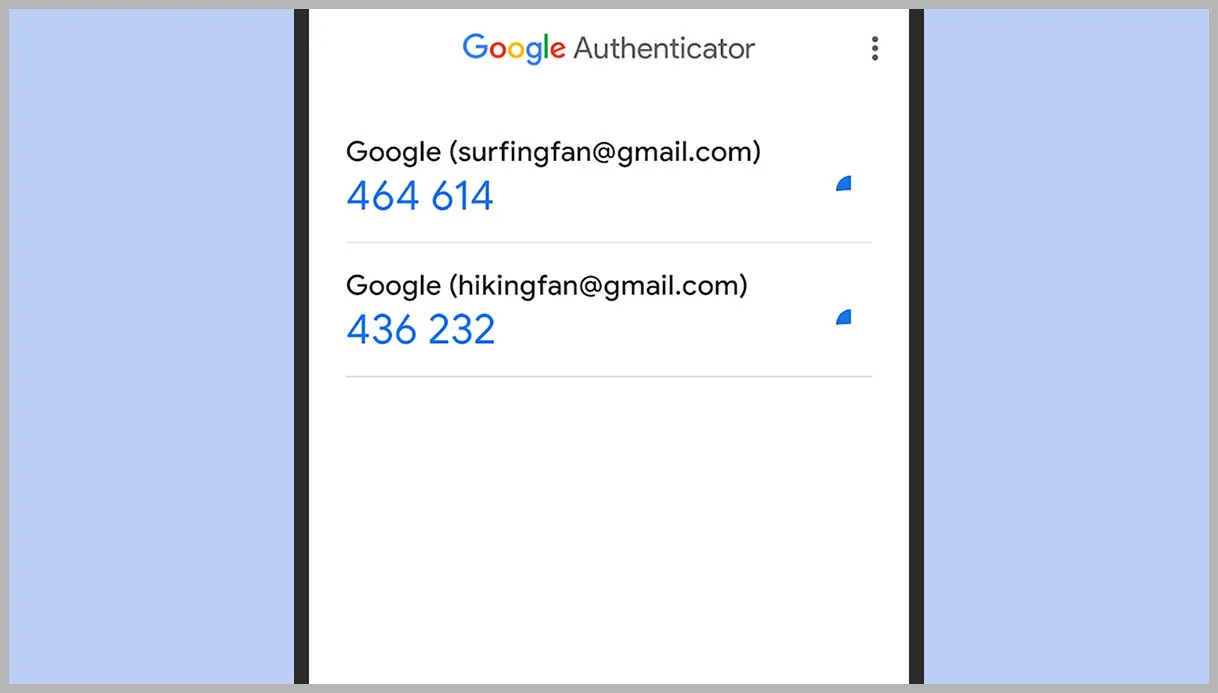
The real-world performance bottleneck is not the number of accounts. The sheer length of the list causes scroll lag and makes it hard to find a specific code. Users often mistake this for a capacity limit. When you have 200 or 300 entries, the app must render each account's name and the rapidly changing six-digit code in real time. This rendering overhead, combined with the need to refresh all codes every 30 seconds, can cause noticeable stuttering on older devices with slower processors. Additionally, the search functionality may become sluggish if you have not organized your accounts with clear labels. Users who report that the app "stops working" after adding many accounts are usually experiencing this scroll lag, not a capacity ceiling. To mitigate this, you can group accounts by service name or use the app's built-in search bar to locate a specific code instantly, rather than scrolling through an endless list.
When the app refuses new accounts
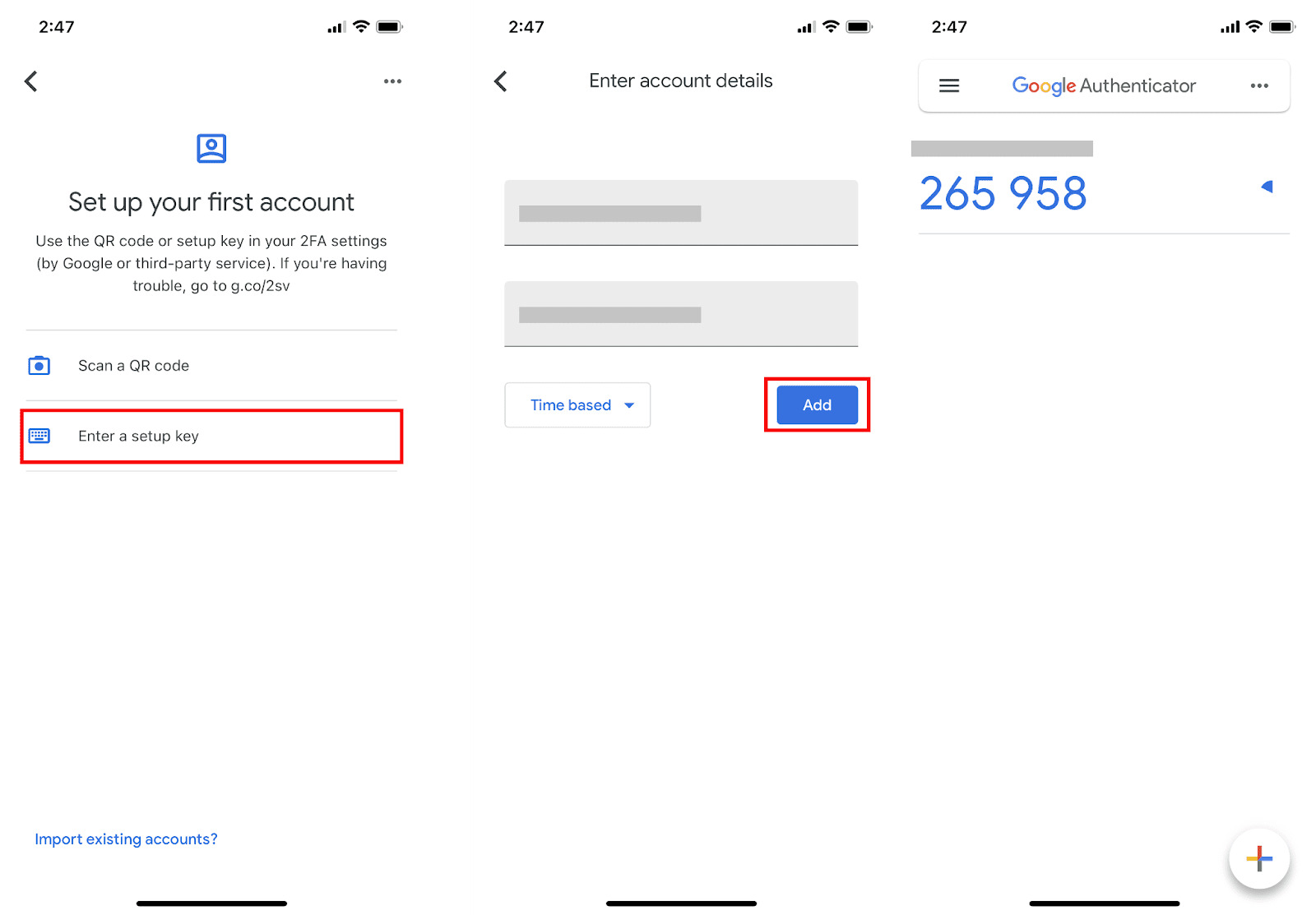
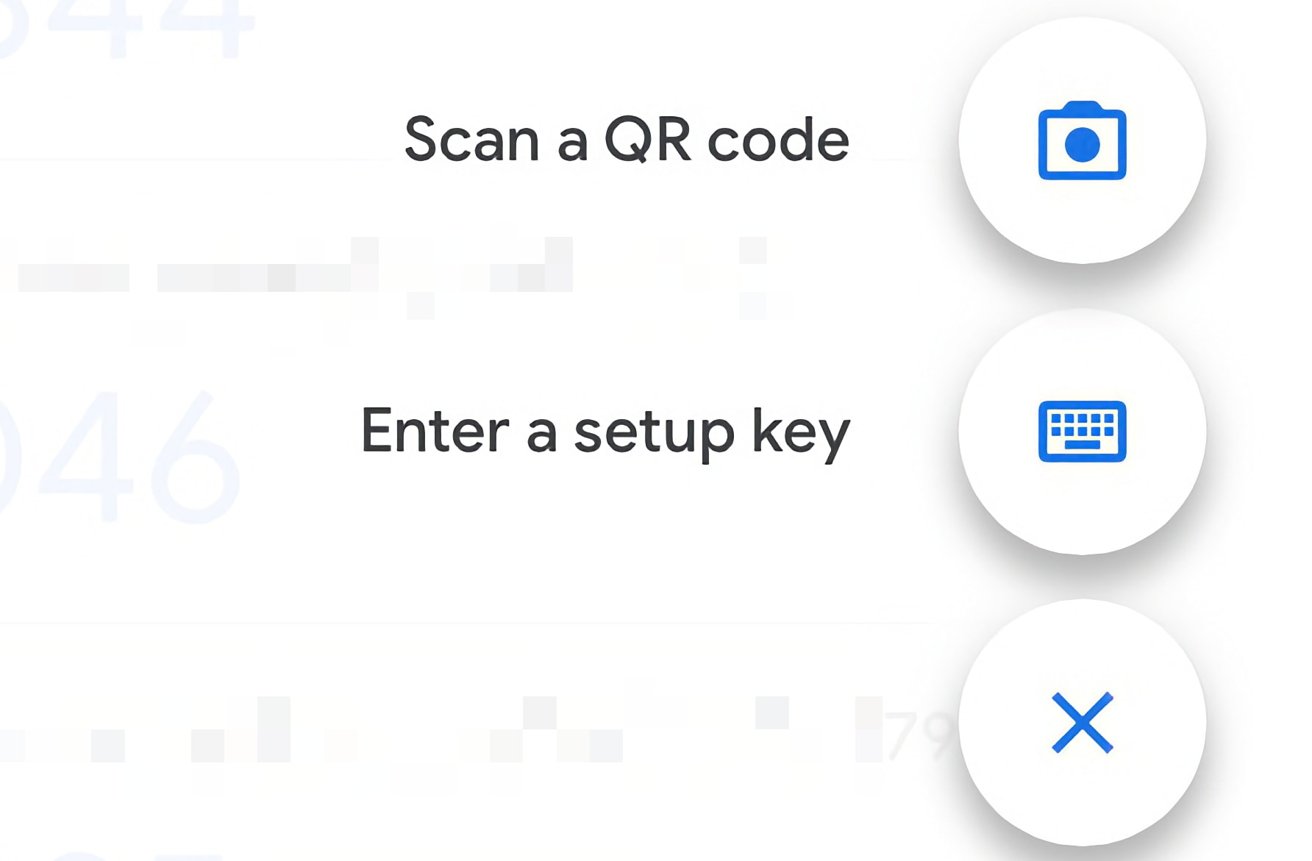
If you cannot scan a QR code or manually enter a key, the failure is almost never due to hitting a maximum account ceiling. Instead, it is typically caused by a corrupted local file, an outdated app version, or a device-level permission denial. For example, if your phone's space is nearly full, the data store may fail to save new entries, throwing an "unable to add account" error. Similarly, if you have revoked the app's permissions in your device settings, the app cannot write new secrets to its internal repository. A corrupted data file, often from a failed sync or an interrupted backup restore, can also prevent new additions. To resolve this, first ensure your app is updated to the latest version from the official app store. Then, check that permissions are enabled for Google Authenticator in your phone's settings. If the problem persists, you may need to clear the app's data, which will remove all existing accounts, and re-add them. Remember, to successfully add an account, you must either scan a QR code or enter the setup key manually. If you need to obtain the secret key from a service that only displays a QR code, you can often click a "cannot scan" link to reveal the text key. Once you have that key, you can add another account in Google authenticator by tapping the plus icon and selecting "Enter a setup key." For services that require a full integration, you can follow the service's documentation to integrate Google authenticator as a two-factor method, which typically involves scanning a QR code or entering a provided key.
Unlike other authenticator apps that impose artificial account limits or degrade performance with large vaults, Google Authenticator’s lightweight architecture allows it to hold hundreds of TOTP entries, with cloud synchronization now available as an optional feature, making the only true ceiling your device’s raw file system capacity.