The secret key is the master seed that generates all future codes and can restore your Authenticator app on a new phone, while backup codes are single-use bypass tokens that let you log in once without the app.
Google Authenticator backup codes vs secret key: the master blueprint
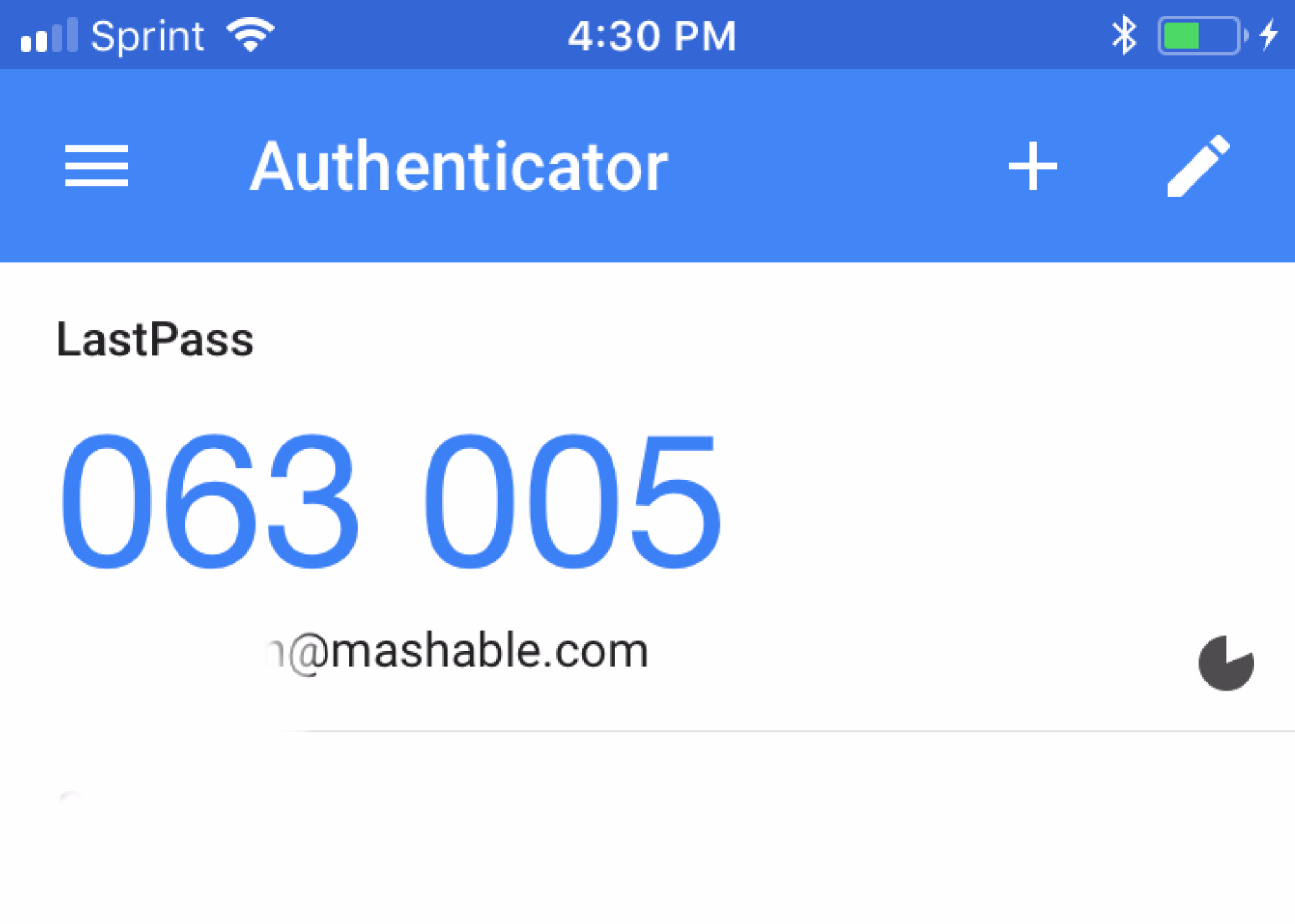
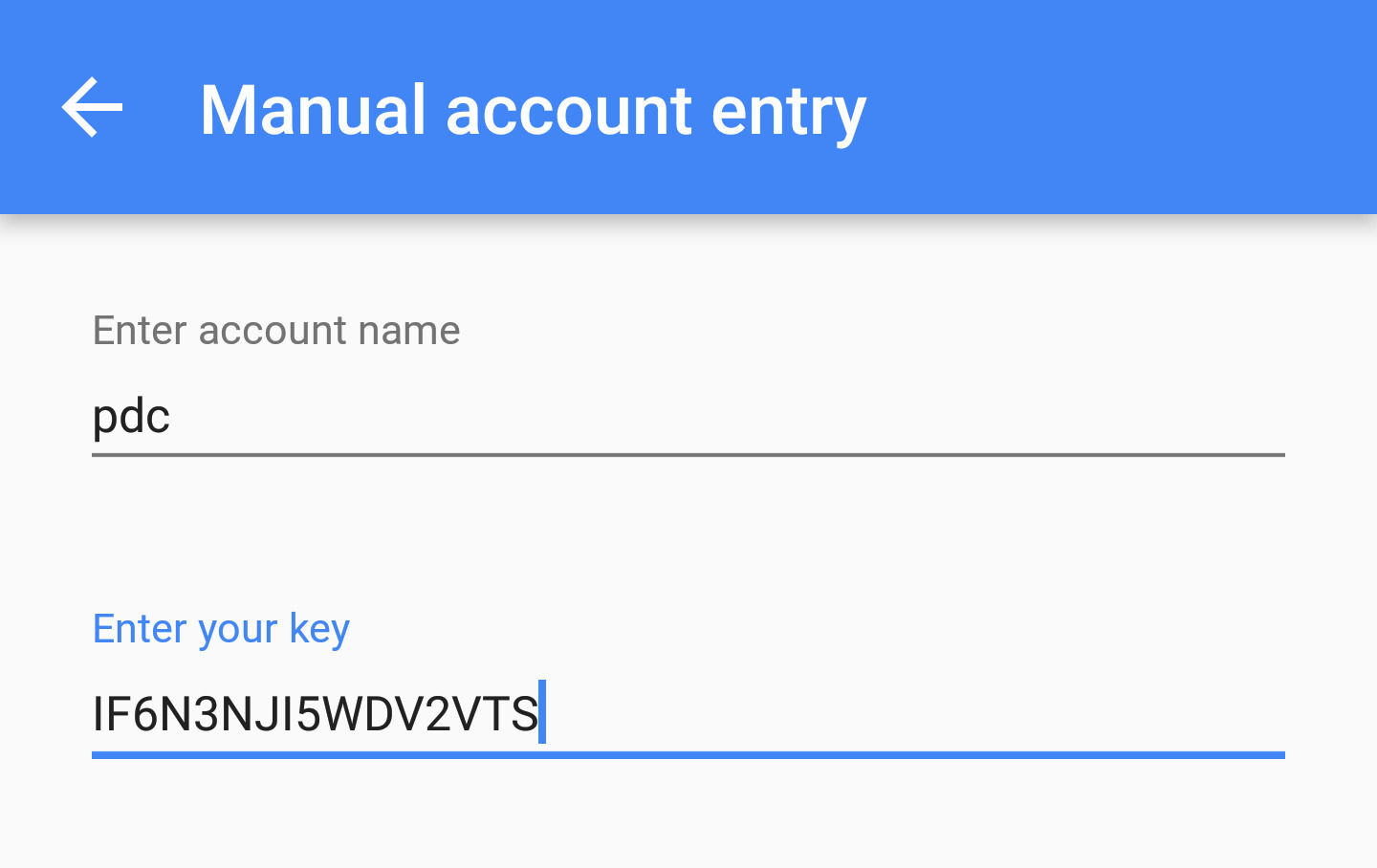
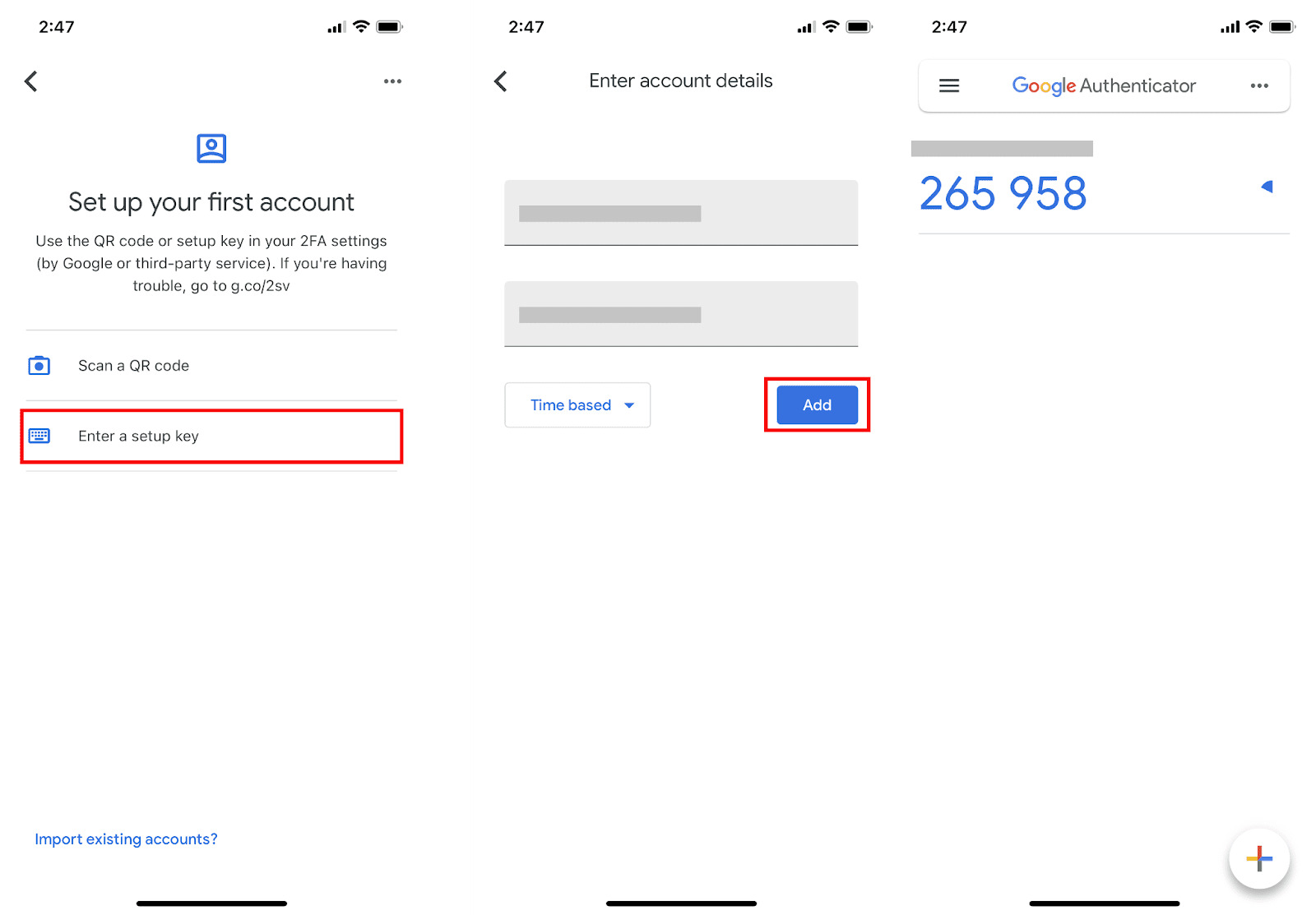
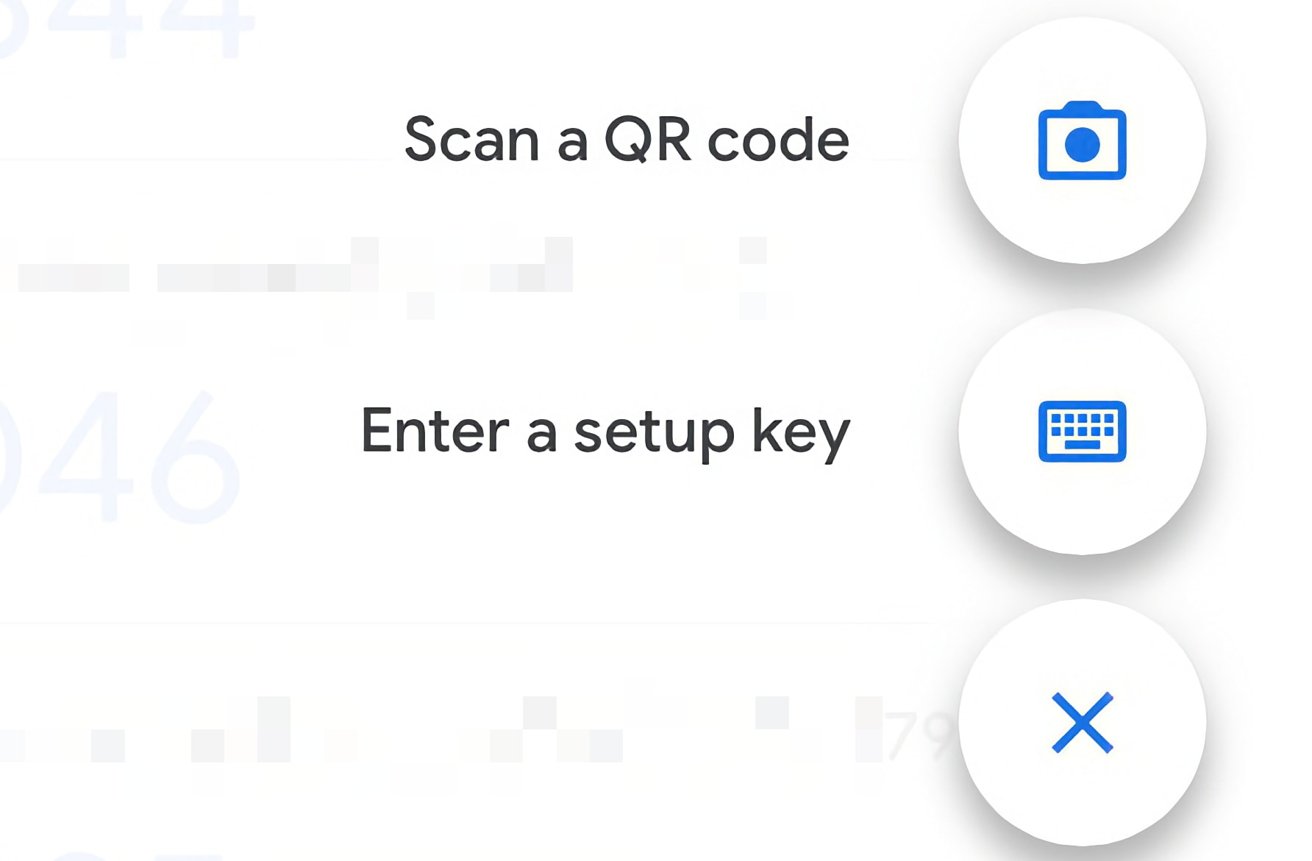
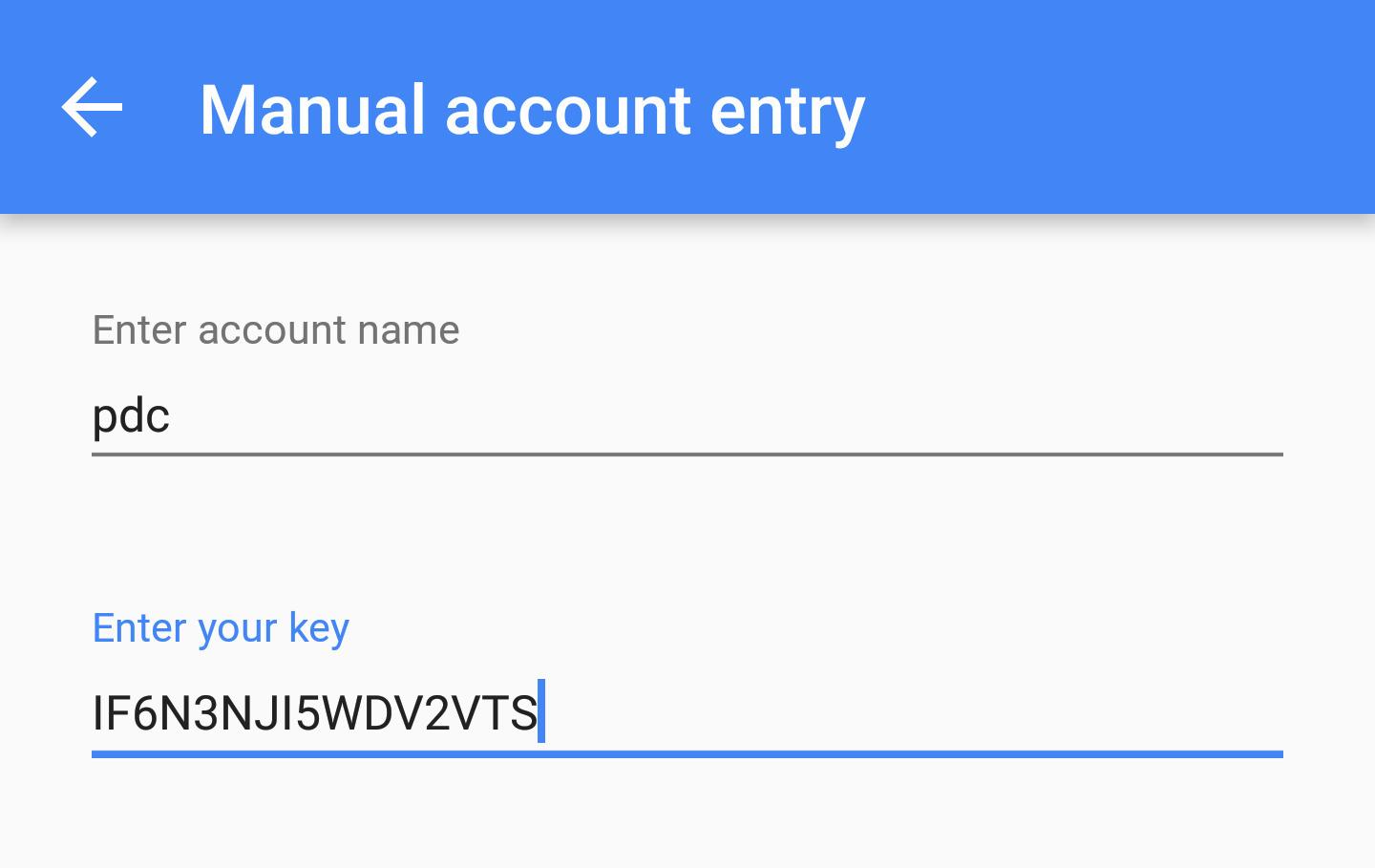
When you set up two-factor authentication on a service like Gmail or Dropbox, the website displays a QR code and often a long alphanumeric string beneath it. That string is the secret key. It is a cryptographic seed derived from the HMAC-based one-time password (HOTP) algorithm. Every six‑digit code your Google Authenticator app shows is mathematically computed from this single seed combined with the current time. If you save this secret key, typically by writing it down or storing it in an encrypted vault, you can later use it to integrate Google authenticator on any new device. On a fresh phone, you simply open the app, choose “Enter a setup key,” paste the seed, and the app will immediately begin generating the same rotating codes as before. The secret key is not tied to your phone. It is the master blueprint for every code you will ever need.
Backup codes are one-time emergency keys
Backup codes are a completely different mechanism. These are typically a list of static strings that the service generates when you first enable two-factor authentication. Each code can be used exactly once to bypass the authenticator app entirely. If you lose your phone or the app stops working, you can enter a backup code at the login prompt. The service will grant you access without requiring a time‑based code. Backup codes are tied to your account, not to the app. They are stored server‑side and invalidated after a single use. Most services let you regenerate a fresh set of backup codes from your security settings, but only if you can already log in. This makes them ideal for a quick emergency login. However, they cannot recreate your authenticator setup. To understand the core difference concretely, think of the key on Google authenticator as the factory that produces codes, while backup codes are pre‑made tickets that let you through the gate once.
The common mistake that locks people out
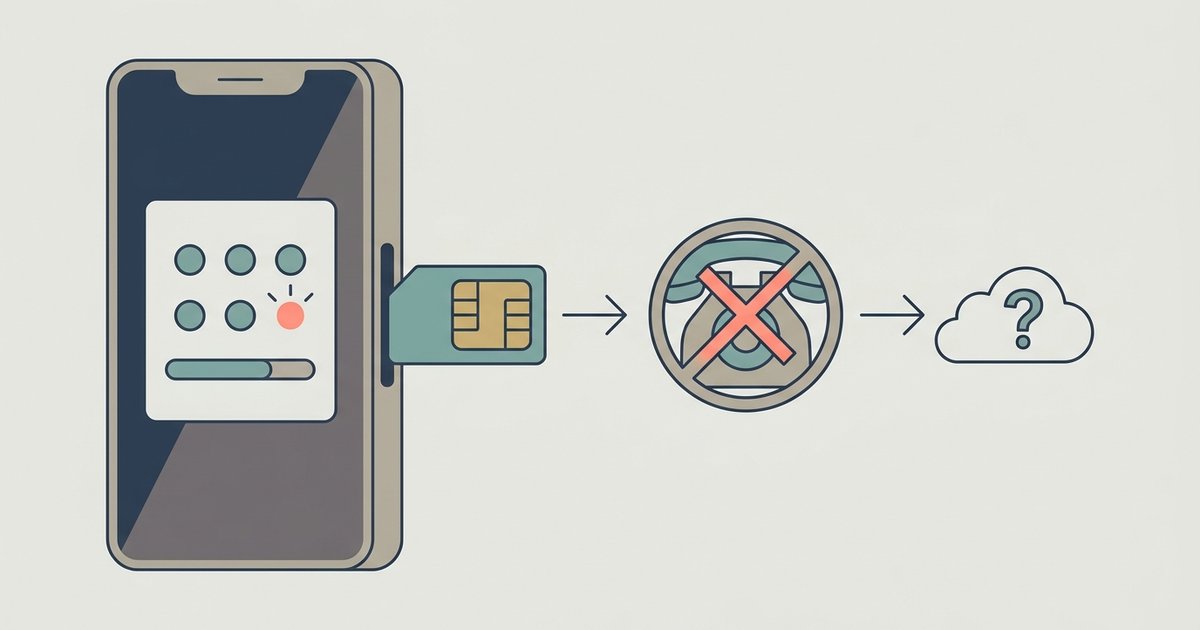
The most frequent error people make is saving only the list of backup codes and neglecting the secret key. When a phone is reset, lost, or stolen, the user opens their backup code list and logs in once. After that single login, they have no way to generate new codes for subsequent logins. The backup codes are exhausted. Because the secret key was never saved, there is no way to get secret key for Google authenticator again. The original QR code is long gone, and the service typically does not re‑display the seed after initial setup. The result is a locked account. You can see the login page, but you cannot produce a six‑digit code, and all backup codes are used. The only recovery path then involves contacting support, waiting days, and proving identity through alternative methods. To avoid this, always save both the secret key and the backup codes. When you first see the setup screen, look for the option to “show setup key” or “enter a setup key in Google authenticator” and copy that alphanumeric string to a secure offline location. This ensures that after a phone reset, you can rebuild your authenticator from scratch, while the backup codes remain untouched as a true emergency fallback.
The secret key is the master blueprint for every code you will ever need, not a temporary token tied to a single device. For a complete understanding of how to integrate Google authenticator into your own systems, the distinction between these two concepts is essential.