To turn off parental controls in Among Us, you need to adjust two separate settings: the age-based chat mode and the profanity filter. The quickest way to disable restrictions is to change your account age to over 13, which unlocks free text chat, and then toggle the Censor Chat filter off in the game's settings. This only affects in-game communication, so for broader device monitoring consider privacy in the age of always watching. If you're considering more drastic measures, be aware of the risks of a factory reset removing parental controls without notifying parents.
How to turn off parental controls in Among Us: An introduction to the two types of restrictions
Among Us has two main in-game restrictions that act as parental controls. The first is an automatic "Quick Chat" mode that limits players under 13 to predefined phrases, preventing them from typing freely. The second is an optional "Censor Chat" filter that hides profanity from the chat log. Both can be adjusted independently, and understanding the difference is the first step in turning them off.
Disabling Quick Chat mode by changing your age
Quick Chat mode is enforced based on the birthdate you entered when setting up your Among Us account. To access free text chat, you must change your age to over 13. Follow these steps:
- Open Among Us and go to the main menu.
- Confirm the change. The game will now treat you as over 13, automatically switching from Quick Chat to free text chat.
This process is the official method recommended by Innersloth, the game's developer. Once your age is updated, you can type freely in chat without needing any additional permission.
Turning off the Censor Chat filter
The Censor Chat filter is a separate control that hides swear words and other profanity. Even if you have free text chat enabled, this filter may still block certain words. To disable it:
- Launch Among Us and go to the main menu.
- Tap the gear icon to open the game's settings.
- Scroll down to the "Censor Chat" option.
- Toggle the button to "Off" so that profanity is no longer hidden.
With this filter turned off, all text you type will appear as-is in the chat, regardless of its content. This toggle works independently of the age-based chat restriction.
Managing external parental controls on your device
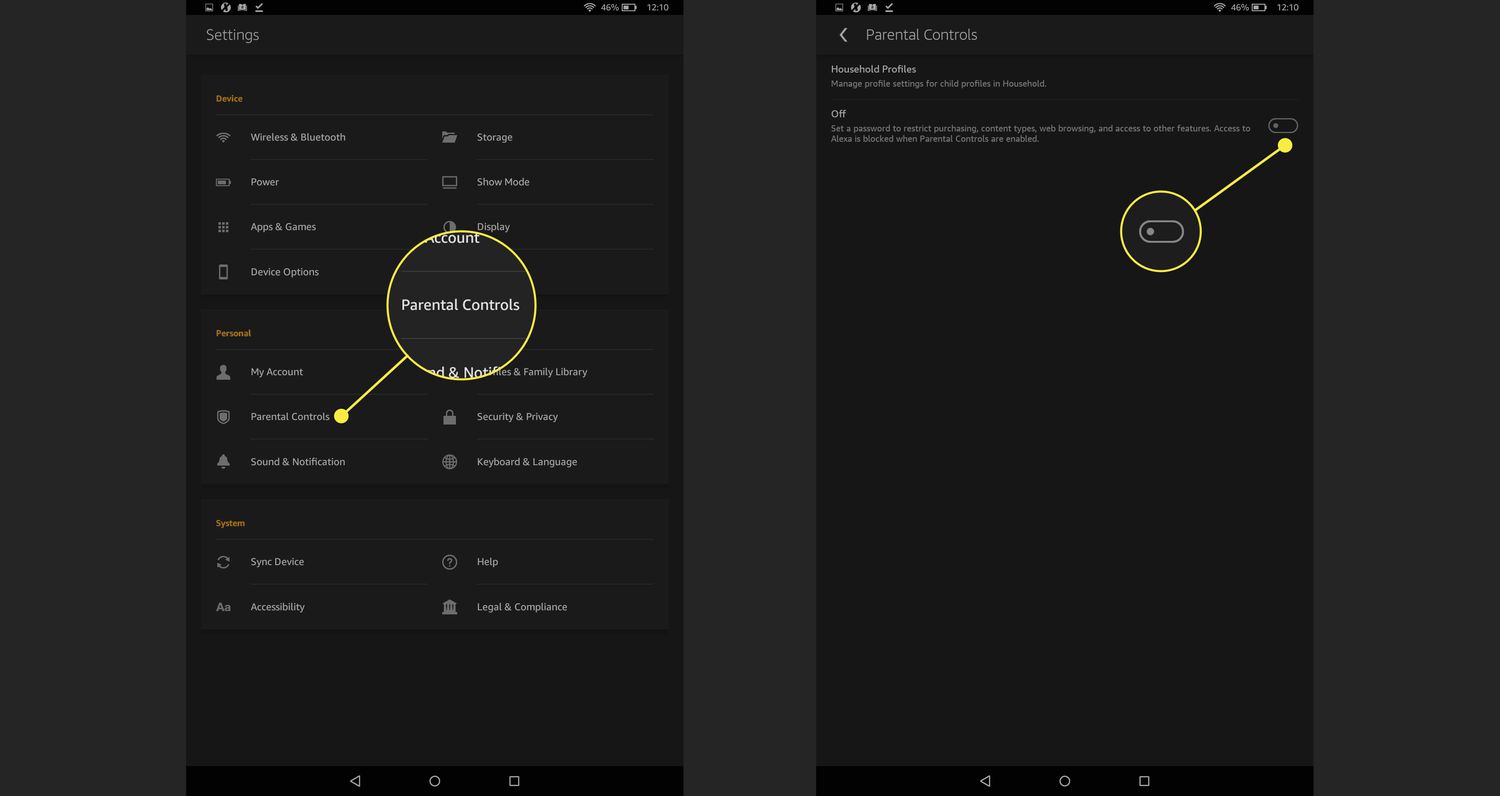
Beyond the in-game settings, your device's own parental controls can also restrict Among Us. Tools like iOS Screen Time, Android Family Link, or Windows parental controls can limit screen time, block the app entirely, or restrict in-game purchases. If you have already disabled the in-game restrictions but still face limitations, check your device's settings. For a deeper look at managing these controls, see our main hub on setting up parental controls.
Third-party parental control apps may also impose restrictions on Among Us. These external tools operate independently of the game, so you must adjust them through the app or system settings where they were originally configured.
Key takeaways
Your age setting determines which chat mode is active: under 13 forces Quick Chat, while over 13 unlocks free text. The Censor Chat filter is a separate toggle found in the game's settings under the gear icon. Finally, if restrictions persist after adjusting these, check your device's own parental controls or any third-party apps you may have installed.