Press the Volume Down key and tap the bell icon until it shows a vibrate icon, or swipe down with two fingers and tap the Sound mode icon to cycle through Mute or Vibrate.
The quick settings silence Samsung phone toggle
Swipe down from the top of the screen with two fingers to open the full Quick Settings panel. Look for the Sound mode icon, it usually shows a speaker, a bell, or a phone silhouette. Tap it once to cycle from Sound to Vibrate, then tap again to reach Mute. You can also long-press the icon to see the three options listed vertically. This bypasses the Settings app entirely and works even when the screen is locked, as long as you can access the notification shade. Unlike a hardware switch, this toggle only affects ringtones and notifications, media audio keeps playing unless you manually lower that volume separately.
Using the volume keys to silence
Press the Volume Down button on the left side of the phone. A volume slider appears on the right side of the screen, with a small bell icon just above it. Tap that bell icon repeatedly: one tap switches from Ring to Vibrate, a second tap switches to Mute. If you keep tapping, it cycles back to Ring. This method is faster than digging into Settings, but it only controls the current sound profile, it does not affect media volume, alarm volume, or system sounds. If you want to silence everything, you must also use the separate media slider that appears when you press Volume Down while media is playing.
What people get wrong with do not disturb
Many users assume Do Not Disturb is the same as silencing the phone, but it is not. DND blocks calls and notifications from reaching you, but it allows alarms, timers, and media to play unless you manually configure exceptions. The common mistake is enabling DND to stop a ringing phone, then finding that your morning alarm still goes off, or worse, that you accidentally blocked alarms in the DND settings. To silence only ringtones, use the Volume Down key or the Quick Settings toggle. DND is designed for focused time, not for a quick mute. If you do use DND, check the Alarms and Media toggles inside its settings to avoid surprises.
When there is no true silence switch
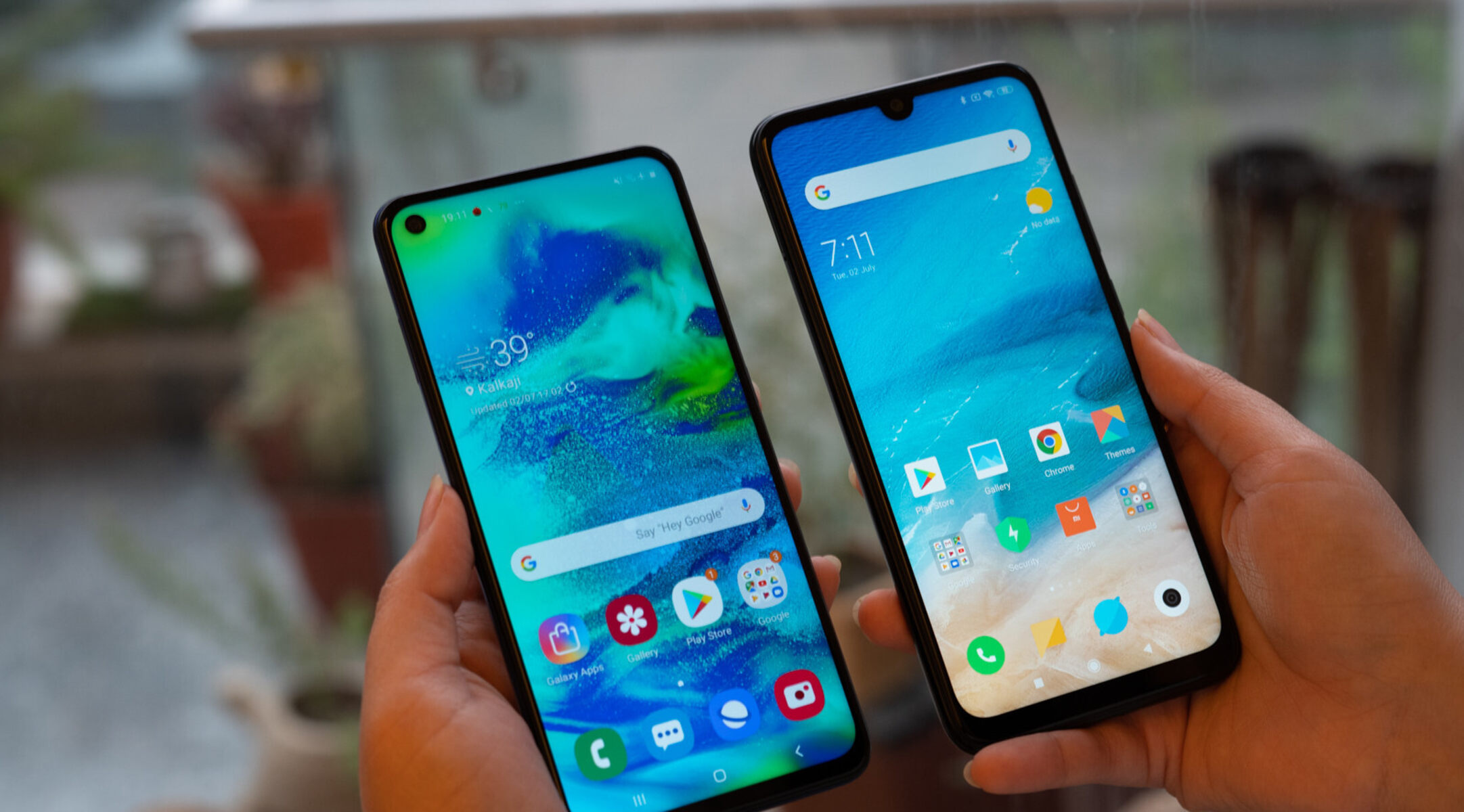
Samsung’s software-based mute still allows media audio to play, because the company treats media volume as a separate channel from ringtone volume. This means you can mute your phone for calls and notifications, but a YouTube video or music app will keep blasting at its previous level. To truly silence everything, you must lower the media slider manually or use the Media volume limit setting in the Sound Quality and Effects menu. The absence of a hardware mute switch on Galaxy devices is a deliberate design choice, Samsung has not included one for several generations, preferring a unified volume rocker and software controls. For those who want a physical toggle, you would need to look at a different brand, which is a key factor when deciding between Samsung and redmi if hardware controls matter to you. Understanding the difference between smartphone and iPhone mute implementations helps clarify why Samsung users must rely on these on-screen methods. And if you ever wonder how manufacturers decide on these features, it helps to know how to make a smartphone from a design perspective, but for now, just use the Volume Down and bell icon trick.