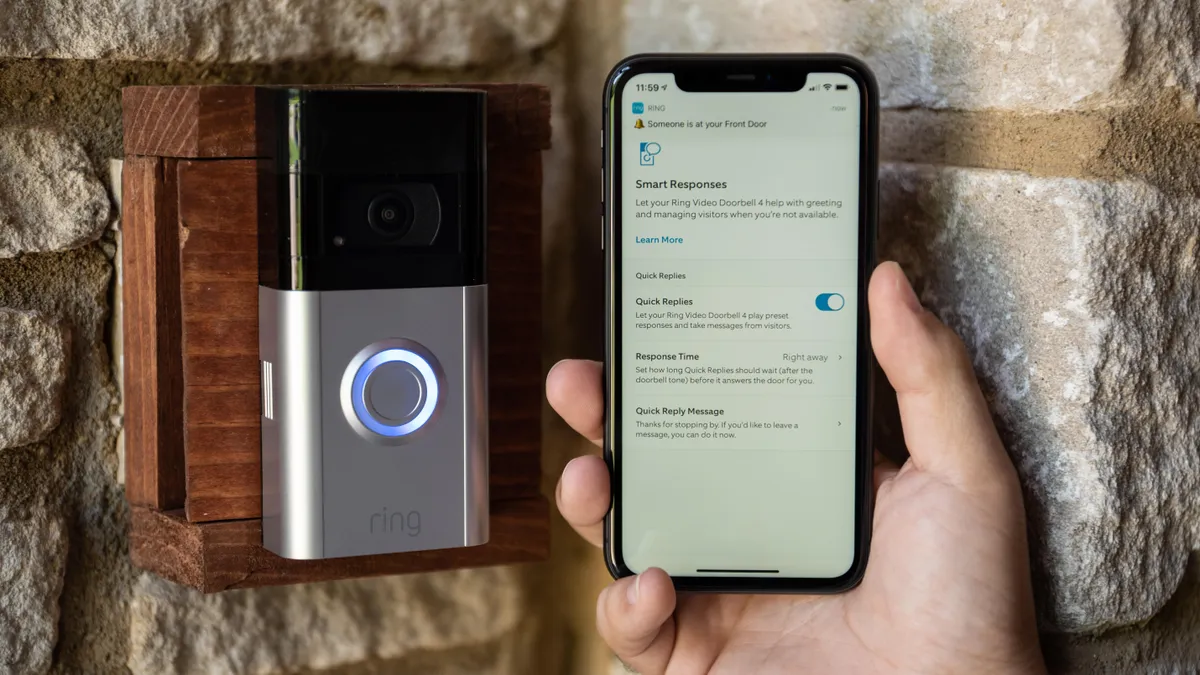
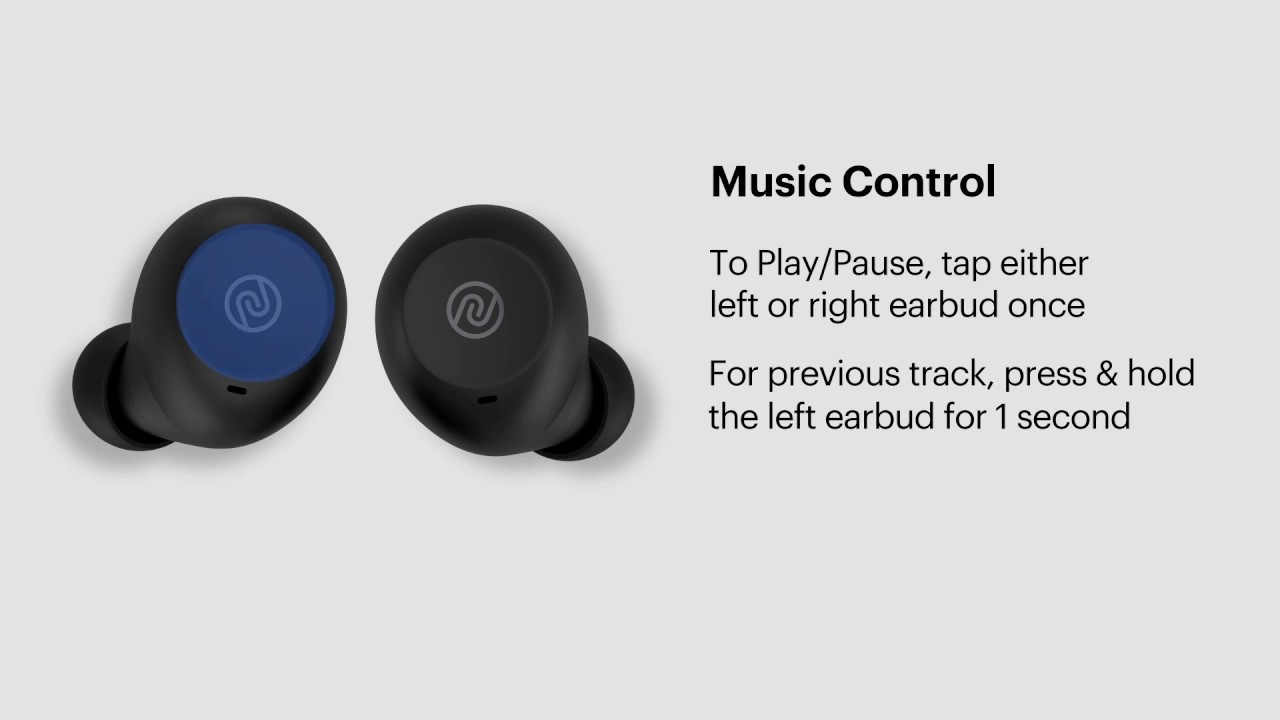
This tag collects straightforward, practical guides for adjusting sound output on a range of everyday consumer devices, from wireless earbuds and smartphones to monitors and smart doorbells. It is written for anyone who has ever fumbled with a tiny button, a buried settings menu, or a missing physical switch, and who wants a clear, step‑by‑step path to louder, softer, or silenced audio.
The articles here fall into a few common situations. One group tackles the quirks of specific hardware, such as turning up the volume on JBL wireless earbuds or on an ASUS TUF Gaming Monitor, where the controls are not always obvious. Another group focuses on devices where audio settings are tied to other functions, like adjusting the volume on a Ring Video Doorbell 2 or using speaker mode on a flip phone, which often involves navigating a limited interface. A third theme centers on accessibility and workarounds for missing controls, such as silencing a Samsung phone without a physical mute switch, a useful skill when the button is broken or simply absent.
Notably, some entries approach volume from a safety or security perspective rather than as a simple how‑to. For example, the guide on silencing a Samsung phone explains how to manage notifications discreetly in quiet environments, while the Ring doorbell article helps users set a comfortable alert level without missing important visitors. None of these pieces involve bypassing protections, hacking, or cheating, they are all about using the device’s own features legally and sensibly to get the sound you need.