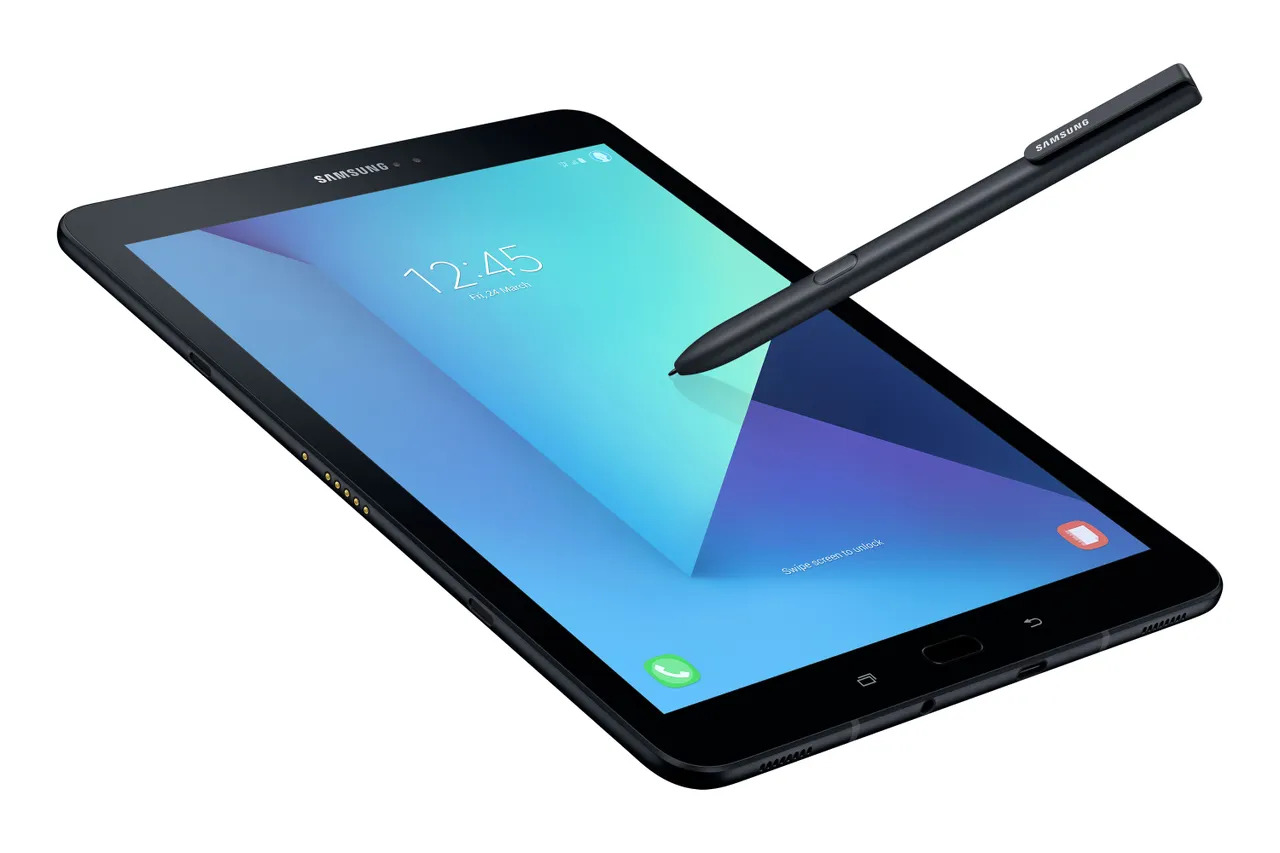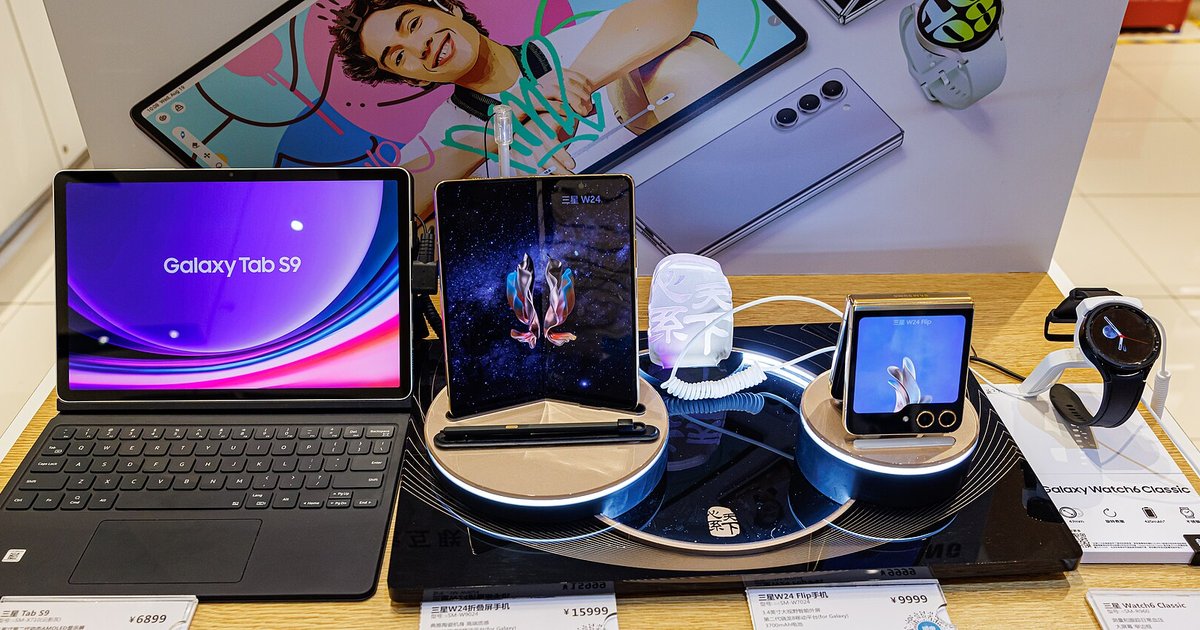
Unlocking your Samsung tablet through Find My Mobile does not void the Samsung tablet warranty or trip the Knox security bit. It uses Samsung’s own authorized token-based system rather than exploiting the bootloader or modifying system files. The remote operation is a server-side authentication that verifies your Samsung account credentials. It sends a secure token to the device, which then unlocks the screen without altering any system partitions or security flags. You can safely use this feature without worrying about warranty consequences, as it is an official Samsung tool designed for exactly this purpose.
Why remote unlock is safe for your Samsung tablet warranty
Samsung’s Find My Mobile remote unlock works by sending an encrypted authentication token from Samsung’s servers directly to your tablet. This token is generated using your verified Samsung account login and the device’s unique IMEI. It is processed in a secure environment that does not touch the bootloader, recovery partition, or system files. The process does not write to the eMMC’s Knox-protected area, nor does it alter the device’s firmware or kernel. Because the unlock command is executed through Samsung’s own proprietary protocol, not through an external exploit or bootloader unlock, the Knox Warranty Bit remains completely intact. This hardware-level fuse records unauthorized modifications and is never triggered by this official method. In fact, the Find My Mobile service is explicitly listed in Samsung’s official support documentation as a legitimate method to regain access to your device.
What actually trips the Knox warranty bit
The Knox Warranty Bit is triggered only by actions that modify the device’s secure boot chain or system partition. Common warranty-voiding actions include flashing unofficial firmware via Odin, rooting the device, or unlocking the bootloader through Developer Options. Rooting installs a custom recovery or modifies the system partition. These actions write new data to the bootloader or system partitions, which the Knox hardware fuse detects and permanently sets to “0x1,” indicating that the device has been tampered with. People often confuse the remote unlock with these more invasive methods because both involve bypassing a lock screen. The difference is critical: Find My Mobile uses an official API that never touches the bootloader, while rooting or flashing unofficial firmware directly modifies the device’s core system. If you need to unlock a Samsung tablet without risking the warranty, book a support appointment at an authorized Samsung service center and bring your proof of purchase, especially if you’re facing the added challenge of unlocking a Samsung tablet without Find My Mobile. Arrive 10 minutes early and use the main customer service entrance, not the retail sales floor. Skip any third-party kiosk or mall repair shop offering immediate bypasses.
When the warranty might still be at risk
Even though the remote unlock itself is safe, your warranty claim could be denied in a few edge cases. If your tablet was previously reported as stolen or lost, and you used Find My Mobile to unlock it, Samsung’s system may flag the device as having been recovered from a theft scenario. This could complicate warranty service until ownership is verified. Similarly, if the tablet had undergone unauthorized repairs, such as a third-party screen replacement that broke the water-resistant seals, the warranty on those specific components may be voided regardless of how you unlocked the screen. Some carrier-specific terms also impose separate restrictions. A carrier-locked tablet that was remotely unlocked via Find My Mobile while still under contract might still be subject to the carrier’s own warranty policies, which may require you to return the device to an authorized carrier store for service. Additionally, if you attempted other methods before using Find My Mobile, those attempts may have already corrupted the device’s recovery partition or left traces of unauthorized access. This includes actions like a hard reset without a password or third-party FRP lock bypass methods, which can be detected during a warranty inspection. Finally, advice about forgetting a Redmi password is irrelevant here, as Xiaomi devices use a different account system and are not covered by Samsung’s warranty terms at all.
Only Samsung’s own server-side token system unlocks the screen without writing to the Knox-protected eMMC area, a claim no third-party bypass tool or factory reset guide can truthfully make. For a deeper look at the broader topic of unlocking a tablet you are locked out of, the process of unlocking a locked tablet involves several legitimate methods, but only Samsung’s official server-side approach preserves the warranty.