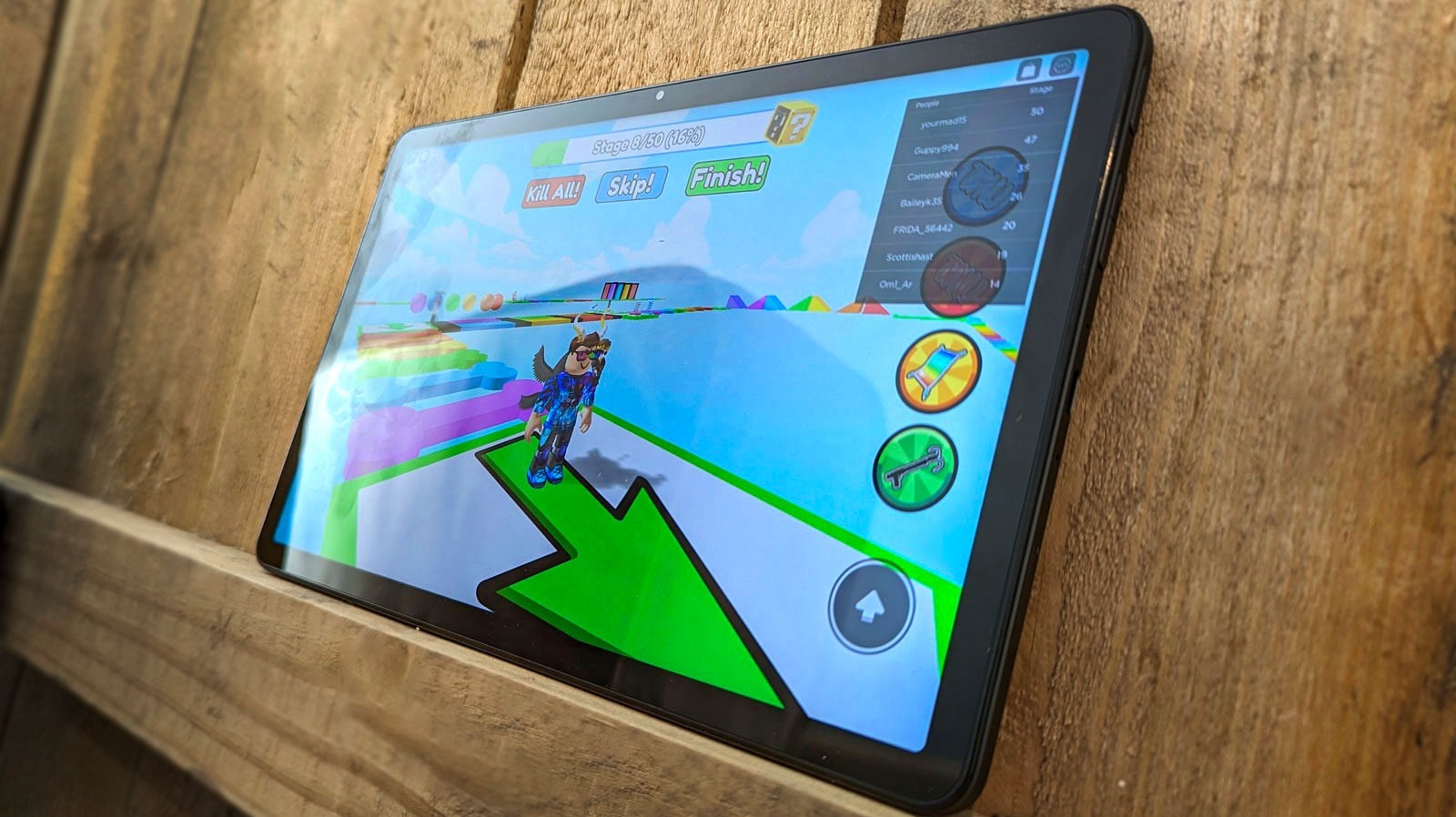
No, sideloading Roblox does not void your Amazon Fire tablet’s warranty. The warranty covers hardware defects, and installing an app like Roblox from outside the Amazon Appstore does not physically damage the device or automatically cancel your coverage.
What the sideloading Roblox warranty actually covers
Amazon’s limited warranty explicitly covers manufacturing defects in materials and workmanship. This includes things like a touchscreen that stops responding, a speaker that crackles, or a power button that sticks. These are hardware malfunctions, not software issues. The warranty does not promise that every app you install will run perfectly. It also does not penalize you for choosing to install apps outside the Appstore. When you sideload Roblox, you are only adding software. You are not modifying the tablet’s firmware, overclocking the processor, or opening the device case. As long as the physical components remain unaltered, your coverage for hardware failures stays intact.
Why 'apps from unknown sources' feels risky
Many parents hesitate because they believe toggling the “Apps from Unknown Sources” setting flags the device as “tampered with.” This is a common misconception. That setting is a standard Android option available on nearly every Fire tablet. Amazon does not monitor whether you enable it. Enabling it simply tells the operating system to allow installation from sources other than the Amazon Appstore. It does not signal to Amazon’s service team that you have rooted the device or violated any terms. You can safely use that setting to download Roblox from a trusted APK site, but you will need to manually upgrade Roblox on Fire tablet when new versions release. Amazon will never know or care that you turned it on.
When sideloading could cause problems
There is one specific failure case where sideloading might create complications. This happens if you accidentally download a malicious fake Roblox APK that introduces malware, crashes the launcher, or corrupts system files. In that scenario, Amazon’s customer support may refuse to troubleshoot the software problem for free. They will likely tell you to factory reset the device or reinstall the official Appstore version. However, even in this worst case, Amazon cannot legally deny a hardware claim. If your tablet’s battery swells or the screen cracks while the device is under warranty, they must repair or replace it regardless of the software state. To avoid the software hassle, always download Roblox from the official Roblox website or a reputable mirror. The key takeaway: sideloading does not void your warranty, but downloading a bad APK can create a support headache, so stick to trusted sources for every download.
The warranty covers hardware defects. You can safely follow the instructions to enable “Apps from Unknown Sources” and install the game. You do not need to worry that Amazon will refuse to repair a broken screen, dead battery, or faulty charging port. You can also download Roblox on Fire tablet without fear of losing your hardware protection.