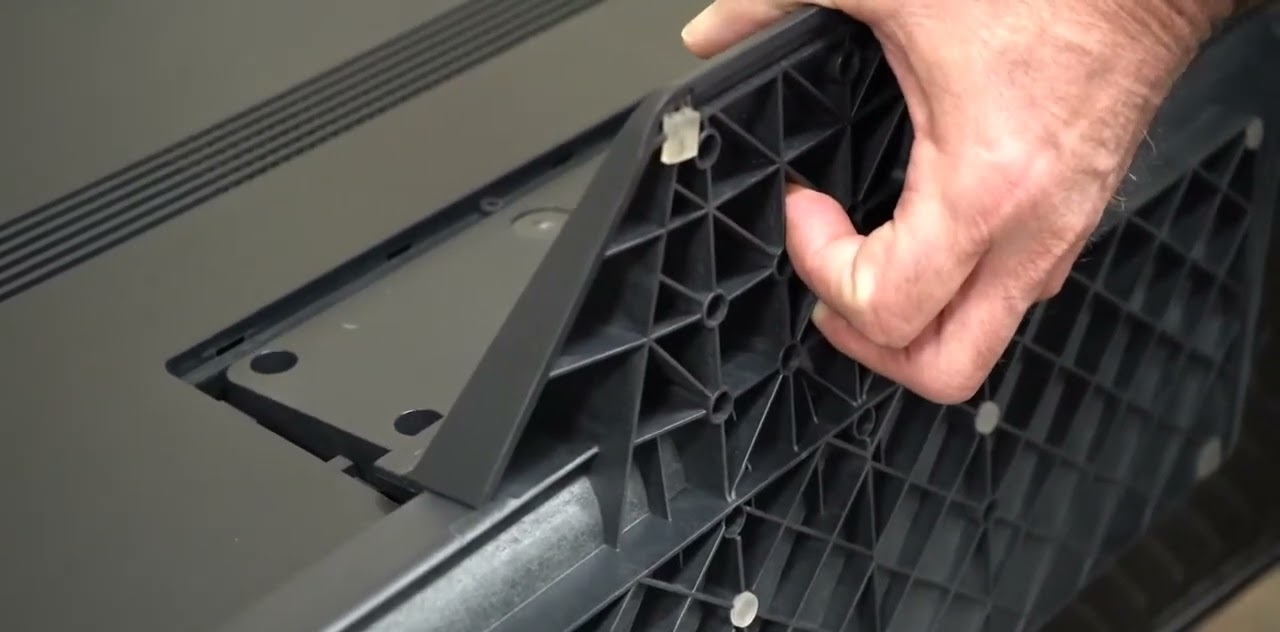
To install LG OLED TV stand, place the TV screen face down on a soft, flat surface and follow the specific steps for your model. Always read the product manual for safety instructions before you begin, as installation steps and components vary by specific LG OLED TV model and region.
Before you install your LG OLED TV stand: safety first
This is a mandatory safety disclaimer. Read the user manual that came with your TV before attempting any installation. Steps and included parts differ depending on your exact LG OLED TV model and where it was purchased. The single most critical instruction is to place the TV screen face down on a flat surface covered with a soft, fluffy cloth or mat to prevent scratches. Never attempt to install the stand while the TV is upright, and avoid turning the TV on until you've completed an LG OLED TV pixel refresh duration after setup.
Unboxing the TV and identifying the stand parts
Carefully unbox your TV in a clean, spacious area. Lift the TV out of the box and place it face down on the soft surface you prepared. Inspect the TV for any visible damage. Inside the box, locate the stand components: the stand base, the stand neck, and the included screws. Identify each part and confirm nothing is missing. This step ensures you have everything needed before you begin assembly.
Assembling the stand base and neck
Place the stand base on a clean, stable, and flat surface. Align the stand neck with the pre-drilled holes on the stand base. Insert the provided screws and fasten them securely. Do not apply excessive force when fastening screws, as this can damage them or cause the thread to wear out. The stand base and neck should now be one solid unit.
Securing the assembled stand to your LG OLED TV
With the TV still face down on the soft surface, align the fully assembled stand with the back of the TV. Insert the screws provided into the designated holes and firmly fasten all included screws to secure the stand to the TV. Ensure all screws are firmly fastened, as loose screws may cause the TV assembly to tip over during use. Check for any wobbling before proceeding.
Lifting and placing your TV safely
Use four hands to lift the TV upright after the stand assembly is complete. Carefully lift the TV and place it on its final, stable surface. Ensure the surface is level and capable of supporting the TV's weight.
Managing cables for a clean setup
Route cables through built-in channels or clips on the TV stand to keep them organized. If your stand lacks these features, use cable ties or adhesive clips to secure cables along the back of the stand. Group similar cables together to prevent tangling. A tidy setup reduces clutter and makes future adjustments easier.
Final checks before you power on
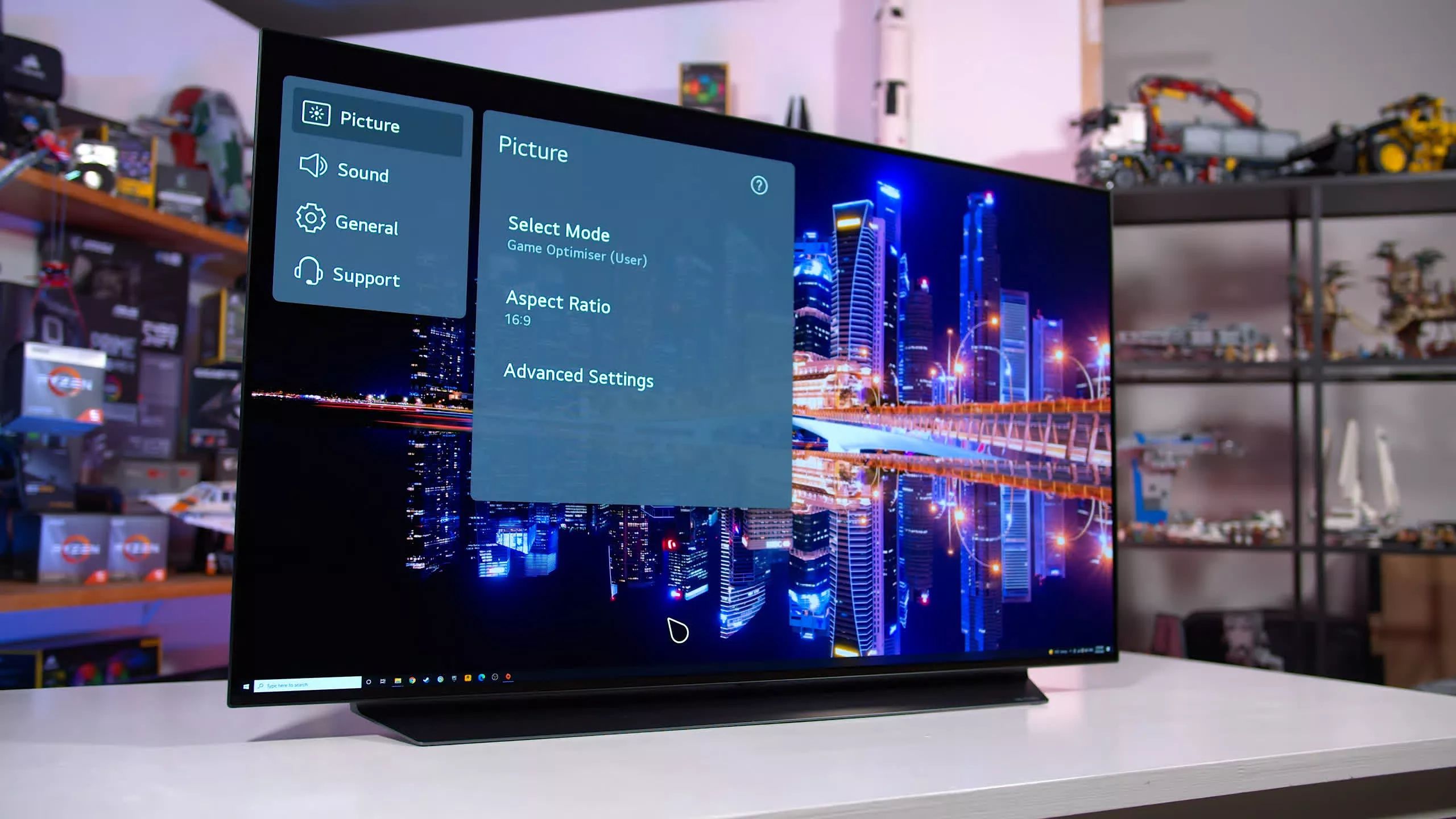
Double-check that all screws are tight and the TV is stable on its surface. Verify all external connections are secure. Once confirmed, you can power on the TV. Navigate to the LG OLED TV settings to adjust picture preferences like brightness and contrast, and adjust the sound on LG OLED TV to match your room’s acoustics. For correct installation and assembly to prevent damages or injuries, LG recommends contacting an LG Electronics Service Center.