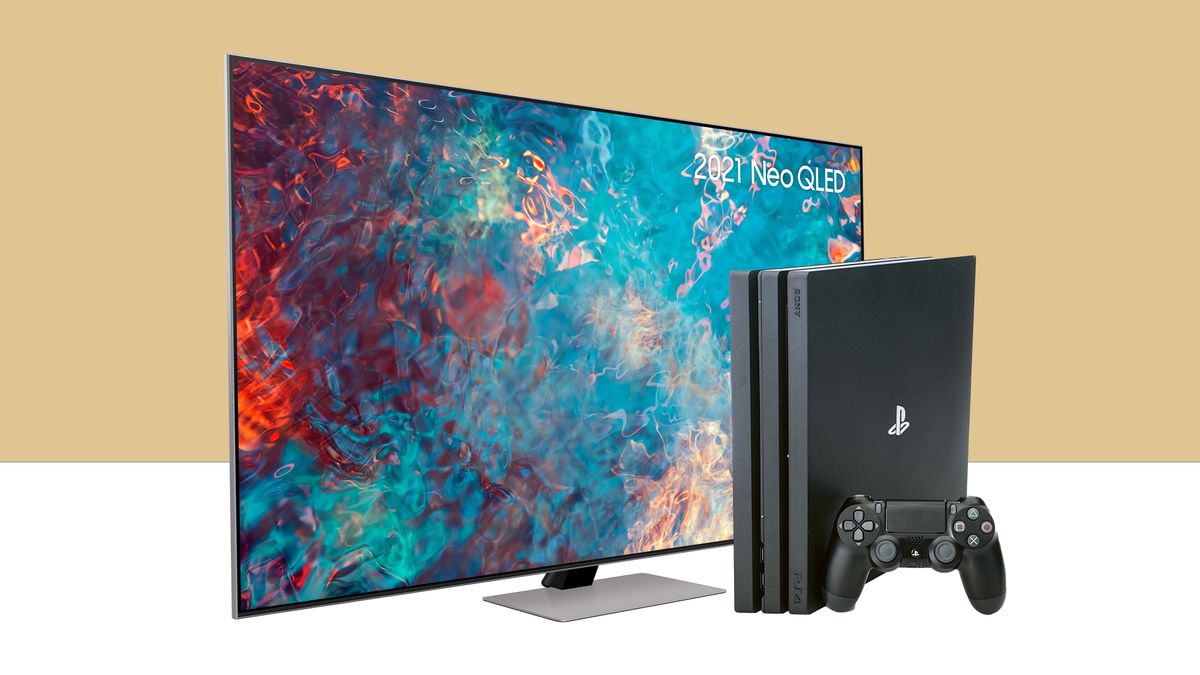
LG OLED TV setup and physical installation Let the TV sit at room temperature for an hour before first use if it was stored in a cold space, then unpack...
To connect a Vizio TV to a mobile hotspot, you need the hotspot’s exact network name (SSID) and its case-sensitive password, then you’ll enter those details in the TV’s Wi-Fi...
Yes, you can lay a TV on its face, but only temporarily and only in the specific way manufacturers instruct. The short answer is that laying a flat-screen TV face-down...
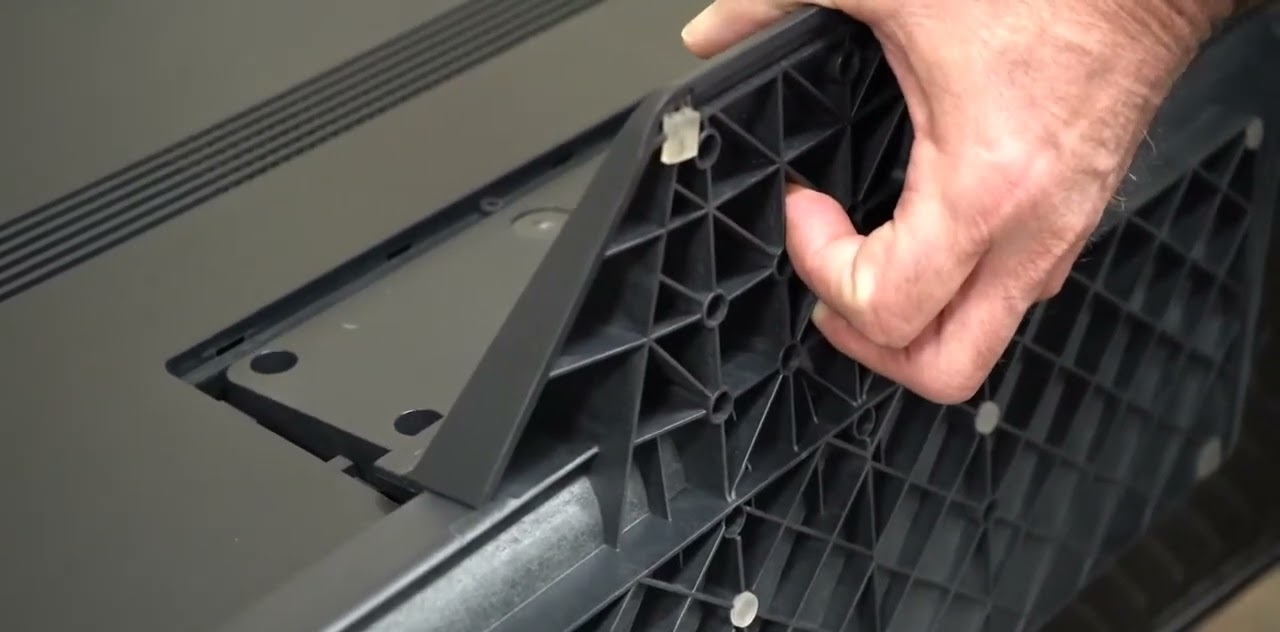
To install LG OLED TV stand, place the TV screen face down on a soft, flat surface and follow the specific steps for your model. Always read the product manual...
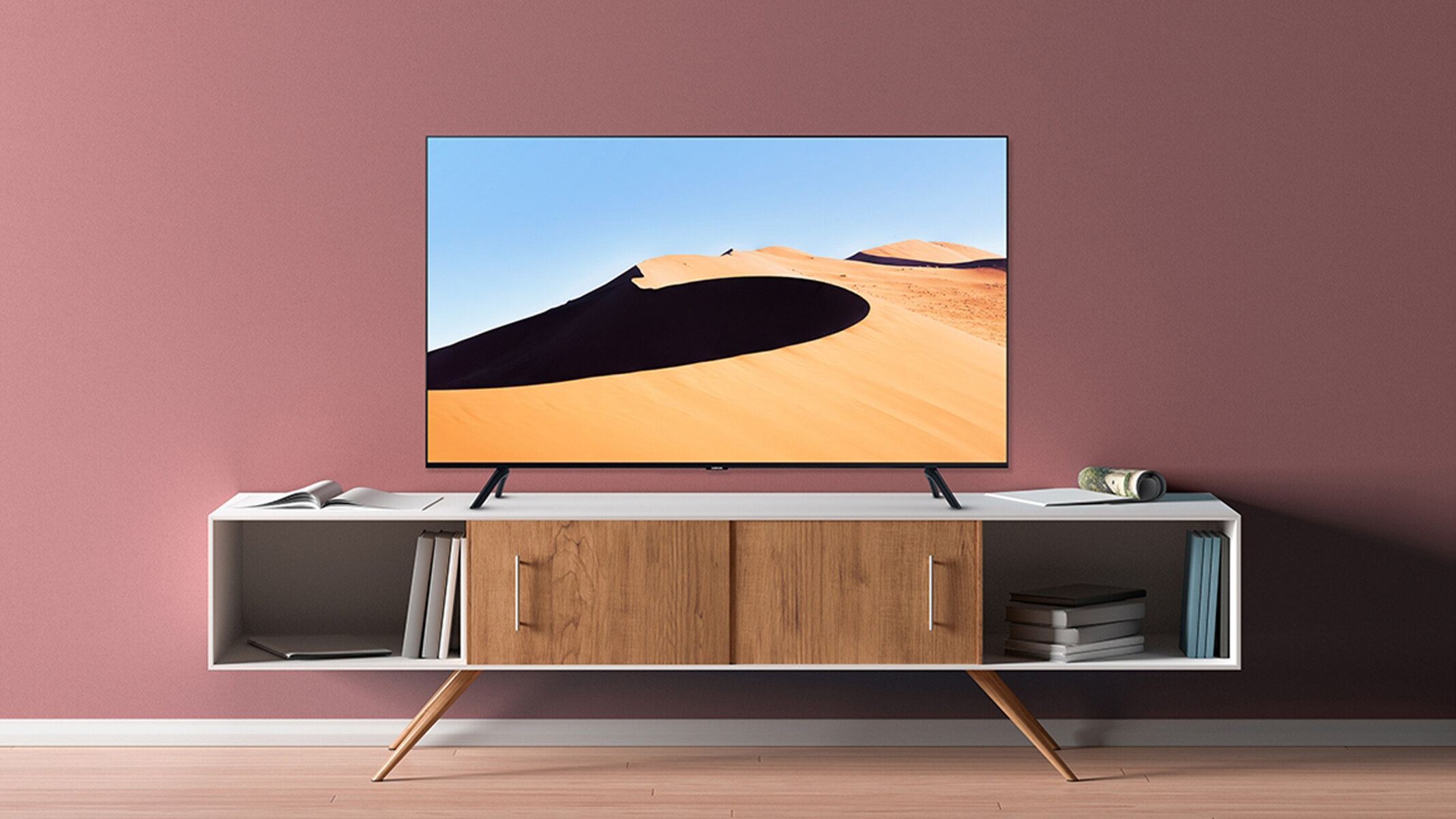
To remove legs from a Samsung QLED TV, you must first identify your specific stand type and then follow the correct detachment method to avoid damaging the screen. This process...
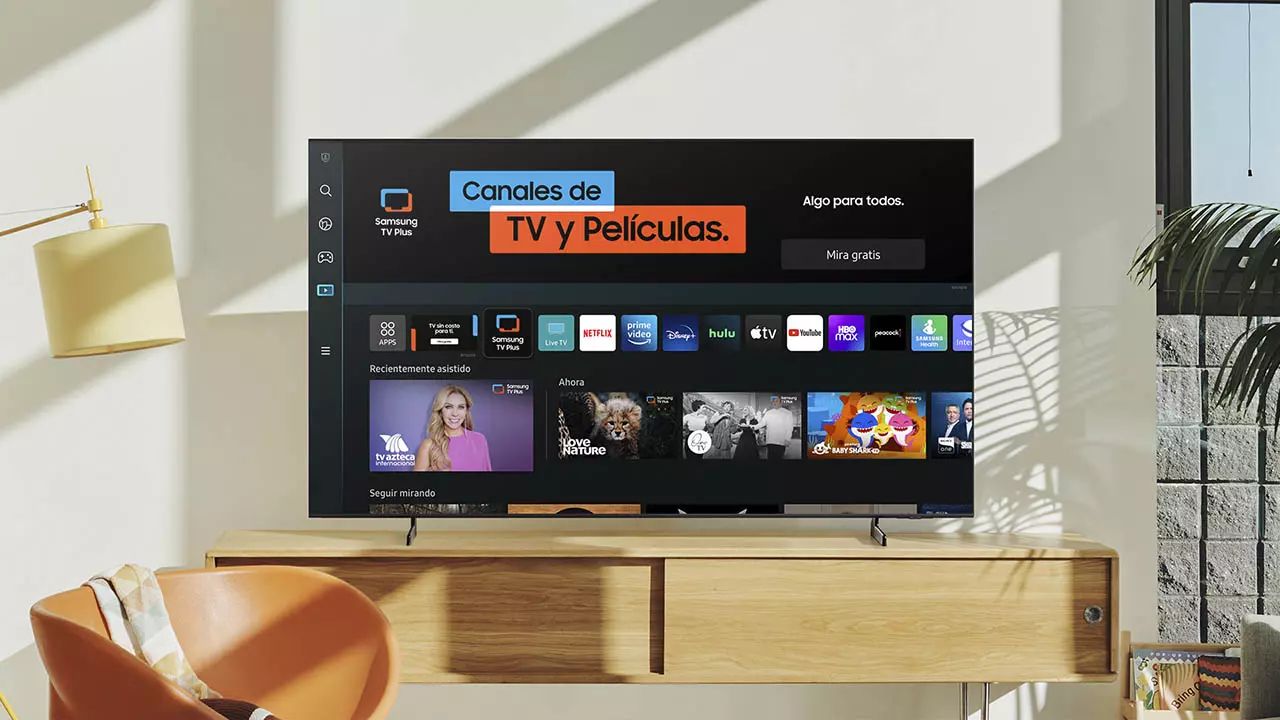
You can setup Samsung smart TV without remote by using the Samsung SmartThings app on your smartphone. This method lets you connect your TV to Wi-Fi and control it entirely...
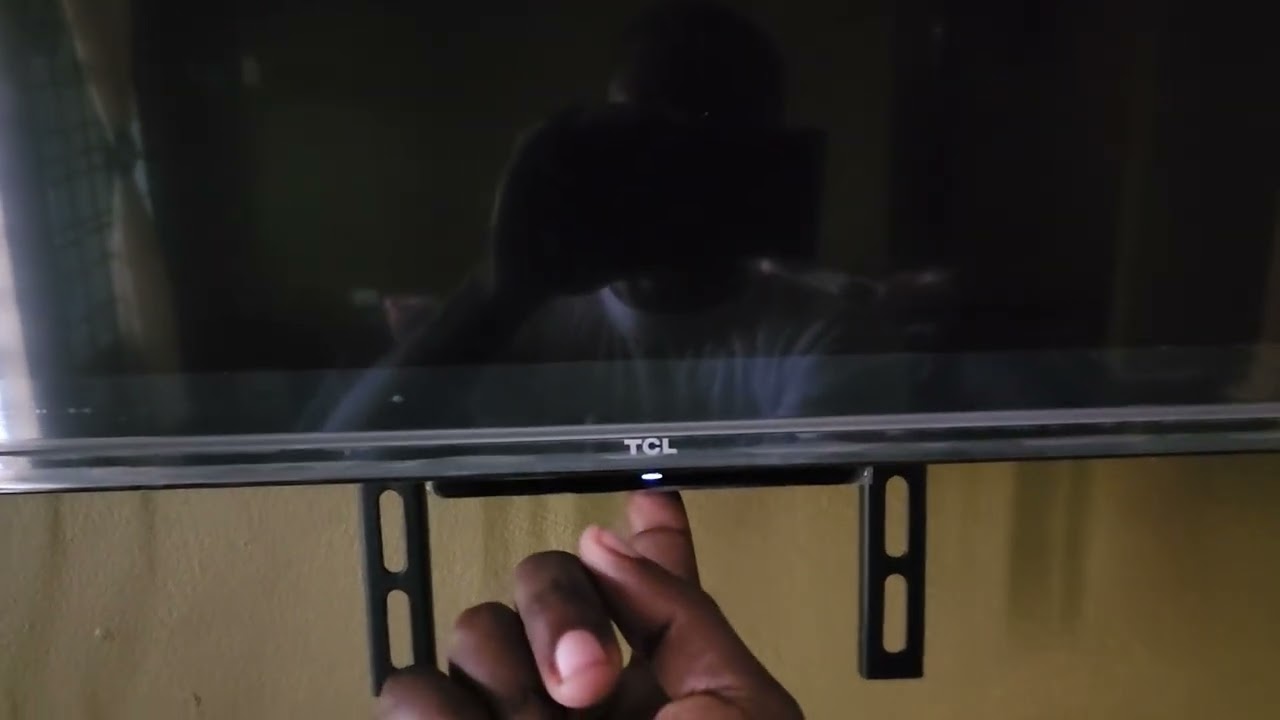
Most TCL Smart TVs have a single multi-function button that serves as the physical control, and the TCL TV buttons location is underneath the panel, centered below the TCL logo...
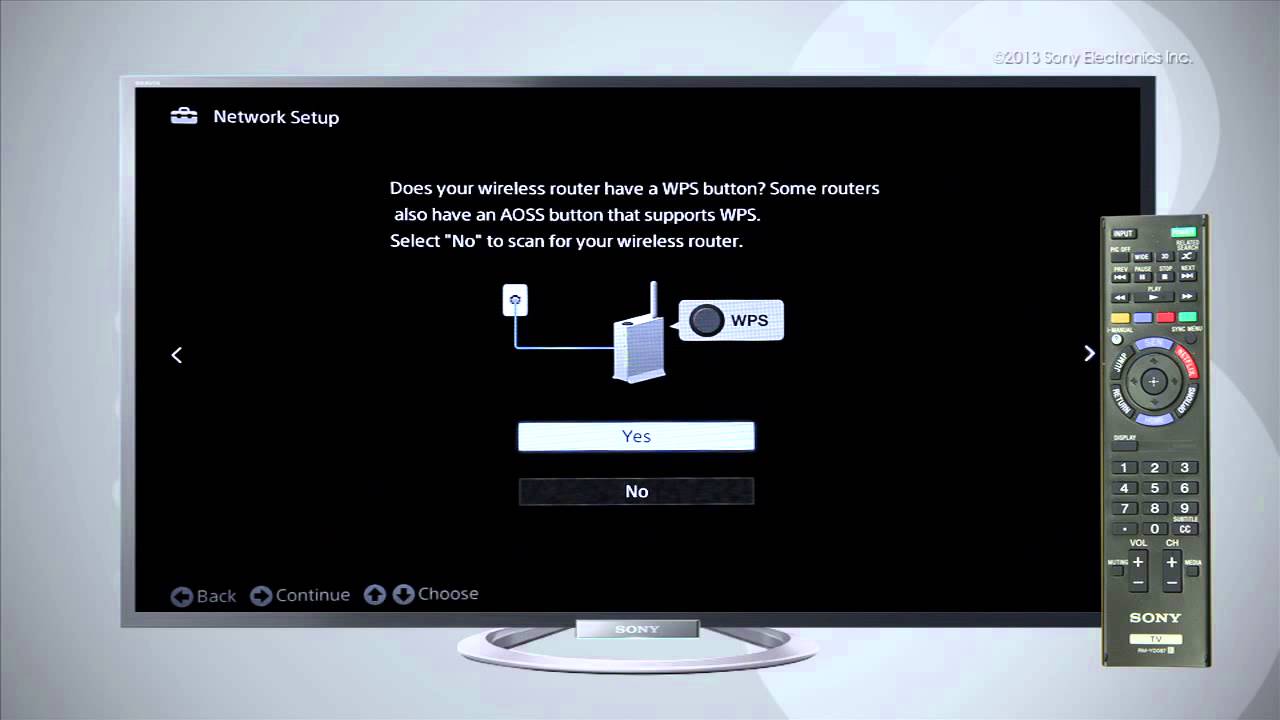
How to connect your Sony Bravia to Wi-Fi To connect your Sony Bravia to Wi-Fi, you need to access the TV's network settings and select your wireless network. The exact...
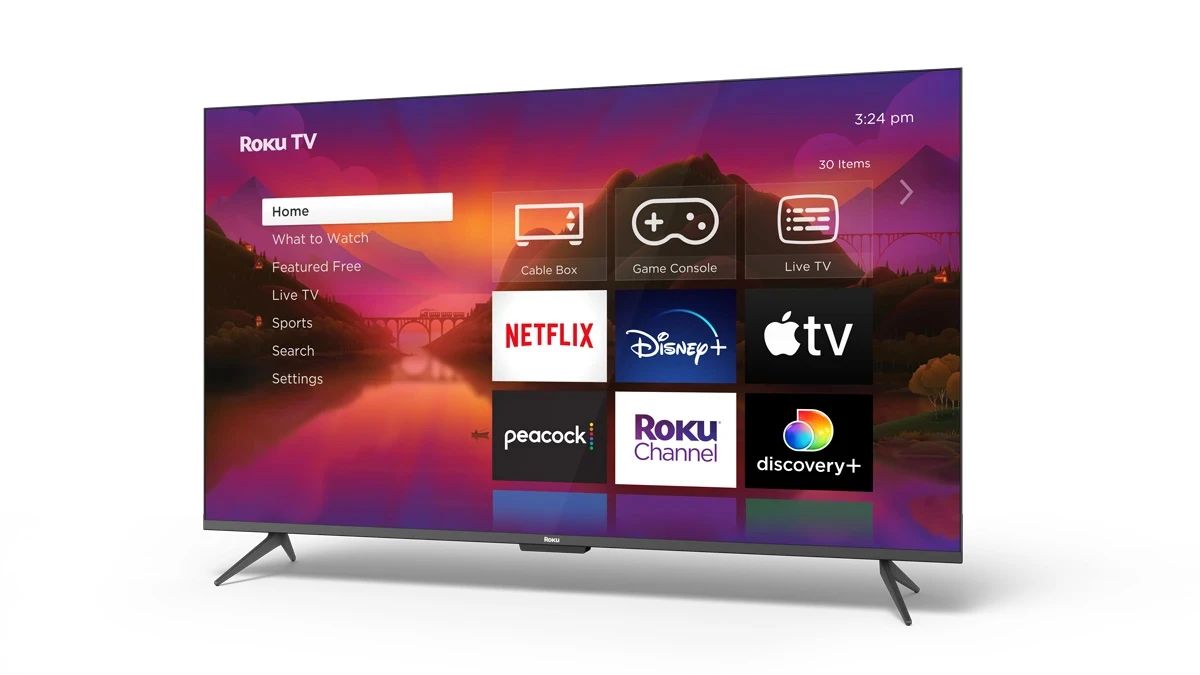
To get Roku on my smart TV, you either set up a Roku-branded TV or add a Roku streaming device to an existing smart TV. The steps differ depending on...
This website uses cookies so that we can provide you with the best user experience possible. Cookie information is stored in your browser and performs functions such as recognising you when you return to our website and helping our team to understand which sections of the website you find most interesting and useful.
Strictly Necessary Cookies
Strictly Necessary Cookie should be enabled at all times so that we can save your preferences for cookie settings.
If you disable this cookie, we will not be able to save your preferences. This means that every time you visit this website you will need to enable or disable cookies again.