Yes, you can lay a TV on its face, but only temporarily and only in the specific way manufacturers instruct. The short answer is that laying a flat-screen TV face-down is a required step for attaching a stand or wall-mount bracket, provided you use a safe, cushioned surface and follow the exact method below.
Can You Lay a TV on Its Face? The Short Answer
Manufacturers including Vizio, Samsung, and LG explicitly instruct users to temporarily place the TV face-down on a clean, flat, stable, and cushioned surface when attaching the stand or a wall-mount bracket. This is not a recommendation, it is a standard step in their official installation manuals. The key is that this placement is only for a few minutes during setup, and it must be done on a surface that will not transfer pressure to the screen. So, yes, you can lay a TV on its face, but only under these controlled conditions and never for any other purpose.
The Right Way to Place Your TV Face-Down for Stand Installation
To safely lay your TV on its face for stand or bracket installation, follow this exact sequence from verified manufacturer instructions. First, clear a large area on the floor or a sturdy table that is completely clean and free of any debris. Lay down a thick, soft blanket or a large piece of cushioned cloth, ensuring it is perfectly flat with no wrinkles or folds. Gently lift the TV by its edges, keeping it upright, and then slowly lower it face-down onto the cushioned surface. The entire screen must rest on the blanket without any part of the bezel or stand hanging off the edge. Crucially, avoid touching the screen at all times, as this may result in damage. Use your hands to support only the frame or the back of the TV while you attach the stand or bracket.
Preparing the Perfect Surface
Before you even lift the TV, double-check that the surface is stable and will not shift. A table that wobbles or a floor with uneven spots will concentrate pressure on the screen. The blanket should be large enough to extend several inches beyond all four edges of the TV. If you have a particularly large TV, consider using two overlapping blankets to ensure full coverage. The goal is to create a perfectly flat, cushioned platform that distributes the TV’s weight evenly across the entire back of the panel, not just the center.
Why This Method Protects Your Delicate Screen
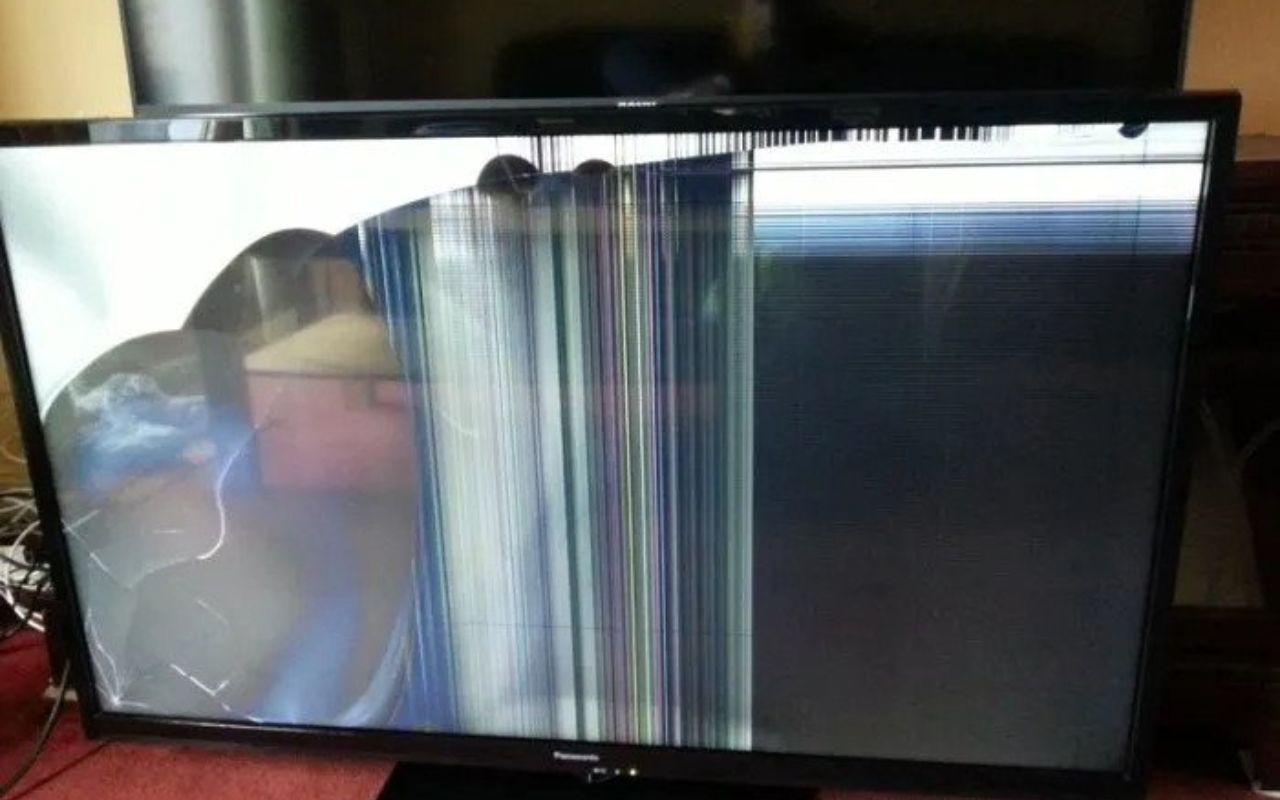
This method works because a flat, cushioned surface distributes the TV’s weight evenly across the entire back panel, preventing pressure spots, cracks, and scratches on the sensitive LCD or LED panel. When a TV is laid face-down on a hard or uneven surface, the weight is concentrated on the highest point of the screen, which is often the center. This concentrated pressure can crack the liquid crystals or damage the LED backlighting array, leading to permanent dark spots, discoloration, or lines. The soft blanket acts as a shock absorber and spreads the weight over a large area, keeping the screen’s internal structure safe. This is why manufacturers specifically require a cushioned surface, it is the only way to prevent the screen from bearing the full brunt of the TV’s weight.
When You Should Never Lay a TV on Its Face
You should never lay a TV on its face for any purpose other than the temporary installation of a stand or wall-mount bracket. Transporting, storing, or placing a TV face-down on an uneven or uncushioned surface will cause damage. For example, never lay a TV face-down in the trunk of a car, even on a blanket, because the vibrations and shifting during transit will create pressure points. Similarly, do not store a TV face-down in a closet or garage, as any object placed on top of it or even the weight of the TV itself over time will stress the panel. The only exception to the “face-down” rule is the brief, controlled moment during installation when the TV is placed on a soft, flat surface that you have prepared. Any other scenario, moving, long-term storage, or even just resting it face-down for a few minutes on a hard floor, risks irreparable harm.
Final Tips for Safely Handling Your Television
Always transport and store your TV upright in its original packaging, as this is the only way to guarantee it is protected from bumps and pressure. If you must move it without the box, keep it upright and support the bottom corners, never the screen. Avoid placing any objects on top of the TV, even when it is upright, and never lean it against a wall on its screen. When you are not using it, keep the TV in a climate-controlled room away from extreme heat or cold, and always lift it from the bottom frame, never from the top or the screen itself. Following these practices will ensure your TV remains in perfect working condition for years to come.
\nRelated reading: Which Is Better: Crystal Or LED TV, How To Fix Ghosting On LED TV, and How To Disable Commentary On An LED TV.