This tag collects all of our LG OLED TV troubleshooting and setup guides, written for owners who want to get the most out of their display without wading through a dense manual. Whether you have just unboxed a new set or are dealing with a nagging issue months later, these articles are for anyone who prefers clear, practical instructions over speculation. The content is aimed at the average viewer, not just AV enthusiasts, so you do not need any special technical background to follow along.
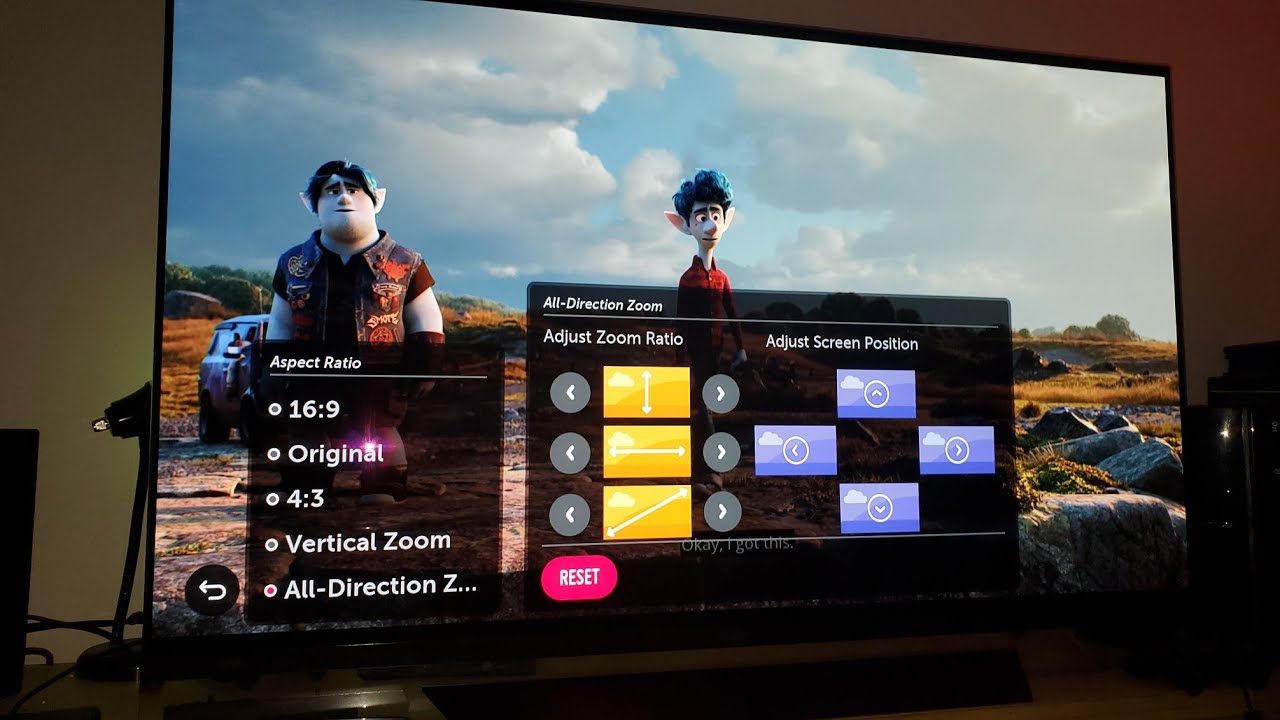
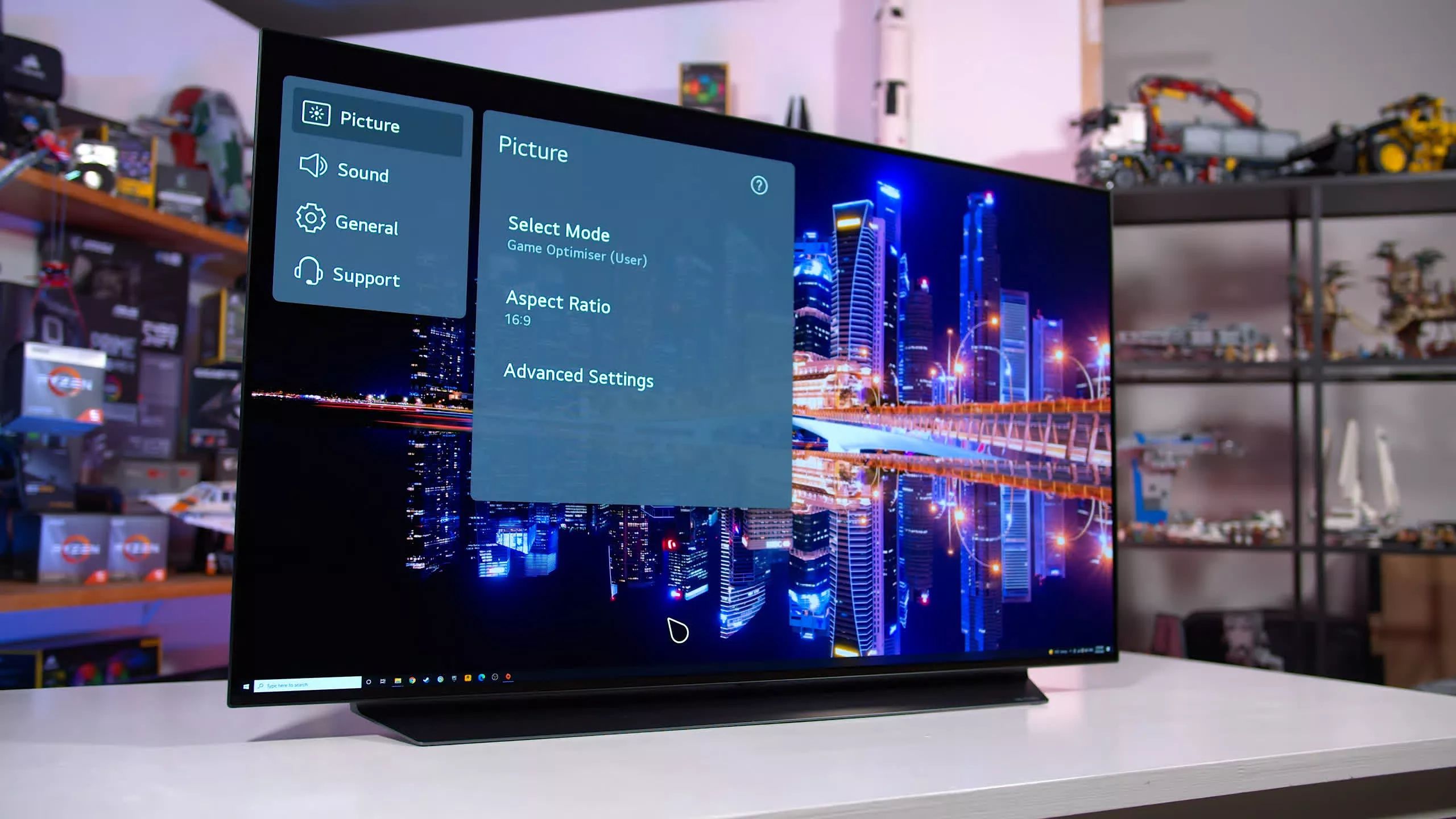
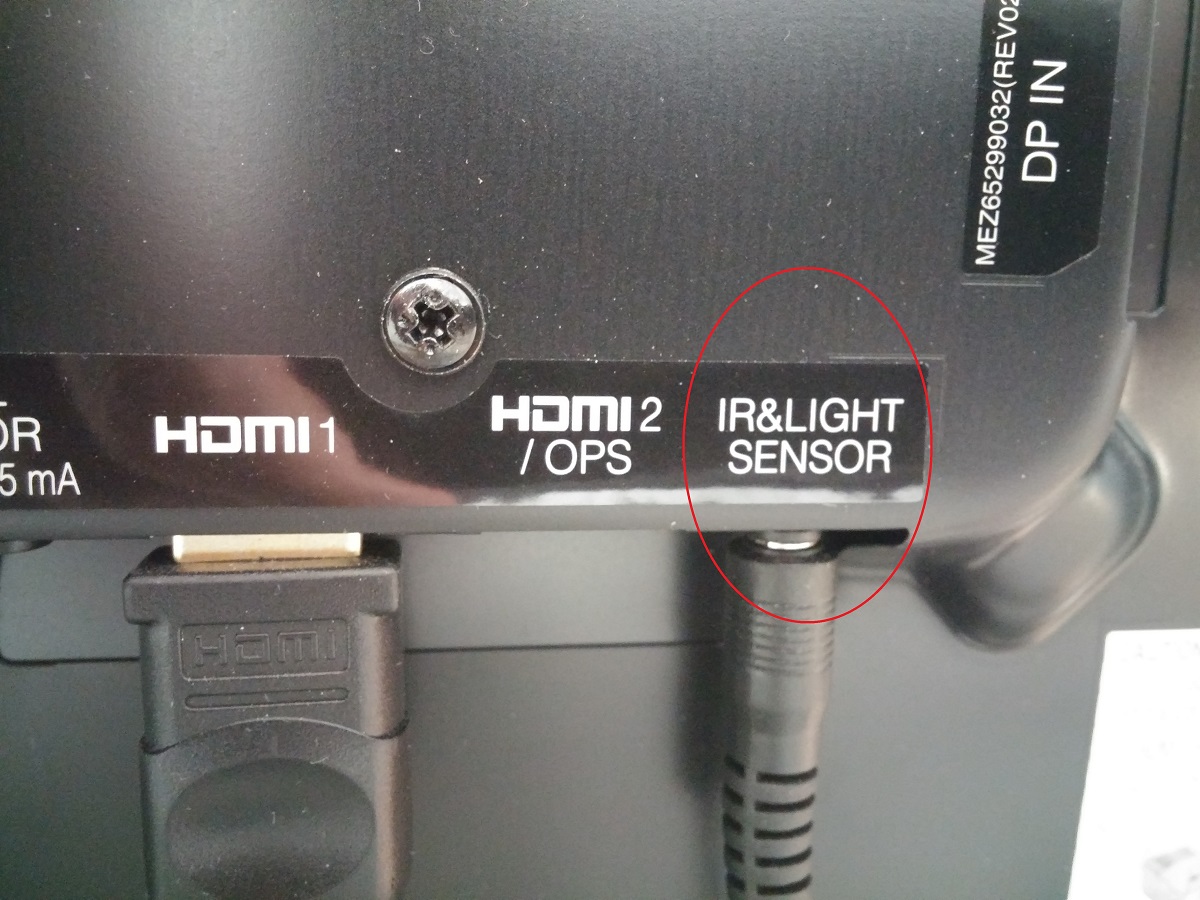
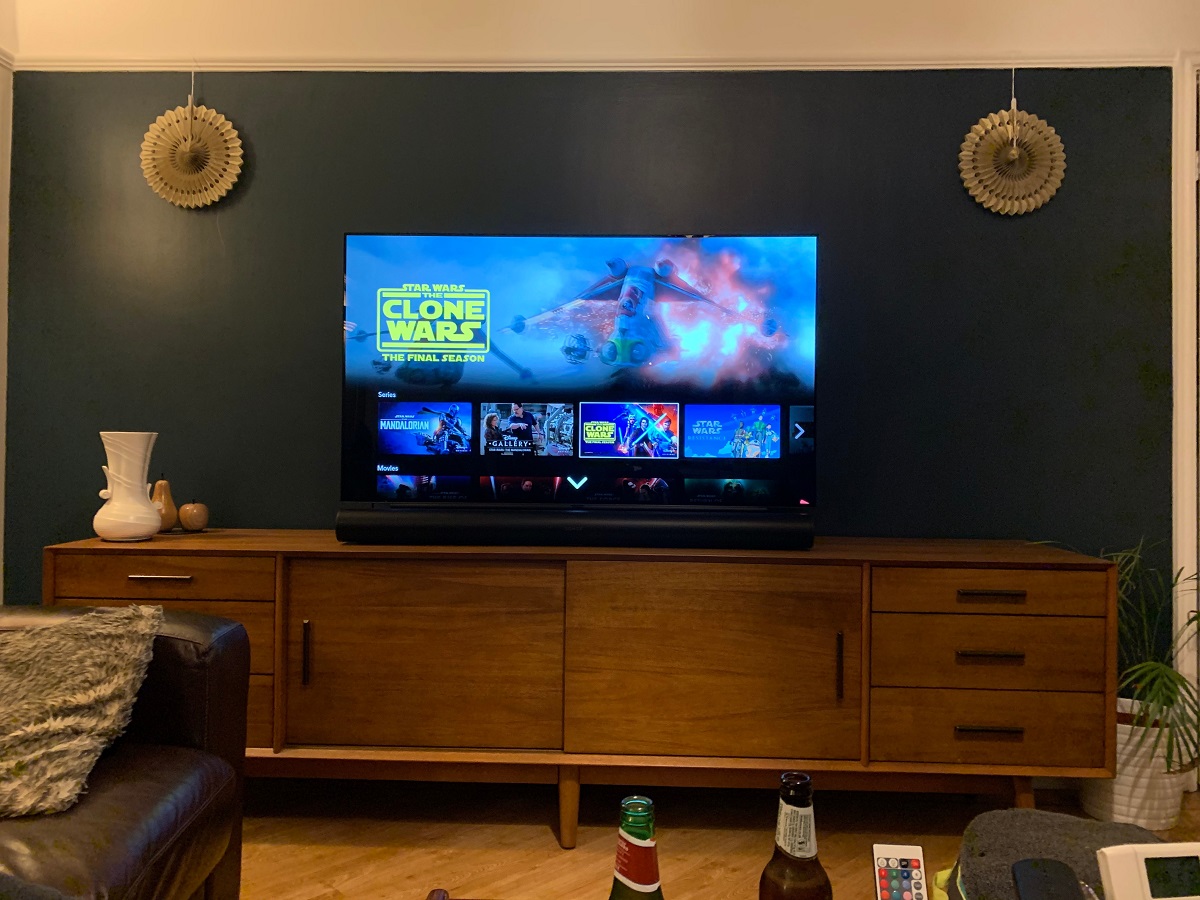
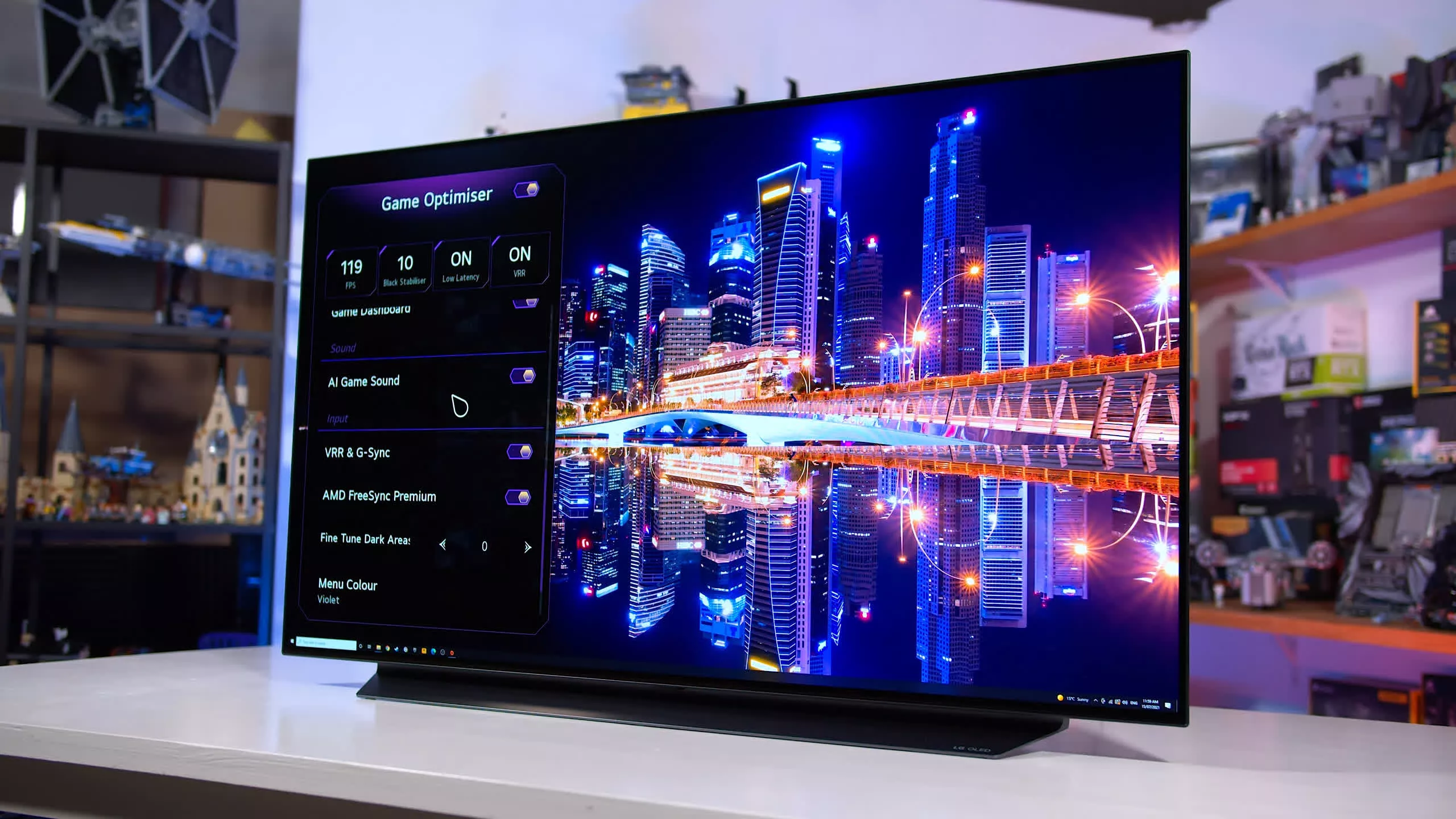
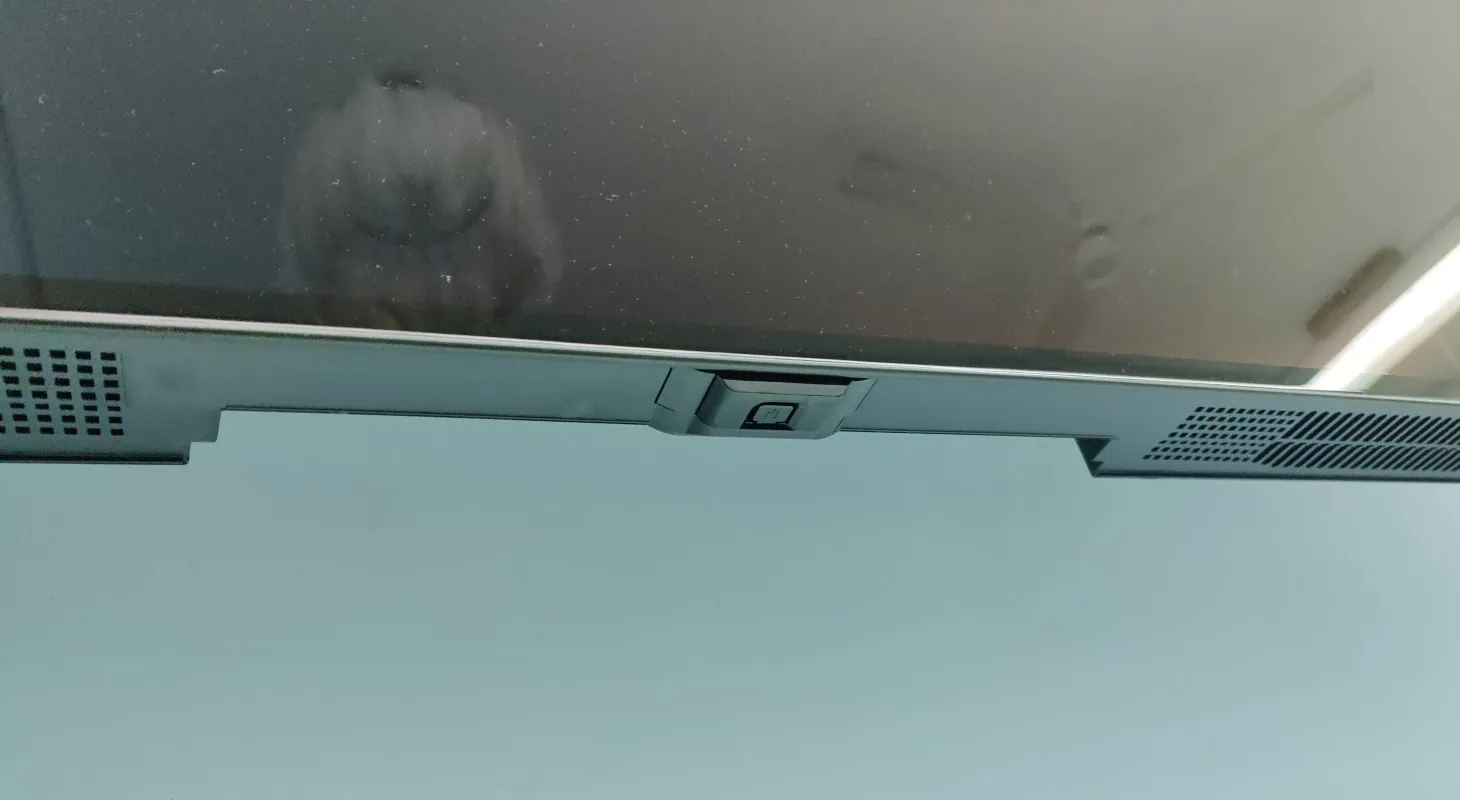
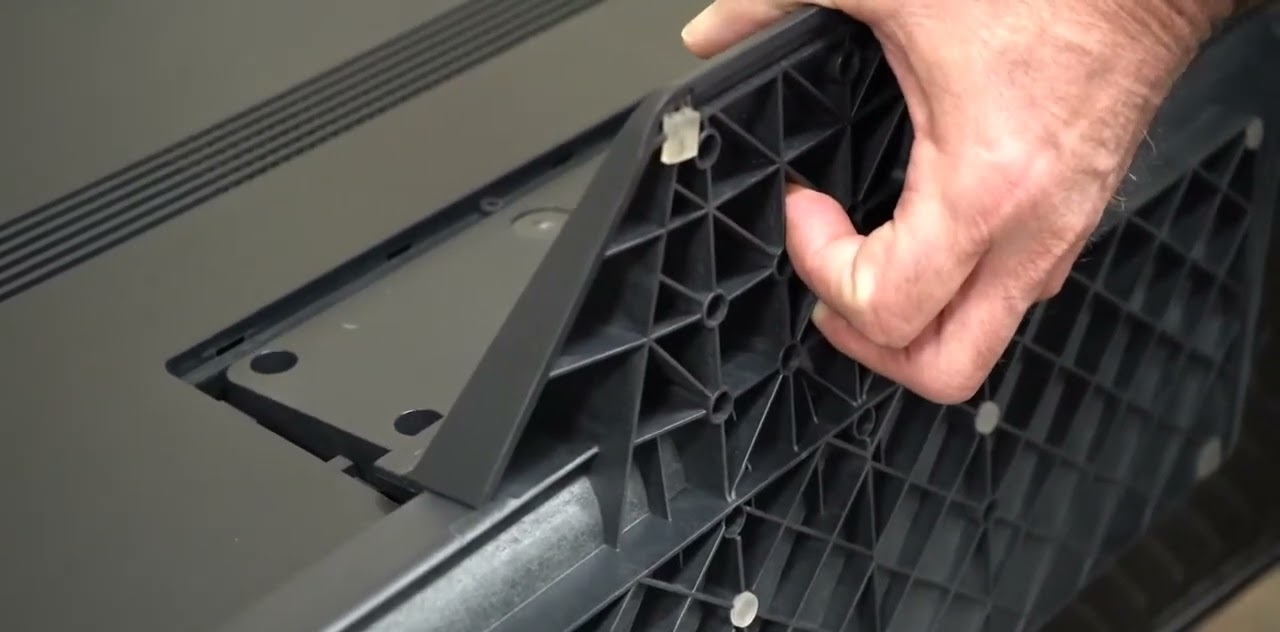
The articles here address two main areas of daily use. The first is picture and sound calibration, where you will find direct guidance on adjusting the aspect ratio, enabling Ultra HD Deep Color for proper HDR, and tweaking the HDMI settings to ensure your devices handshake correctly. The second major theme is physical setup and hardware quirks, including where to find the IR sensor and power button when they are not obvious, how to install the stand safely, and how to add a Sonos speaker to your system. A few pieces also tackle specific malfunctions, such as the Screen Move feature not working or a lip sync delay, offering step-by-step fixes rather than a simple “turn it off and on again” suggestion.
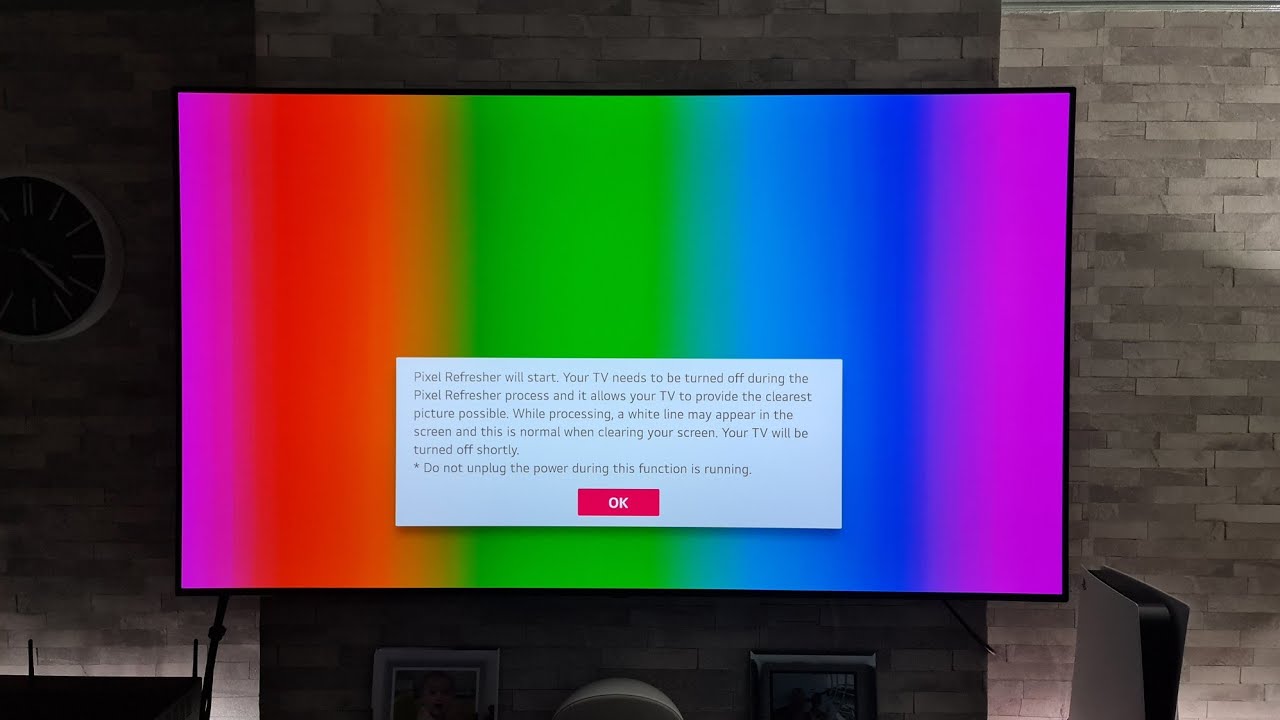
Beyond the standard how-tos, several entries focus on getting the right behavior from your TV’s advanced processing. For example, you can learn how to change the frame rate for smoother motion, how long a pixel refresh actually takes to complete, and how to correct audio-video sync issues. These are not about hacking the hardware or bypassing protections; they are about using the TV’s own menus and settings correctly to solve real-world annoyances, all while keeping your equipment safe and your warranty intact.