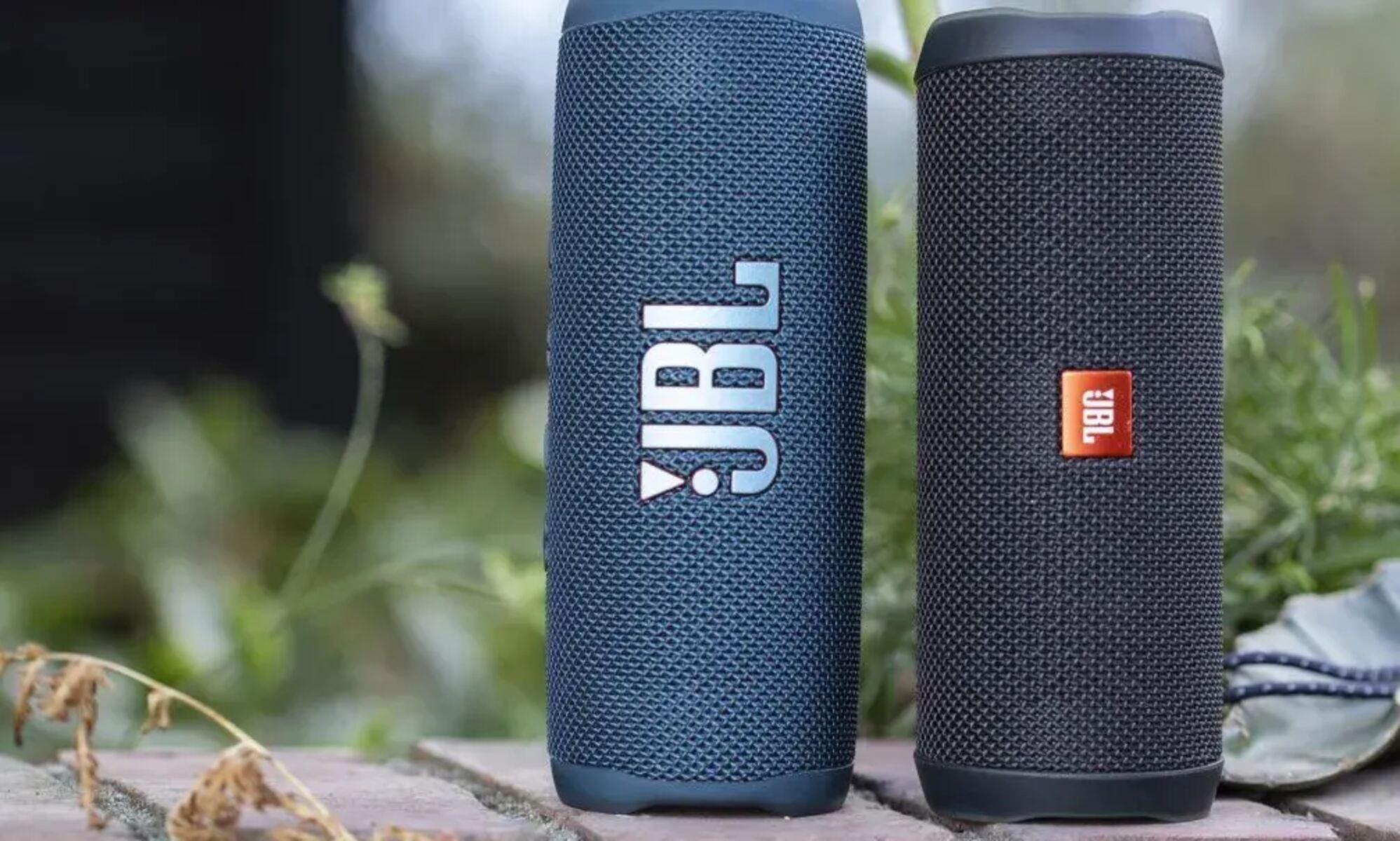
To reset your JBL smart speaker, you need to follow a specific button combination or menu path that varies by model. This guide covers the correct method to factory reset your JBL smart speaker, helping you resolve Wi-Fi issues, unresponsiveness, or prepare the device for a new owner.
Why reset your JBL smart speaker?
You might need to reset your JBL smart speaker if it is malfunctioning, unresponsive, or being prepared for a new owner. A factory reset can clear persistent Wi-Fi connectivity problems, fix software glitches that cause the speaker to freeze or behave oddly, and erase your personal data, such as stored Wi-Fi passwords and paired devices, before selling or giving away the unit. If you own multiple brands, the process differs slightly from a reset bose smart speaker. Resetting restores the speaker to its original out-of-box state, which is often the most reliable way to get it working again.
How to reset JBL Link 10, 20, 30, 50, 300, and 500
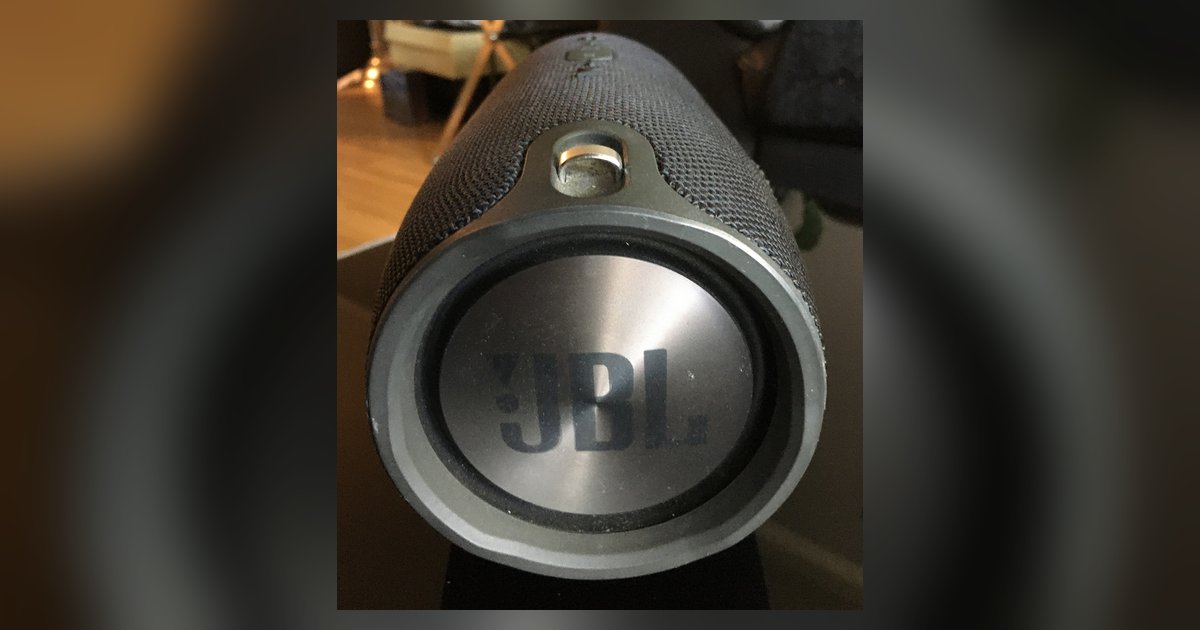
For these common Link models, the reset procedure uses the Mute button. If your speaker is unresponsive to voice commands or won't connect to Wi-Fi, this is the step you need.
- Locate the Mute/Microphone off button on the top of the speaker.
- Press and hold the Mute button for more than 13 seconds.
- The speaker will then reboot itself.
- After 30-45 seconds, a welcome message will be heard, indicating the speaker is in setup mode.
How to reset JBL Link Music and Link Portable
These specific models use a slightly shorter hold time. Use this method if your Link Music or Link Portable is freezing or having trouble pairing with your phone.
- Press and hold the Mute/Microphone off button for more than 10 seconds.
- The Link speaker will reboot itself.
How to reset JBL Link View
The JBL Link View is a smart display, so its reset uses the physical volume buttons rather than a mute button. This is the correct approach if the touchscreen is unresponsive or the device won't complete its initial setup.
- Press and hold the Volume + and Volume - buttons simultaneously on top of the unit.
- A 10-second countdown will begin, and you can release the buttons at any time to abort the reset.
- Continue to hold until the countdown is completed to restore the unit to factory settings.
How to reset JBL Link Bar
The JBL Link Bar is a soundbar with Android TV built in, so its reset is performed through the on-screen menu. Use this path if the soundbar is stuck on a logo screen or won't connect to your home network.
- Open the Android TV menu using your remote.
- Select "Device Preference".
- Select "Reset".
- The Link Bar will automatically power off and restart.
What to do after resetting your JBL smart speaker
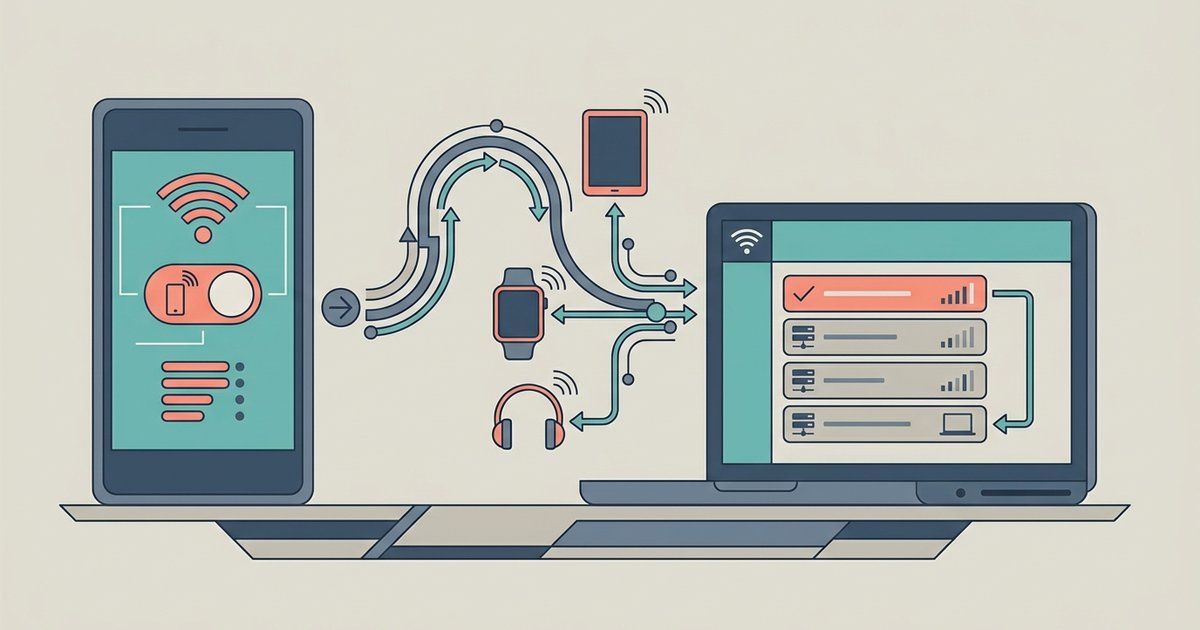
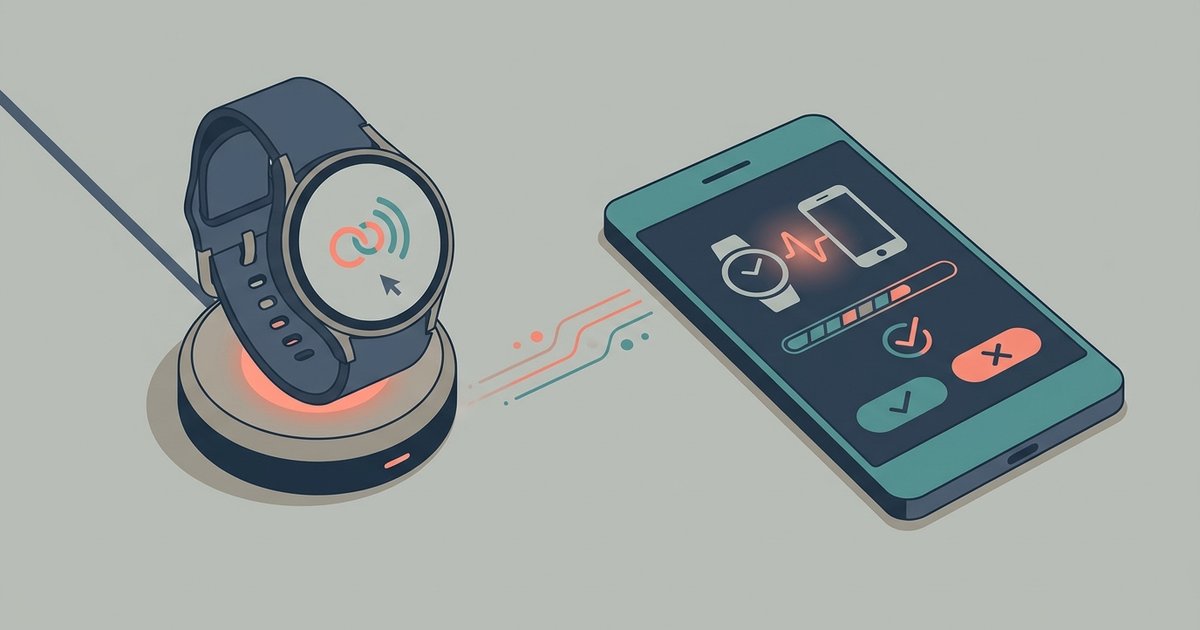
After you complete the reset, the speaker will take about 30-45 seconds to reboot. You will hear a welcome message, which confirms the speaker is in setup mode and ready to be connected to a new Wi-Fi network. If the speaker does not appear in your phone's Bluetooth list or the JBL app after the reset, make sure your phone's Wi-Fi and Bluetooth are turned on, and that you are within range of the speaker. For the Link Bar, you will need to go through the Android TV setup wizard again, including re-entering your Wi-Fi password.